

The catalog
* FAMILY · platebase/nutriscan

NutriScan API Models

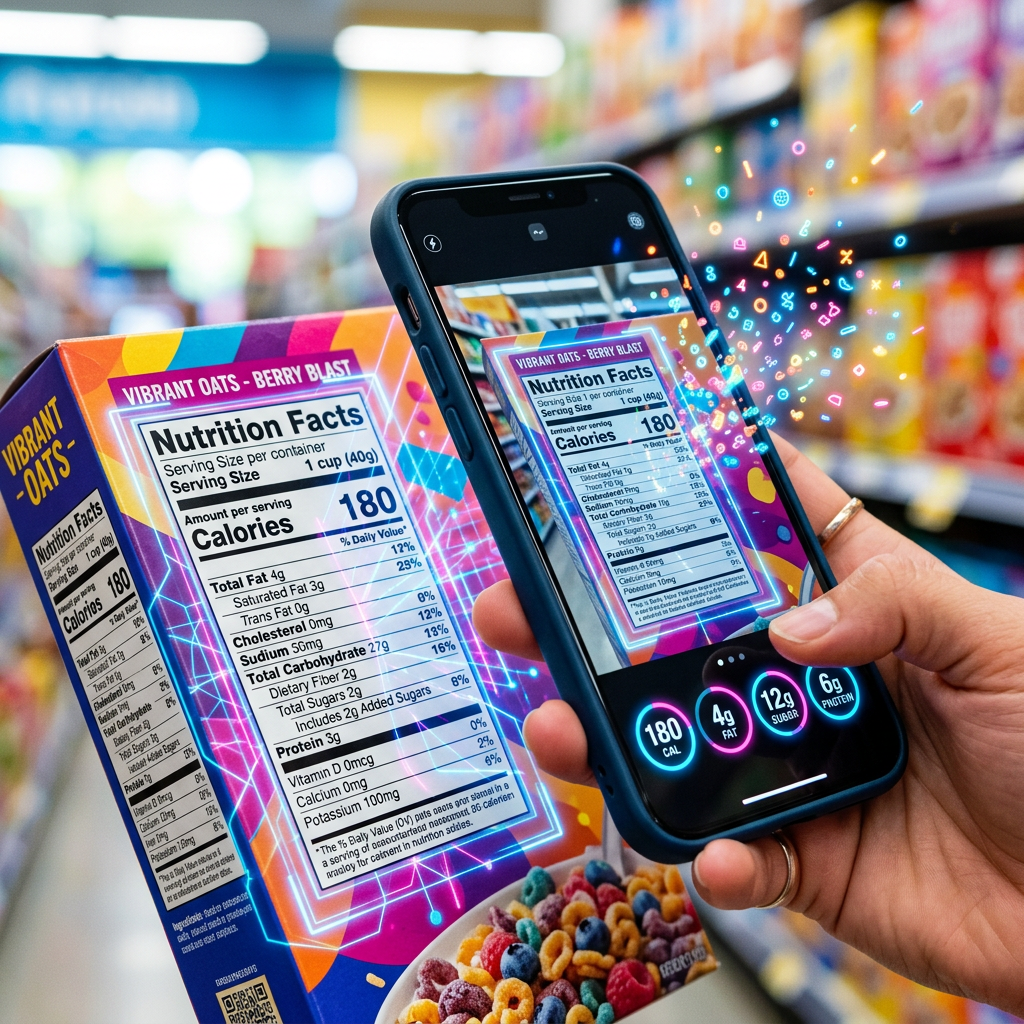
NutriScan turns food labels, barcodes, dishes, and ingredients into structured nutrition, allergen, and diet data through one model family on each::labs.

4 variantsplatebase provider
* ABOUT NUTRISCAN

Working with NutriScan

Platebase AI Models on each::labs

Platebase is an AI-native platform focused on making video generation and creative automation easier for teams that work with short-form and social content at scale. While public technical documentation on Platebase is limited, available information indicates a product experience designed around generating and iterating videos rapidly, with an emphasis on usability for non-technical creators and growth teams rather than low-level infrastructure configuration.

Within the broader AI ecosystem, Platebase sits in the category of generative media tools that help brands, creators, and marketing teams produce more content with less manual editing. Instead of exposing raw research models directly, Platebase abstracts models behind a streamlined workflow aimed at everyday video production tasks, campaign variations, and performance experiments.

On each::labs, API access to Platebase’s AI capabilities is exposed through a unified developer-first interface, so you can treat Platebase as one of many interchangeable backends. This allows you to integrate Platebase’s creative strengths into your applications, pipelines, or internal tools without adopting a new SDK or vendor-specific auth flow.

---

What Can You Build with Platebase?

Because Platebase is oriented around video-centric use cases, its capabilities primarily map to the following categories on each::labs:

  • AI video generation and iteration
  • Creative automation for social and performance content
  • Workflow-style prompt-to-output experiences

While Platebase does not publish a formal “model family” catalog, the product experience suggests a focus on prompt-driven video creation with templates, presets, and configuration options tuned for campaigns, social clips, and promotional assets.

AI Video Generation

Platebase’s core value is in turning ideas into short-form video assets with minimal friction. On each::labs, you can plug this into your own stack as a video generation API: provide structured text input and optional reference media, and receive rendered clips suitable for social channels, landing pages, or ad placements.

Typical use cases include:

  • Generating social-ready promo videos from product descriptions, headlines, and brand guidelines.
  • Producing variant creatives for A/B testing in paid campaigns by programmatically changing copy, visuals, or pacing.
  • Creating on-brand announcement or update clips that follow predefined templates for typography and structure.

Example prompt-driven scenario

Imagine you are building a “campaign creative generator” for a marketing team:

1. Your app collects:

  • Product name and description
  • Target audience
  • Tone (e.g., bold, playful, premium)
  • Desired duration (e.g., 15 seconds)

2. You send a prompt such as:

> “Create a 15‑second vertical video promoting our new wireless earbuds for Gen Z audiences. Use bold typography, dynamic cuts, and a high-energy feel. Highlight ‘all-day battery,’ ‘noise cancellation,’ and ‘pair in seconds.’ Keep it suitable for TikTok and Instagram Reels.”

3. Platebase, accessed through each::labs, returns a rendered clip you can:

  • Embed directly in your product
  • Push into a content library
  • Route into further editing or approval workflows

Because the model is called through each::labs, this scenario looks like any other video generation call in your backend, with consistent authentication and response formats.

Creative Automation Workflows

Beyond one-off generations, Platebase is well suited to creative automation configurations:

  • Automatically generate localized variations of a base video for different regions or languages (paired with other models for translation or voice).
  • Produce weekly content series by feeding performance data and updated messaging into a template-like prompt structure.
  • Support internal growth teams with a “self-serve” content engine that triggers Platebase video jobs via simple forms or internal tools.

On each::labs, these workflows can be chained with other providers’ models—LLMs for script drafting, image models for thumbnails, or audio models for voiceovers—while keeping Platebase as the video generation endpoint.

---

Why Use Platebase Through each::labs?

Using Platebase through each::labs gives you all of its creative strengths without adding another bespoke integration to your stack.

Key advantages:

  • One unified API for 150+ models and workflows

Platebase sits alongside text, image, audio, and video providers in a single catalog. You get a standard request/response shape, normalized authentication, and consistent error handling across every model.

  • LLM router and workflow layer

each::labs is not just a model list; it includes a LLM router and workflow abstraction that lets you chain Platebase video generation with scripts, translations, and metadata in one production-ready endpoint.

  • SDK support and language coverage

Instead of using a vendor-specific client, you can rely on each::labs SDKs across popular languages to call Platebase’s models the same way you call any other provider. This reduces onboarding time and makes it easier to share code patterns across teams.

  • Playground for rapid evaluation

The each::labs Playground lets you experiment with Platebase prompts, durations, and configuration parameters interactively before committing them to code. You can compare Platebase generations to other video models without rewriting your integration.

  • Production-ready infrastructure by default

Rate limiting, observability, and billing are handled by each::labs. You avoid managing separate API keys, quotas, or billing dashboards for Platebase, and can centralize governance across all models you use.

In practice, this means you can treat Platebase as one of several interchangeable video backends, switching or combining providers as your quality, latency, or cost needs evolve—without restructuring your application.

---

Getting Started with Platebase on each::labs

To start using Platebase via each::labs:

1. Sign up or log in to eachlabs.ai and open the AI Models catalog. 2. Filter by provider to locate Platebase and explore its available capabilities, sample inputs, and outputs. 3. Use the Playground to iterate on prompts and configuration for your first video jobs, then capture the generated request as a template for your backend. 4. Integrate through the API documentation and SDKs, using the same authentication and patterns you already rely on for other models on each::labs.

Once you have a working prompt and configuration, you can embed Platebase-backed video generation into your products, internal tools, or workflows—confident that it will run inside the same production-ready, unified API environment that powers the rest of your models on each::labs.