GPT Image | v1.5 | Text to Image
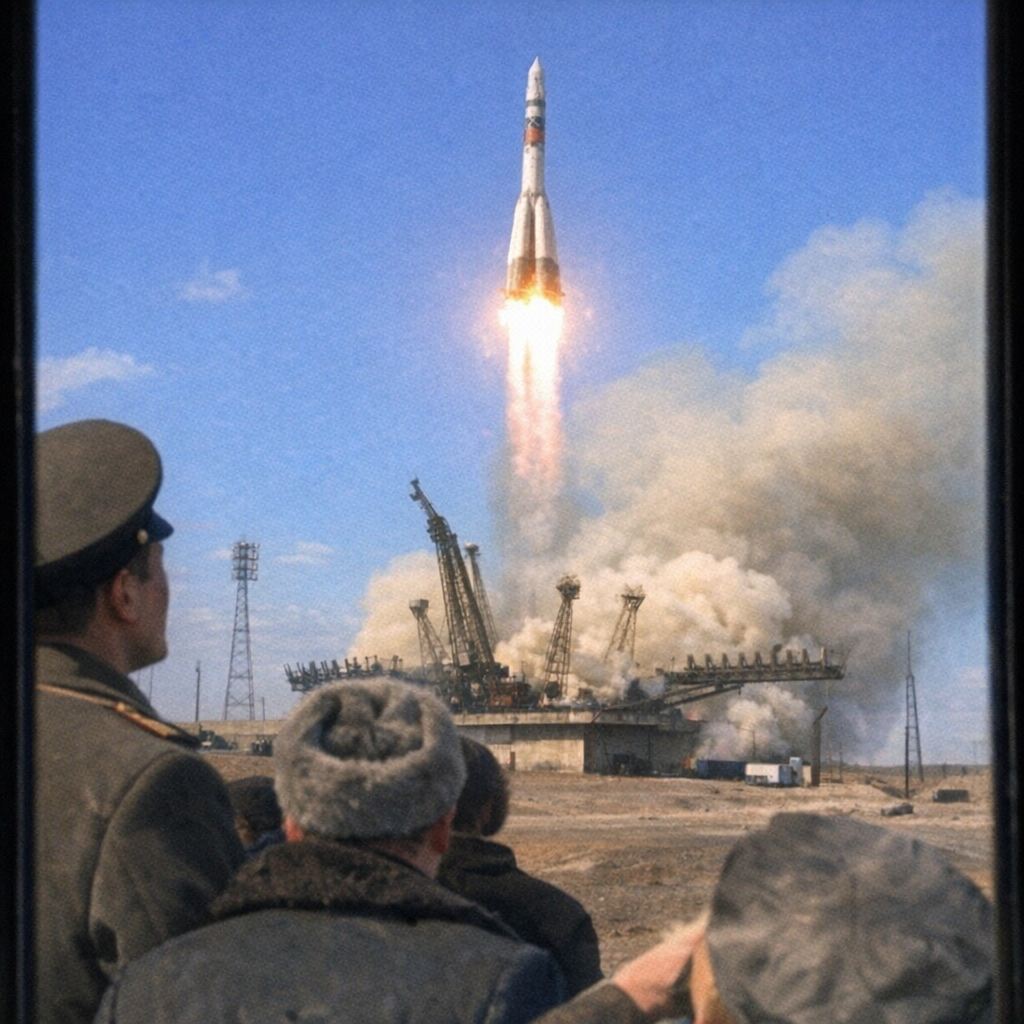
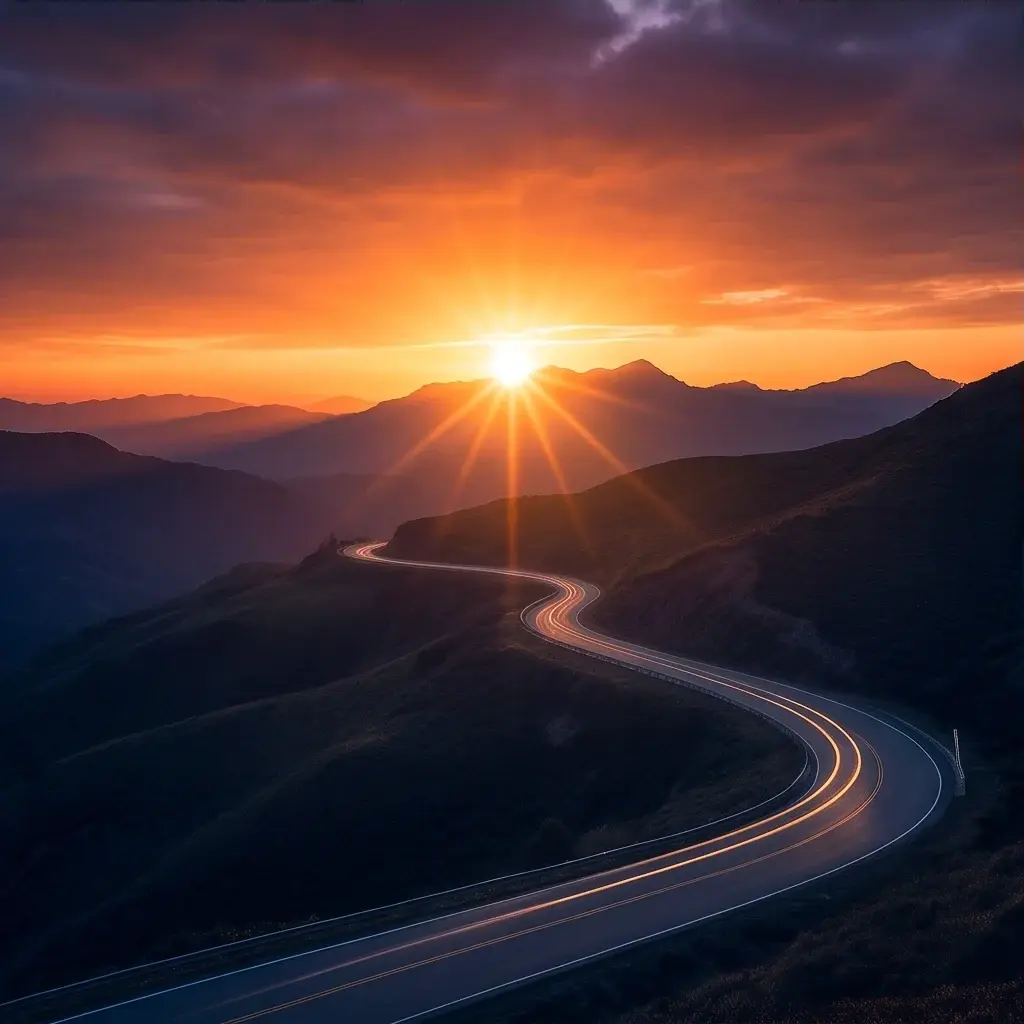
GPT Image 1.5 produces high-quality images with precise prompt alignment, consistent composition, realistic lighting, and rich fine-detail rendering.
- Runtime (p50)
- 40s
- Estimated price
- $0.009–$0.20 per image, depending on image size and quality
Overview
gpt-image-v1.5-text-to-image — Text-to-Image AI Model
Developed by OpenAI as part of the gpt-image family, gpt-image-v1.5-text-to-image excels at generating high-quality images from text prompts with exceptional prompt adherence, realistic lighting, and superior text rendering for dense or small text elements. This text-to-image AI model powers workflows like marketing visuals and UI mockups by delivering precise composition and high visual fidelity up to 4x faster than predecessors. OpenAI's GPT Image 1.5 architecture behind gpt-image-v1.5-text-to-image ensures reliable results for developers seeking an OpenAI text-to-image solution with strong instruction following.
Capabilities
- Generates high-fidelity images with strong prompt alignment, realistic lighting, and rich fine-detail rendering
- Excels in precise, localized edits (e.g., adjust lighting or expressions without altering composition or identity)
- Supports both text-to-image and image-to-image workflows for controllable creative production
- Produces consistent outputs across iterations, ideal for character or brand motif stability
- Up to 4x faster rendering, enabling quick feedback in high-volume variant testing
- Versatile for multimodal tasks, including visual responses with accurate details in ChatGPT integrations
Use cases
Use Cases for gpt-image-v1.5-text-to-image
Marketers use gpt-image-v1.5-text-to-image to generate product ads with embedded text overlays, like "A sleek smartphone on a marble table with 'Summer Sale 50% Off' in bold sans-serif font glowing under soft studio lights." The model's text rendering ensures crisp, error-free typography, streamlining campaign asset creation without manual fixes.
Developers building OpenAI text-to-image apps leverage its speed for real-time previews, inputting prompts with aspect ratio controls to produce multiple high-fidelity variants quickly. This supports scalable APIs for dynamic content generation in e-commerce platforms.
Designers create infographics by combining text prompts with reference images, editing layouts while keeping lighting consistent. For instance, transforming a basic chart into a detailed poster with added stats and icons, preserving proportions for professional outputs.
Content creators produce photorealistic scenes for social media, using the model's instruction following to nail complex compositions like crowded markets with accurate small faces and signage. This reduces iterations, enabling fast turnaround for viral visuals.
Tips & tricks
How to Use gpt-image-v1.5-text-to-image on Eachlabs
Access gpt-image-v1.5-text-to-image through Eachlabs Playground for instant testing with text prompts, optional input images, aspect ratios (1:1, 2:3), and quality settings. Integrate via API or SDK by calling createTask with prompts or input_urls for edits, polling for high-resolution PNG outputs. Eachlabs delivers fast, scalable generation with preserved details for production workflows.
---Technical spec
What Sets gpt-image-v1.5-text-to-image Apart
gpt-image-v1.5-text-to-image stands out with its advanced text rendering that produces legible, dense text in images like posters and infographics. This capability enables designers to create branded visuals with accurate typography without post-editing fixes.
The model offers precise image editing via image-to-image inputs, preserving identity, lighting, and composition during transformations. Users benefit from iterative edits that maintain consistency, ideal for high-volume gpt-image-v1.5-text-to-image API workflows.
Generation speed is up to 4x faster, supporting aspect ratios like 1:1, 2:3, and 3:2 with quality settings (medium, high). This allows rapid prototyping for real-time applications without sacrificing detail in realistic textures or small faces.
- Superior small-text rendering for UI mockups and ads, outperforming prior models in readability.
- Reliable preservation of original details in edits, perfect for professional photo transformations.
- High-resolution outputs with natural materials and lighting, optimized for e-commerce visuals.
Things to be aware of
- Experimental rollout to all users via ChatGPT sidebar and API, with rapid updates driven by competitive pressures
- Users report impressive precision in following fine details, reducing common "drift" in generators
- Known quirk: Best for low-grain, targeted prompts; may overpreserve if changes are not explicitly bounded
- Performance edge in speed allows seconds-long feedback, boosting throughput in team pipelines
- Resource efficiency from 4x speedup noted positively for daily driver use
- Community feedback highlights stability for production, with consistent lighting and composition across edits
- Positive themes: Transformative for iteration quality in real workflows
Key considerations
- Use detailed, specific prompts to leverage the model's strength in precise adherence and avoid reinterpretation of unchanged elements
- Balance quality settings (low, medium, high) with speed needs, as higher quality extends generation time despite overall 4x speedup
- Maintain prompt consistency across iterations to ensure stable identity, lighting, and composition in sequential edits
- Test input fidelity (low or high) for image-to-image tasks to control how closely outputs match input details
- Avoid vague instructions like broad scene changes, as the model excels at targeted modifications rather than full recompositions
- Prompt engineering tip: Specify exact changes (e.g., "cooler key light" or "less toothy smile") while referencing preserved elements for optimal results
Limitations
- Primarily optimized for precise, incremental edits rather than entirely novel scene inventions from vague prompts
- Parameter count and full training details not disclosed, limiting custom fine-tuning insights
- Dependent on prompt specificity; broad or ambiguous instructions may lead to less optimal adherence compared to targeted ones
Related models
4 models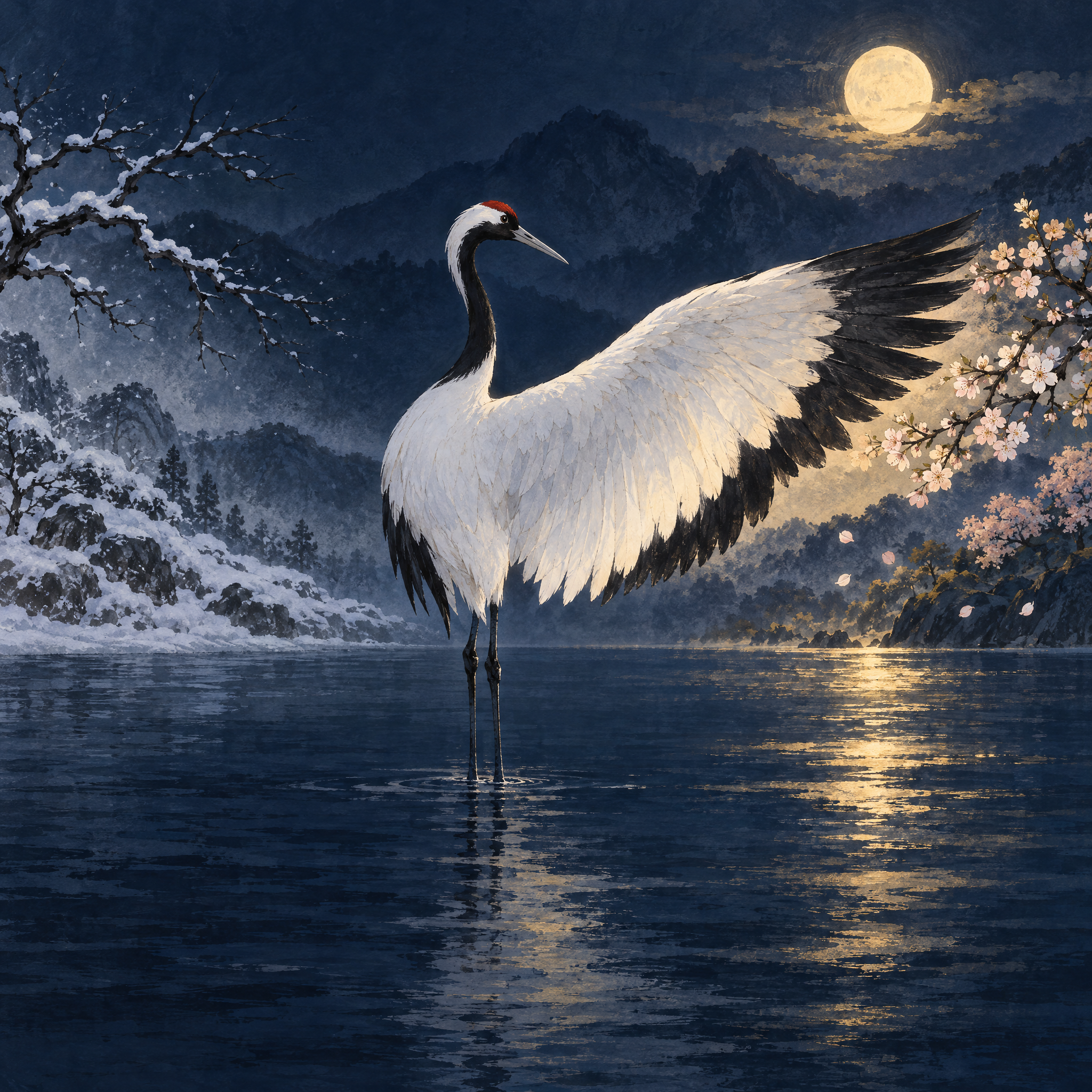
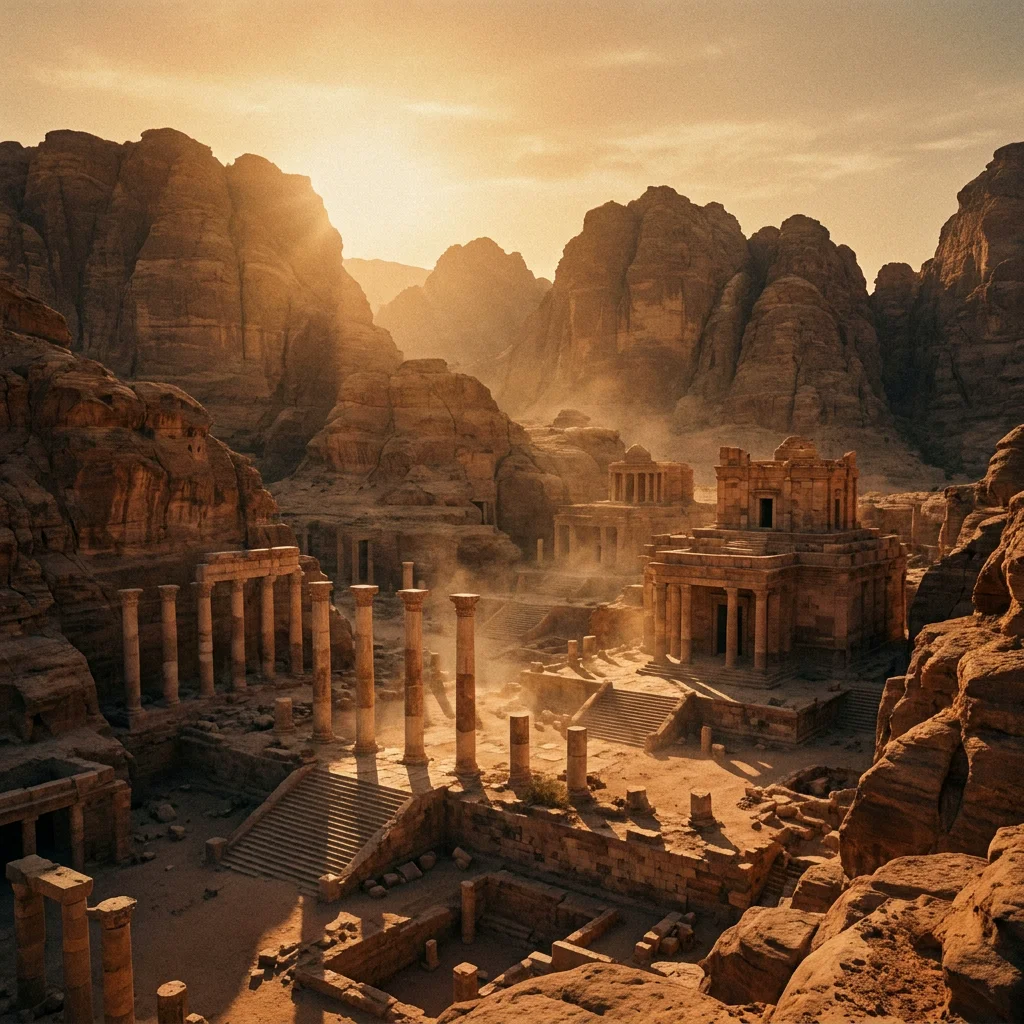
About GPT Image | v1.5 | Text to Image
What is GPT Image v1.5 text-to-image and what are its strengths?
GPT Image v1.5 is OpenAI's improved text-to-image model that generates high-quality images from natural language prompts. It builds on earlier GPT Image versions with better prompt adherence, improved compositional accuracy, and more realistic rendering of fine details, complex scenes, and text within images.