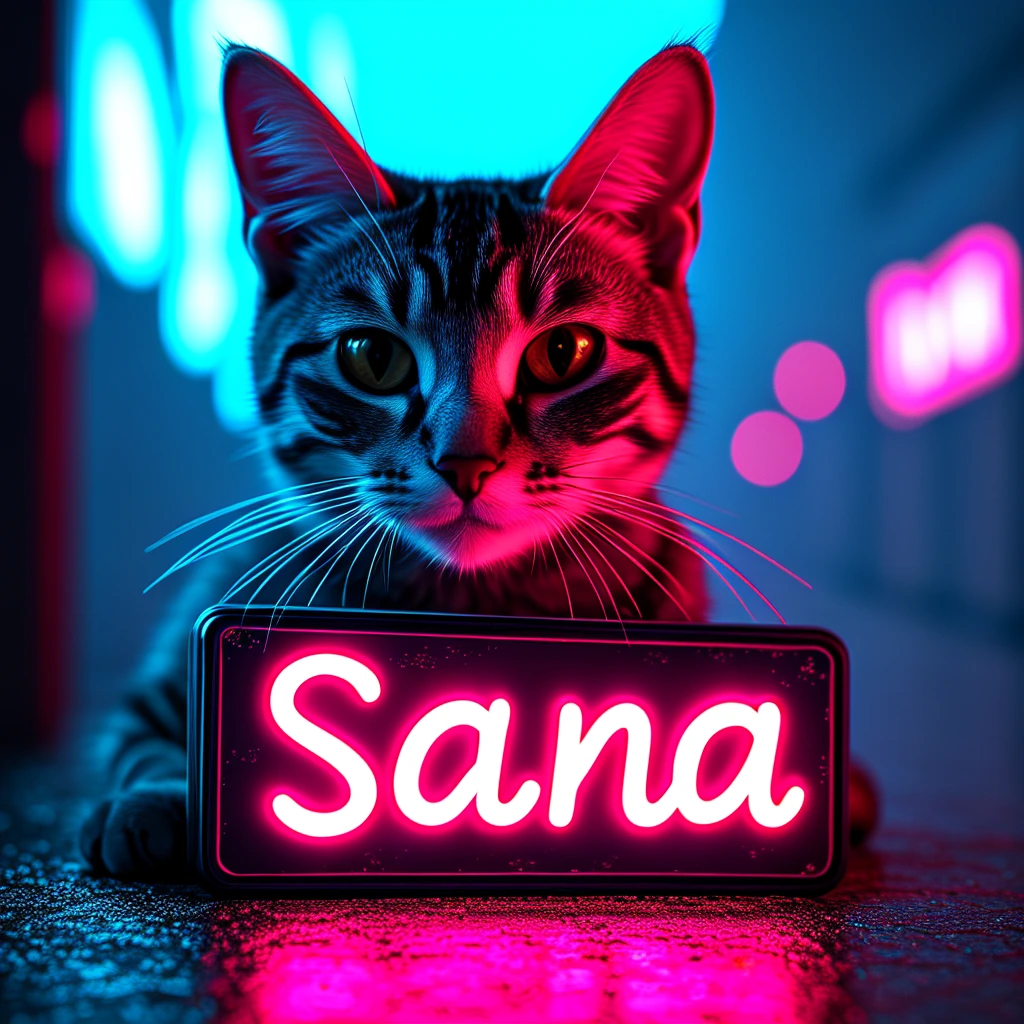
 inference · 1.2s
Sana by Nvidia
Sana, a text-to-image framework that can efficiently generate images up to 4096 × 4096 resolution
- Runtime (p50)
- 50s
- Estimated price
- $0.001677 / sec
Overview
sana — Text to Image AI Model
Developed by NVIDIA, sana is a cutting-edge text-to-image AI model from the sana family that excels at generating high-fidelity images up to 4096 × 4096 resolution from textual descriptions, solving the challenge of creating detailed visuals efficiently for professional workflows. With its 4.8B parameter architecture, sana stands out in NVIDIA text-to-image capabilities by achieving state-of-the-art performance in color-concept association, particularly for clipart and diverse visual styles, outperforming larger models like Flux.1-dev on benchmarks such as ColorConceptBench. Ideal for users seeking a text-to-image AI model with precise semantic-to-color mapping, sana delivers rich details and balanced adaptations in outputs.
Capabilities
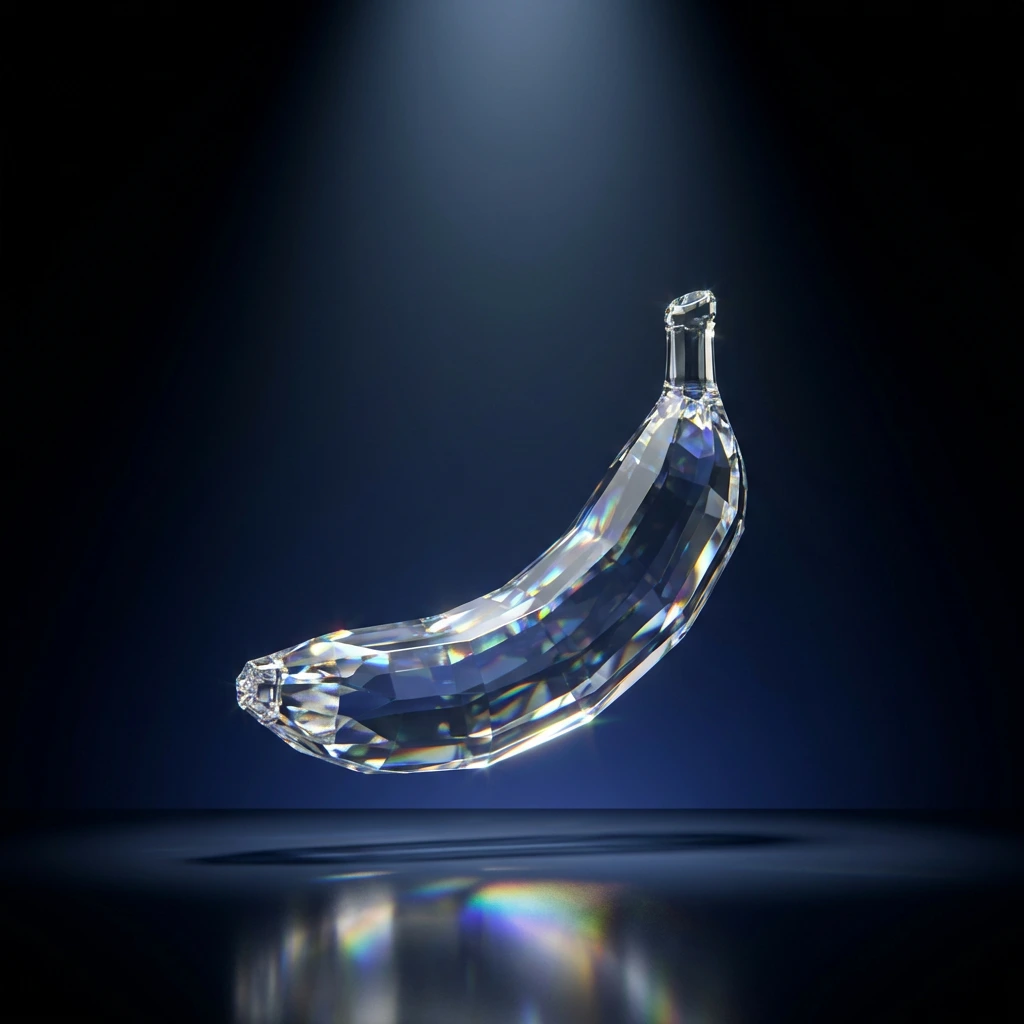
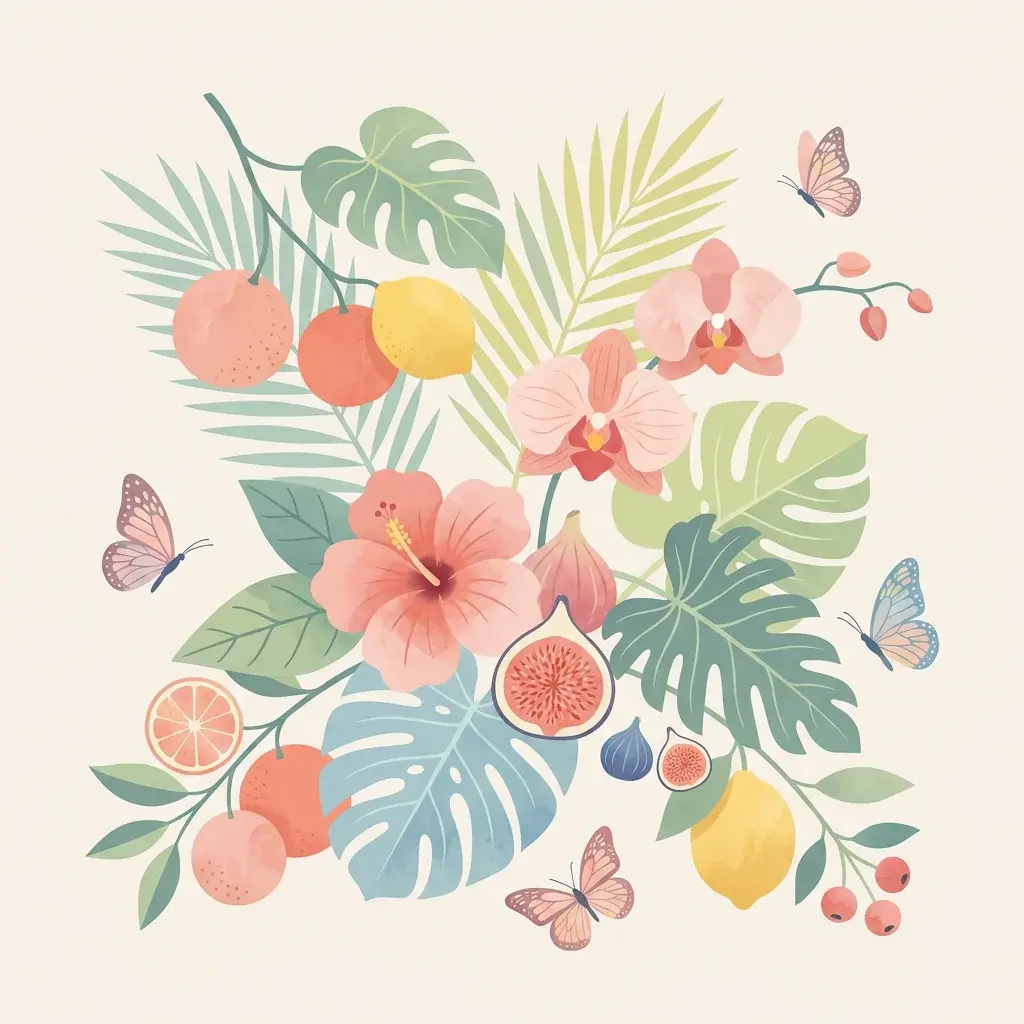
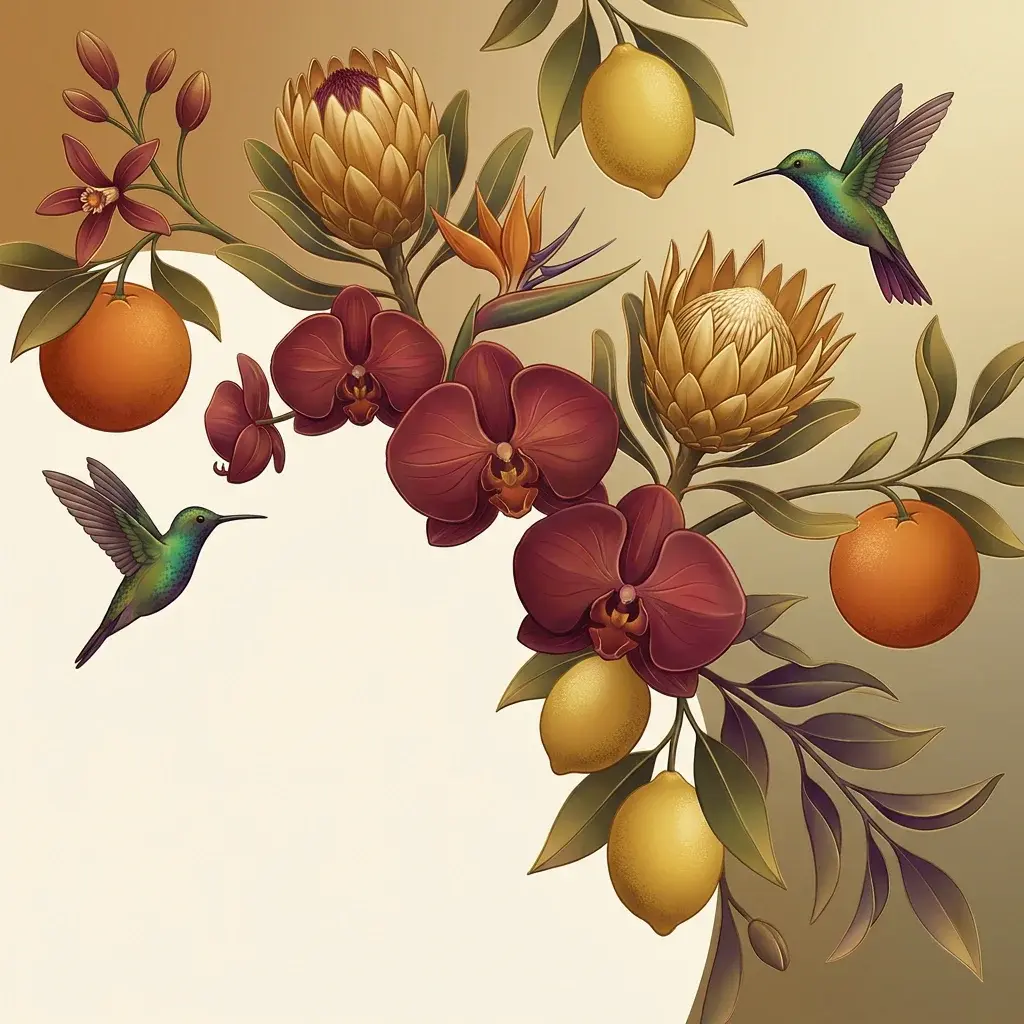
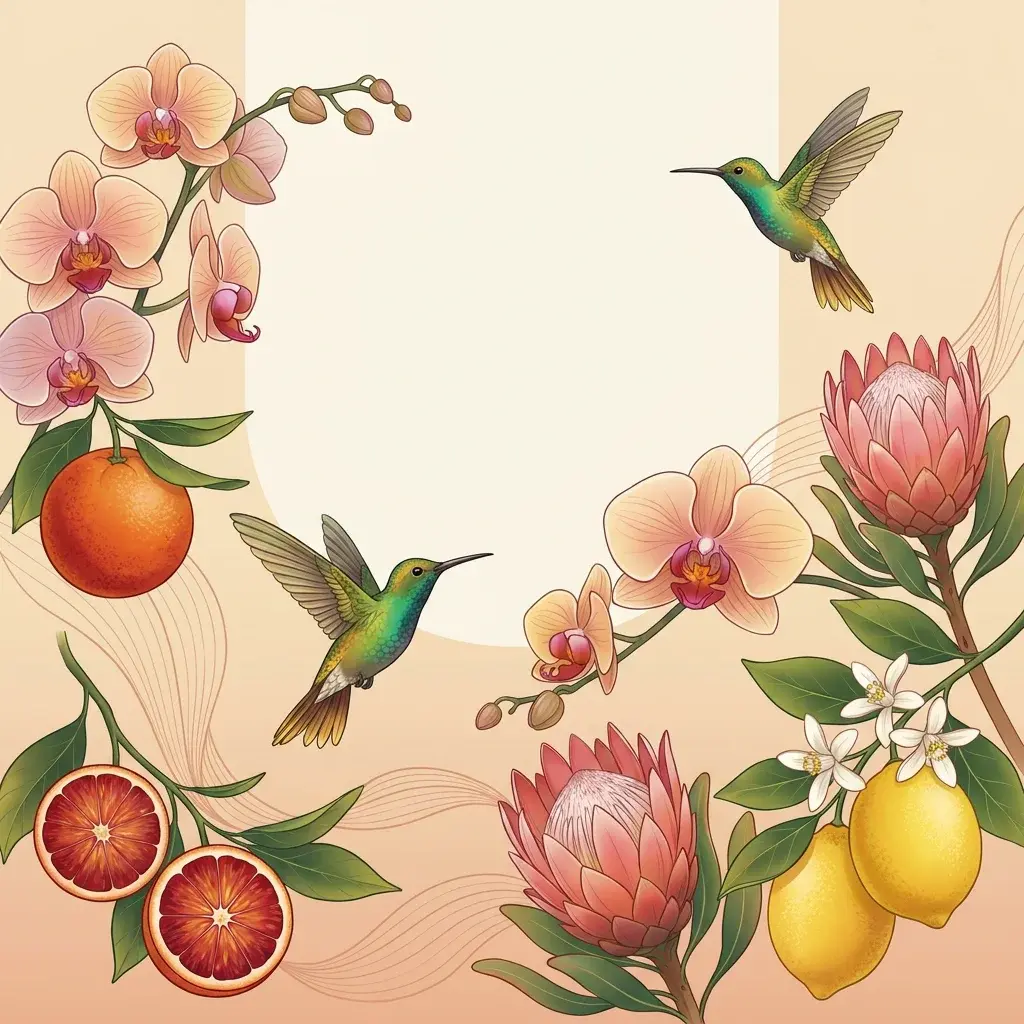
- Creates stunning, high-resolution images from textual descriptions.
- Supports detailed customization through multiple adjustable parameters.
- Enables repeatable results using the seed parameter.
Use cases
Use Cases for sana
For designers building AI image generator API integrations, sana shines in creating architecture visuals; input a prompt like "modern minimalist kitchen interior with natural oak textures and warm sunset lighting through large windows," and it renders high-resolution 4096 × 4096 scenes with accurate material representations and lighting, streamlining concept-to-final designs without manual rendering.
Marketers using high resolution text to image AI can generate product photography, such as clipart-style ads with precise color matching—sana's benchmark-leading EMD scores ensure brand colors align perfectly with descriptions like "vibrant blue sneakers on a white background with dynamic shadows," reducing editing time for e-commerce campaigns.
Developers seeking NVIDIA text-to-image API for artistic tools leverage sana's color-concept mastery to produce diverse styles; for instance, it handles emotional tones effectively (0.644 score), turning "stormy ocean waves in clipart cartoon style with turbulent grays and whites" into outputs that maintain semantic accuracy across natural and stylized domains.
Content creators fine-tuning models benefit from sana's flexibility, using its strong negative prompt response and detail richness for custom LoRA training bases, producing professional portraits with fine skin textures ideal for advertising or digital art experimentation.
Tips & tricks
How to Use sana on Eachlabs
Access sana seamlessly through Eachlabs' Playground for instant testing, API for production-scale sana API integrations, or SDK for custom apps. Provide a text prompt describing your desired image, optionally tweak CFG scale (3-5) or resolution up to 4096 × 4096, and generate high-fidelity PNG outputs optimized for NVIDIA hardware. Eachlabs delivers fast inference with benchmark-topping color accuracy and detail.
---Technical spec
What Sets sana Apart
Sana differentiates itself in the competitive text-to-image AI models comparison landscape through its superior handling of probabilistic color distributions tied to textual concepts. Despite its compact 4.8B parameters, sana tops benchmarks like ColorConceptBench, especially on clipart images where it surpasses Flux.1-dev via metrics like EMD, enabling accurate color mapping for concepts across natural photo and cartoon styles. This allows creators to generate images with precise, semantically aligned palettes without the identity loss common in larger models.
Another key strength is sana's balanced sensitivity in subject adaptation, as seen in tasks like shifting a "rotten apple" from red to brownish-green while preserving object identity. This precise control supports subtle, directionally accurate modifications, making it ideal for professional refinements in NVIDIA text-to-image applications. Technical specs include support for high resolutions up to 4096 × 4096, inference on NVIDIA GPUs like A800, and strong performance in visual state and emotional color benchmarks (e.g., 0.679 visual state score).
- State-of-the-art color-concept fidelity: Excels at mapping text semantics to color distributions, outperforming rivals on clipart and diverse domains for consistent, high-quality renders.
- Compact efficiency on NVIDIA hardware: 4.8B params deliver top results on A800 GPUs, balancing speed and detail for demanding text-to-image tasks.
- Precise adaptation without identity loss: Handles modifiers like decay or style shifts semantically, enabling reliable professional-grade outputs.
Things to be aware of
- Detailed Scenes: Describe intricate settings (e.g., "a bustling city at night with neon signs and rain-soaked streets").
- Negative Refinements: Use negative_prompt to avoid unwanted elements (e.g., "no haze, no people").
- High-Quality Outputs: Increase num_inference_steps for sharper, more polished images.
- Consistent Themes: Reuse seed values to maintain a consistent style across multiple outputs.
- Creative Styles: Experiment with guidance_scale to explore different levels of prompt adherence and artistic influence.
Key considerations
- Resolution and Performance: Higher resolutions (width and height) increase processing time; balance quality with performance needs.
- Prompt Length: Overly long prompts may dilute the model’s focus. Stick to succinct, targeted descriptions.
- Guidance Scale Balance: Excessive values for guidance_scale or pag_guidance_scale might lead to unnatural or overemphasized elements.
- Seed for Reproducibility: Use the same seed value to regenerate identical results.
Limitations
- Abstract Concepts: May struggle to interpret highly abstract or ambiguous prompts.
- Processing Time: High-resolution images or extensive steps can lead to longer generation times.
- Prompt Sensitivity: Minor changes in wording can significantly impact results.
Output Format: PNG