
Microsoft | MAI Image 2.5 | Image to Image
MAI-Image-2.5 Image-to-Image transforms existing photos with precise, localized edits while preserving faces, scene structure, lighting, and original details.
- Runtime (p50)
- 2m
- Estimated price
- $0.05 per image
Overview
Microsoft | MAI Image 2.5 | Image to Image Overview
Microsoft | MAI Image 2.5 | Image to Image is an image-to-image generation and editing model that transforms existing photos using text instructions while preserving core structure, faces, and lighting. Built on Microsoft’s MAI-Image 2.5 family, it focuses on localized, precise edits instead of fully regenerating the scene, making it ideal for controlled visual iterations. The model enables creators and developers to update style, details, or objects in a source image while keeping composition and identity stable. Integrated through the Microsoft | MAI Image 2.5 | Image to Image API on each::labs, it offers a reliable way to refine assets for production workflows where consistency, realism, and brand alignment matter.
Capabilities
Capabilities
- Applies localized edits to a source image based on text prompts, such as changing clothing, objects, or backgrounds while keeping the main subject intact.
- Preserves faces, identity, and pose to maintain continuity across character or influencer campaigns.
- Maintains overall scene structure and composition, making it suitable for layout-sensitive assets like product shots or UI mockups.
- Performs style transfer and restyling, allowing users to convert photos into different artistic or brand-aligned aesthetics without fully redrawing the scene.
- Adjusts lighting and atmosphere (e.g., day-to-night, seasonal changes) while respecting the original geometry and perspective.
- Supports object addition or removal in a way that attempts to blend seamlessly with existing lighting and textures.
- Integrates via the Microsoft | MAI Image 2.5 | Image to Image API on each::labs for programmatic, large-scale image editing pipelines.
- Offers a controlled, repeatable editing process that reduces manual retouching time for design and marketing teams.
Use cases
Use Cases for Microsoft | MAI Image 2.5 | Image to Image
For creative professionals, Microsoft | MAI Image 2.5 | Image to Image can quickly iterate on photoshoots by changing outfits, props, or backgrounds while preserving the model’s face and pose. A creator might prompt: “Change the dress to a red evening gown, keep her expression, pose, and lighting the same.”
For marketers, it enables fast campaign localization by swapping backgrounds or seasonal elements around the same product shot. Example: “Turn this product photo into a winter holiday scene with subtle decorations, keep product color and angle identical.”
For designers and product teams, it can restyle UI screenshots or app mockups without breaking layout. Prompt: “Apply a minimal dark theme to this dashboard, keep layout, text positions, and charts unchanged.”
For developers, the Microsoft | MAI Image 2.5 | Image to Image API supports automated bulk transformations, such as generating multiple stylistic variants of a catalog image for A/B testing.
Tips & tricks
Tips and Tricks
To get the most from Microsoft | MAI Image 2.5 | Image to Image, write prompts that describe only the changes you want, not the entire scene. Over-specifying the whole image can cause unnecessary alterations to areas you intended to keep. Use moderate edit strength so the model can introduce new details while still respecting original layout, faces, and lighting. When available, experiment with guidance or “source preservation” parameters: lower values for bolder restyling, higher values for subtle tweaks. Iterative workflows work well—chain two or three smaller edits rather than one extreme transformation. Example prompts:
“Replace the woman’s jacket with a modern black leather jacket, keep her face and background unchanged.”
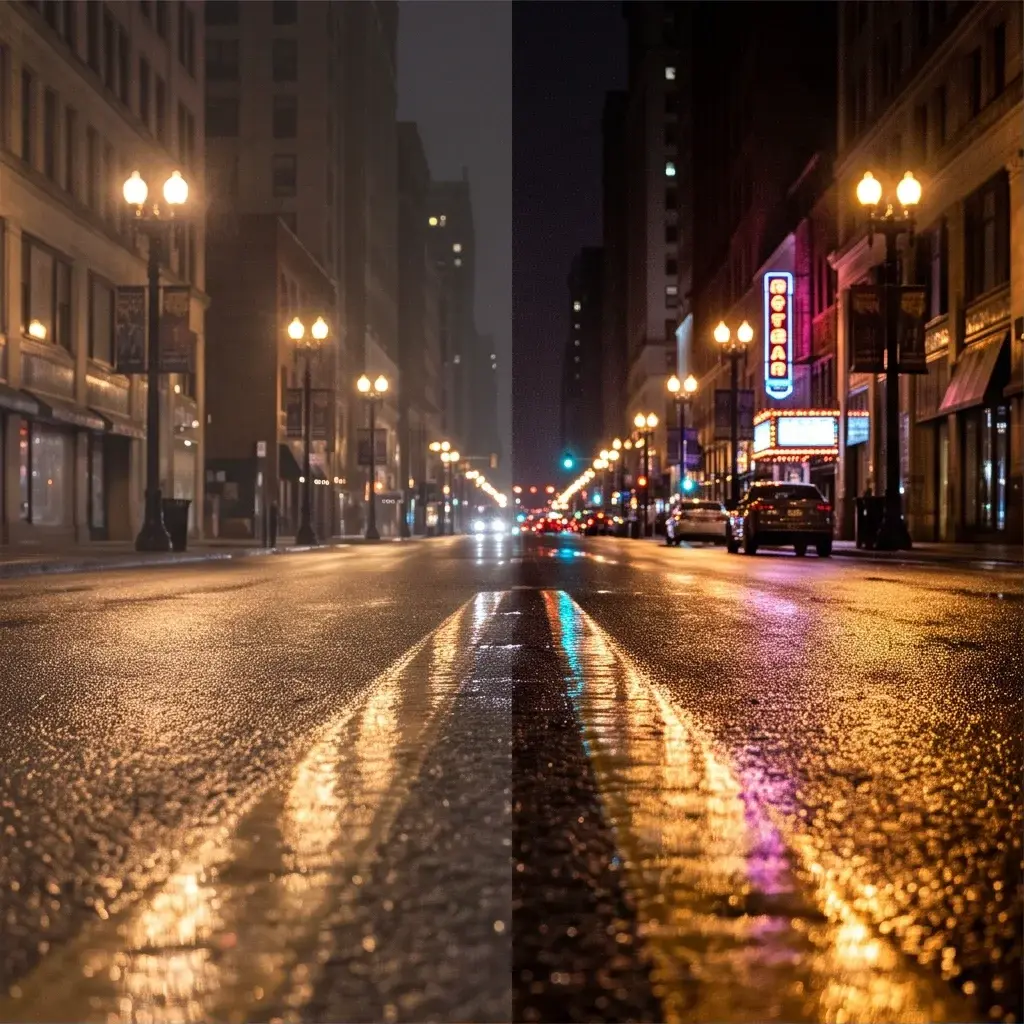
“Convert this daytime street photo into a rainy night scene with reflections on the pavement, preserve building shapes and car positions.”
“Turn this product photo into a pastel, flat-illustration style while keeping the product shape and logo readable.”Technical spec
Technical Specifications
While Microsoft does not publicly document full low-level specs for MAI-Image-2.5 image-to-image, typical capabilities for this family and integration patterns on each::labs include:
- Task type: Image-to-image editing and guided transformation via text prompt.
- Input: Source image (commonly PNG or JPEG) plus text prompt; optional strength or guidance parameters when exposed by the Microsoft | MAI Image 2.5 | Image to Image API.
- Output: Edited image in standard web formats (e.g., PNG/JPEG), matching or closely following the input resolution when supported by the endpoint.
- Resolution: Supports common portrait, landscape, and square resolutions; optimal quality is generally achieved at web and app-friendly sizes rather than ultra-large print formats.
- Aspect ratios: Works best when the output keeps the original aspect ratio; aggressive changes may alter composition.
- Processing time: Designed for interactive use, with generation typically within seconds per image, depending on configuration and queue load.
- Architecture: Based on a diffusion-style generative image backbone in the MAI-Image 2.x family, optimized for editing stability and facial fidelity.
Things to be aware of
Things to Be Aware Of
Like most image-to-image diffusion models, Microsoft | MAI Image 2.5 | Image to Image can struggle with very small text, intricate logos, or dense patterns, sometimes softening or altering them during edits. Extreme transformations—such as radically changing camera angle or body pose—may break structural preservation and introduce artifacts. Overly long or conflicting prompts can produce unpredictable results, so focus on concise, clear change requests. Very low-quality or heavily compressed source images limit how much realistic detail the model can maintain. When using the Microsoft | MAI Image 2.5 | Image to Image API at scale, budget for processing time and concurrency limits to avoid pipeline bottlenecks.
Key considerations
Key Considerations
Microsoft | MAI Image 2.5 | Image to Image is strongest when you want controlled modifications, not completely new scenes. Provide a reasonably high-quality, well-lit input image, since the model attempts to preserve structure and lighting rather than inventing new geometry. It is a better choice than pure text-to-image when brand consistency, character identity, or shot framing must remain stable across iterations. For heavy restyling, use clear prompts and consider multiple passes with moderate edit strength rather than extreme one-step changes. When calling the Microsoft | MAI Image 2.5 | Image to Image API via each::labs, balance guidance parameters to avoid either overfitting to the source or drifting too far from it.
Limitations
Limitations
Microsoft | MAI Image 2.5 | Image to Image is not a full 3D or video model, and it cannot guarantee consistent motion or multi-frame coherence. It may have difficulty preserving tiny typographic details or complex branding elements across aggressive edits. The model is optimized for single-image transformations, not multi-image identity matching or cross-shot continuity. It relies heavily on the quality and clarity of the input image; severe noise, blur, or extreme cropping reduce effectiveness. Finally, some content types or use cases may be restricted by Microsoft’s safety and usage policies when accessed through each::labs.
Related models
4 models
About Microsoft | MAI Image 2.5 | Image to Image
What is MAI-Image-2.5 Image-to-Image?
MAI-Image-2.5 Image-to-Image is Microsoft’s image editing model for transforming existing photos with natural, controlled edits. It can update specific parts of an image, such as swapping an object, changing in-image text, cleaning up details, or reducing motion blur, while keeping the rest of the image intact.