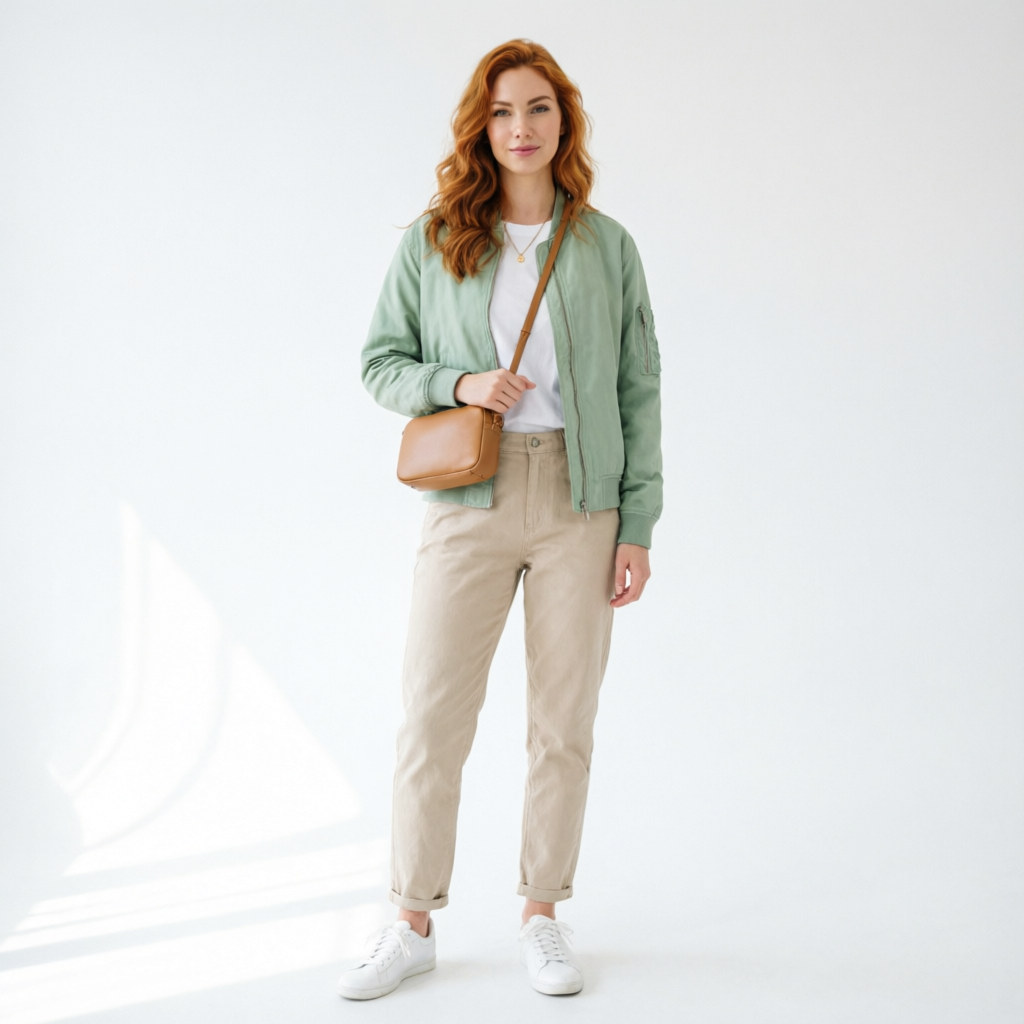
Alibaba | Qwen Image 2.0 | Pro | Image Edit
Qwen Image 2.0 Pro Edit transforms images with style transfer, object insertion, in-image text editing, and multi-image compositing on eachlabs.
- Runtime (p50)
- 25s
- Estimated price
- $0.075 per image
Overview
Alibaba | Qwen Image 2.0 | Pro | Image Edit Overview
The Alibaba | Qwen Image 2.0 | Pro | Image Edit model excels in image-to-image transformations, enabling users to modify existing images through precise text prompts for professional editing tasks. Developed by Alibaba as part of the advanced Qwen Image 2.0 family, this Pro variant stands out with its superior handling of complex edits like object manipulation and style transfers while maintaining photorealistic quality. It solves key challenges in creative workflows by allowing seamless alterations without requiring specialized software, making it ideal for designers and marketers seeking efficient Alibaba image-to-image solutions.
Available via the Alibaba | Qwen Image 2.0 | Pro | Image Edit API on platforms like each::labs (eachlabs.ai), it integrates easily into applications for automated editing. This model differentiates itself through robust multimodal understanding, combining visual input with natural language instructions for accurate, context-aware results. Whether inpainting backgrounds or adjusting lighting, it delivers high-fidelity outputs that rival traditional tools.
Capabilities
Capabilities
- Precise object removal and inpainting with context-aware filling.
- Style transfer across genres like photorealistic, artistic, or vintage.
- Local edits such as background replacement or color correction.
- Human pose and expression adjustments while preserving identity.
- Text insertion or removal integrated naturally into scenes.
- Multi-object manipulation with spatial awareness.
- High-fidelity upscaling during edits up to 2K resolution.
- Support for creative effects like aging, seasonal changes, or surreal alterations.
Use cases
Use Cases for Alibaba | Qwen Image 2.0 | Pro | Image Edit
For creators: Enhance product photos by swapping backgrounds—"Replace white studio backdrop with outdoor forest scene, natural lighting." Leverages inpainting for quick mockups.
For marketers: Personalize ad visuals with style transfers—"Convert this casual photo to luxury fashion shoot, golden hour lighting." Its style capabilities speed campaign iterations.
For designers: Prototype UI elements via object manipulation—"Change button colors to blue gradient, add shadows, keep layout intact." Precise local edits save hours in mockup refinement.
For developers: Automate e-commerce image editing with API calls, e.g., "Remove wrinkles from fabric, enhance texture." Batch processing via Alibaba | Qwen Image 2.0 | Pro | Image Edit API on each::labs (eachlabs.ai) streamlines apps.
Tips & tricks
Tips and Tricks
Optimize prompts for Alibaba | Qwen Image 2.0 | Pro | Image Edit by specifying exact changes, styles, and regions—e.g., "Replace the red car with a blue electric vehicle in the foreground, keep background unchanged, photorealistic." Use negative prompts like "no blur, no distortion" to refine outputs. For complex edits, break tasks into steps: first inpaint, then stylize.
Adjust strength parameters (0.5-0.8 recommended) to control edit intensity without over-altering the original. Workflow tip: Preprocess images for consistent lighting to aid the model's understanding. Example prompts:
- "Transform this portrait to cyberpunk style, neon lights, high detail."
- "Remove the person in the center, fill with matching landscape, seamless blend."
- "Change outfit to formal suit, realistic fabric texture, same pose."
Experiment on each::labs (eachlabs.ai) for real-time feedback to perfect your Alibaba image-to-image results.
Technical spec
Technical Specifications
- Resolution Support: Up to 2048x2048 pixels for input and output images, supporting high-definition edits.
- Aspect Ratios: Flexible ratios including 1:1, 16:9, 9:16, and custom proportions preserved from input.
- Input/Output Formats: Accepts JPEG, PNG, WebP; outputs in PNG or JPEG with lossless options.
- Processing Time: Typically 5-15 seconds per edit on standard hardware, scaling with complexity.
- Architecture: Built on Qwen-VL multimodal foundation with diffusion-based refinement for precise image edits.
- Max Input Size: Up to 10MB per image, with batch processing support via API.
Things to be aware of
Things to Be Aware Of
With Alibaba | Qwen Image 2.0 | Pro | Image Edit, complex scenes with overlapping elements may lead to minor inconsistencies; simplify inputs for best results. Users often overlook prompt specificity, causing unintended changes—always preview iterations. Edge cases like heavy occlusions or abstract art can reduce accuracy.
Resource needs are moderate: GPU acceleration recommended for API batches. Common mistake: Ignoring aspect ratio locks, leading to cropped outputs. Test on diverse images to avoid biases in skin tones or lighting. Monitor processing queues during peak times on each::labs (eachlabs.ai).
Key considerations
Key Considerations
Before using Alibaba | Qwen Image 2.0 | Pro | Image Edit, ensure your input images are high-quality to maximize output fidelity, as low-resolution sources may amplify artifacts. It performs best on static scenes; dynamic elements like motion blur can challenge consistency. For Alibaba image-to-image workflows, prioritize descriptive prompts over vague ones to leverage its language comprehension.
Cost-effectiveness shines in bulk editing via the Alibaba | Qwen Image 2.0 | Pro | Image Edit API, but test with small batches first. Compared to general models, it's optimized for professional edits, trading some speed for precision. Access it seamlessly on each::labs (eachlabs.ai) with straightforward API integration, ideal for developers balancing performance and quality.
Limitations
Limitations
The Alibaba | Qwen Image 2.0 | Pro | Image Edit struggles with extreme deformations or physics-defying changes, like impossible anatomy. It cannot handle video inputs, limiting to static images only. Outputs may show artifacts in highly detailed textures or low-light scenarios. No native 4K support yet, capping at 2048x2048. Rate limits apply via API; complex prompts increase failure risk.
Related models
4 models

About Alibaba | Qwen Image 2.0 | Pro | Image Edit
What is Qwen Image 2.0 Pro Edit?
Qwen Image 2.0 Pro Edit is a premium image editing model from Qwen that handles style transfer, object insertion and removal, in-image text editing, and multi-image compositing. Output is high-fidelity edited stills, with strong consistency across the source image's lighting, perspective, and structure.