Ltx v2.5 | Audio to Video | Pro
LTX 2.5 Audio-to-Video Pro turns short audio clips into synchronized video with optional image or prompt guidance for dialogue, music, and sound-led scenes.
- Runtime (p50)
- 1m
- Estimated price
- $0.17 per second
Overview
Ltx v2.5 | Audio to Video | Pro Overview
Ltx v2.5 | Audio to Video | Pro turns short audio clips into synchronized video, with optional image or prompt guidance for dialogue, music, and sound-led scenes. It sits in the LTX family, which is designed around audio-video generation and strong prompt control, and the newer LTX-2.5 release adds native multi-shot scenes, improved prompt understanding, and automatic clip duration. These capabilities make the model useful when the audio is the creative anchor and the video needs to stay aligned to timing, motion, and scene continuity. On each::labs, this model is best positioned as a pro-grade option for creators who want synchronized output with production-oriented quality controls.
Technical Specifications
- Resolution support: LTX-2.5 supports native 4K HDR output in the family, while the API pro variant is documented as reaching up to 1080p.
- Video duration: The pro variant supports clips up to 10 seconds; automatic duration can infer clip length from the input description.
- Aspect ratios: 16:9 and 9:16 are supported in the API documentation.
- Input formats: Audio-to-video workflows accept audio, with optional image or prompt guidance; the broader model family also supports text, image, and video inputs.
- Output: Synchronized video with audio generated jointly, not as a separate post-process.
- Processing time: LTX reports a 10-second clip at 720p in 6.8 seconds on 2× GB200 GPUs; API reporting also shows a 10-second 1080p generation in 23.7 seconds.
- Architecture details: LTX-2.5 adds a diffusion video decoder, native multi-shot generation, a custom Gemma 4 12B text encoder, and a prompt enhancer.
Key Considerations
Ltx v2.5 | Audio to Video | Pro is strongest when the soundtrack, voice track, or sound design should shape the visual rhythm. It is a good fit for short-form scenes, cinematic beats, and multi-shot sequences that need continuity across cuts. The model is most efficient when users provide concise but specific guidance, especially when pairing audio with an image or a clear prompt. Its pro tier is better suited to polished output than maximum resolution, so teams that need longer clips or 4K delivery should check whether a different family variant is a better fit. The Ltx v2.5 | Audio to Video | Pro API also benefits from structured prompts and duration planning.
Tips and Tricks
Use the audio clip as the primary timing reference, then add a short visual description that clarifies subject, setting, camera intent, and mood. The model’s prompt enhancer and improved text encoder work best when the prompt is specific but not overloaded with conflicting instructions. If the scene length is unclear, rely on auto duration instead of forcing a frame count. For multi-shot ideas, describe the continuity you want across cuts, such as character identity, lighting, and environment. This is especially helpful for LTX voice-to-video workflows where the voice must stay aligned to facial motion and scene pacing.
Example prompts:
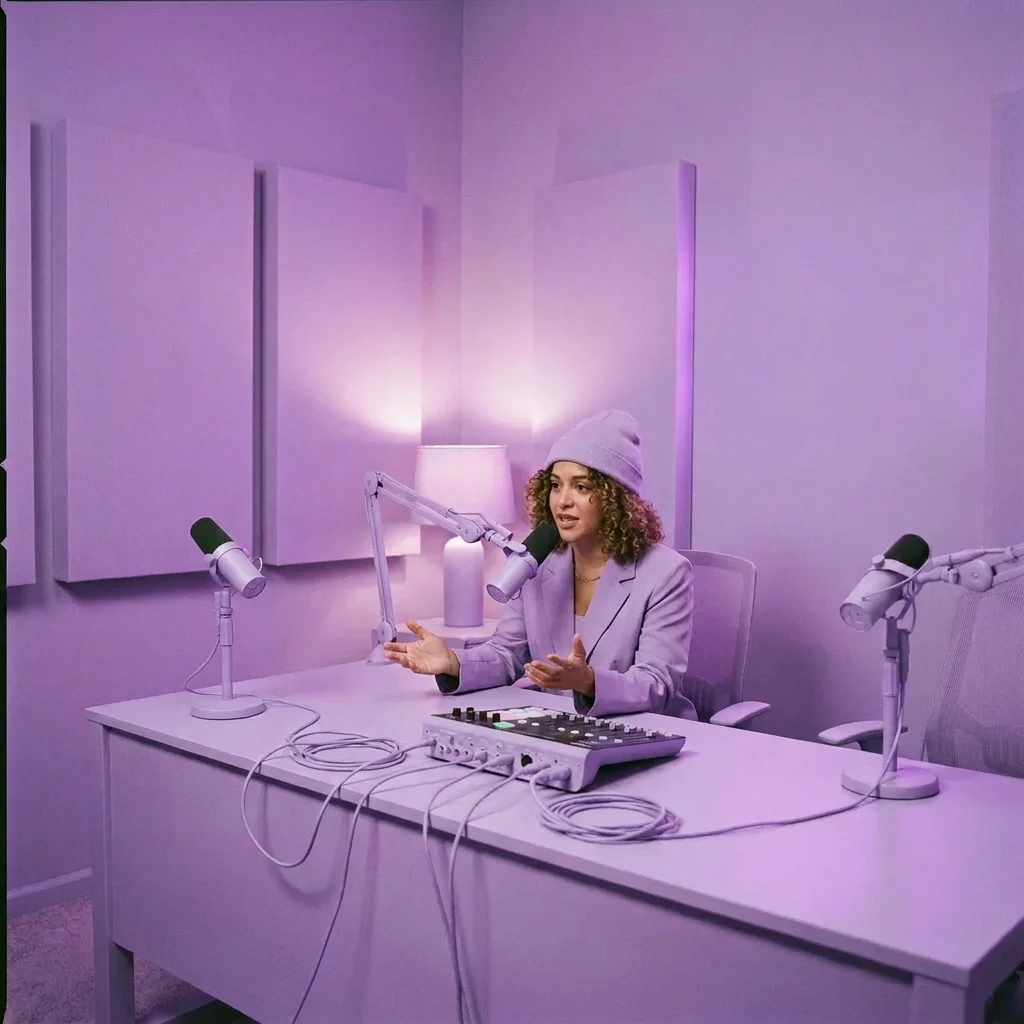
- "A confident host speaking directly to camera, modern studio lighting, subtle head motion, clean background, synchronized lip movement."
- "Upbeat electronic music driving a fast-cut product reel, neon reflections, energetic camera movement, connected shots with visual continuity."
- "A whispered story over a dark rainy street, cinematic framing, slow push-in, matching mood shifts to the audio."
Capabilities
- Generates video that is synchronized to short audio clips.
- Supports optional image guidance for stronger visual control.
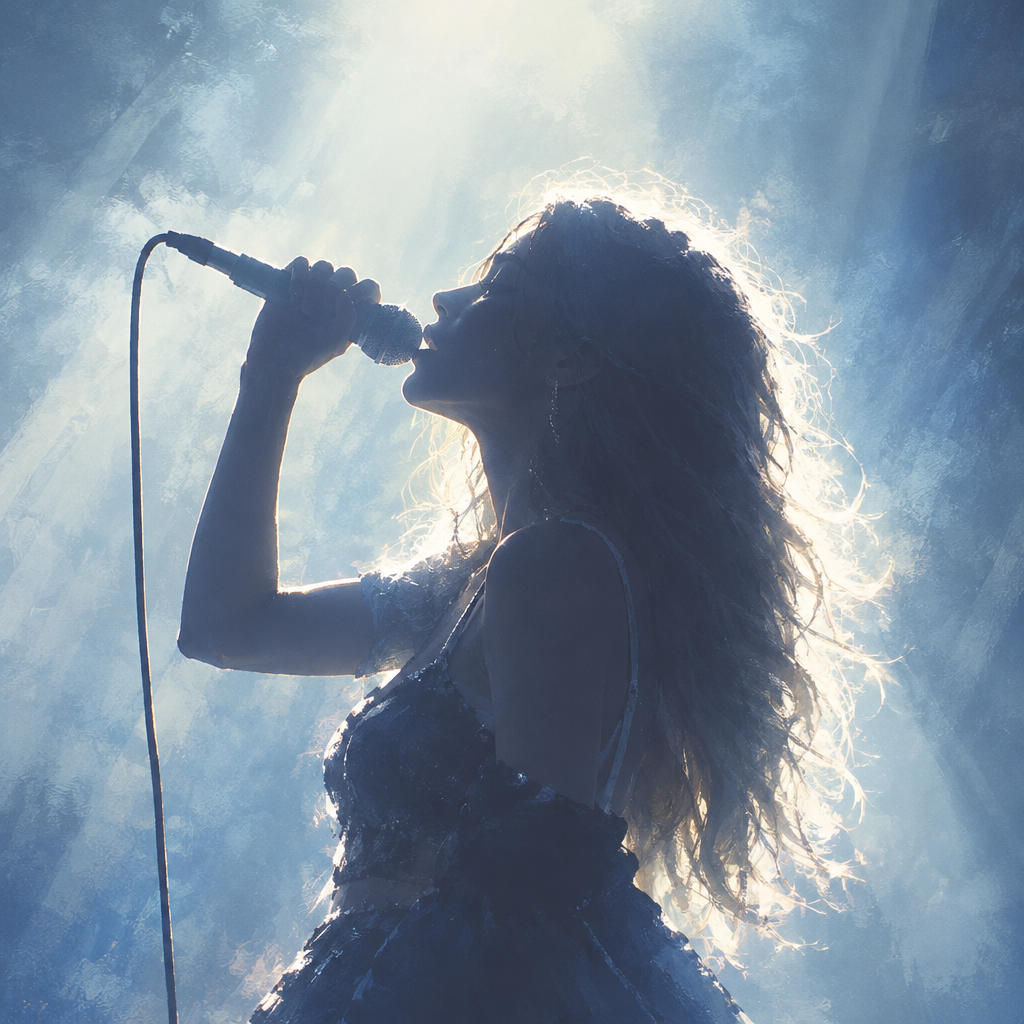
- Can use prompt guidance to shape dialogue scenes, music videos, and sound-led storytelling.
- Produces native multi-shot sequences with continuity across cuts.
- Uses a diffusion video decoder for cleaner motion and fewer artifacts in demanding scenes.
- Can infer clip duration from the description through automatic duration prediction.
- Retains complex prompt details with a custom Gemma 4 12B text encoder.
- Supports production-oriented output paths, including HDR and RAW in the broader LTX-2.5 family.
Use Cases for Ltx v2.5 | Audio to Video | Pro
Creators can turn voiceovers into short narrated scenes by pairing speech with a prompt like, "A presenter explains a new app, clean studio, subtle hand gestures, synchronized lip movement, professional lighting." Marketers can build audio-driven social ads with connected shots using a prompt like, "High-energy product reveal with matching beat cuts, glossy surfaces, bold motion graphics, and consistent brand colors." Designers can prototype sound-led concept films by describing visual rhythm alongside music, such as, "Ambient synth track, abstract city skyline, slow camera drift, reflective surfaces, seamless multi-shot continuity."
Developers integrating the Ltx v2.5 | Audio to Video | Pro API can automate generation for interactive experiences, trailers, or prototype assets where synchronized motion matters more than long runtime. A useful prompt for that workflow is, "Two-shot character exchange with stable identity, daylight interior, realistic pacing, and audio-driven timing."
Things to Be Aware Of
Audio-to-video quality depends heavily on the clarity of the input audio and the specificity of the visual prompt. Very long scenes, crowded action, or conflicting directions can reduce consistency, especially when many subjects or camera changes are requested at once. The model’s strongest results come from short, tightly described clips rather than open-ended scripts. Users also need to plan around the pro variant’s shorter duration ceiling and resolution limits compared with the broader family. For best results, avoid vague prompts, overstuffed scene descriptions, and mismatched audio mood.
Limitations
Ltx v2.5 | Audio to Video | Pro is designed for short clips, not long-form storytelling. The pro variant is documented at up to 10 seconds and up to 1080p, so it is not the best choice when 4K delivery or extended runtime is required. It can maintain continuity well, but highly complex choreography, dense scenes, or abrupt audio changes may still produce artifacts or drift. The model also depends on clear input guidance, so weak prompts reduce reliability.