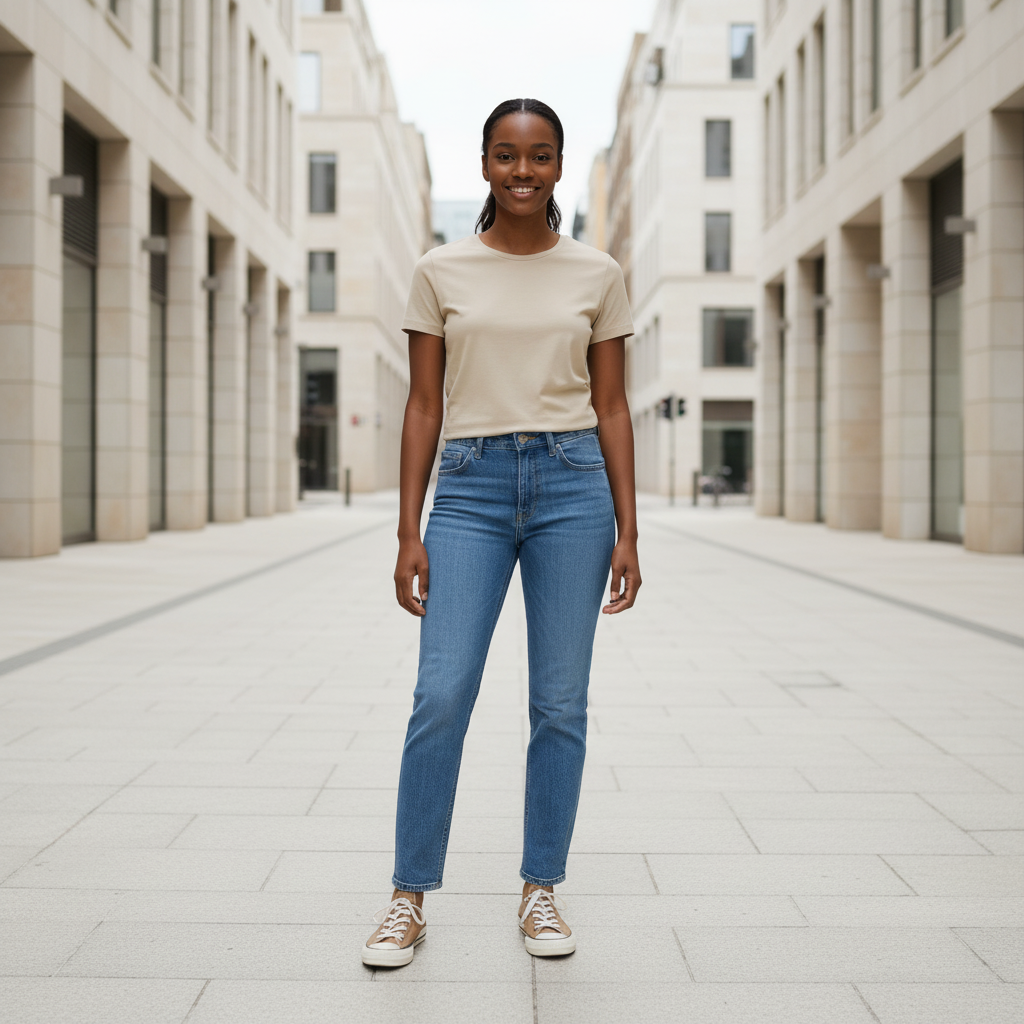
Nano Banana | Edit
Perform fast in-painting operations to correct errors or add objects to your existing images with nano-banana-edit.
- Runtime (p50)
- 5s
- Estimated price
- $0.04 per image
Overview
nano-banana-edit — Image Editing AI Model
Developed by Google as part of the nano-banana family, nano-banana-edit delivers fast inpainting for correcting errors or adding objects to existing images using simple text prompts, solving the need for time-consuming manual edits.
This Google image-to-image model, akin to Gemini 2.5 Flash Image capabilities, excels in mask-free inpainting and layout-aware outpainting, enabling precise changes like "replace the background with a snowy mountain" without altering unprompted areas.
Ideal for users seeking an image-to-image AI model with superior speed—generating edits in 1-5 seconds—nano-banana-edit maintains character consistency across modifications, making it perfect for iterative workflows in creative projects.
Capabilities
- Performs advanced image generation and editing from natural language prompts
- Supports multi-image composition, allowing elements from different images to be combined realistically
- Enables semantic inpainting—editing or replacing specific objects while preserving the rest of the scene
- Provides conversational, multi-turn editing for iterative refinement
- Maintains photorealistic consistency in lighting, texture, and perspective
- Can analyze images and offer visual feedback or suggestions for improvement
- Handles creative transformations, style transfers, and conceptual synthesis
- Fast processing suitable for both professional and casual use
Use cases
Use Cases for nano-banana-edit
For designers building an AI photo editing for e-commerce pipeline, nano-banana-edit lets you upload a product shot and prompt "add a leather jacket to the model with studio lighting," instantly creating variants while maintaining pose and proportions for quick catalog updates.
Marketers can leverage its character consistency for branded visuals: start with a portrait, then iteratively edit "change outfit to business suit, add city skyline background," producing cohesive campaign assets without redesigning from scratch.
Developers integrating a nano-banana-edit API for automated image editing can process user uploads with prompts like "remove the watermark and replace sky with sunset," delivering high-speed, context-aware results for apps handling bulk e-commerce or social media tweaks.
Content creators benefit from multi-turn editing for comics or memes: edit an initial scene with "add a coffee table," then refine to "place books on it," ensuring stable progression for dynamic storytelling.
Tips & tricks
How to Use nano-banana-edit on Eachlabs
Access nano-banana-edit seamlessly on Eachlabs via the Playground for instant testing—upload your image, enter a text prompt like "add sunglasses to the subject," and generate edits in seconds—or integrate it through the API/SDK with parameters for input images and natural language instructions, outputting high-quality ~1MP results optimized for fast image-to-image workflows.
---Technical spec
What Sets nano-banana-edit Apart
nano-banana-edit stands out in the competitive landscape of AI image editor APIs through its natural language processing for seamless, mask-free inpainting, outperforming models like Flux Kontext in precision and speed for targeted edits.
This capability allows users to describe complex changes—such as swapping outfits or adding elements—while preserving the image's overall context and subject identity, streamlining professional editing without specialized tools.
- Lightning-fast processing at 1-5 seconds per edit, enabling real-time workflows for edit images with AI tasks that feel instantaneous compared to slower competitors.
- Exceptional character consistency, keeping facial features and likeness intact across multi-turn edits, ideal for series like AI influencers or comics where continuity is key.
- Supports ~1 megapixel resolution (around 1024x1024), with efficient handling of local edits like background swaps or object additions, optimized for web and social media outputs.
Unlike generic tools, nano-banana-edit prioritizes stable iterative refinement, building on prior changes without introducing inconsistencies.
Things to be aware of
- Some experimental features, such as meta-narrative creation and multi-image synthesis, may yield variable results depending on prompt clarity
- Users have reported occasional quirks with object boundaries or blending in highly complex scenes
- Performance is generally fast, but extremely detailed or high-resolution edits may take longer to process
- Resource requirements are modest for standard edits, but large batch operations or high-res outputs may require more memory
- Consistency across edits is strong, especially when using conversational refinement, but abrupt prompt changes can disrupt continuity
- Positive user feedback highlights the model’s intuitive interface, speed, and quality of semantic edits
- Common concerns include occasional over-smoothing of textures and rare misinterpretation of ambiguous prompts
Key considerations
- The model excels at semantic, context-aware edits, but prompt specificity greatly influences results
- For best results, use clear, descriptive natural language prompts and specify which elements to change or preserve
- Iterative, conversational editing allows for progressive refinement—users should leverage multi-turn interactions for complex tasks
- Overly broad or ambiguous prompts may yield unexpected or generic results; precision is key
- There is a trade-off between speed and the complexity of edits—more intricate compositions may require slightly longer processing times
- Prompt engineering is crucial: specifying style, context, and desired changes leads to higher-quality outputs
Limitations
- The model’s performance may degrade with highly ambiguous or insufficiently detailed prompts, leading to generic or unintended results
- Not optimal for ultra-high-resolution professional print work where pixel-perfect manual control is required
- May struggle with highly specialized or technical image editing tasks outside the scope of general creative and semantic manipulation
Note: The model won't always follow the exact number of image outputs that the user explicitly asks for.
Related models
4 models
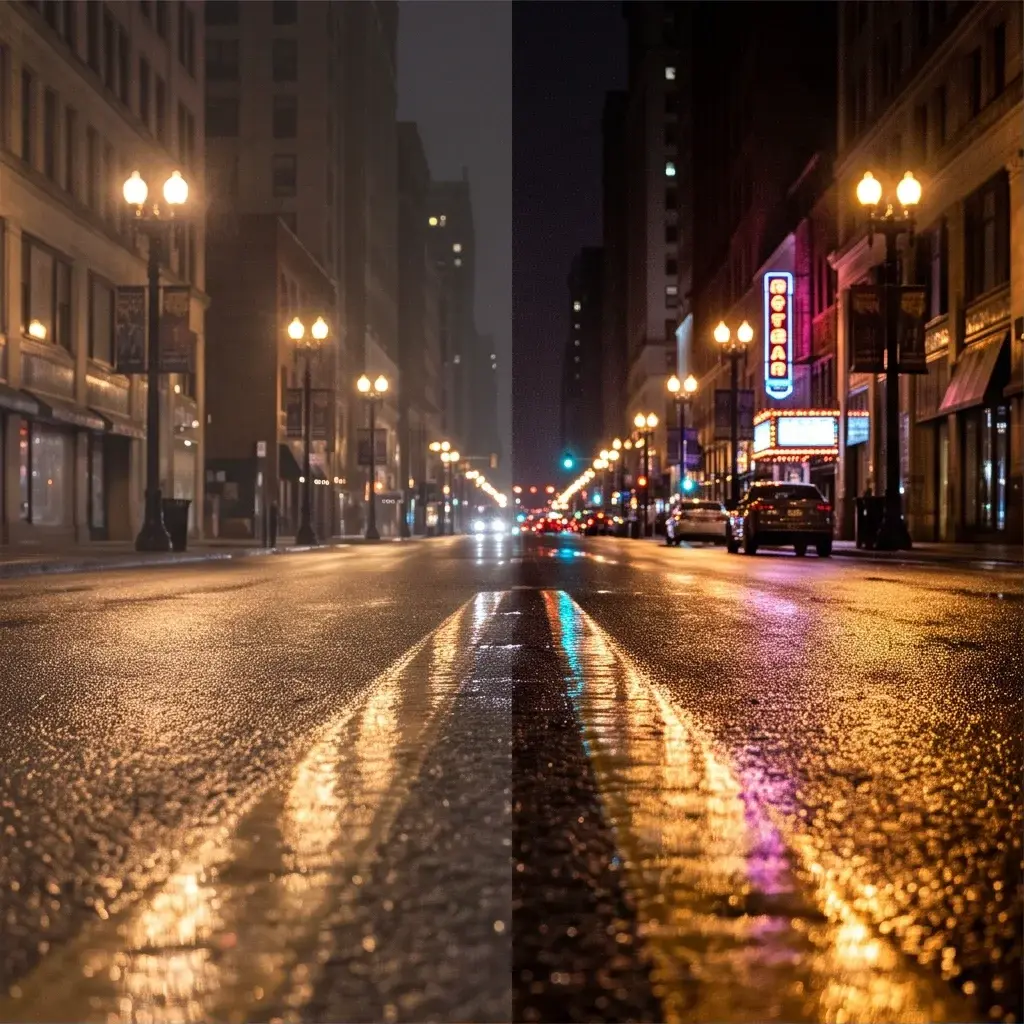


About Nano Banana | Edit
What is Nano Banana Edit and what image editing capabilities does it offer?
Nano Banana Edit is Google's lightweight image editing model that applies instruction-based modifications to input images. It processes text-guided change requests such as background alteration, object removal, color adjustment, and style changes on source images while preserving unmodified regions. It serves as the standard base tier in Google's Nano Banana model family.