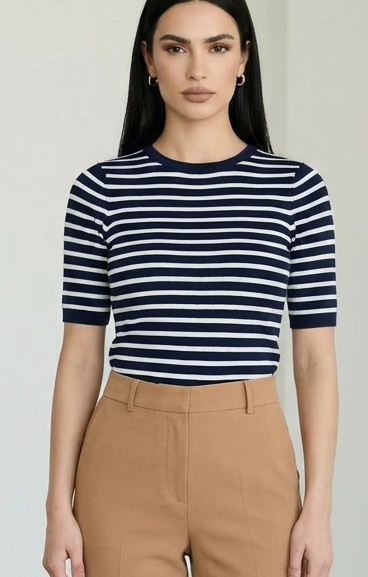
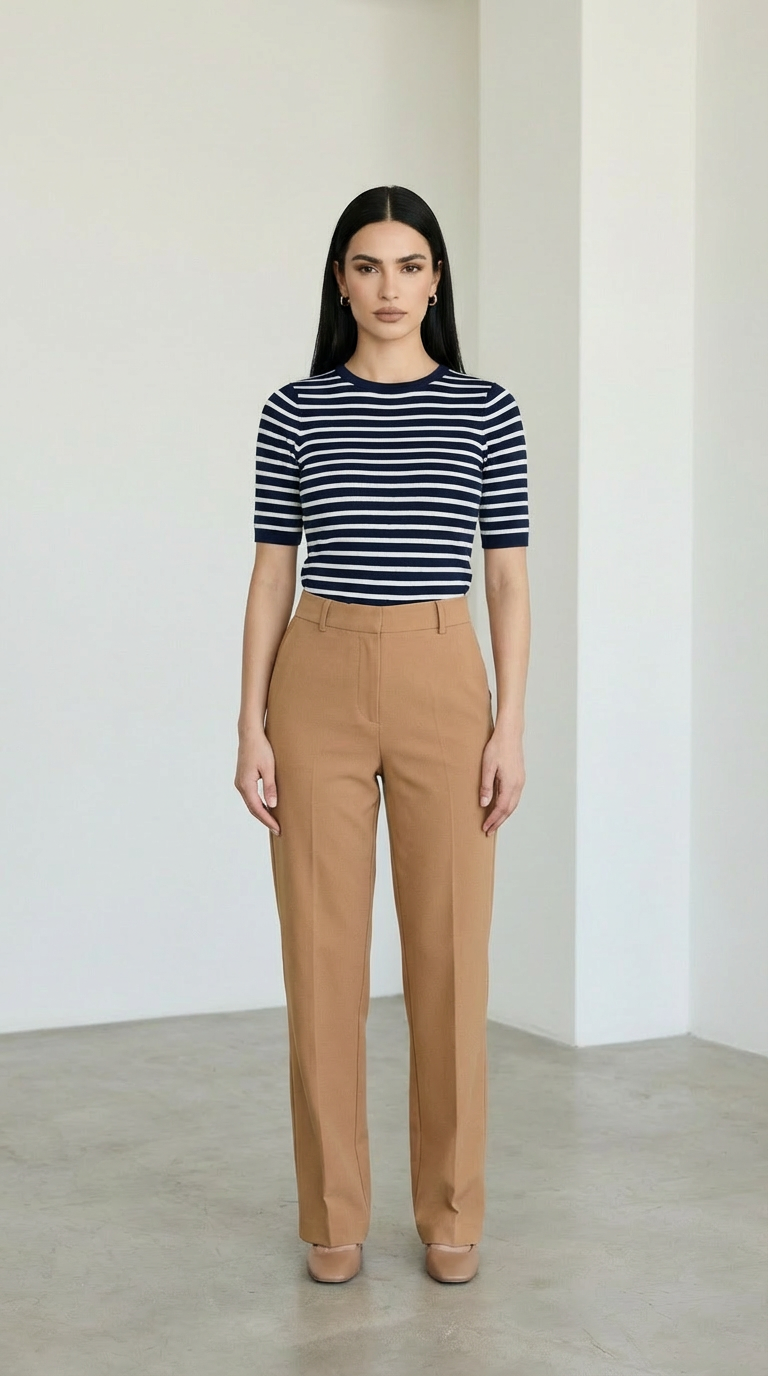
Crop Image
A utility endpoint that crops images efficiently for workflow processing, enabling precise framing and clean image preparation.
- Runtime (p50)
- 1s
- Estimated price
- $0.000247 / sec
Overview
No specific AI model named "crop-image" was found in current web search results across GitHub, Reddit, Hugging Face, or other platforms. Search results primarily reference general image cropping tools, libraries, and techniques rather than a dedicated AI model for cropping images based on percentage values. These include Flutter-based image editors using packages like imagecropper for aspect-ratio controlled cropping, CSS object-fit for responsive cropping, and various GitHub repositories for image processing in frameworks like Angular and MiniMagick.
The described functionality aligns with non-AI libraries such as imagecropper in Flutter, which enables cropping with presets like square or 4: 3 ratios while preserving quality, often combined with rotation and filters. No developer or AI-specific architecture is associated with a model called "crop-image"; instead, results point to rule-based processing in app development tutorials and UI components. Unique aspects in related tools include gesture-based interactive cropping, live previews, and automatic aspect ratio handling without quality loss during rotation.
Without evidence of an AI model by this name, it appears to describe conventional image manipulation rather than generative AI technology. Capabilities like percentage-based cropping are typically implemented via deterministic algorithms in libraries, not learned models.
Capabilities
- Crops images with selectable aspect ratios (square, 4:3, original) while retaining quality
- Supports rotation integrated into cropping UI without quality loss
- Provides interactive zoom, pan, and real-time previews for precise editing
- Handles multiple formats (JPEG, PNG) with smooth gesture-based UX
- Scalable for mobile apps with fast processing and clean UI structures
Use cases
- Building mobile image editors in Flutter for startups and SaaS products requiring crop/rotate/filter features
- Creating responsive web galleries using CSS object-fit: cover for thumbnails and hero images
- Developing Angular components for user-uploaded image cropping and resizing in web apps
- Preparing datasets for AI training by automatic resizing and aspect ratio handling without manual cropping
- Enhancing UI in desktop apps for high-resolution image handling with crop-before-process options
Tips & tricks
- For precise crops, combine aspectRatioPresets like CropAspectRatioPreset.square with uiSettings for toolbar customization
- Enable rotation within the cropper UI using CropAspectRatioPreset.original to preserve original dimensions without resizing
- Use InteractiveViewer for zoom/pan during editing: set minScale: 0.8 and maxScale: 4 for natural gestures
- Apply filters post-crop with ColorFilter.matrix for effects like sepia without reprocessing the entire image
- Iteratively refine by chaining pickImage -> cropImage -> preview -> save in app flow
Technical spec
- Architecture: Not applicable (no AI model found); related tools use libraries like image_cropper (Dart/Flutter) or MiniMagick (Ruby wrapper for ImageMagick)
- Parameters: Not specified for AI model; Flutter examples support aspectRatioPresets (e.g., square, 4x3, original)
- Resolution: Handles varying resolutions with automatic resizing; supports zoom/pan via InteractiveViewer (minScale 0.8, maxScale 4)
- Input/Output formats: JPEG, PNG; inputs from gallery/camera, outputs as File paths
- Performance metrics: Optimized for Android/iOS with real-time previews; no AI benchmarks available
Things to be aware of
- Gesture handling via InteractiveViewer improves UX but requires testing on different screen sizes for consistency
- Cropping larger images may introduce performance bottlenecks without pre-crop options in high-res workflows
- Rotation uses original preset to avoid quality loss, but always preview before save to catch edge cases
- Resource needs are low for mobile (Flutter SDK + dependencies); no heavy GPU requirements noted
- Users praise smooth previews and preset options in tutorials; common feedback highlights reliability for production apps
- Some discussions note missing resize/crop combos in certain tools, leading to requests for enhanced options
Key considerations
- Use aspect ratio presets to maintain image quality and avoid distortion during crops
- Implement live previews before saving to ensure user satisfaction and reduce errors
- Handle permissions for storage access on mobile platforms to enable saving cropped images
- Balance crop precision with performance by locking aspect ratios when consistency is needed
- Test on various device sizes as gesture handling affects UX in interactive cropping
Limitations
- Lacks AI-specific learning for intelligent cropping (e.g., object-aware); relies on manual/user-selected percentages or presets
- No support for automatic handling of varying aspect ratios in training datasets without additional loaders
- Performance dips with very high-resolution images (e.g., 8K) without explicit crop-before-processing features
Related models
4 models



About Crop Image
What is Crop Image?
Crop Image is a utility model developed by each::labs that programmatically crops images to specified dimensions, aspect ratios, or regions of interest. It provides precise, API-driven image cropping without requiring image editing software, suitable for preprocessing assets in automated production pipelines.