














eachlabs AI Models on each::labs
eachlabs is a leading provider of a unified AI API that grants seamless access to hundreds of advanced models for video, image, and audio generation. Specializing in creative AI tools, eachlabs empowers developers, creators, and enterprises to build innovative applications without managing multiple provider integrations. Through each::labs (eachlabs.ai), you gain instant API access to eachlabs' full suite of models, streamlining your workflow with production-ready endpoints.
Positioned at the forefront of the generative AI ecosystem, eachlabs stands out for its focus on multimodal capabilities, including high-fidelity video synthesis, image editing, and voice processing. This makes it ideal for e-commerce visuals, content creation, and media production, serving a diverse audience from indie developers to large-scale enterprises seeking cinematic-quality outputs.
What Can You Build with eachlabs?
eachlabs offers a robust lineup of models across key categories: image-to-image, image-to-video, video-to-video, text-to-image/video/voice, voice-to-voice, image-to-text, training tools, and specialized post-processing effects. These enable everything from product photography and animation to audio manipulation and content analysis.
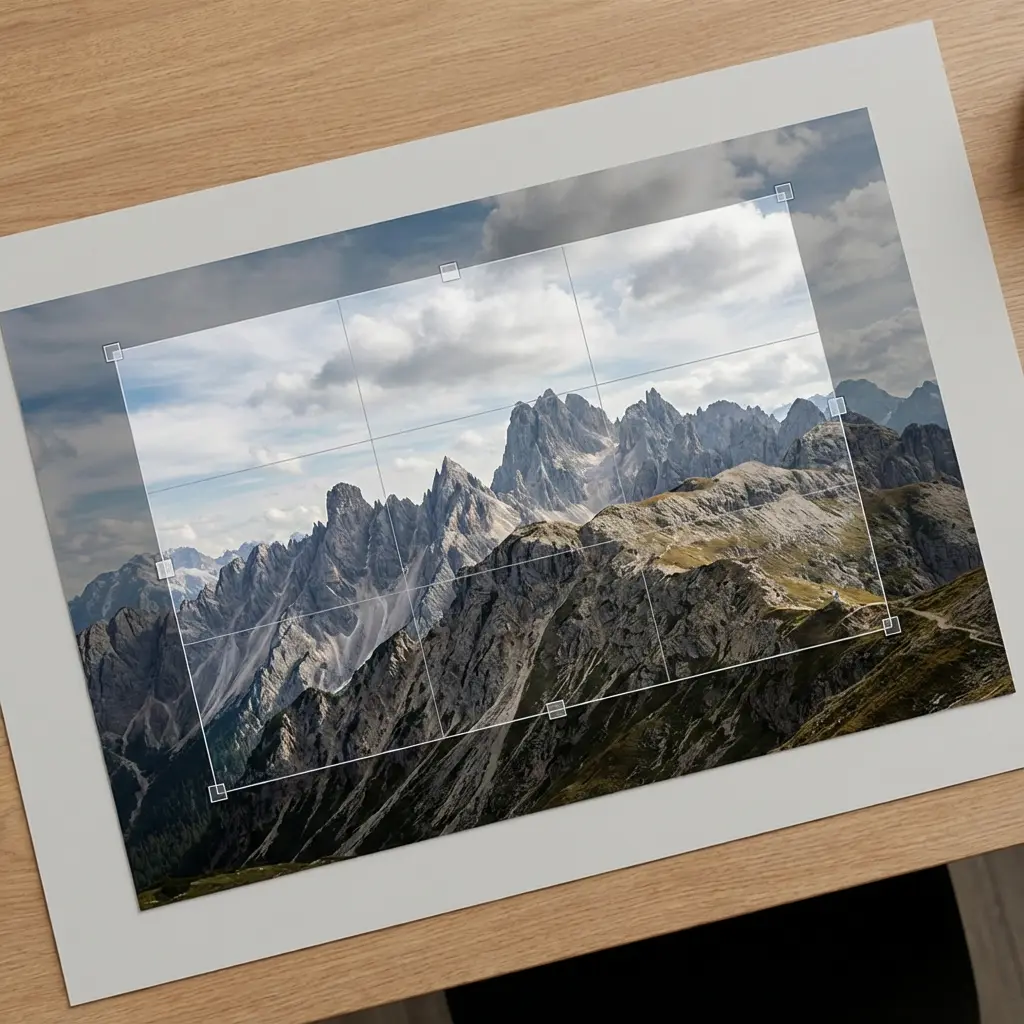
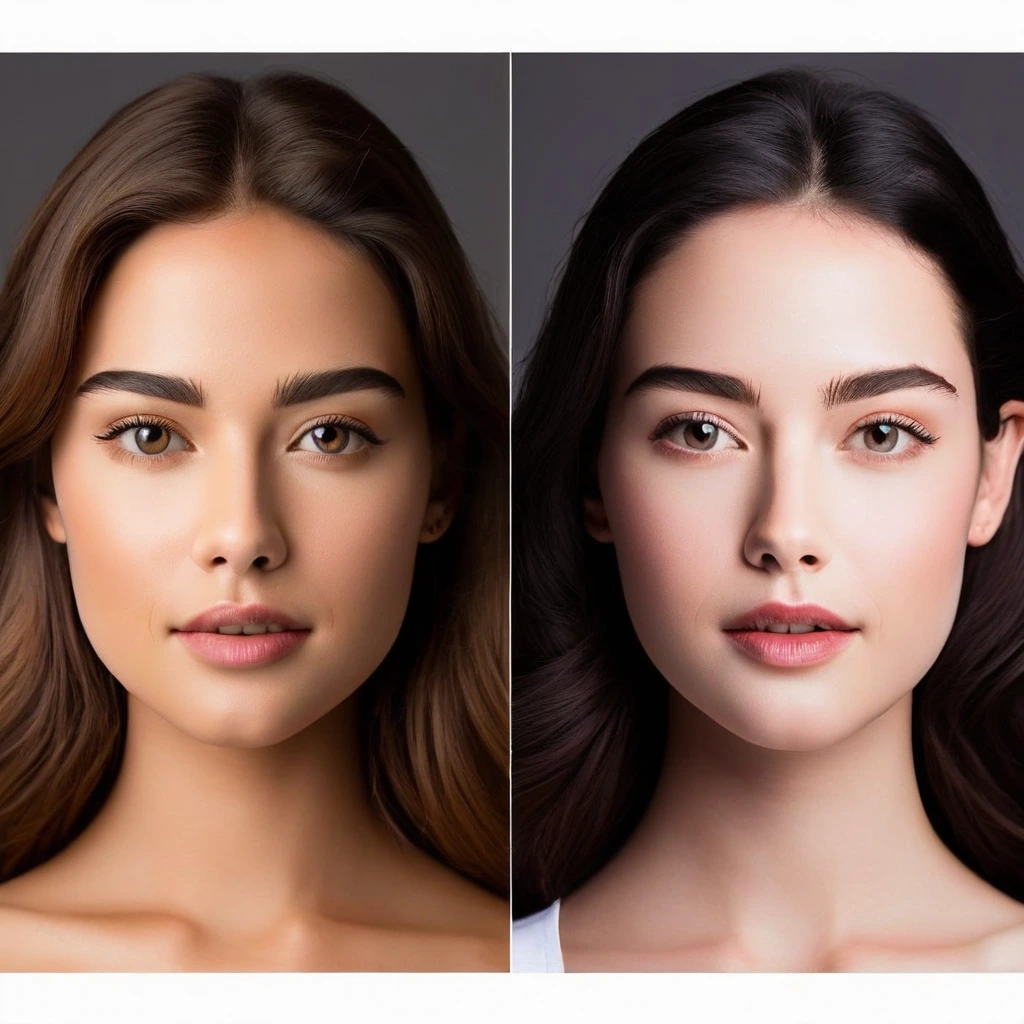
- Image Generation & Editing: Transform inputs with models like Custom Image Generation v2, Fooocus (Text to Image), Face Swap, Hairstyle Changer, Photomaker, and post-processing options such as Sharpen, Color Correction, Grain, Vignette, Blur, and Remove Background Enhance. Use case: E-commerce teams can generate professional product shots—e.g., prompt "Product Shoot: red sneakers on white background, studio lighting" to create zoomable visuals for online stores.
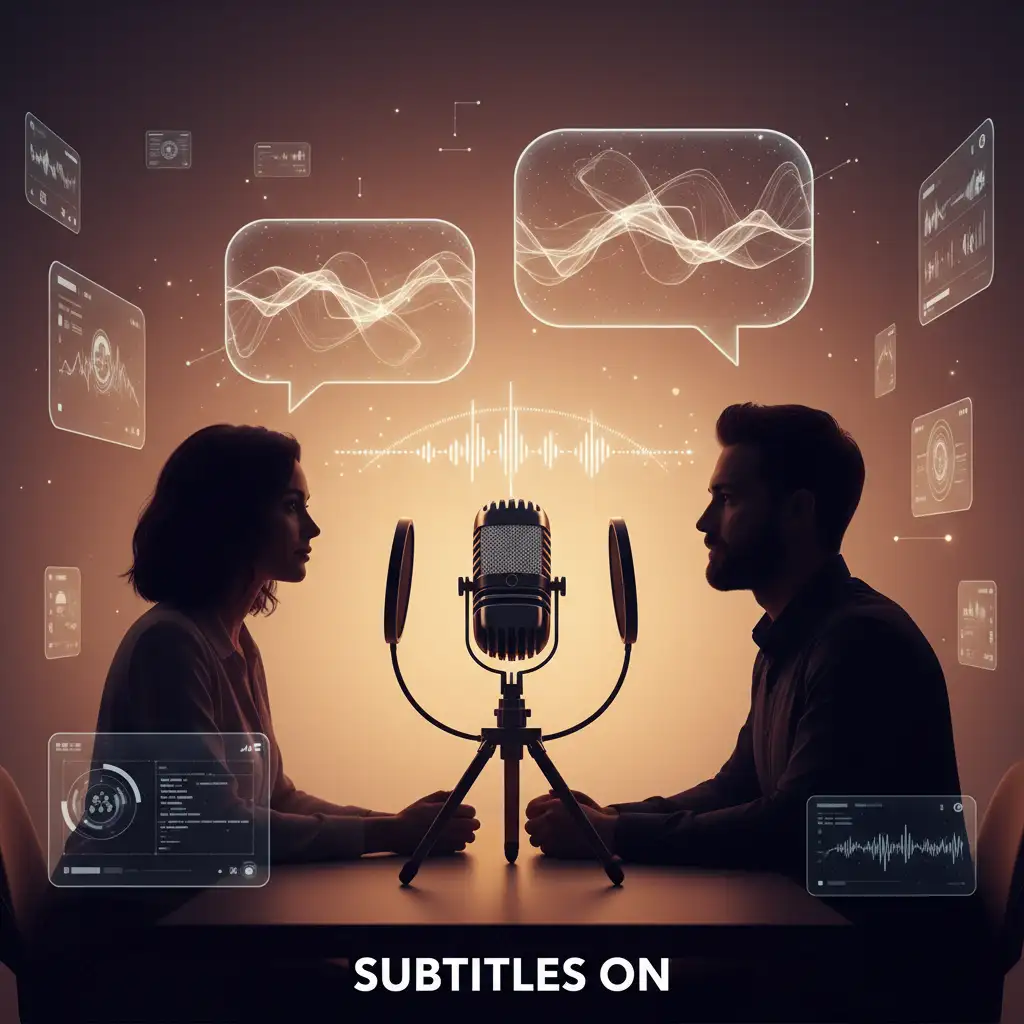
- Video Generation & Editing: Create dynamic content using Pico Motion (Image to Video), Motion Video | 1.3B/14B, Video Crafter (Text to Video), Magic Animate, Merge Videos, Fast (Video to Video), and Auto Subtitle. Use case: Marketing creators animate static images into engaging clips, like turning a garden design sketch into a walkthrough video with "Eachlabs Garden Design v1: blooming flower bed in sunlight, smooth pan."
- Audio & Voice Tools: Handle voice tasks with Open Voice (Voice to Voice), Voice Changer, Audio Trimmer, and transcription via Youtube Transcriptor. Use case: Podcasters clone voices or edit clips—e.g., input a script and reference audio for natural-sounding narration.
- Analysis & Utilities: Detect content with NSFW Image Detection (Image to Text), Face Analyzer, extract text from PDF to Text Generator, or train custom voices via Train Rvc. Post-processing like Chromatic Aberration, Solarize, and Dodge Burn adds artistic flair.
A concrete scenario: Build an e-commerce app with Food Photos (E-Commerce) and Eachlabs Product Zoom In v1. Start with an input image of a dish, apply "Food Photos: gourmet burger with steam rising, appetizing angles," then generate a zoom video for interactive product pages. This combo delivers hyper-realistic, sales-boosting visuals in seconds, perfect for apps handling high-volume image-to-video pipelines.
Additional standouts include Cartoonify V2 (Text to Video) for stylized animations, Rembg - Remove Background for clean cutouts, Image Upscaler by Each AI, and niche effects like Salih Girgin Fog Effect. With tools like Editing Image Background and Image to Become, creators prototype characters or restyle photos effortlessly.
Why Use eachlabs Through each::labs?
each::labs serves as the premier platform for accessing eachlabs models via a single, unified API—eliminating the hassle of juggling credentials, endpoints, and rate limits across providers. Unlock over 150 models (including eachlabs' full catalog) with one integration, supporting video, image, audio, and beyond for scalable AI apps.
Key advantages include:
- Unified API: Route calls to hundreds of models seamlessly, with built-in failover and optimization.
- SDK Support: Developer-friendly SDKs in popular languages for quick implementation.
- Playground Environment: Test models interactively without code, refining prompts before production.
- Production-Ready Features: Usage analytics, caching, and global edge scaling ensure reliability at any volume.
By choosing each::labs, developers save time on infrastructure, focusing purely on building—whether prototyping AI agents, generating e-commerce assets, or automating media workflows.
Getting Started with eachlabs on each::labs
Sign up at eachlabs.ai to access the interactive Playground and experiment with models like Motion Video or Fooocus using pre-built prompts. Dive into the comprehensive API documentation for endpoints, parameters, and code samples, then integrate via SDK for your app. Start small with free tiers, scale effortlessly, and transform ideas into AI-powered realities today.