Kling Image 4.0 Use Cases: 7 Jobs, 7 Copy-Ready Prompts
Seven jobs Kling Image 4.0 is built for, from one-request product detail pages to localized posters and storyboards, with the each::labs endpoint, settings and a prompt you can paste for each.
By Eftal Yurtseven · Nov 20, 2026 · 9 min read
Pretty images are the easy part now. Everyone has a model that can paint a moody kitchen at golden hour. The work that actually lands on your desk is less glamorous: a product page with twelve sections, a poster that has to say the same thing in three languages, a storyboard where the courier keeps the same jacket in every frame. That's where Kling Image 4.0 use cases get interesting, because the model was built for the boring, text-heavy, multi-image jobs that most image models quietly fail.
Kling Image 4.0 is live on each::labs as three endpoints. If you want the launch context, start with our first look at Kling Image 4.0, and if you want to know how it held up on a product shot, a poster and a landing page, read the Kling Image 4.0 review. This post skips both. It's a job list: seven named jobs, the endpoint and settings for each, and a copy-ready prompt you can paste today.
Kling Image 4.0 Use Cases Start With Picking the Right Endpoint
Every job below runs on one of three doors, and choosing the wrong one is the most common way to waste an afternoon.
Text to Image takes a prompt and returns either independent images (result_type single, num_images 1 to 9) or an ordered set (result_type series, series_amount 2 to 10, or auto). Resolution is 2k, 4k or 8k, and aspect ratio runs from 21:9 to 9:16 with auto as the default.
Image to Image adds references: up to 10 reference images and Kling Elements combined. Give each one an id and you can point at it in the prompt with @id, which is the difference between "make it look like the brand" and "put @mascot in front of @storefront".
Long Image is the odd one, and the most useful for commerce teams. It returns one tall image with a skill of ecommerce (a product detail page built from 1 to 3 reference images, with length short, medium or long) or webpage (a page design). Output is 1k or 2k.
Kling's own Kling Image 4.0 announcement backs the text claims that make most of these jobs possible: up to 2,000 characters of text in a single image, 70+ preset commercial fonts, and seven languages (Simplified Chinese, Traditional Chinese, English, Japanese, Korean, Spanish and Portuguese).
Job 1: The E-Commerce Lead Who Needs a Whole Detail Page
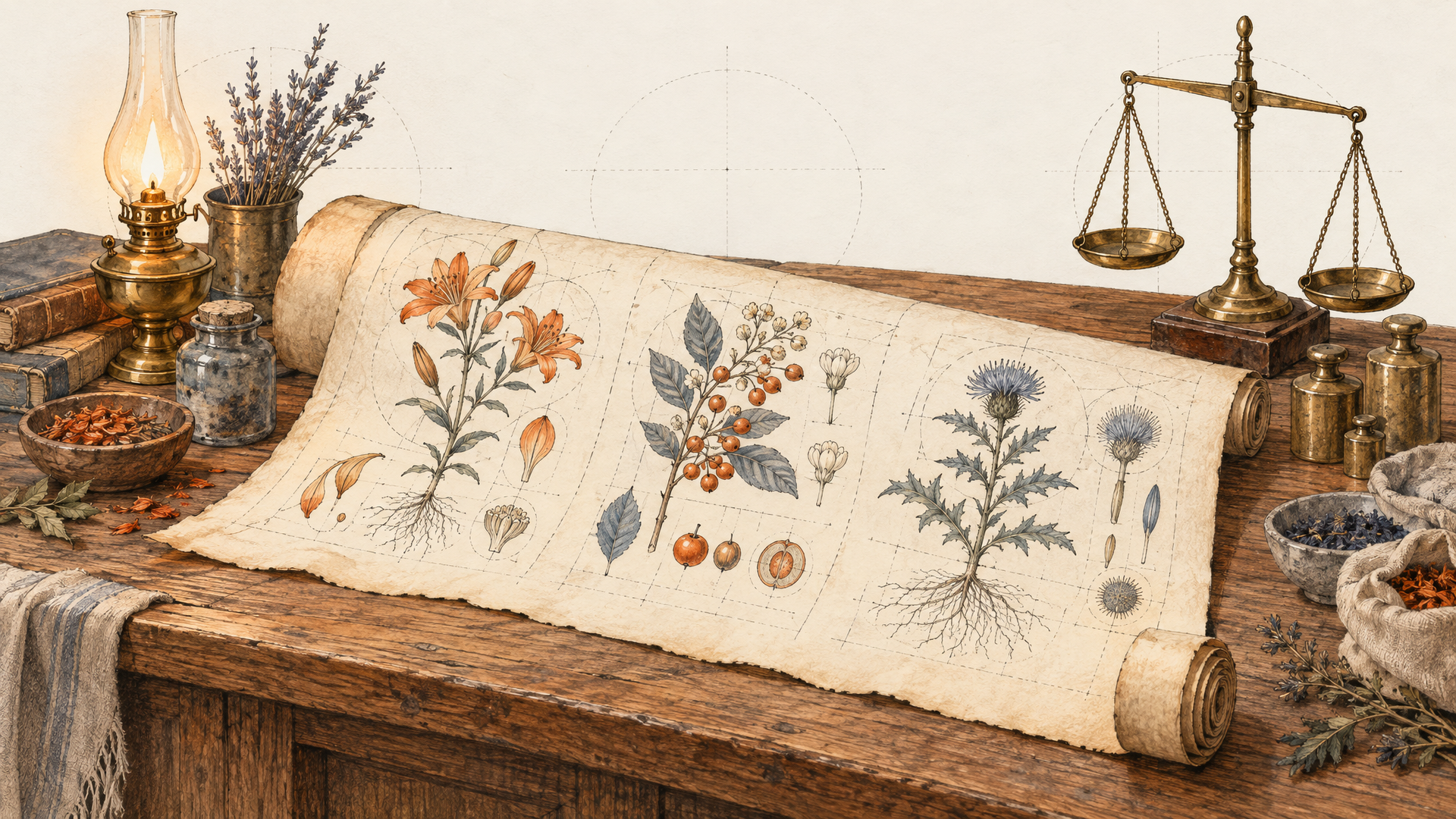
A marketplace listing isn't one image. It's a scroll: hero, three benefits, a materials close-up, a size guide, a "what's in the box" strip, care instructions. With Long Image on the ecommerce skill, it's one request that returns one tall image, already sectioned.
The workflow on each::labs: upload 1 to 3 clean product photos (front, back, detail), give them ids, set skill to ecommerce, and pick length by how much you have to say. Short lands around 2 to 5 sections, medium around 6 to 10, long around 11 to 18. Start on medium at 1k to review structure, then rerun at 2k once the order of sections is right. Name every section in the prompt. A detail page without a stated order gets whatever order the model likes.
Product detail page for @bottle, an insulated stainless steel water bottle in matte sage green. Sections in this order: 1) hero shot on a granite trail rock at sunrise with the headline "Cold for 24 Hours"; 2) three icon benefits: leakproof lid, fits car cup holders, dishwasher safe; 3) macro close-up of the powder-coat texture; 4) size comparison of 500 ml, 750 ml and 1 L next to a hand; 5) lifestyle shot in a backpack side pocket; 6) "In the box" strip showing bottle, straw lid and cleaning brush. Clean sans-serif type, generous white space, sage and off-white palette.
Job 2: The Growth Marketer Localizing One Poster Into Three Markets
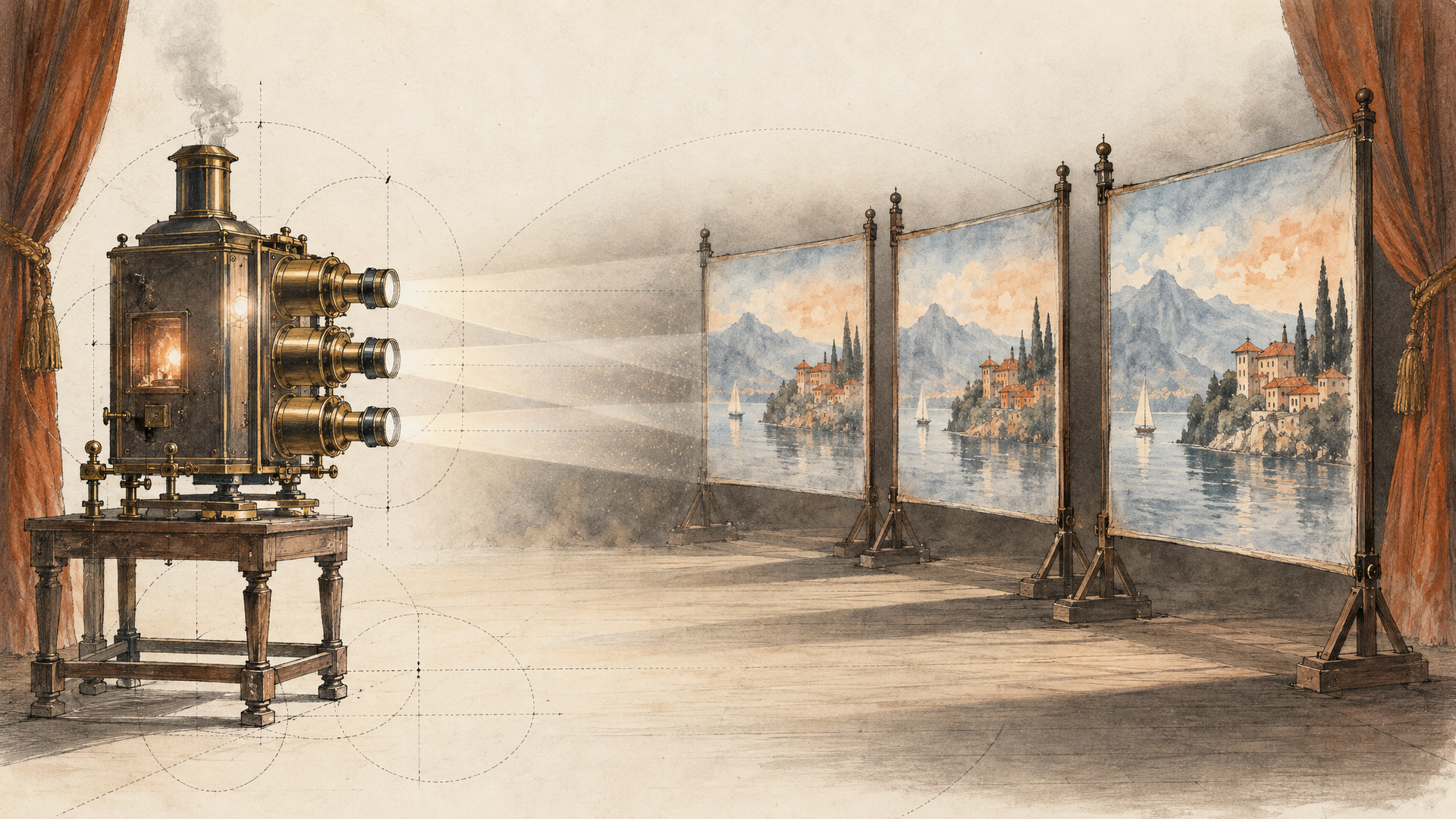
Localized ads used to mean one master design and a translator, then a designer rebuilding the layout for every language because Japanese runs short and Portuguese runs long. With seven supported languages and room for 2,000 characters in a single image, you can ask for the finished localized poster directly instead of patching text onto a background.
The workflow: lock the visual first with Text to Image at 2k, num_images 4, and pick the one you like. Then move it into Image to Image as @master and request each language version from that reference, so the composition holds and only the copy changes. Quote every line of copy exactly, and say "no other text" at the end. Models love inventing small print.
Use @master as the layout. Vertical 9:16 poster for a running shoe launch. Headline in Spanish, large condensed bold sans-serif at the top: "Corre más lejos". Subline beneath it: "Amortiguación nueva. Mismo ritmo." Bottom band in white with the words "Disponible el 1 de diciembre". Keep the shoe, the wet asphalt and the neon reflections exactly as in @master. No other text anywhere.
Swap the copy for Portuguese or Japanese and rerun. Three markets before lunch.
Job 3: The Director Who Needs a Storyboard Before the Shoot
Kling describes series generation as planning up to 10 images from a single prompt with consistent style, and names film storyboards as a target. That's the job. You aren't asking for ten pretty frames. You're asking for a sequence that a producer can read left to right.
The workflow: Text to Image, result_type series, series_amount set to the number of beats you actually have (6 is a good default for a 30-second spot), 16:9. Write the prompt as numbered beats with a shot size for each. The set comes back in order. When a frame is right, it doesn't have to stay a still: hand it to Kling Video 4.0 Image to Video and let the board become the animatic.
Six-frame storyboard, cinematic 16:9, same bicycle courier in every frame: woman in her 30s, yellow rain jacket, black helmet with a reflective stripe. 1) Wide: she rides through a rainy city intersection at dusk. 2) Medium: she checks a parcel label under a shop awning. 3) Close-up: rain drips off the helmet visor. 4) Low angle: she climbs a steep cobbled street. 5) Over-the-shoulder: an apartment door opens. 6) Close-up: an elderly man smiles holding the parcel. Muted teal and amber grade, consistent lighting direction.
Job 4: The Brand Designer Keeping a Mascot On Model
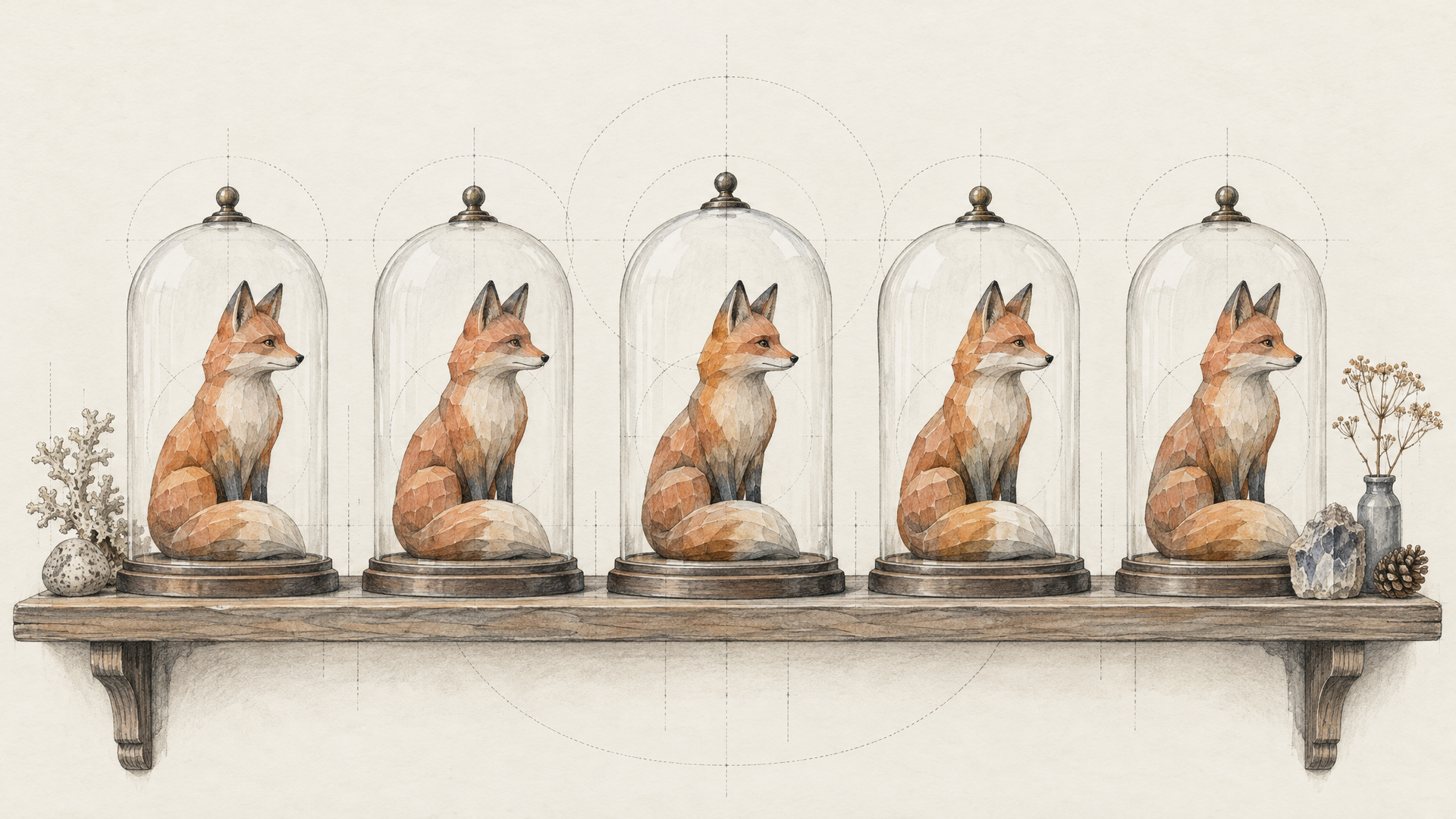
Mascots drift. A fox that's orange in one ad turns rust in the next, and suddenly the scarf has stripes. Text alone can't stop that, because text gets reinterpreted on every call. References can.
The workflow: open Image to Image, load the approved character sheet as @fox and a scene photo or Kling Element as @cafe. If your team already built the character as a Kling Element, pass its element_id in elements; images and Elements together can't pass 10. Fewer, cleaner references win here. Two angles of the mascot plus one scene usually say more than eight inconsistent sketches.
Place @fox inside @cafe, sitting at the window counter holding a paper cup with both paws, looking at the camera. Keep @fox exactly as the reference: same orange fur, same cream chest patch, same knitted teal scarf with no pattern. Soft morning window light from the left, shallow depth of field, 4:3 frame. No text.
Job 5: The Social Manager Building a Swipeable Carousel
A carousel is a series with a job: slide one stops the thumb, the middle slides teach, the last slide asks for something. Series mode is the right tool because the frames come back as a set that belongs together instead of nine unrelated hits from num_images.
The workflow: Text to Image, series, series_amount 5, aspect ratio 3:4 or 1:1, 2k. Put the on-image copy in quotes for each slide, keep it short, and repeat the visual system (palette, font feel, margin) once at the top so every slide inherits it. Kling's 70+ preset fonts are worth naming loosely, as a style ("rounded geometric sans"), not as a font file you're hoping it owns.
Five-slide Instagram carousel, 3:4, flat illustration style, cream background, tomato red and deep green accents, rounded geometric sans-serif type, wide margins. Slide 1: large text "5 Herbs You Can Grow on a Windowsill" over a sunny window ledge. Slide 2: basil in a terracotta pot, caption "Basil: 6 hours of sun". Slide 3: mint in a glass jar, caption "Mint: keep it in its own pot". Slide 4: chives, caption "Chives: snip from the top". Slide 5: all three pots together, caption "Save this for spring".
Job 6: The Product Team Mocking Up a Landing Page
Early landing page reviews die in Figma because nobody wants to argue about a gray box. A rendered page with real-looking imagery and real headlines gets better feedback in ten minutes than a wireframe gets in a week.
The workflow: Long Image with skill set to webpage. length is ignored for webpage, so the prompt carries the structure: list the sections from top to bottom, quote the headline and CTA, and describe the visual system once. Treat the result as direction for the designer, not a build file.
Webpage design for a plant care subscription app called Rootwise. Top to bottom: 1) navigation bar with logo text "Rootwise" and a "Start" button; 2) hero with the headline "Never Guess When to Water Again" and a phone mockup showing a plant reminder; 3) three-step "How it works" row with simple line icons; 4) a testimonial band with a customer photo and a short quote; 5) a footer with a newsletter field. Light layout, forest green and warm white, generous spacing, modern humanist sans-serif.
Job 7: The Restaurant or Packaging Designer Who Lives in Text
Menus and packaging are where text-weak image models embarrass themselves, because the copy is the product. A café chalkboard with eight items, an ingredients panel, a tea tin with a brand name, a tagline and a brewing guide: that's dense, small, multi-line type. A 2,000 character ceiling in one frame gives you room for it, and 8K output gives the small lines enough pixels to stay legible when you print or crop.
The workflow: Text to Image at 4k or 8k, aspect ratio matched to the physical object (2:3 for a menu board, 1:1 for a label front). Write the copy as a list inside the prompt, one line per item, in the exact casing you want. When a word comes back wrong, rerun with that line repeated in quotes rather than rewriting the whole prompt.
Hand-drawn chalkboard menu for a small bakery café, 2:3, white and pastel chalk on a black board in a wooden frame. Title at the top: "Morning Bakes". Items, one per line with a small chalk doodle beside each: "Cardamom Bun", "Sourdough Toast with Honey", "Almond Croissant", "Rye and Seed Loaf", "Lemon Poppy Muffin", "Oat Flat White". Footer line: "Baked here since 5 am". Natural chalk texture, slight smudges, warm café light.
Which Job Goes Through Which Door
Here's the short version. If the output is one tall scroll, use Long Image: ecommerce when you have product photos, webpage when you're designing a page. If something has to stay the same (a character, a layout, a product), use Image to Image and name your references with @id. If you need frames that belong together, use series on either of the first two endpoints. Everything else is single mode with num_images set high enough to give you a choice.
Most real projects chain two of these. If you want to string steps like that together, each::labs flows are built for it, and the wider text-to-image catalog is one model string away when a job calls for a different look. Name the sections, quote the copy, count the frames.
Frequently Asked Questions
What are the best Kling Image 4.0 use cases for marketing teams?
The text-heavy ones. Localized posters, product detail pages, social carousels and menus all depend on long, correctly spelled copy, and that's what Kling built this model around: up to 2,000 characters in one image, 70+ fonts and seven languages.
How many reference images can Kling Image 4.0 use?
On the Image to Image endpoint, up to 10 reference images and Kling Elements combined, each with an optional id you can call with @id in the prompt. The Long Image ecommerce skill is stricter: it needs 1 to 3 reference images, and Elements aren't supported there.
Can Kling Image 4.0 storyboards become video?
Yes, with a hop. Generate the board in series mode, pick the frames you like, and pass them to Kling Video 4.0 Image to Video on each::labs.
What's the difference between series mode and num_images?
Intent. num_images (1 to 9) gives you independent takes on the same prompt, which is how you pick a winner. Series mode (2 to 10, or auto) gives you an ordered set that's planned to belong together, which is how you get a storyboard or a carousel.