each::labs for AI Avatar and Image Workflows in 2026
The demo is one call. The product is four calls, a retry policy and storage. The stack under avatar work.
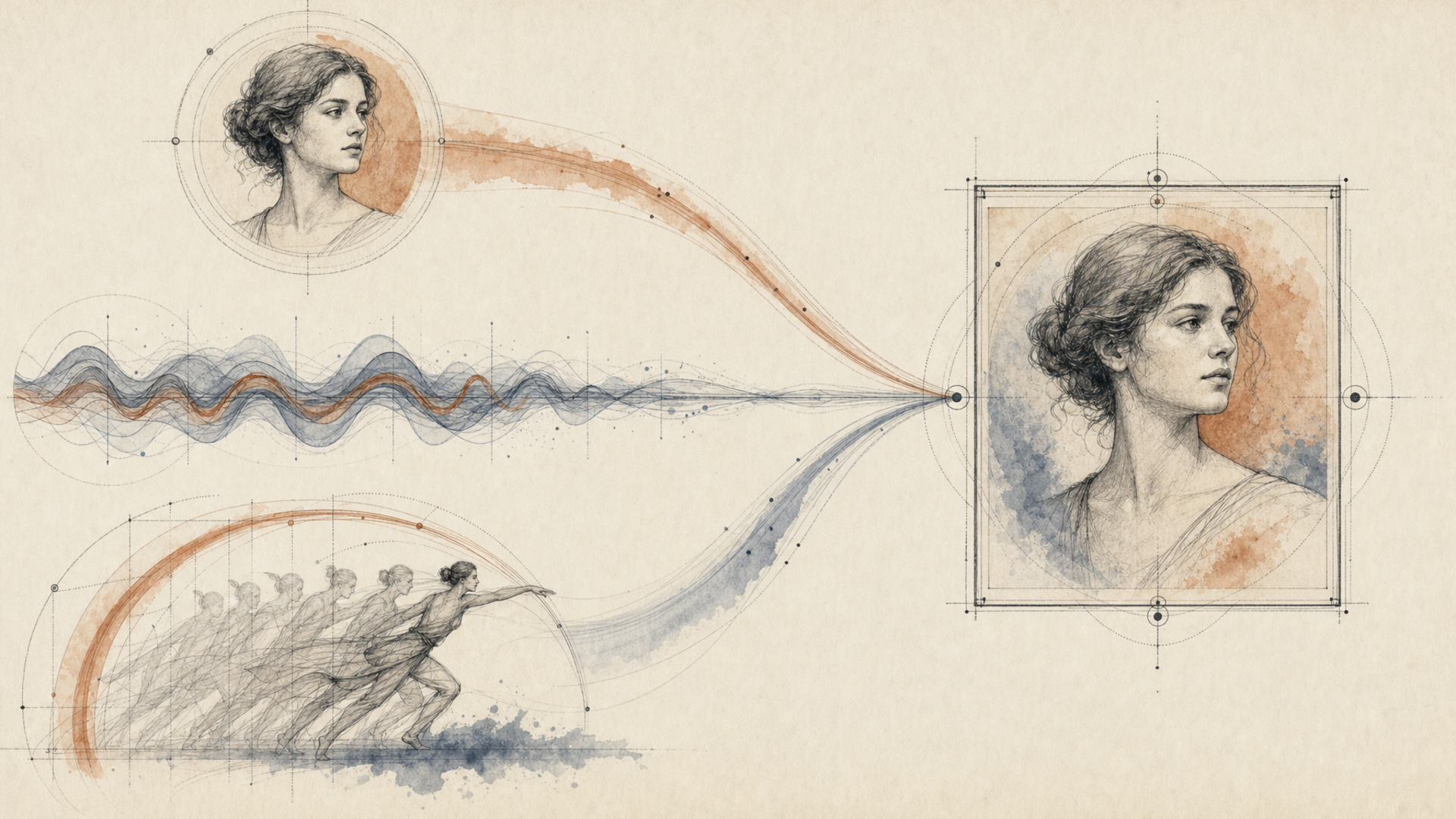
Ask a developer building an avatar generator what their hardest problem is. It's almost never the model. It's that a single finished clip needs a still image, a voice track, a motion pass and a lip-sync pass to all agree with each other. And each of those steps can fail independently, at a different latency, returning a different shape.
The demo is one call. The product is four calls, a retry policy, and somewhere to put the intermediate files.
That's the gap this piece is about. Eachlabs is a developer-first platform for generative media: image, video and audio models reachable through one API and chainable into backend workflows. Not a single-model tool with an avatar feature bolted on. The distinction only matters once you're past the demo, which is precisely when it starts mattering a lot.
The stack under an avatar generator, layer by layer
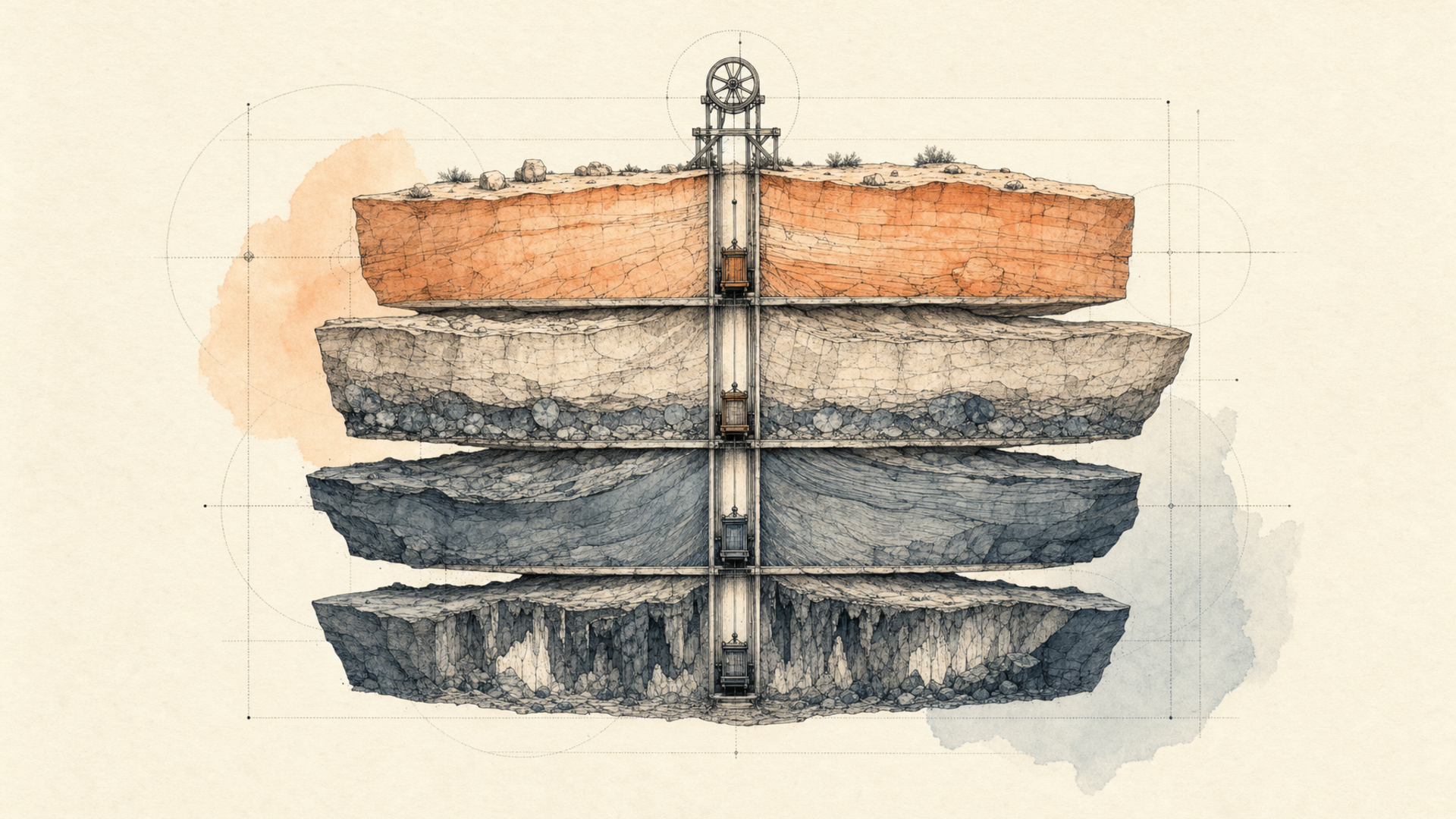
Draw the thing you're actually building and it comes out as four layers, not one endpoint.
Model access is the bottom. For avatars specifically that means a talking-head path: kling-avatar-v2-pro and kling-avatar-v2-standard take an image_url and an audio_url, both required, plus an optional prompt, and return a driven clip. p-video-avatar covers the same shape. Separately there's a lip-sync path for when you already have footage: sync-3-lipsync takes a video_url and an audio_url, and ltx-v2-3-lipsync drives from a still. Those are different jobs with different inputs, and knowing which one you're in decides your whole graph.
Orchestration is the layer people build by accident. An avatar clip is a chain: generate or clean the portrait, produce or fetch the audio, drive the motion, then sync the mouth. Each step's output is the next step's input, which means someone has to move files between them and reconcile formats. Do that in application code and you've written a workflow engine with none of the properties of one. Do it as a workflow, POST /v1/workflows/trigger/{workflowID}/{versionID}, and the chain becomes a thing you can version, rerun and hand to someone else. Note that the version is pinned in the path, not inferred. That's deliberate: an edit to the workflow can't silently change what production runs.
Routing is what lets you change your mind. Every model on the platform takes the same envelope: a slug, a version, an input object, POSTed to https://api.eachlabs.ai/v1/prediction/. Swapping the avatar model means changing a string, not rewriting the code that consumes the response. That sounds like a small convenience. It's the difference between "we'll try the new model next sprint" and "we'll try it when we get time," which in practice means never.
Retries and storage are the layers nobody puts in the architecture diagram and everybody eventually writes. Predictions move through six states: created, starting, processing, then success, error or cancelled. Poll every three to five seconds, or better, pass a webhook_url and stop polling. Two things about webhooks that will bite you: their payloads use a two-value vocabulary, succeeded or failed, rather than the six polling states, so don't share a parser between the paths; and the same webhook can be delivered more than once, so key your handler on the prediction ID and make it idempotent. On storage, your source portraits and audio go in through each::storage, which hands the model a URL it can actually reach. Intermediates need somewhere durable too. The frame you generated at step one is the thing you'll want when step four fails and you don't want to pay for step one again.
Here's the retry rule that matters more than any of the above: retry the step, not the chain. If lip-sync fails on a four-step pipeline and your retry re-runs the portrait generation, you've just produced a different face. Idempotency in generative pipelines means holding onto intermediates, not repeating the work.
Evaluating image generation APIs without fooling yourself
Most evaluations of image models are performed wrong, and they're wrong in a consistent direction: somebody generates twenty images, picks the best three, and compares those against another model's best three. That measures the ceiling. Production is decided by the floor.
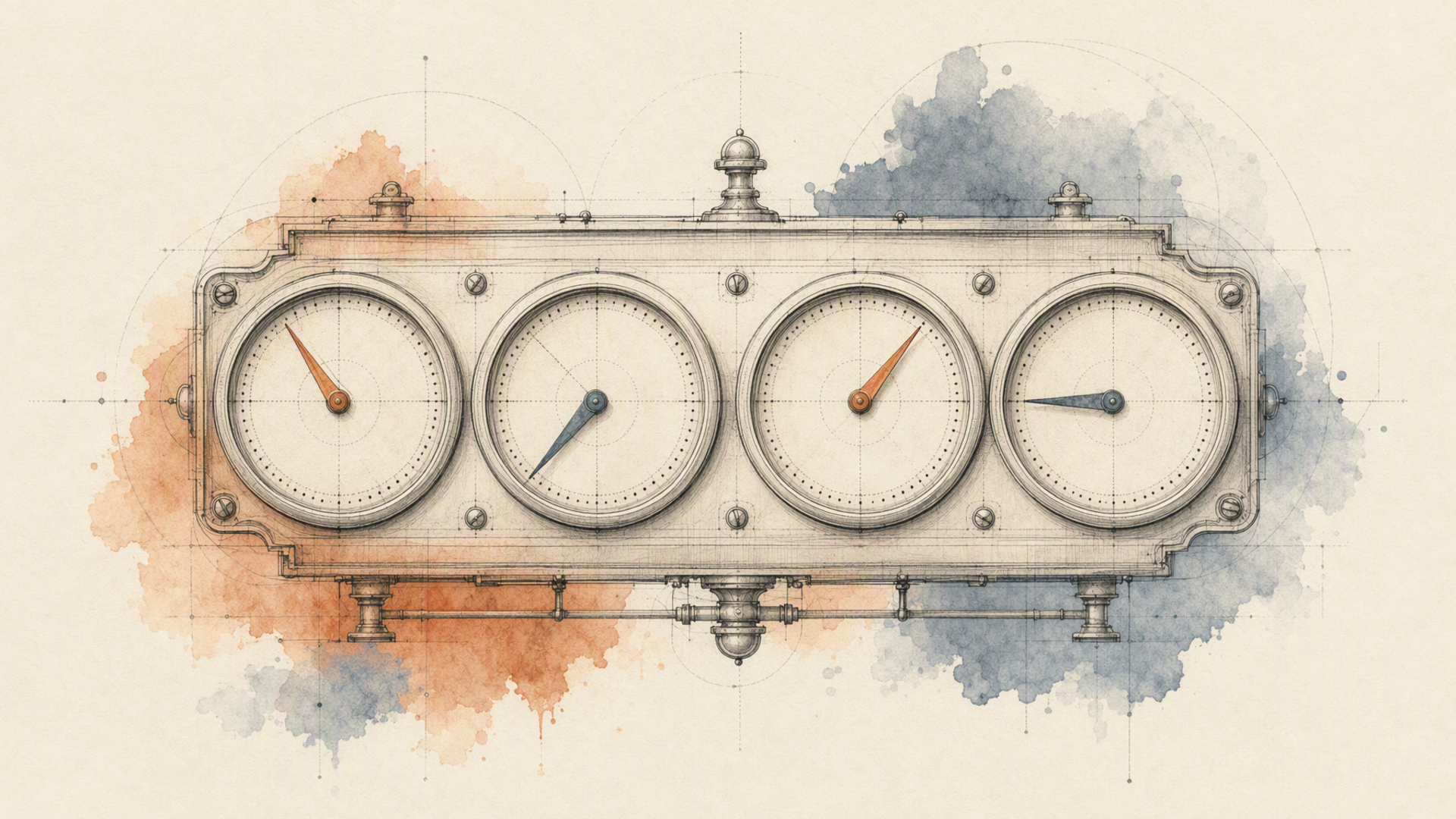
Four criteria, in the order they'll hurt you.
Prompt adherence. Not "is it pretty" but "did it do what I asked." Write ten prompts with countable, checkable constraints (three objects, a specific camera angle, a named colour, text-free) and score pass or fail. No aesthetic judgement, no vibes. You want a number you can re-measure after a model update. And turn off automatic prompt rewriting before you start: several endpoints expose enable_prompt_expansion or enhance_prompt, and when it's on you are testing the rewriter, not the model. Pin a seed too, or every comparison you make is contaminated by sampling noise.
Consistency. Run the same prompt twenty times and look at the variance, not the mean. For avatar and catalog work, variance is the enemy. A model that's excellent with a wide spread is worse than a model that's merely good and tight, because your users see a grid, and the grid is where inconsistency becomes visible. This is the criterion most evaluations skip entirely and most teams discover in week three.
Artifact and failure rate. Generate a hundred, count the unusable ones, and be honest about the threshold. That percentage is your review-queue staffing, your retry budget, and the single most useful number you will produce during evaluation. A model at two percent and a model at eight percent feel identical in a demo and are completely different products to operate.
Latency, measured on your own workload. Read metrics.predict_time from your own predictions rather than trusting any published figure. Then decide which latency you actually care about: p50 matters for an interactive flow where a user is waiting; p99 and throughput decide an overnight catalog batch. Those pull toward different models. Optimising the wrong one is how teams end up with a beautiful model that can't clear the queue.
The honest version of this section: none of these four numbers tell you which model is best, because "best" isn't a property of a model. It's a property of a model against your prompts, at your volume, with your tolerance for a bad frame. What the numbers do is make the trade explicit instead of aesthetic. And the reason to run all of this behind one API contract is that re-measuring after a new model ships should cost you an afternoon and a changed string, not a sprint.
Merchandising and marketplace listings: the workflows that actually ship
Two concrete pipelines, because abstractions are worth little here.
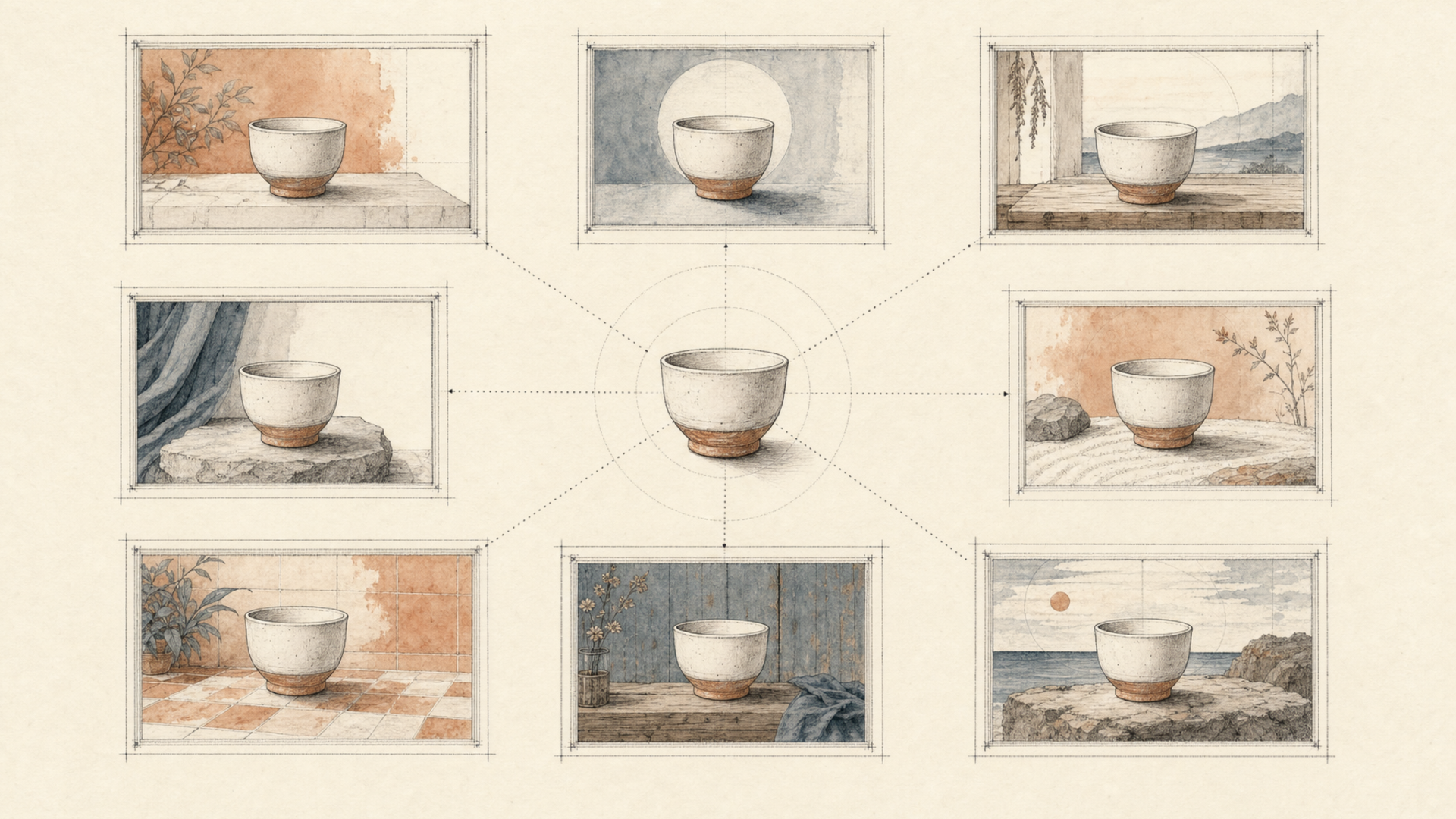
Visual merchandising from one master asset. A brand has one clean product photograph and needs it in nine contexts: seasonal ground, three room settings, two colourways, a flat-lay, a scale reference. The naive approach is nine separate briefs. The pipeline approach is one: isolate the product once with eachlabs-bg-remover-v1, which takes an image_url and always returns a PNG with a real alpha channel, then store that matte as a durable artifact. Every downstream variant generates from the matte using an edit endpoint: flux-2-max-edit, nano-banana-2-edit, or bytedance-seedream-v5-pro-edit depending on how much you need the source preserved. nano-banana-2-edit is worth knowing here specifically because it accepts an array of image_urls, up to ten, which is how you condition a scene on both the product and a style reference at once.
The reason to keep the matte rather than regenerate it: when merchandising changes the brief in March, you re-run nine generations off a stored artifact instead of nineteen calls off the original photo. And the product doesn't drift, because the product was never regenerated.
Marketplace listing images at catalog scale. Different constraints entirely. Marketplaces enforce ground colour, aspect ratio and margin, and they reject non-compliantly rather than degrading gracefully. So the pipeline is: ingest supplier photography through each::storage, matte it, composite onto the required ground, upscale to the minimum resolution with eachlabs-image-upscaler-pro-v1 (which requires an image_url and an upscale_factor) and write out to deterministic keys with the prediction ID recorded alongside each asset.
That last detail is the one experienced teams insist on and everyone else adds after an incident. When a listing looks wrong six weeks later, the prediction ID is the only thread you can pull. Without it you're re-running a pipeline against a source that may itself have changed and guessing at what happened.
Run these as workflows rather than orchestrating from application code, and use webhooks rather than polling, because a nine-hundred-image batch spent on polling requests is nine hundred requests you didn't need to make. Watch the concurrency ceiling: there's no per-second request limit on predictions, but there is an account concurrency cap, and hitting it returns 429 with a details field naming the number that applied. A rejected request creates no prediction at all. So that path is a resubmit, not a failure, and conflating the two is how a batch job quietly loses images.
FAQ
What does the backend stack for an AI avatar generator actually look like?
Four layers, and only the first is a model. Underneath: model access through a single request envelope so variants are interchangeable; an orchestration layer that chains portrait, audio, motion and lip-sync steps with the version pinned so an edit can't change what production runs; routing so swapping a model is a string change rather than a refactor; and retries plus durable storage for intermediates. The rule that saves you the most pain is to retry individual steps against stored intermediates rather than re-running the chain, because re-running a generative step doesn't reproduce it. It produces something new, and in an avatar pipeline that means a different face.
How do I evaluate the accuracy and quality of an image generation API?
Measure the floor, not the ceiling, and measure four things: prompt adherence scored pass/fail against constraints you can count, output-to-output consistency across twenty runs of the same prompt, unusable-output rate across a hundred generations, and latency read from metrics.predict_time on your own jobs. Before you start, disable automatic prompt expansion and pin a seed, otherwise you're benchmarking a prompt rewriter with sampling noise on top and every number you produce is noise. The unusable-output percentage is the one to write down and defend; it's your review-queue staffing and your retry budget in a single figure.
How does generative AI fit into e-commerce visual merchandising?
The shift is from producing images to producing one master asset and generating contexts from it on demand. Isolate the product once, store the matte, then treat every seasonal ground, room setting and colourway as a derivation rather than a shoot. Two things follow. The product stops drifting between variants, because it's never regenerated, only recomposited. And a change of brief becomes a re-run instead of a re-brief, which is what actually collapses the timeline. Budget for a review queue sized to your measured failure rate; the goal isn't zero human review, it's human review that scales with failures rather than with SKUs.
Can I generate images for marketplace listings, and what breaks?
Yes, and what breaks is compliance rather than quality. Marketplaces enforce ground colour, aspect ratio, minimum resolution and margin, and they reject rather than degrade, so the pipeline needs an explicit compliance step, not a hope that the model got it right. Practically: matte, composite onto the required ground, upscale to the minimum resolution, then validate dimensions programmatically before publish. Write every asset to a deterministic key with its prediction ID stored next to it. The listings that cause incidents are never the ones that failed loudly; they're the ones that published slightly wrong and nobody could trace.
If your avatar or catalog pipeline is four calls pretending to be one, the orchestration is the part worth buying. Start with a single endpoint on Eachlabs and chain the rest behind it.