AI Product Image Enhancement API for Marketplaces in 2026
Six suppliers, six lighting setups, one grid. Ingest, inspect, correct, publish, in the right order.
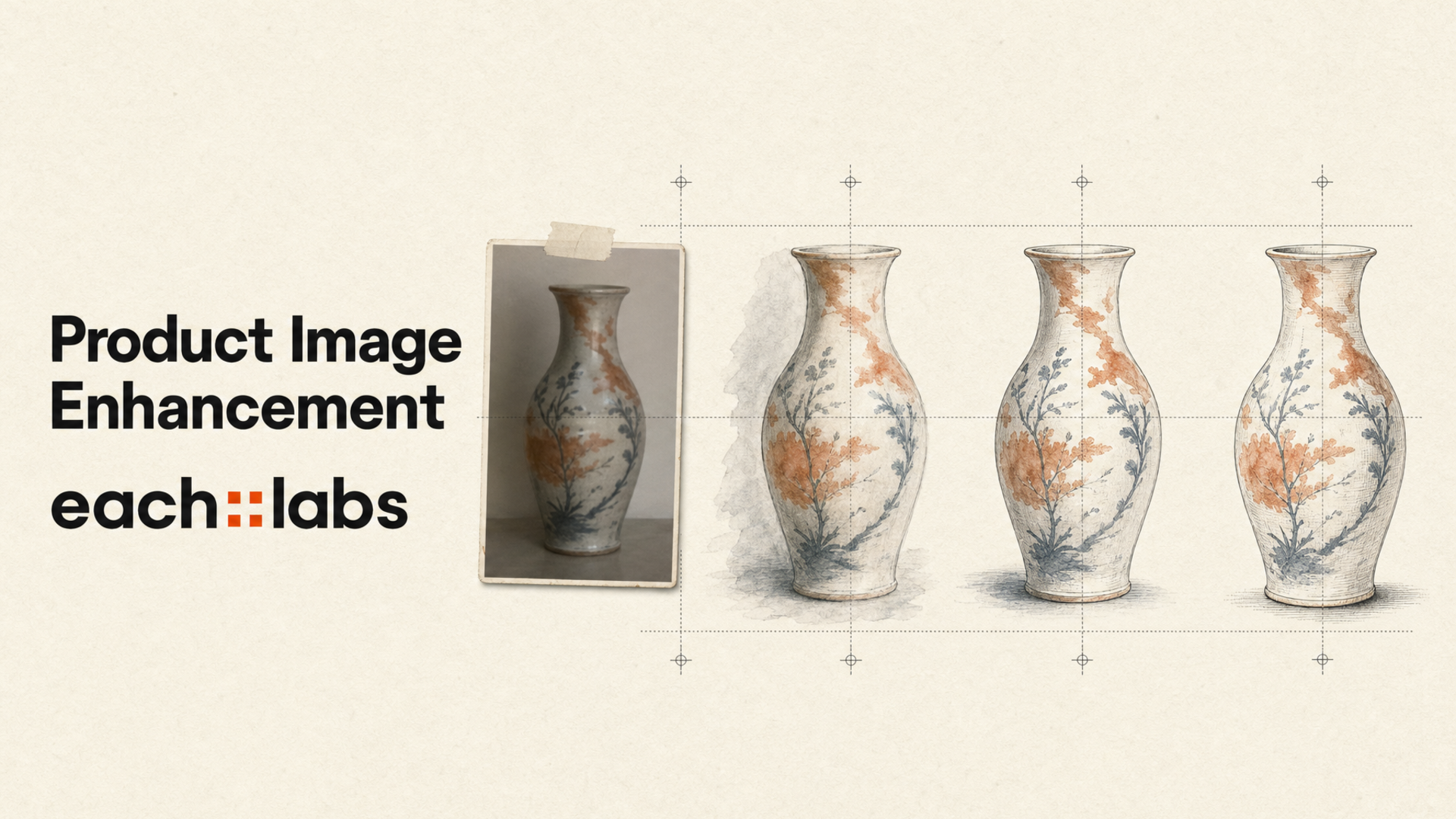
Open any marketplace category and scroll. The listings that look cheap are rarely selling cheap products. They're selling good products photographed under a kitchen light, cropped by hand, uploaded at whatever resolution the phone produced. Six suppliers, six lighting setups, six white balances, one grid. The grid is where it shows.
Buyers don't diagnose this. They just scroll past. Which is why an AI product image enhancement API is not really an image-quality tool. It's a conversion tool that happens to work on pixels. The outcome you're buying isn't "prettier photos." It's a category page where every tile reads as the same shop.
So be specific about what you're optimising. Four outcomes matter, and only four: the product is unambiguously legible at thumbnail size, the ground is consistent across every listing, the resolution clears the marketplace minimum with room to zoom, and colour is faithful enough that returns don't spike. Everything else is taste.

Where marketplace images actually fail
Run a few hundred supplier images through a review and the failures cluster into four buckets, in this order of frequency.
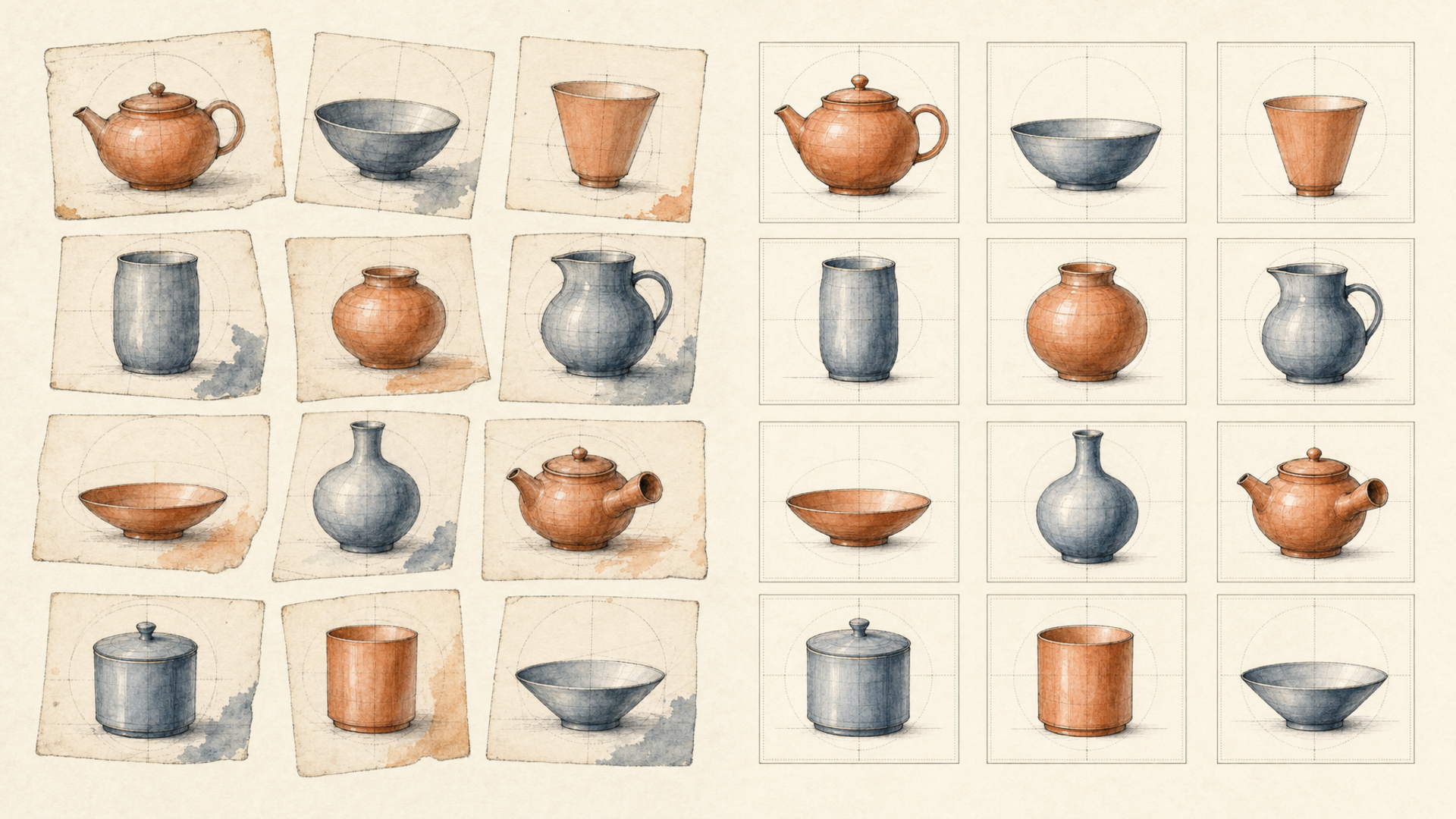
Ground inconsistency. Not a dirty background but a different background. Off-white against pure white against pale grey, tile by tile. Individually all acceptable, collectively a mess. This is the single most visible defect in a grid and the one suppliers never fix, because it's invisible when you look at one photo at a time.
Lighting and colour. A warm cast from tungsten, a cool cast from a window, muddy shadow under the product, a blown highlight on anything glossy. Colour cast is the expensive one: a navy shirt that photographs black generates returns, and returns cost more than reshoots.
Resolution and crop. Marketplaces enforce a minimum resolution and a margin, and they reject rather than degrade. A supplier's 900-pixel JPEG doesn't get published at 900 pixels; it doesn't get published. Inconsistent crop is subtler. The product occupying 40% of one frame and 85% of the next makes a category page feel unstable even when every image is technically fine.
Edge quality. Halos from a rushed cutout, soft edges from motion, a fringe of the original background clinging to the silhouette. Fine at full size, obvious at thumbnail, and thumbnail is where the decision happens.
Notice that none of these are exotic. That's the point. They're predictable, which means they're addressable by a pipeline rather than a person.
The enhancement workflow: ingest, inspect, correct, publish
Order matters here more than tool choice, and getting it wrong is the most common architectural mistake in catalog pipelines.
Ingest. Supplier images land somewhere durable and addressable before anything touches them. Push them through each::storage, which returns a public URL, the shape every model on the platform expects, since edit endpoints take images by URL rather than as multipart uploads. Keep the original. Always keep the original. You will re-run this pipeline with different parameters, and the day you discover that is the day you find out whether you kept the source.
Inspect. Fast deterministic checks first, before you spend a single model call. Dimensions, aspect ratio, file size, mean luminance, and whether the frame has a dominant near-white border. That last one tells you if it's already a clean studio shot, which means it needs a different treatment than a lifestyle photo. Routing on inspection rather than running every image through every step is what keeps a nine-hundred-image batch inside its window.
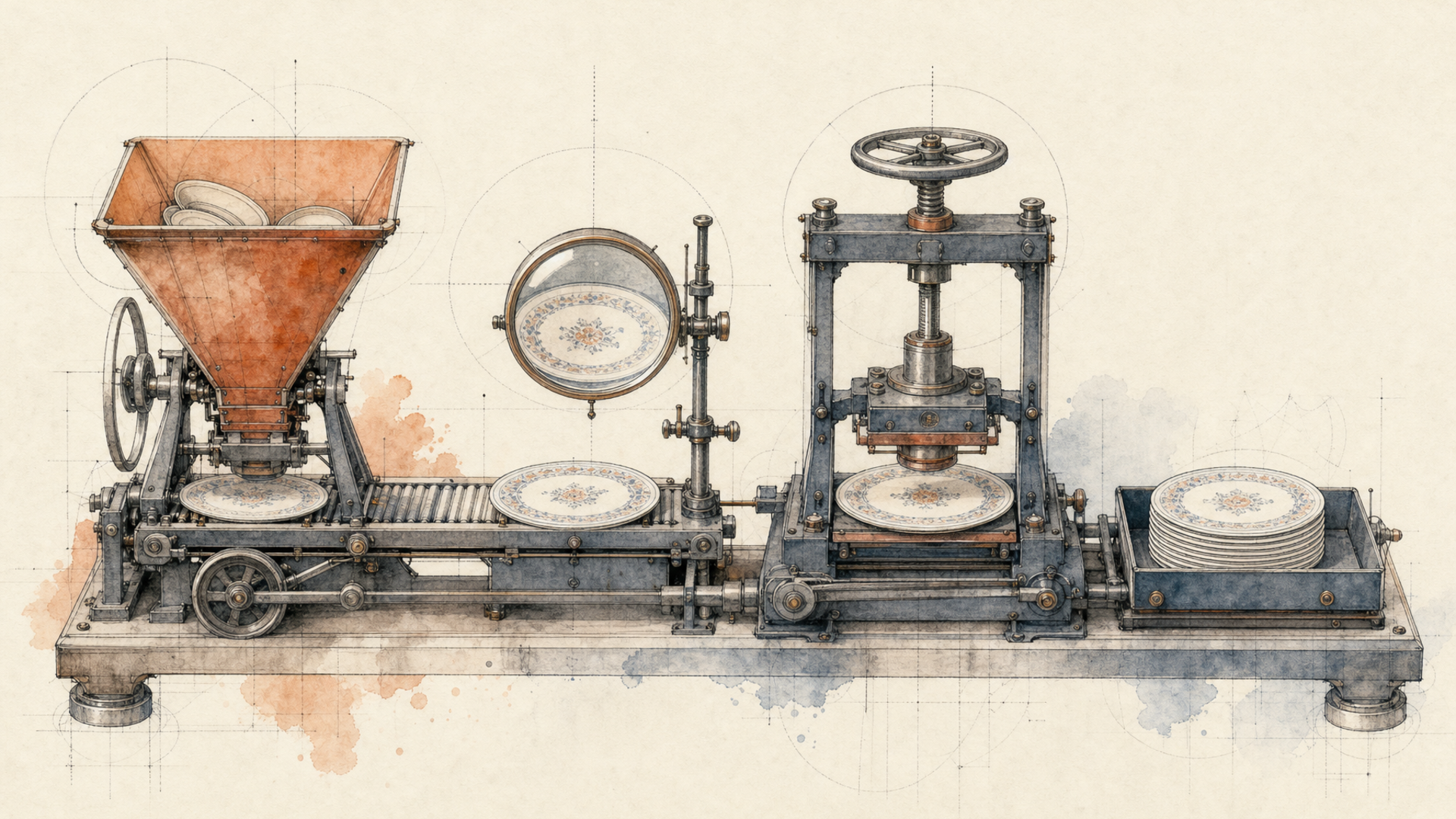
Correct. Now the model calls, in dependency order: isolate, then composite, then upscale. Never upscale first. You'd be spending resolution on a background you're about to throw away, and any edge artifacts get magnified before they get cut.
Publish. Validate the output programmatically against the marketplace's actual constraints (dimensions, ratio, ground colour), then write to a deterministic key with the prediction ID stored alongside it. This is the step that gets skipped and the step that saves you during an incident. When a listing looks wrong six weeks later, the prediction ID is the only thread you can pull; without it you're guessing against a source that may itself have changed.
The capabilities, and what each one is actually for
Background cleanup. eachlabs-bg-remover-v1 takes a single image_url and always returns a PNG with a real alpha channel. The output format isn't a parameter you can misconfigure. rembg covers the same job with an image input, and rembg-enhance exists for cleaning up a matte that came back rough. Then realistic-background goes the other way: it composites the product into a generated scene, with denoising_strength and cfg_scale controlling how far it drifts from the source. For marketplace listings you usually want the matte on a compliant ground. For a brand's own product pages, the generated scene converts better.
The reason to store the matte as its own artifact rather than baking one look into your only copy: a transparent PNG is the most reusable intermediate in the pipeline. One matte, then a compliant white ground for the marketplace and a lifestyle scene for paid social, generated on demand rather than reshot.
Lighting and colour correction. This is where edit endpoints earn their place. flux-2-max-edit, nano-banana-2-edit and bytedance-seedream-v5-pro-edit all take an existing image and a prompt describing the change. nano-banana-2-edit is worth knowing specifically because it accepts an array of image_urls, up to ten, which is how you condition an edit on both the product and a reference image showing your target look. Its aspect_ratio defaults to Auto, preserving the input's proportions, which is what you want for a correction pass.
Be careful here. Colour correction via a generative edit is genuinely risky for commerce: a model that "improves" the lighting can also shift the product's hue, and a shifted hue is a return. Constrain the prompt to the environment rather than the object, keep denoising_strength low where the endpoint exposes it, and validate against the source. This is the capability that needs the tightest review.
Upscaling. eachlabs-image-upscaler-pro-v1 requires an image_url and an upscale_factor. flux-vision-upscaler gives you finer control: a creativity value from 0 to 1 defaulting to 0.3, and a guidance value from 0 to 5 defaulting to 1. Keep creativity low for product work. Above roughly 0.5 the model invents detail instead of recovering it, which is lovely for concept art and a misrepresentation on a listing, you'd be showing a customer stitching that doesn't exist.
Style consistency. The hardest of the four, and the one that actually moves conversion. Consistency isn't achieved by a model; it's achieved by pinning your pipeline. Same ground colour, same margin ratio, same output dimensions, same upscale factor, same edit prompt template, same seed policy. Then measure variance across a batch rather than inspecting individual outputs. A model that's excellent with a wide spread is worse for a catalog than one that's merely good and tight.
Why this belongs behind an orchestration layer
Here's the honest case, and the honest counter-case.
A single-purpose background remover is less to reason about than a platform. If your entire requirement is transparent PNGs, forever, one tool is the cleaner answer and you should take it. I'd rather say that plainly than pretend otherwise.
The calculus changes at the second step. Marketplace enhancement is never one call: it's matte, then composite, then upscale, then validate, with a branch for images that arrive already clean. Four steps means four auth schemes, four response shapes, four retry semantics and four sets of glue code if each step lives with a different vendor. And the glue is where the leaks are, not the calls.
On Eachlabs every one of those steps takes the same envelope: a model slug, a version, an input object, POSTed to https://api.eachlabs.ai/v1/prediction/:
import os, time, requests

BASE = "https://api.eachlabs.ai/v1/prediction/"
H = {"Authorization": f"Bearer {os.environ['EACHLABS_API_KEY']}"}
TERMINAL = {"success", "error", "cancelled"}

def run(model: str, payload: dict, version: str = "0.0.1") -> str:
    r = requests.post(BASE, headers=H, timeout=30, json={
        "model": model, "version": version,
        "input": payload, "webhook_url": "",
    })
    r.raise_for_status()
    pid = r.json()["predictionID"]

    while True:
        d = requests.get(BASE + pid, headers=H, timeout=30).json()
        if d["status"] in TERMINAL:
            break
        time.sleep(4)

    if d["status"] != "success":
        raise RuntimeError(f"{pid} ended {d['status']}: {d.get('output')}")
    return d["output"]

def enhance_for_marketplace(source_url: str, factor: int = 2) -> str:
    matte = run("eachlabs-bg-remover-v1", {"image_url": source_url})
    return run("eachlabs-image-upscaler-pro-v1",
               {"image_url": matte, "upscale_factor": factor})
Swapping the matting model or the upscaler is a string change. Nothing downstream moves. That's the property worth paying for, not the catalog size, but the fact that improving one step doesn't cost you a refactor.
For production, lift that chain into a workflow: POST /v1/workflows/trigger/{workflowID}/{versionID}, with the version pinned in the path so an edit can't silently change what's running against your live catalog. And retry the failed step against stored intermediates rather than re-running the chain. Re-running a generative step doesn't reproduce it; it produces something new, and in a catalog that means one listing quietly stops matching the other eight.
Where this genuinely doesn't help: it won't fix a photograph with no information in it. A blown highlight has no detail to recover, and a model asked to recover it will invent something. Products where the material is the product (fabric weave, gemstone inclusion, wood grain) need a real photograph, and enhancement can only stop making that worse. Budget human review on a slice of the catalog sized to your measured failure rate. The goal was never zero manual work; it's manual work that scales with failures instead of with SKUs.

FAQ
How do I integrate this, and how much work is it?
One POST and one poll, or one POST and a webhook. Submit to https://api.eachlabs.ai/v1/prediction/ with a model slug, a version and an input object; you get back a prediction ID, not an image. Then either poll GET /v1/prediction/{id} every three to five seconds until the status reaches success, error or cancelled, or pass a webhook_url and skip polling entirely. Two things about webhooks worth building on day one: their payloads use a two-value vocabulary, succeeded or failed, rather than the six polling states, so keep the parsers separate; and the same webhook may arrive more than once, so make the handler idempotent on the prediction ID. Retrofitting that after you've overwritten good assets with duplicates is genuinely unpleasant.
What latency should I expect?
Read metrics.predict_time from your own predictions rather than trusting any published number. It varies by model and by input size, and yours is the only figure that describes your workload. More useful is deciding which latency you care about. A seller uploading a photo and waiting is a p50 problem, and it wants the lighter models. An overnight catalog run is a throughput-and-concurrency problem, and p50 barely matters. Teams that optimise the wrong one end up with a fast interactive path that can't clear the nightly queue.
Can it handle batch processing across a whole catalog?
Yes, as many parallel predictions rather than one batch call, and that's the better shape, because one malformed source image fails alone instead of poisoning a run of five hundred. Use a bounded worker pool and webhooks. Watch the ceiling: there's no per-second request limit on predictions, but there is an account concurrency cap, and exceeding it returns 429 with a details field naming the number that applied. Critically, a rejected request creates no prediction at all, so that's a resubmit-shortly path, not a failure path. Conflating the two is exactly how a batch job silently loses images.
Will enhancement get my listings rejected for misrepresentation?
It can, and this is the risk worth naming rather than glossing. Marketplaces care whether the image represents the product truthfully. Background replacement and resolution recovery are broadly fine. Aggressive upscaling that invents surface detail, and generative edits that shift the product's colour, are not, and both are easy to do accidentally. Keep creativity low on upscaling, constrain edit prompts to the environment rather than the object, validate output colour against the source, and read the specific policy for each marketplace you publish to rather than assuming a shared standard.
If your category page looks like six different shops, the pipeline is the fix. Start with one endpoint on Eachlabs and add the steps behind it as the catalog grows.