Flux Krea | Image to Image
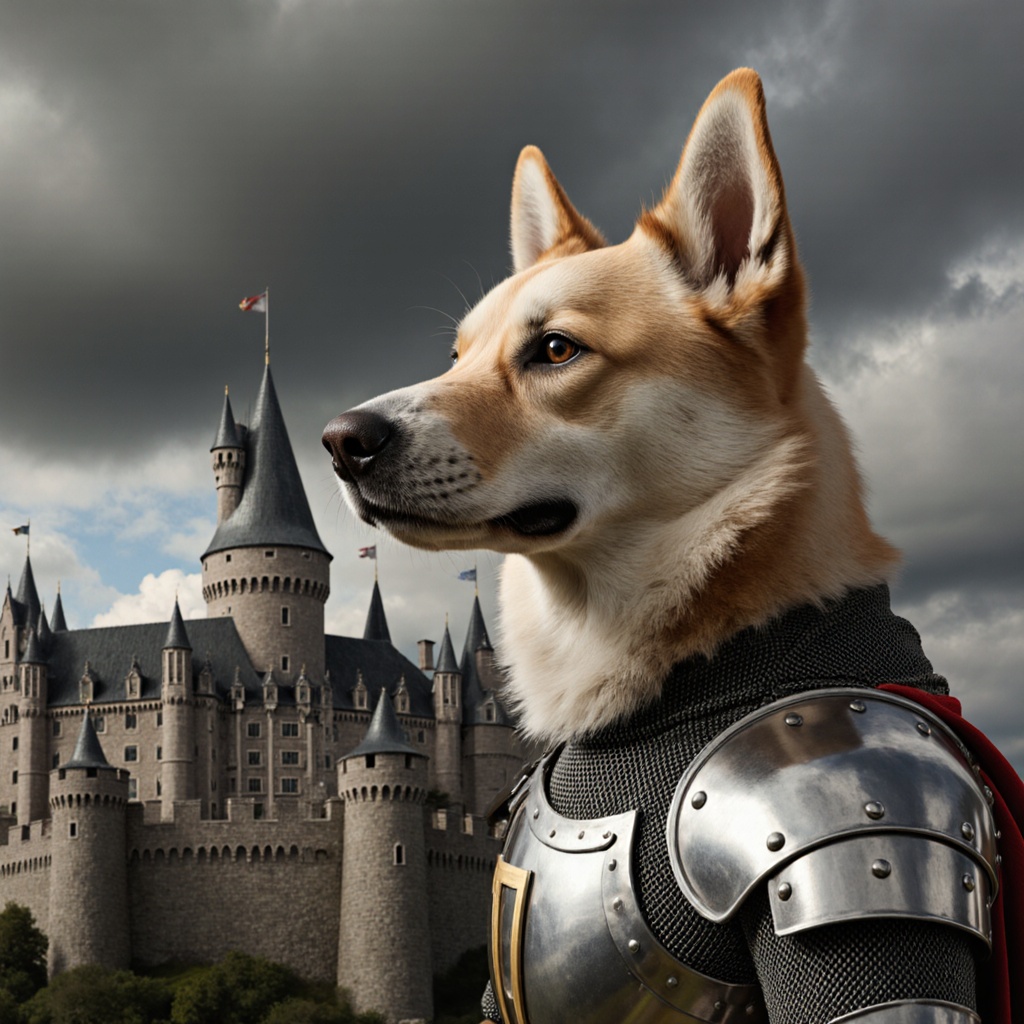
FLUX.1 Krea [dev] is a 12B flow transformer that generates high-quality, aesthetic images from text for personal or commercial use.
- Runtime (p50)
- 12s
- Estimated price
- $0.035 per megapixel per image
Overview
flux-krea-image-to-image — Image-to-Image AI Model
flux-krea-image-to-image empowers creators to transform existing images with precise text-guided edits, solving the challenge of seamless modifications without losing original fidelity. Developed by Black Forest Labs as part of the flux-krea family in collaboration with Krea AI, this 12B parameter flow transformer model excels in image-to-image AI tasks, delivering photorealistic outputs that avoid the typical "AI look" for natural, aesthetic results. Ideal for developers seeking an image-to-image AI model with superior prompt adherence, it supports high-resolution edits up to 4 megapixels, making it perfect for production workflows in e-commerce and design.
Capabilities
- Generates high-quality, aesthetic images from detailed text prompts
- Supports complex reasoning, including imaginative and abstract concepts
- Handles a wide range of artistic and photographic styles
- Capable of rendering specific entities and objects with accuracy
- Can incorporate emotional and compositional elements into images
- Bilingual support (English and Chinese) for both prompts and output alignment
- Open-source, enabling research, customization, and commercial use
Use cases
Use Cases for flux-krea-image-to-image
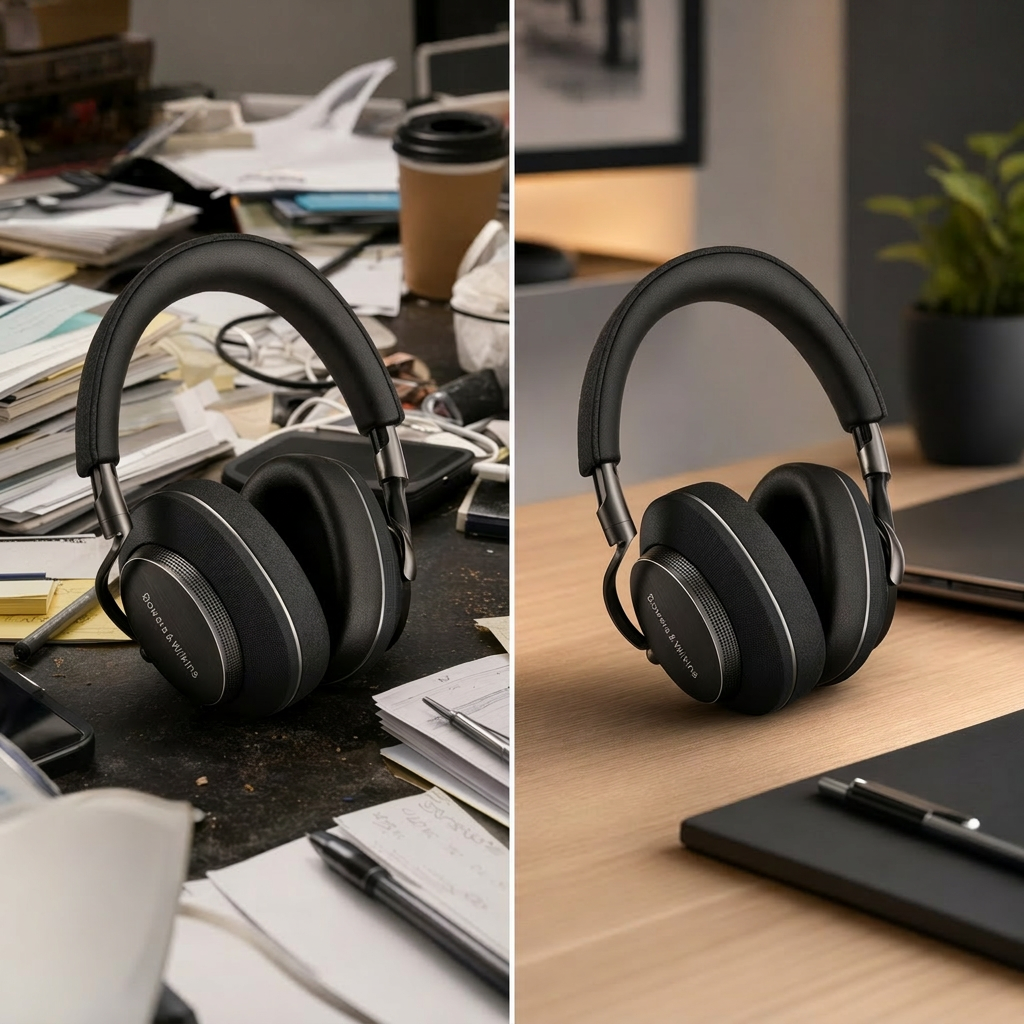
For designers building AI photo editing for e-commerce, flux-krea-image-to-image lets you upload a product photo and apply multi-reference edits—such as adding a style reference for marble textures and a lighting reference for golden hour glow—to create studio-quality composites without physical reshoots.
Marketers can refine campaign visuals by transforming base images with prompts like "change the background to a bustling city street at dusk, keep the subject's pose and expression identical," leveraging its consistent character preservation for cohesive ad series across platforms.
Developers integrating a flux-krea-image-to-image API for automated workflows benefit from its precise typography handling; input a UI mockup and instruct "replace text with 'Summer Sale 50% Off' in elegant script font, adjust layout for mobile," yielding pixel-perfect, high-res outputs ready for app deployment.
Content creators editing personal photos use its natural aesthetic tuning to enhance portraits, such as "soften skin tones naturally, add cinematic depth of field with bokeh lights," producing professional-grade results that feel authentically human-crafted.
Tips & tricks
How to Use flux-krea-image-to-image on Eachlabs
Access flux-krea-image-to-image seamlessly through Eachlabs Playground for instant testing, API for scalable integrations, or SDK for custom apps. Upload your input image, provide a detailed text prompt specifying edits (e.g., style changes, element additions), select aspect ratios like 16:9 or resolutions up to 4MP, and generate photorealistic PNG/JPG outputs in seconds. Production-ready results integrate effortlessly into your image-to-image AI model pipelines.
---Technical spec
What Sets flux-krea-image-to-image Apart
flux-krea-image-to-image stands out in the competitive landscape of Black Forest Labs image-to-image tools through its unique collaboration-tuned aesthetics and advanced editing controls. Unlike generic models, it produces images with exceptional natural details and realism, leveraging a 12B parameter architecture optimized for avoiding overprocessed outputs.
- Multi-reference image editing: Accepts multiple input images for composite edits, preserving identity, style, and consistency across references—this enables complex scene compositions like blending subject, lighting, and style references into one cohesive output.
- High-resolution support up to 4 megapixels: Generates production-quality images suitable for detailed product shots or UI mockups, far surpassing standard low-res drafts for professional AI image editor API applications.
- Superior text rendering and prompt adherence: Accurately handles typography, layouts, and complex natural language instructions, ideal for infographics or branded visuals where precision matters.
- Natural aesthetic engine: Delivers photorealistic edits with realistic lighting and textures, eliminating the artificial sheen common in other models for more organic results.
These capabilities, combined with flexible aspect ratios and fast inference, position flux-krea-image-to-image as a top choice for edit images with AI demands.
Things to be aware of
- Some experimental features, such as advanced text rendering and long text handling, are still under active development and may yield inconsistent results
- Users report that prompt specificity greatly affects output quality; vague prompts often result in generic or misaligned images
- Performance benchmarks indicate that while FLUX.1 Krea is competitive among open-source models, there remains a gap compared to the latest closed-source systems, especially in text rendering and complex reasoning tasks
- High-quality image generation may require significant computational resources, especially for batch processing or high-resolution outputs
- Consistency across multiple generations of the same prompt can vary, particularly for highly abstract or imaginative requests
- Positive user feedback highlights the model’s versatility, aesthetic quality, and open-source accessibility
- Common concerns include occasional artifacts in text rendering, difficulty with very long or complex prompts, and the need for iterative prompt tuning
Key considerations
- The model excels with prompts that are explicit, detailed, and leverage the six key characteristics (imagination, entity, text rendering, style, affection, composition)
- Best results are achieved when prompts specify not just content, but also style, emotion, and compositional details
- Text rendering and long text remain challenging for all T2I models, including FLUX.1 Krea; short, clear text instructions yield better results
- There is a trade-off between prompt complexity and image fidelity; overly complex or ambiguous prompts may reduce output quality
- Iterative prompt refinement is often necessary for optimal results, especially for nuanced or abstract concepts
- Prompt engineering that uses explicit compositional language (e.g., "under," "behind," "in the style of") improves alignment and output quality
Limitations
- Text rendering and long text generation remain challenging and may not meet professional standards for all use cases
- There is a performance gap compared to top closed-source models in certain reasoning and alignment tasks
- Resource-intensive for large-scale or high-resolution image generation, requiring substantial GPU capacity for optimal performance
Related models
4 models
About Flux Krea | Image to Image
What is FLUX Krea Image to Image?
FLUX Krea Image to Image is a FLUX-based image transformation model fine-tuned by Krea AI. It stylizes and edits existing images with Krea's aesthetic enhancements producing highly refined visual output optimized for creative and professional image production use cases.