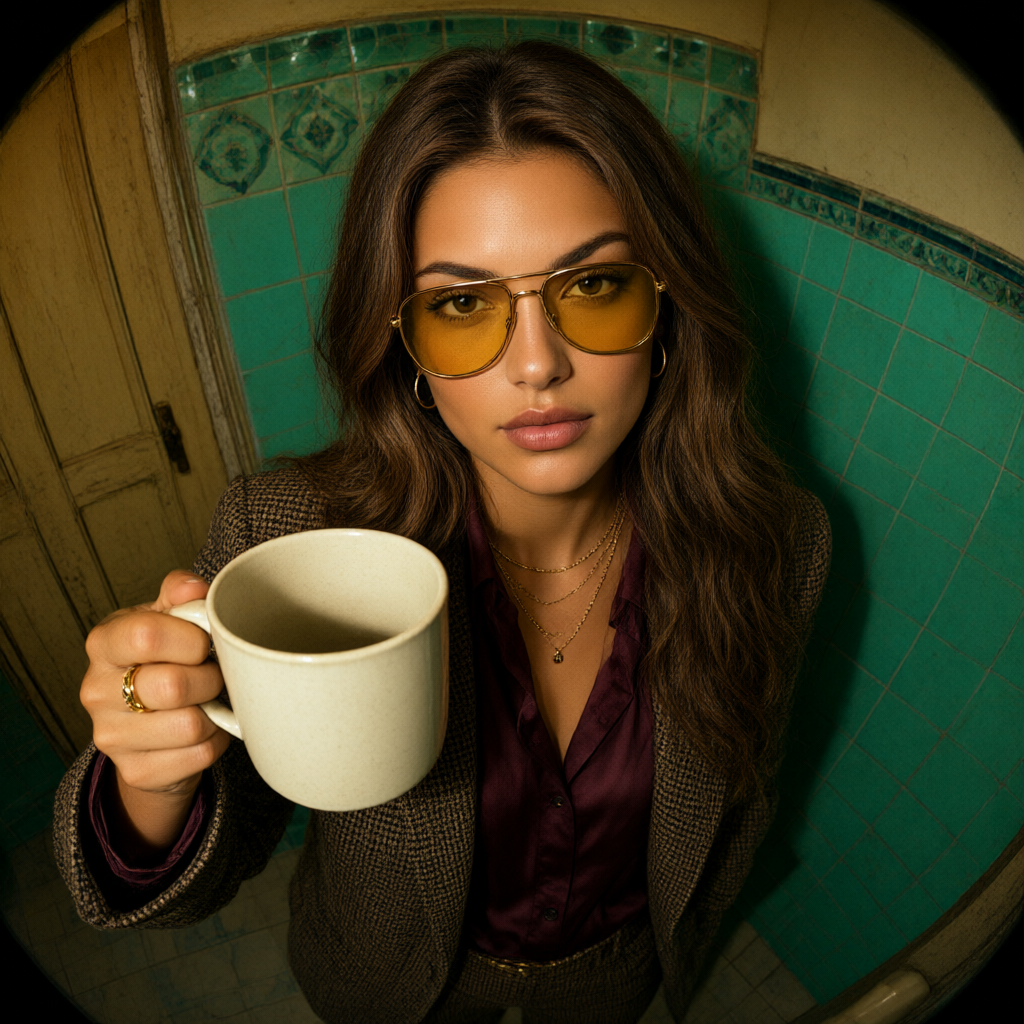
Alibaba | Qwen Image | 2.1 | Turbo | Image Edit.
- Alibaba
- Image to Image
- $0.016 per image
- ~20 sec average
Qwen Image 2.1 Turbo Image Edit transforms reference photos into edited PNG images with text instructions for product visuals and creative design on each::labs.
What Alibaba | Qwen Image | 2.1 | Turbo | Image Edit is good at.
 Best for
Where it fits
Alibaba Qwen Image 2.1 Turbo Image Edit is useful when this specific operation fits between source preparation and delivery. These scenarios show how it can…
 Limits and tips
Make the main subject, composition, lighting and intended visual style unambiguous.
When references are available, state which details should be retained and which should change. Start with one clear creative direction before adding several…
 Related modelView model
Topaz Wonder 3.5
Run it on the same input to compare output, speed and price.
Model documentation
About this model
Qwen Image 2.1 Turbo Image Edit transforms reference photos into edited PNG images with text instructions for product visuals and creative design on each::labs.
Overview
Alibaba Qwen Image 2.1 Turbo Image Edit Overview
Qwen Image 2.1 Turbo Image Edit transforms reference photos into edited PNG images with text instructions for product visuals and creative design on each::labs.
Ordered reference images and a text instruction guide changes to an existing composition.
Alibaba Qwen Image 2.1 Turbo Image Edit from Alibaba is available through each::labs in the qwen family. Required fields are prompt, image_urls.
size: Auto lets the provider choose. n: Number of Images.
Use the Alibaba Qwen Image 2.1 Turbo Image Edit API when you need this transformation or analysis as a repeatable step in an application or creative pipeline. The sections below distinguish the required material, adjustable controls and checks that matter before delivery.
Capabilities
Capabilities
- Ordered reference images and a text instruction guide changes to an existing composition.
- size: Auto lets the provider choose.
- n: Number of Images.
- prompt_extend: Prompt Extend.
- image_urls: 1–10 public HTTP(S) reference images in order.
Use cases
Use Cases for Alibaba Qwen Image 2.1 Turbo Image Edit
Alibaba Qwen Image 2.1 Turbo Image Edit is useful when this specific operation fits between source preparation and delivery. These scenarios show how it can support different parts of a working pipeline.
Creators
Revise a product background. Use a representative source or a concise brief, then inspect the result before preparing a larger set of assets.
Design and marketing teams
Combine ordered visual references. Compare the result with the intended message, composition and destination. Keep reviewable versions of the source and output.
Developers
Prepare a text-guided design variation. Inspect the actual returned value before connecting it to another step, and keep the chosen request settings with the result.
Start with a clear definition of the desired result and use the exposed controls to reach it. Keep any additional generation, editing or application logic in separate steps so that the effect of this operation remains easy to review.
Tips & tricks
Tips and Tricks
Make the main subject, composition, lighting and intended visual style unambiguous. When references are available, state which details should be retained and which should change. Start with one clear creative direction before adding several competing requests.
- n: Number of Images.
- prompt_extend: Prompt Extend.
- Example direction: “Replace the background with a softly lit studio; keep the subject, colors and framing unchanged.”
- Example direction: “Make the lighting warmer while preserving the main subject and its visible details.”
Compare one deliberate adjustment at a time. Inspect the part of the result affected by that change, then check the rest of the asset or response for unwanted side effects before reusing the settings.
Technical spec
Technical Specifications
- Result type: array.
- Required fields: prompt, image_urls.
- size: string; options auto, 1024*1024, 2048*2048, 1280*720, 1920*1080, 720*1280, 1080*1920, 1280*960, 960*1280, 1536*1024, 1024*1536, custom; default "auto".
- prompt: string.
- n: integer; default 1; minimum 1; maximum 6.
- seed: integer; minimum 0; maximum 2147483647.
image_urls: 1–10 public HTTP(S) reference images in order.
Values must use the types and accepted options listed in the parameter reference. A displayed default does not remove a required-field requirement. Choose a supported output setting for this entry rather than borrowing a preset from a related model.
Things to be aware of
Things to Be Aware Of
Review lettering, small structures, edges and any requested product details at the intended display size. An attractive first impression is not enough to establish that a visual matches its brief.
Optional settings are not necessarily interchangeable with those on another entry in the same family. Use the accepted names, types and values shown for this operation.
For media-based inputs, supply a directly retrievable file URL rather than a page containing the asset. Keep the source available while processing. Check the final content in the destination player, editor or application, not only the request status.
Key considerations
Key Considerations
Thinking depends on prompt extension. Use direct extension for image editing; do not assume the text-to-image extension modes are also accepted for edits.
$0.016 per generated image.
Prepare prompt, image_urls before starting. Optional settings include size, n, prompt_extend. Keep these settings aligned with the intended delivery, especially when a later step expects a particular type or format.
Run a representative request before scaling to a larger collection. Judge the result against the source and the brief, and account for all generated outputs or usage-sensitive options when estimating a batch.
Limitations
Limitations
- image_urls: minimum items: 1; maximum items: 10; item string; item format: uri; item pattern: ^https?://.
- size: allowed values: ["auto", "1024*1024", "2048*2048", "1280*720", "1920*1080", "720*1280", "1080*1920", "1280*960", "960*1280", "1536*1024", "1024*1536", "custom"].
Unsupported parameters do not establish additional capabilities. A generated result can differ from the intended brief, so review detail and consistency before publication.
Questions about this model
The short answers. For anything specific to your setup, talk to our team.
 Talk to an engineerPlan for your expected volume.
Qwen Image 2.1 Turbo Image Edit edits existing images from written instructions and one to ten reference images. Alibaba supports Chinese and English prompts and returns PNG images. This separate Image Edit model is designed for reference-based changes rather than generating an image without an input photo.
Qwen Image 2.1 Turbo Image Edit helps designers and content teams change product visuals, compositions, and image styles from reference photos. On each::labs, provide accessible image links and describe the changes you want. Multiple references retain their supplied order, so instructions can refer clearly to individual images.
Qwen Image 2.1 Turbo Image Edit can select output dimensions automatically or accept a supported preset or custom width and height. Requests support one to six output images, and each successfully returned image costs $0.016. Custom dimensions must meet the documented pixel-area and aspect-ratio limits; reference images are not billed.