

Reve Fast · Edit
Transform existing images in seconds Reve Fast Edit brings instant, prompt based precision.
- Runtime
- 10s
- Estimated price
- $0.01
Overview
reve-fast-edit — Image Editing AI Model
reve-fast-edit is an image-to-image AI model that transforms existing images through natural language prompts, enabling instant, precision-based edits without manual tools or design expertise. Whether you're adjusting colors, modifying composition, removing objects, or applying style transfers, reve-fast-edit processes your changes in seconds—making it ideal for creators, marketers, and developers building AI-powered image editing workflows.
Developed by Reve as part of the Reve family, reve-fast-edit combines semantic understanding with visual precision. Unlike traditional image editors that require pixel-level manipulation, this model interprets your intent from text and applies changes intelligently across the entire image. This approach eliminates repetitive manual work and enables batch processing for teams managing large volumes of visual content.
The model excels at understanding context and maintaining image coherence during edits—whether you're refining product photos for e-commerce, adjusting marketing visuals, or iterating on creative concepts. Its strength lies in semantic image editing, where the model grasps not just what you want changed, but how those changes should integrate with the rest of the composition.
Capabilities
- Executes precise object removal, replacement, and color changes based on text prompts
- Applies artistic style transfers and creative transformations to existing images
- Maintains high detail and context awareness in edits, producing professional-looking results
- Supports a wide range of image formats and resolutions, suitable for both web and print use
- Delivers fast, context-aware edits with minimal user input, making it accessible to non-experts
Use cases
Use Cases for reve-fast-edit
E-Commerce Product Photography: Product teams can upload raw product photos and apply contextual edits—"place this on a white marble countertop with soft morning light" or "show this in a modern living room setting"—without scheduling studio shoots or hiring photographers. The model's semantic understanding ensures the product integrates naturally into the new environment, reducing time-to-market for seasonal catalogs and promotional campaigns.
Marketing Content Iteration: Marketing teams managing social media, email, and web campaigns can batch-edit visual assets with consistent styling. Feed a campaign image with the prompt "increase saturation by 20%, brighten the subject, and shift the background to deep blue," and reve-fast-edit applies the changes across multiple images while preserving brand consistency. This workflow eliminates manual Photoshop work and enables rapid A/B testing of visual variations.
Creative Concept Development: Designers and creative directors can explore multiple visual directions from a single source image. Instead of creating separate mockups, prompt the model with variations like "render this in cyberpunk style with neon lighting" or "convert to watercolor aesthetic with warm tones," enabling fast iteration on creative concepts before committing to final production.
API Integration for Automated Workflows: Developers building image processing pipelines can integrate reve-fast-edit to automate repetitive edits at scale. A real estate platform, for example, could feed property photos with the prompt "enhance lighting, remove clutter from background, increase contrast" to standardize listing images across thousands of properties—transforming manual editing into a single API call.
Tips & tricks
How to Use reve-fast-edit on Eachlabs
Access reve-fast-edit through Eachlabs' Playground for interactive testing or via API and SDK for production integration. Provide your source image and a text prompt describing the desired edits—specify changes to color, composition, style, objects, or lighting. The model processes your request in seconds and returns high-resolution output (up to 4K) in PNG or JPEG format, ready for immediate use or further refinement through additional prompts.
Technical spec
What Sets reve-fast-edit Apart
Semantic Understanding of Image Context: reve-fast-edit doesn't simply apply filters or masks—it understands the spatial relationships and semantic meaning within your image. This enables multi-round iterations where you can refine edits progressively while the model preserves character features, maintains composition consistency, and respects the overall visual narrative. For developers building an AI image editor for e-commerce or content teams managing product photography, this means fewer failed edits and faster approval cycles.
Text-Based Precision Editing: The model supports fine-tuned, text-prompt-based transformations across both semantic and visual levels. You can specify exact changes—"move the subject to the left," "change the background to sunset," "adjust skin tone warmth"—and the model executes them with pixel-aware accuracy. This capability is particularly valuable for marketing teams and designers who need consistent, repeatable edits without learning complex software interfaces.
High-Resolution Output with Detail Preservation: reve-fast-edit generates images natively at 2048×2048 pixels with optional 4K upscaling to 4096×4096 pixels, maintaining 92% detail accuracy during upscaling. This makes outputs suitable for web, print, and professional applications—critical for agencies and brands requiring publication-ready assets from a single edit.
Technical Specifications:
- Native resolution: 2048×2048 pixels
- Upscaled resolution: 4096×4096 pixels (4K)
- Processing time: Seconds per edit
- Supported formats: PNG, JPEG input and output
- Multi-language support: English and Chinese prompts
Things to be aware of
- Experimental features like multi-image fusion and drag-and-drop editing are in beta and may have occasional quirks
- Some users report minor inconsistencies with very complex prompts or highly detailed scenes
- Performance can vary based on image resolution and edit complexity, with higher demands on system resources for large files
- Consistency is generally high, but results may vary slightly between similar prompts due to the ensemble model selection
- Positive feedback highlights speed, ease of use, and professional-quality outputs
- Common concerns include occasional over-editing in complex scenes and the need for clear, specific prompts
Key considerations
- The model performs best with clear, descriptive prompts; vague instructions may lead to inconsistent results
- For optimal results, use high-quality source images and specify desired changes in detail
- Avoid overly complex edits in a single prompt; break down multi-step changes for better accuracy
- There is a trade-off between speed and edit complexity—simple edits are near-instant, while complex transformations may take longer
- Prompt engineering is crucial: use specific language for object removal, color changes, or style transfers
Limitations
- May struggle with extremely complex or ambiguous edits that require deep contextual understanding
- Not optimized for generating entirely new images from scratch—best suited for editing existing visuals
Related models
4 models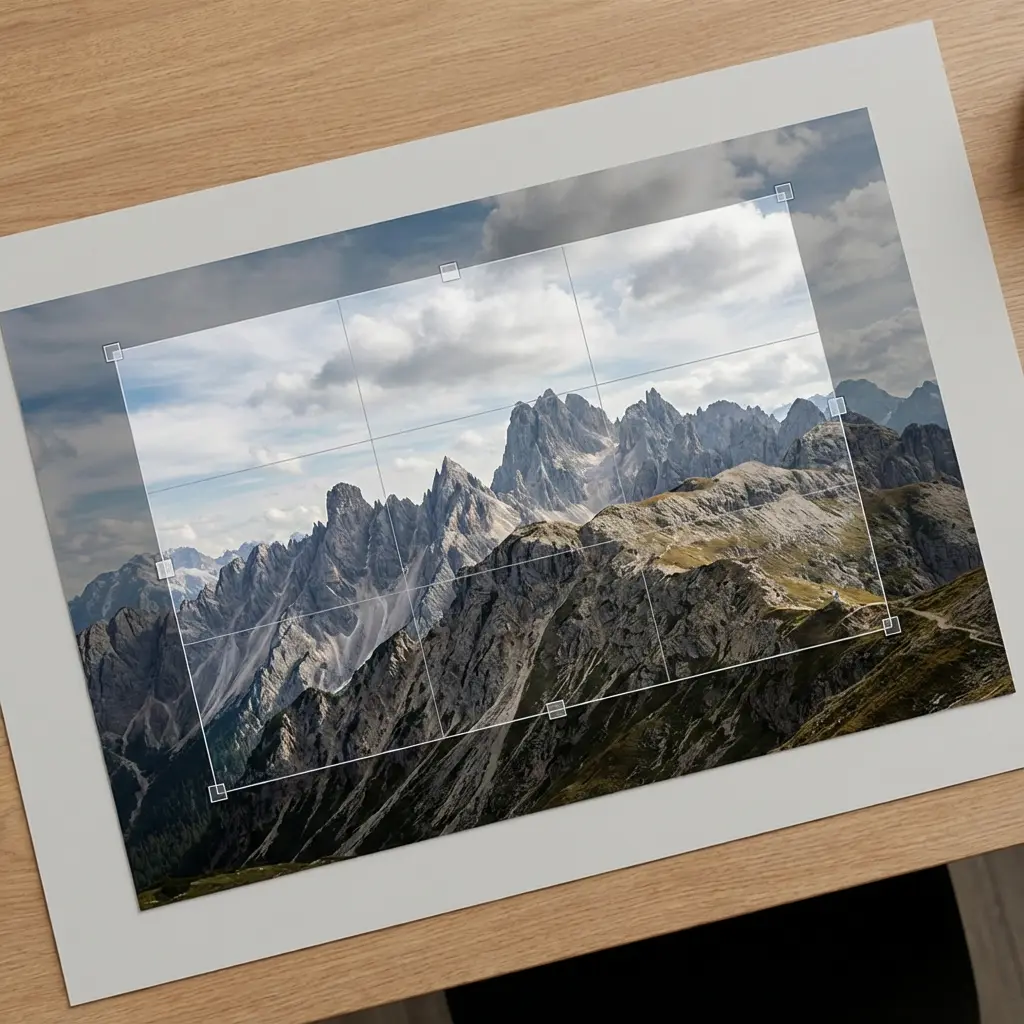


About Reve Fast · Edit
What is Reve Fast Edit?
Reve Fast Edit is a high-speed AI image editing model by Reve that applies prompt-guided modifications to existing images with minimal latency. It enables rapid, instruction-based edits including style changes, object replacements, and lighting adjustments, suited for real-time creative workflows.