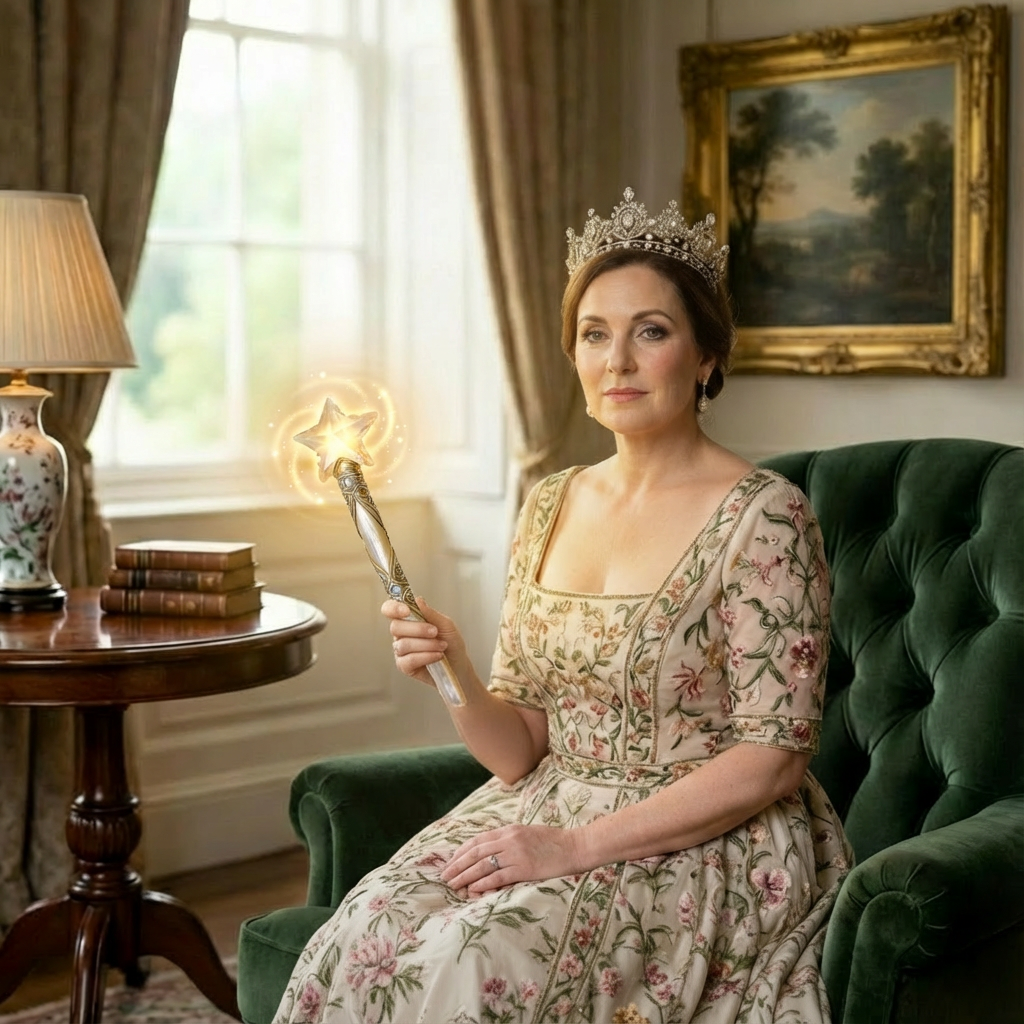
Wan | v2.6 | Image to Image
Wan 2.6 Image-to-Image transforms input images with precise, high-quality edits while maintaining visual consistency.
- Runtime (p50)
- 1m
- Estimated price
- $0.03 per image
Overview
Wan-v2.6-image-to-image is an advanced image-to-image AI model developed by Alibaba as part of the Wan 2.6 series, specializing in editing and generating images using 1-3 reference images. It enables precise modifications such as style transfer from references, maintaining subject consistency across outputs, and creating complex compositions by combining elements from multiple inputs, producing 1-4 output images per request.
Key features include multi-image input support for sophisticated scene assembly, prompt expansion via integrated LLM optimization for enhanced detail, and flexible output resolutions up to 1280x1280 pixels. The model supports both English and Chinese prompts, with negative prompting to avoid undesired elements, making it suitable for diverse creative and technical image editing tasks.
Its underlying architecture leverages large-scale multimodal diffusion transformer (MMDiT) technology, similar to models like Qwen-Image-Edit, optimized for high-fidelity edits while preserving identity, textures, and proportions from reference images. What sets it apart is its ability to reference images explicitly in prompts (e.g., "image 1" for style, "image 2" for background), delivering consistent, professional-grade results in a single generation pass.
Capabilities
- Excels at style transfer, extracting and applying visual styles from 1-3 reference images to new compositions
- Maintains subject consistency, preserving facial features, proportions, and textures across generated images
- Supports complex multi-image compositions, enabling precise element recombination like characters, backgrounds, and objects
- High-quality outputs in HD resolutions with realistic lighting, glows, and details via LLM-optimized prompt expansion
- Versatile for editing tasks: generates 1-4 PNG images with customizable aspect ratios and seeds for reproducibility
- Technical strengths include multimodal input handling (text + images), negative prompting, and broad format compatibility
Use cases
- Creative image editing: Users report combining character portraits with scenic backgrounds for fantasy art compositions
- Product visualization: Adapting reference styles to showcase items in new environments, preserving textures and lighting
- Illustration enhancement: Transferring styles between sketches and photos for hybrid digital art projects shared in technical discussions
- Scene reconstruction: Assembling elements from multiple photos into cohesive scenes, as in user examples with wizards, libraries, and magical objects
- Professional design prototypes: Generating variations for mood boards, noted in API documentation for commercial workflows
Tips & tricks
- Optimal parameter settings: Set imagesize to "squarehd" for default 1280x1280; numimages=1 for testing, increase to 2-4 for variations; enablesafetychecker=true and enablepromptexpansion=true for refined outputs
- Prompt structuring advice: Start with action verbs, specify references clearly, add lighting/material details, e.g., "The orb's glow illuminates his face with purple and blue light using style of image 1"
- How to achieve specific results: For style transfer, emphasize "style of image 1"; for compositions, describe spatial relationships like "foreground from image 1, background from image 2"
- Iterative refinement strategies: Generate with numimages=4, select best seed, then refine prompt with added specifics from negative feedback loops
- Advanced techniques: Use multi-image inputs for hybrid scenes, e.g., character from one, environment from another, prop from third; test custom sizes like width=1280, height=720 within pixel limits
Technical spec
- Architecture: Multimodal Diffusion Transformer (MMDiT), 20B parameters (based on related Qwen-Image-Edit models in the series)
- Parameters: Approximately 20 billion (inferred from series documentation)
- Resolution: Input 384-5000 pixels per dimension; Output 768x768 to 1280x1280 total pixels, aspect ratios 1:4 to 4:1 (presets: squarehd, square, portrait43, portrait169, landscape43, landscape16_9)
- Input/Output formats: Input - JPEG, JPG, PNG (no alpha), BMP, WEBP (max 10MB each); Output - PNG
- Performance metrics: Generates 1-4 images per request; supports prompt expansion for detail enhancement; seed for reproducibility (e.g., seed: 175932751)
Things to be aware of
- Experimental features: Prompt expansion with LLMs automatically enhances details, improving complex prompts but may alter intent slightly in edge cases
- Known quirks: Image order in input array must match prompt references ("image 1" first); mismatches lead to inconsistent results
- Performance considerations: Higher resolutions or num_images=4 increase processing time and cost proportionally
- Resource requirements: Handles up to 10MB images, but optimal with 384+ pixel dimensions; no alpha support requires preprocessing
- Consistency factors: Strong subject fidelity reported, but fine details like extra fingers may appear without strong negative prompts
- Positive user feedback themes: Praised for multi-reference handling and HD quality in generation demos
- Common concerns: Limited to static images (no native video in this endpoint); custom sizes must fit 768x768 to 1280x1280 pixel total
Key considerations
- Use 1-3 high-quality reference images with resolutions between 384-5000 pixels to ensure optimal subject consistency and detail preservation
- Best practices: Reference images explicitly in prompts as "image 1", "image 2", "image 3" (order matters); enable prompt expansion for complex scenes to leverage LLM optimization
- Common pitfalls: Avoid alpha-channel PNGs or files over 10MB; keep prompts under 2000 characters and negative prompts under 500
- Quality vs speed trade-offs: Higher numimages (up to 4) increases output variety but raises computational cost; squarehd default balances quality and efficiency
- Prompt engineering tips: Combine descriptive actions with references, e.g., "Place the wizard from image 2 in the library from image 3, illuminated by orb from image 1"; use negative prompts like "low resolution, deformed, extra fingers" for cleaner results
Limitations
- Restricted to 1-3 input images and 1-4 outputs, limiting scalability for very large batches or more references
- No alpha channel support in inputs and fixed PNG outputs, requiring post-processing for transparency needs
- Prompt length caps (2000 chars) and pixel limits may constrain highly detailed or ultra-high-res scenarios
Related models
4 models
About Wan | v2.6 | Image to Image
What is Wan v2.6 Image to Image?
Wan v2.6 Image to Image is an AI image transformation model by Alibaba that edits or stylistically transforms existing images based on text prompts. It preserves key structural elements of the source image while applying targeted modifications to style, lighting, or scene composition.