 inference · 9.2s
Recraft Clarity Upscale
Designed to make images sharper and cleaner, Recraft Clarity Upscale increases overall quality, making visuals suitable for web use or print-ready materials.
- Runtime (p50)
- 15s
- Estimated price
- $0.044 per execution
Overview
recraft-clarity-upscale — Image-to-Image AI Model
recraft-clarity-upscale transforms low-resolution images into sharp, high-quality visuals ideal for web displays or print materials, solving the common issue of blurry or pixelated photos with AI-powered upscaling. Developed by recraft as part of the recraft family, this image-to-image AI model excels at enhancing clarity and detail without introducing artifacts, making it a go-to for developers seeking an AI image upscaler API. Users upload a low-res image and specify upscale factors like 4x, receiving crisp outputs suitable for e-commerce product shots or professional graphics.
Capabilities
Image Enhancement:
- Improves the clarity and sharpness of images, making them more visually appealing.
Resolution Increase:
- Upscales images to higher resolutions without significant loss of quality.
Use cases
Use Cases for recraft-clarity-upscale
E-commerce developers integrate the recraft-clarity-upscale API to automatically enhance product photos, uploading blurry catalog images and scaling them 4x for sharp online listings that boost conversion rates. This AI image editor API handles bulk processing efficiently, turning low-res uploads into professional visuals without manual retouching.
Graphic designers use recraft-clarity-upscale for restoring old scans or social media graphics, feeding in noisy images to achieve crisp, print-ready outputs with preserved textures. For instance, input a faded logo with the prompt "upscale to 4K, enhance sharpness and color vibrancy" to get a clean, high-res version ready for branding materials.
Content creators upscale family photos or event shots compressed by web uploads, leveraging its denoising to fix camera shake and low light for stunning before-and-after results. Marketers benefit by preparing ad visuals quickly, ensuring pixel-perfect clarity across platforms.
Photographers editing portfolios apply it for automated image editing API workflows, transforming 8MB files into detailed 4K enhancements that rival professional software.
Tips & tricks
How to Use recraft-clarity-upscale on Eachlabs
Access recraft-clarity-upscale seamlessly through Eachlabs Playground for instant testing—upload your image, select upscale factor like 4x, and preview 4K results—or integrate via API and SDK with simple parameters for input images up to 8MB and output formats like PNG/JPG. Eachlabs delivers fast, high-quality upscaled images optimized for production use.
---Technical spec
What Sets recraft-clarity-upscale Apart
recraft-clarity-upscale stands out in the image-to-image AI model landscape by prioritizing speed and precision in upscaling, as seen in integrations like Z-Image where it's labeled "Recraft Crisp" for lightning-fast processing of low-res photos to 4K quality. This enables rapid batch editing for high-volume workflows, unlike slower detail-heavy alternatives. It intelligently reconstructs pixels using neural networks that analyze content, preserving edges and reducing noise in compressed or shaky images.
- 4x Upscaling to 4K: Supports instant transformation of photos up to 8MB to stunning 4K resolution, perfect for AI photo editing for e-commerce without quality loss.
- Advanced Denoising and Sharpening: Automatically recovers edge definition in low-light or compressed images, delivering print-ready results faster than traditional tools.
- Lightning-Fast Processing: Optimized for quick previews and outputs, ideal for real-time applications in automated image editing APIs.
These features make recraft-clarity-upscale a top choice among recraft image-to-image tools, with support for drag-and-drop inputs and commercial use.
Things to be aware of
Different Image Types:
- Experiment with various image genres, such as portraits, landscapes, and graphics, to see how the Recraft Clarity Upcale enhances different content.
Comparative Analysis:
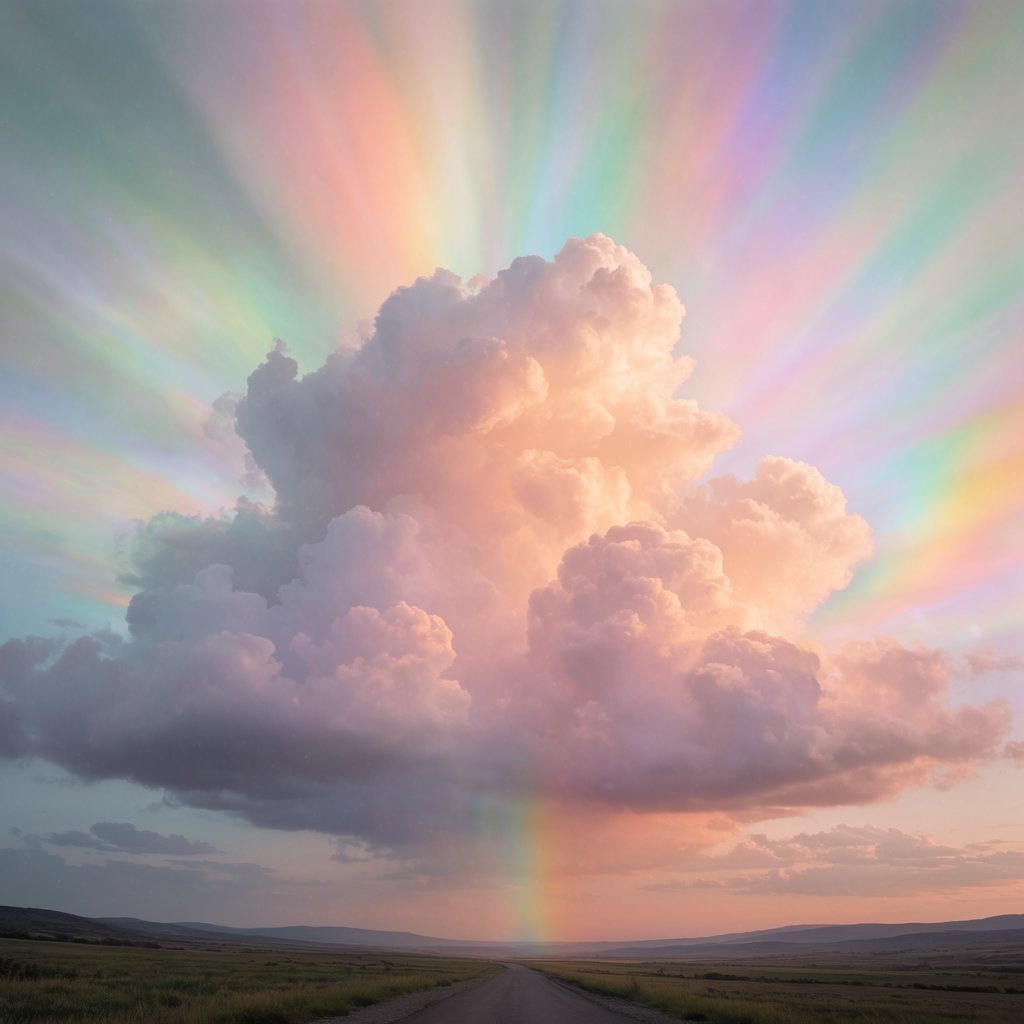
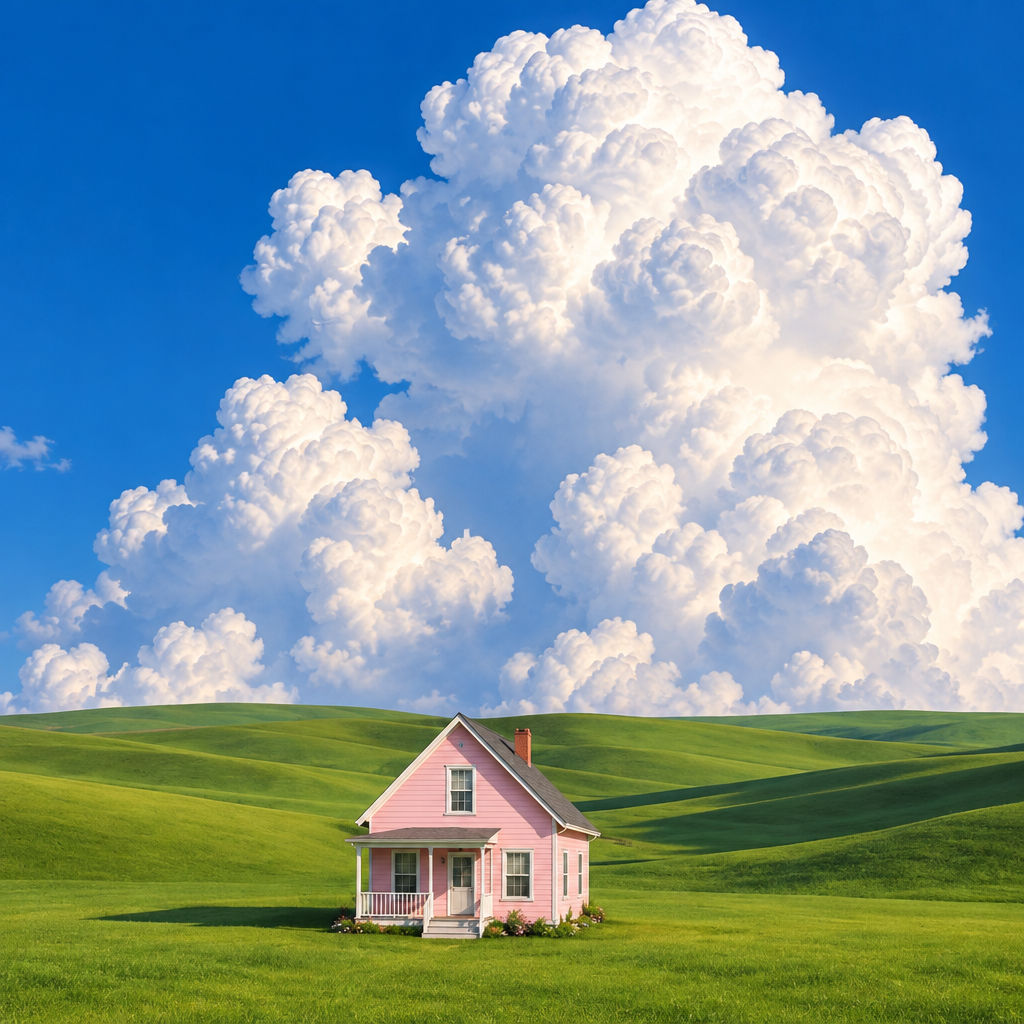
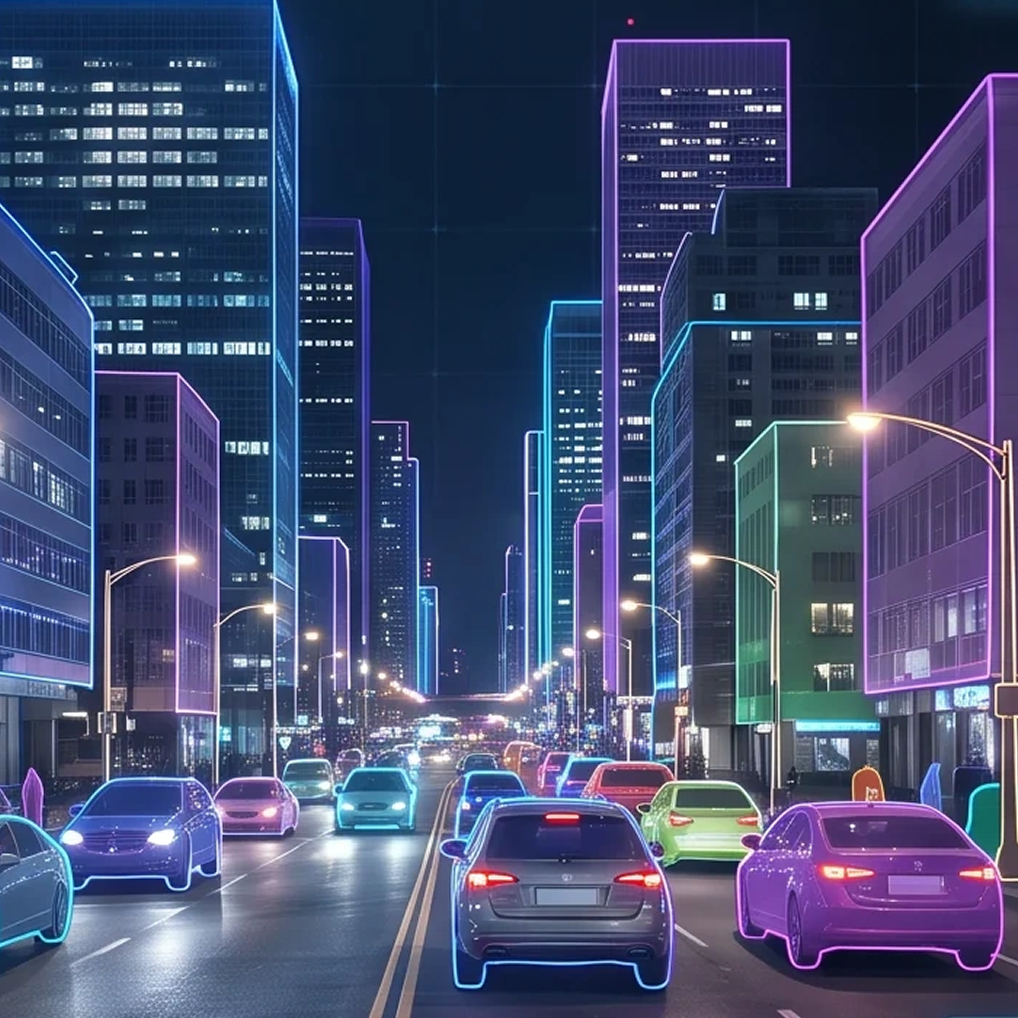
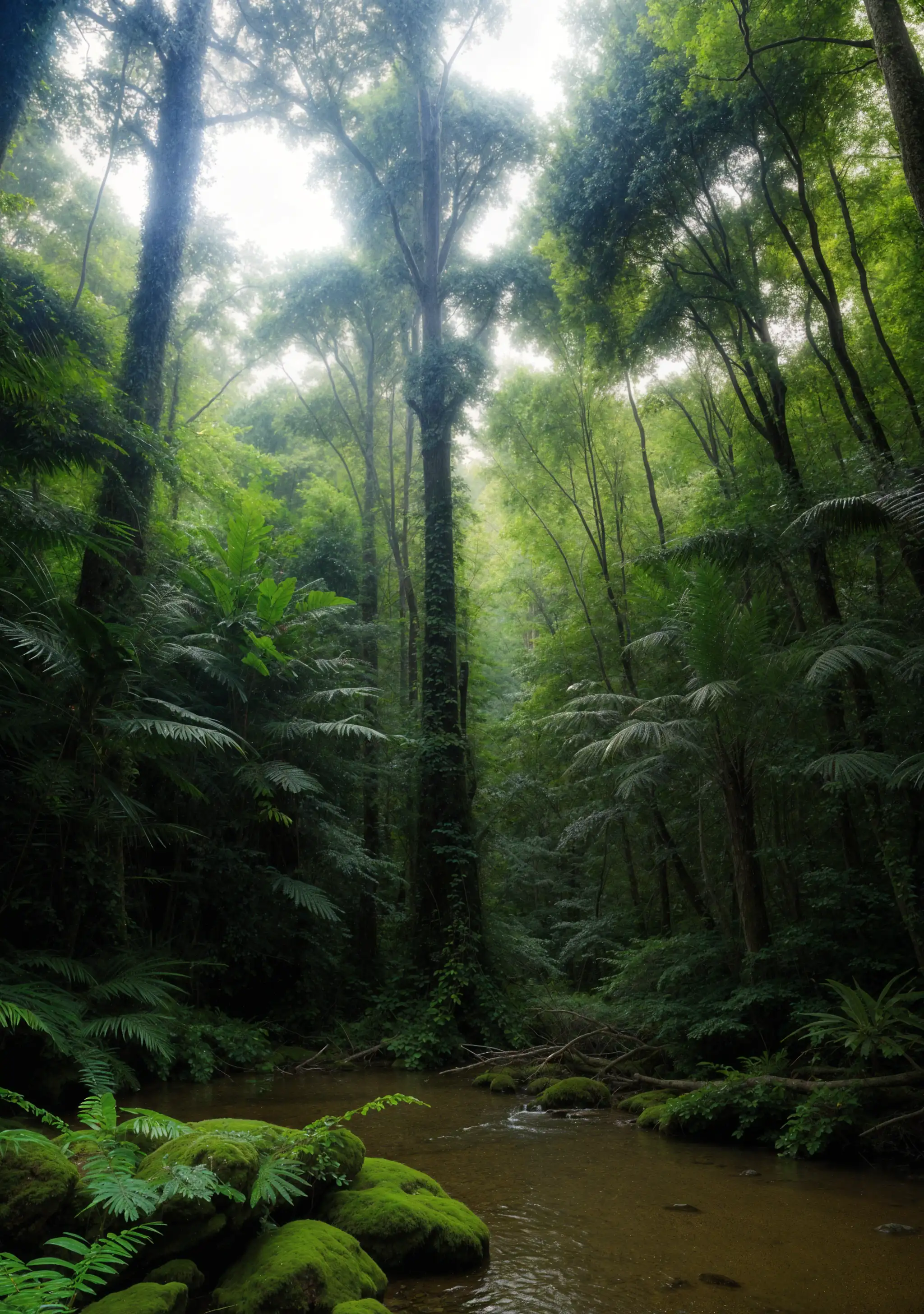
- Compare the upscaled image with the original to assess the improvements and understand the Recraft Clarity Upcale's impact.
Key considerations
- Image Quality:
- Higher-quality input images yield better upscaling results.
- Extremely low-resolution images may not achieve the desired enhancement.
- File Size:
- Larger images may require longer processing times.
Legal Information for Recraft Clarity Upscale
By using this model, you agree to:
- Image Quality:
Limitations
Over-Enhancement:
- In some cases, the Recraft Clarity Upcale may introduce artifacts if the input image has significant noise or compression issues.
Subjectivity:
- Perceived improvements can vary based on individual preferences and the specific characteristics of the input image.
Output Format: WEBP