PixVerse v4.5 | Effect
Use the pixverse v4 effect tool to apply stylized filters to your footage and enrich the atmosphere of your videos with basic AI effects.
- Runtime (p50)
- 25s
- Estimated price
- $0.00627 / credit
Overview
pixverse-v4-5-effect — Image-to-Video AI Model
Developed by Pixverse as part of the pixverse-v4.5 family, pixverse-v4-5-effect is an image-to-video AI model that applies stylized filters and basic AI effects to static footage, instantly enriching video atmospheres with dynamic visual enhancements. This tool transforms ordinary images into captivating short clips by adding motion effects, camera movements, and atmospheric styles, solving the challenge of creating engaging video content without complex editing software. Ideal for users seeking a Pixverse image-to-video solution, pixverse-v4-5-effect delivers fast processing for "image to video AI" workflows, supporting up to 1080p resolution and 8-second durations in aspect ratios like 16:9.
Capabilities
Generates short stylized motion videos from a single image.
Adds movement, visual effects, and animations using curated template presets.
Converts static portraits into dynamic sequences with facial or full-body animation.
Outputs videos suitable for reels, avatars, video replies, or profile intros.
Offers a variety of themes from comic-style and anime to dramatic cinematic effects.
Use cases
Use Cases for pixverse-v4-5-effect
Content creators can upload a product photo and apply "gentle wave distortion with sunset glow" via pixverse-v4-5-effect to generate an 8-second looping video, perfect for e-commerce sites needing dynamic visuals without shooting new footage. This leverages the model's effect filters for atmospheric depth, boosting engagement on platforms like TikTok.
Marketers building AI image-to-video campaigns feed event snapshots into the model with prompts like "add swirling particle effects and slow zoom-in," producing stylized promo clips in 1080p that highlight brand moods efficiently. The fast processing suits tight deadlines for social ads.
Developers integrating pixverse-v4-5-effect API into apps use image inputs with effect parameters for real-time previews, such as animating user-uploaded portraits with "ethereal fog and subtle camera pan." This supports custom tools for personalized video effects in mobile apps.
Designers experimenting with "Pixverse image-to-video" workflows transform mood board images into animated concepts, applying filters like "vintage film grain with flickering lights" to visualize ideas quickly in vertical 9:16 format for client pitches.
Tips & tricks
How to Use pixverse-v4-5-effect on Eachlabs
Access pixverse-v4-5-effect through Eachlabs Playground for instant testing with image uploads, text prompts describing effects (e.g., "add glowing particles"), and settings for resolution up to 1080p, duration to 8 seconds, and aspect ratios like 16:9. Integrate via API or SDK by specifying input images, effect styles, and quality modes for high-quality MP4 outputs in ~30 seconds—streamline your image-to-video workflows on Eachlabs today.
---
Technical spec
What Sets pixverse-v4-5-effect Apart
pixverse-v4-5-effect stands out in the image-to-video AI model landscape with its focus on effect-driven animations from images, enabling seamless stylization that competitors like general text-to-video tools lack in targeted filter application. It supports 1080p output at normal quality modes consuming around 120 credits, with generation times of about 30 seconds, making it efficient for quick iterations.
- Specialized effect filters for atmospheric enrichment: Applies basic AI effects like stylized motion and lighting to input images, creating immersive video atmospheres; this allows creators to elevate static footage into cinematic clips without manual post-production.
- Fast turbo and normal modes for short-form video: Handles 360p to 1080p in turbo (90 credits) or normal settings, with max 8-second clips; users gain rapid prototyping for social media content where speed trumps longer durations.
- Flexible aspect ratios including 16:9 and 16:1: Optimizes widescreen and vertical formats natively; this enables tailored outputs for platforms like Instagram Reels or YouTube Shorts directly from pixverse-v4-5-effect API calls.
Things to be aware of
Apply vogue-walk to fashion-style portraits with clear poses.
Use anime-magic or sakura-flood for expressive, high-color character art.
Try zombie-mode or black-myth-wukong for cinematic or eerie character reveals.
Combine baby-face or hug-your-love with smiling faces for sentimental effects.
Test iron-man, batman-back for superhero themes.
Key considerations
Facial expressions and body orientation in the input image strongly influence alignment with effects.
Some templates include heavy stylization or facial/body morphing that may distort realism.
Image backgrounds are usually replaced or stylized; do not expect original backgrounds to be preserved.
Input images without clear subject separation (e.g. cluttered backgrounds or side profiles) may cause tracking errors.
Templates cannot be customized or edited — each one has a fixed animation style.
Legal Information for PixVerse v4.5 Effect
By using this PixVerse v4.5 Effect, you agree to:
Piverse Terms Of Service
Pixverse Privacy PolicyLimitations
Each template is fixed and non-editable.
Some templates may distort facial features based on alignment errors.
Backgrounds are not preserved unless part of the template.
Non-human subjects are not reliably animated.
High-resolution images are needed to avoid blurring at higher quality settings.
Output Format: MP4
Related models
4 models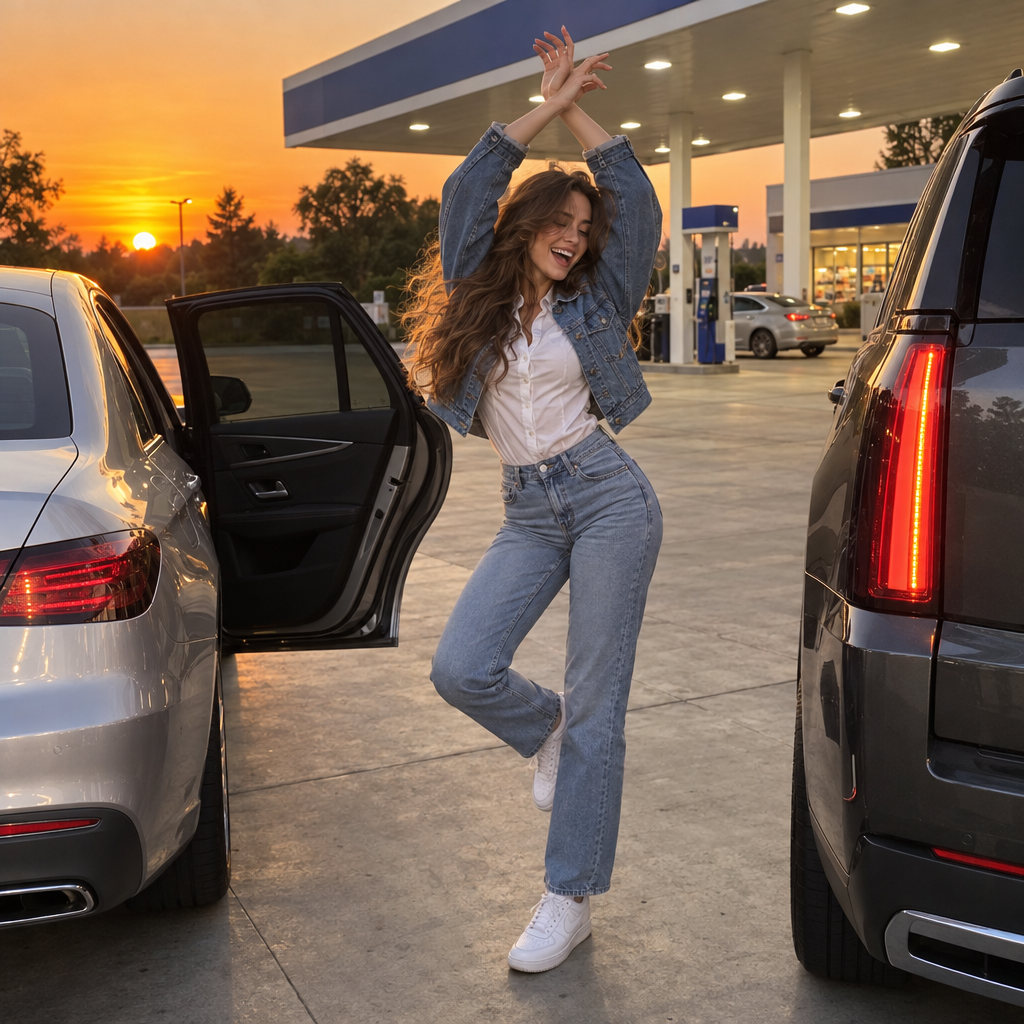

About PixVerse v4.5 | Effect
What is PixVerse v4.5 Effect and what types of visual effects does it apply?
PixVerse v4.5 Effect is PixVerse's image-to-video model specialized in applying stylized visual effects to input images to produce short video clips. It generates motion effects, particle effects, atmospheric elements, and cinematic visual transformations applied to the source image, creating visually engaging video content for social media, entertainment, and creative applications.