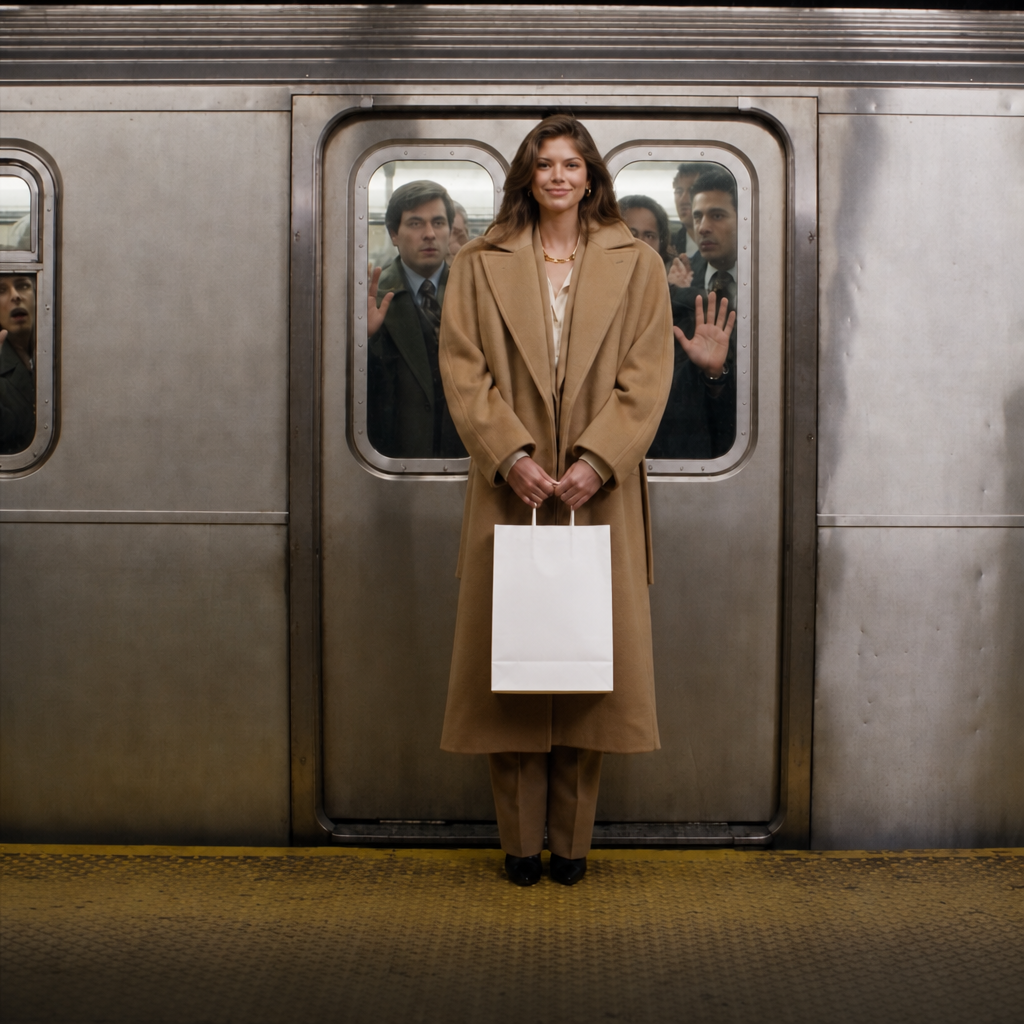
Google | Gemini Omni 1.1 Flash | Image to Video
Gemini Omni 1.1 Flash Image-to-Video animates a source image into a short AI video with prompt-guided motion, synchronized audio, portrait or landscape framing, and selectable resolution up to 4k.
- Runtime (p50)
- 1m
- Estimated price
- $1.50–$17.50 per million tokens, depending on token type
Overview
Google | Gemini Omni 1.1 Flash | Image to Video Overview
Google | Gemini Omni 1.1 Flash | Image to Video turns a still image into a short, prompt-guided video with synchronized audio and a realistic motion structure. It is part of Google’s Omni family, which is positioned as a multimodal video model for creating and editing video from text, image, video, and audio references. The main differentiator is its combination of image conditioning, native audio generation, and high-end production controls, including scene extension, first-and-last-frame interpolation, and 4K upscaling. For teams using each::labs, this makes the model useful when a single reference image must become a polished motion asset without a separate editing pipeline.
Capabilities
Capabilities
- Animates a still image into a short video with prompt-guided motion.
- Generates synchronized audio alongside the visual output.
- Supports portrait and landscape framing.
- Offers higher-resolution output with 4K upscaling in the Omni 1.1 family.
- Extends scenes in 10-second increments for longer sequences.
- Supports first-and-last-frame interpolation for more controlled transitions.
- Works within a multimodal workflow that can use text, image, video, and audio references.
- Designed for faster prototyping and controlled video production.
Use cases
Use Cases for Google | Gemini Omni 1.1 Flash | Image to Video
Creators can turn illustrations, concept art, or character portraits into short motion clips. A useful prompt is: “Animate this character with subtle head movement, blinking, and a slow cinematic zoom.” This uses the model’s image conditioning and prompt-guided motion.
Marketers can convert product photos into short promotional loops with audio. A practical prompt is: “Make this product image feel premium with rotating highlights, slight camera drift, and polished ambient sound.” This benefits from synchronized audio and controlled framing.
Developers integrating the Google | Gemini Omni 1.1 Flash | Image to Video API can build automated content workflows for social clips or ad variants. Example prompt: “Use this source image as the anchor and generate a 9:16 motion clip with subtle motion and branded audio cues.”
Designers can test animated hero assets for landing pages. Example prompt: “Turn this mockup into a landscape video with gentle environmental motion, stable layout, and soft ambient sound.”
Tips & tricks
Tips and Tricks
Use concise prompts that separate subject motion, camera motion, and audio direction. For Google | Gemini Omni 1.1 Flash | Image to Video, describe what should stay stable in the image and what should move. If the scene has a clear subject, specify the first action in the opening second so the model has a stronger motion anchor. Use portrait framing for social-first assets and landscape framing for cinematic or website hero content. If you plan to iterate, generate a short first pass, then refine motion, timing, and atmosphere in the next prompt rather than overloading the first request.
Example prompts:
“Animate this product photo with subtle camera push-in, soft reflective highlights, and premium ambient audio.”
“Turn this character illustration into a cinematic portrait clip with hair movement, slow blinking, and gentle background motion.”
“Make this landscape image feel alive with drifting clouds, moving foreground grass, and a calm natural soundscape.”
Technical spec
Technical Specifications
- Input type: image plus prompt instruction, with support in the broader Omni workflow for text, image, video, and audio references.
- Output type: generated video with synchronized audio.
- Duration: Google’s Omni 1.1 documentation highlights scene extension in 10-second increments up to 40 seconds total for video workflows.
- Resolution: supports crisp 4K upscaling in the Omni 1.1 family.
- Framing: supports portrait and landscape output formats.
- Processing: Google describes faster prototyping, but does not publish a fixed average generation time in the available documentation.
- Architecture: multimodal video generation model within Google’s Omni family, designed for video creation and editing from references.
Things to be aware of
Things to Be Aware Of
The model performs best when the source image is clear, well-composed, and visually stable. Low-quality or heavily cluttered inputs can make motion look inconsistent. Users also often over-specify too many effects in one prompt, which can reduce coherence. Because the workflow is compute-intensive, 4K output and longer sequences may be more resource demanding than short drafts. If you need precise character continuity across complex actions, you may need multiple iterations rather than expecting a single prompt to solve everything.
Key considerations
Key Considerations
Google | Gemini Omni 1.1 Flash | Image to Video works best when you need controlled motion from a single source image, especially for product shots, characters, branded visuals, or storyboard frames. The model is strongest when the prompt clearly defines motion, camera behavior, and scene intent. It is a good fit when synchronized audio matters and when you want a result that can be extended or refined later. Because Google positions the Omni workflow around high-control production, it is better for structured video creation than for fully unconstrained experimentation. The main tradeoff is that higher-quality output and 4K upscaling imply more compute-heavy usage than simple still-image animation.
Limitations
Limitations
Google | Gemini Omni 1.1 Flash | Image to Video is not a general-purpose long-form video editor. Available information indicates short clips, with scene extension used to build longer outputs in increments. The model may struggle with highly complex multi-subject choreography, very fine text rendering, or scenes that require exact frame-perfect control. While it supports image-to-video generation and audio, published documentation in the available research does not provide a fixed average processing time or exhaustive output-format list.
Related models
4 models