
Microsoft | MAI-Image-2.5 | Text to Image
MAI-Image-2.5 generates photorealistic images from text and edits uploaded visuals with pixel-level control for design and marketing teams on each::labs.
- Runtime (p50)
- 2m
- Estimated price
- $0.05 per image
Overview
Microsoft | MAI-Image-2.5 | Text to Image Overview
Microsoft | MAI-Image-2.5 | Text to Image is a next‑generation microsoft text-to-image model that converts natural language prompts into high‑fidelity, photorealistic images and can refine uploaded visuals with precise edits. Built on Microsoft’s latest image generation research and production safety stack, it delivers controllable, brand‑ready visuals for design, advertising, product, and UX teams on each::labs. Its primary differentiator is the balance of realism and structural accuracy, helping prompts produce compositions that respect objects, perspective, and lighting with fewer retries. Through the Microsoft | MAI-Image-2.5 | Text to Image API on each::labs, teams can scale image creation into their applications and workflows while keeping data and outputs governed within an enterprise‑grade environment.
Capabilities
Capabilities
- Generates photorealistic product and lifestyle images from detailed text prompts, suitable for ads, landing pages, and app stores.
- Creates illustrative and stylized artwork such as flat vectors, isometric diagrams, or semi‑realistic concept art from the same prompt interface.
- Performs image‑to‑image edits, allowing users to upload an existing visual and request targeted modifications, additions, or style changes.
- Maintains coherent composition and perspective, helping multi‑object scenes respect spatial layout and lighting directions.
- Supports brand‑consistent style prompting, enabling teams to encode recurring color palettes, framing, and typography into reusable prompt snippets.
- Delivers fast interactive generations, making it practical for iterative creative exploration in design and marketing workflows.
- Integrates via the Microsoft | MAI-Image-2.5 | Text to Image API on each::labs, enabling server‑side automation, batch jobs, and in‑app image generation features.
Use cases
Use Cases for Microsoft | MAI-Image-2.5 | Text to Image
Marketing teams can rapidly prototype campaign visuals using the model’s photorealistic rendering, generating multiple angles and backgrounds for the same product. A typical prompt might be: “sleek silver smartwatch on a marble counter, soft morning light, 4:5 for Instagram ad.” Designers can rely on its image‑to‑image editing to localize changes without re‑shooting assets, for example: “edit: replace the background with a modern office while keeping the model and lighting unchanged.” Product managers and founders can mock up UI concepts using its illustrative capabilities: “clean dashboard UI illustration, isometric, pastel palette, suitable for SaaS landing page hero.” Developers integrate Microsoft | MAI-Image-2.5 | Text to Image API into internal tools so non‑technical stakeholders can generate branded visuals on demand from structured prompts or form inputs.
Tips & tricks
Tips and Tricks
To get the most from Microsoft | MAI-Image-2.5 | Text to Image, structure prompts with clear subject, context, style, and quality cues. Lead with the main subject, then specify setting, mood, lens or camera, and level of realism. Use concise style tags like “cinematic,” “studio lighting,” or “flat vector illustration” instead of long, tangled descriptions. When editing an image, reference exact regions or attributes you want changed so the model can localize edits more reliably. For batch workflows via the Microsoft | MAI-Image-2.5 | Text to Image API, keep a fixed “house style” suffix and vary only the task‑specific part of the prompt.
Example prompts include: “a product hero shot of wireless earbuds on a reflective glass surface, studio lighting, 16:9, ultra realistic”; “isometric illustration of a cloud dashboard interface, minimal palette, vector style”; “edit: same image but change the laptop color to deep navy while keeping lighting and reflections consistent.”
Technical spec
Technical Specifications
- Model type: microsoft text-to-image diffusion model optimized for photorealistic and illustrative outputs.
- Input: Text prompt; optional image input for edits and variations via the Microsoft | MAI-Image-2.5 | Text to Image API.
- Output: RGB images in standard web‑friendly formats (e.g., PNG/JPEG), suitable for design and marketing workflows.
- Resolution: Supports common portrait, landscape, and square resolutions; higher resolutions are typically generated via internal upscaling stages.
- Aspect ratios: Flexible aspect ratios (e.g., 1:1, 16:9, 9:16, 4:5) for social, web, and product imagery.
- Latency: Designed for interactive use; typical generations complete in seconds for single images under normal load.
- Architecture: Latent diffusion backbone with Microsoft safety, content‑filtering, and style‑control components integrated.
Things to be aware of
Things to Be Aware Of
Like most advanced microsoft text-to-image systems, Microsoft | MAI-Image-2.5 | Text to Image can occasionally misinterpret ambiguous or overloaded prompts, so over‑specifying style and context is better than under‑specifying. Highly detailed scenes with many small objects may show artifacts when pushed to very high resolutions in a single step; using staged upscaling or multiple iterations can help. Safety and compliance layers may block or modify outputs that resemble sensitive content, even when used in a legitimate context. When automating through the Microsoft | MAI-Image-2.5 | Text to Image API on each::labs, always log prompts and outputs for review so undesirable generations do not flow directly into customer‑facing surfaces.
Key considerations
Key Considerations
Microsoft | MAI-Image-2.5 | Text to Image works best when prompts are concrete about subject, environment, camera angle, and style. For production use, teams should define internal prompt templates to standardize brand tone and visual identity across outputs. The model is well‑suited for creative marketing, fast concept art, and UI illustration, while highly specialized scientific or medical visuals may require domain‑specific tools. When using the Microsoft | MAI-Image-2.5 | Text to Image API at scale on each::labs, consider concurrency limits and caching frequently reused prompts to manage cost and latency. Content safety filters and copyright‑sensitive behavior may block certain prompts, which is important for automated pipelines.
Limitations
Limitations
Microsoft | MAI-Image-2.5 | Text to Image cannot guarantee pixel‑perfect adherence to brand guidelines such as exact logo placement, typography, or regulatory fine print; these often require manual refinement. Fine‑grained text inside images, like dense UI copy or legal disclaimers, may appear blurred or inaccurate and should be added in design tools post‑generation. The model may struggle with highly technical diagrams or specialized scientific imagery where precise geometry and labels are critical. As with other microsoft text-to-image models, outputs are influenced by training data, so niche subjects or very new products may require more iterations and careful prompt tuning.
Related models
4 models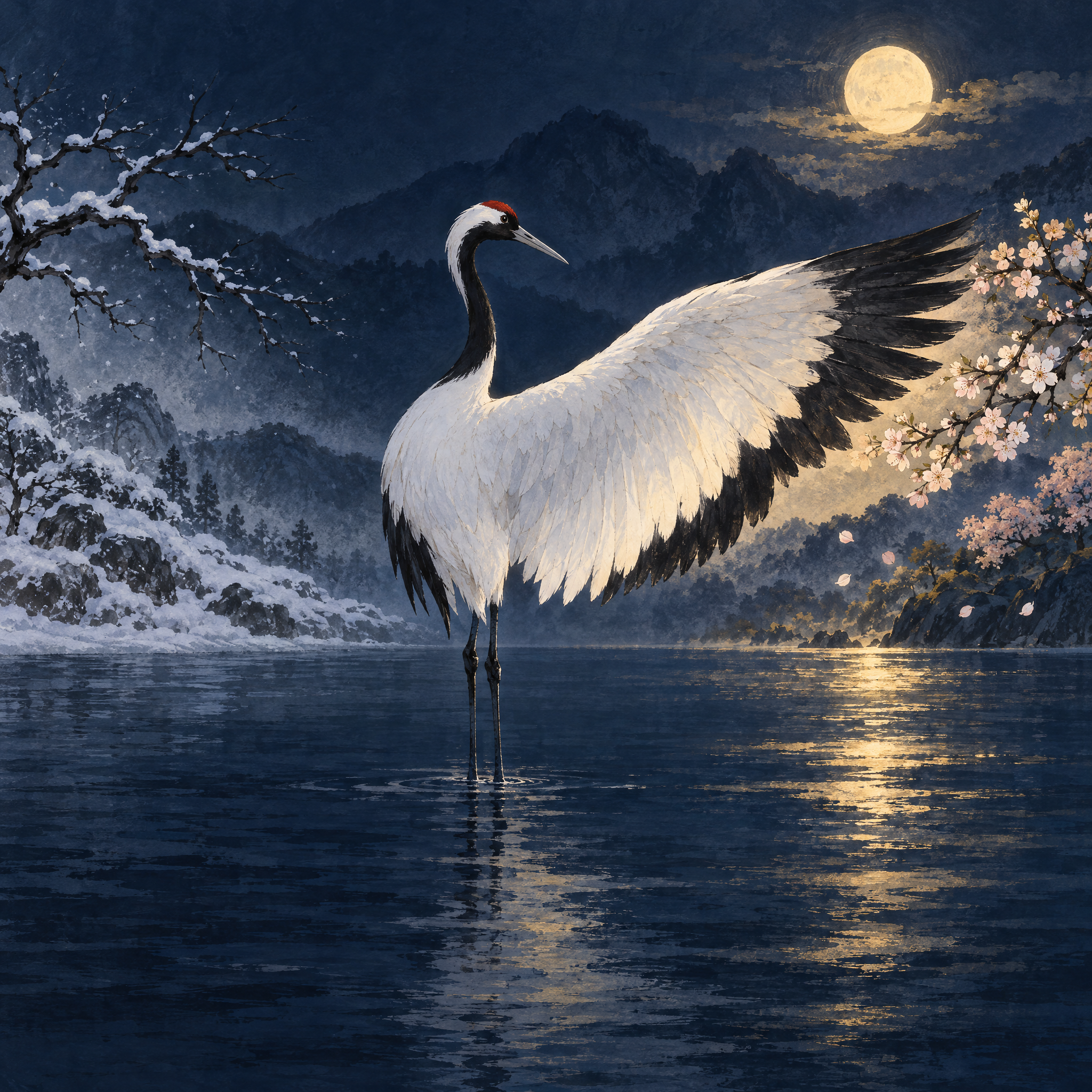
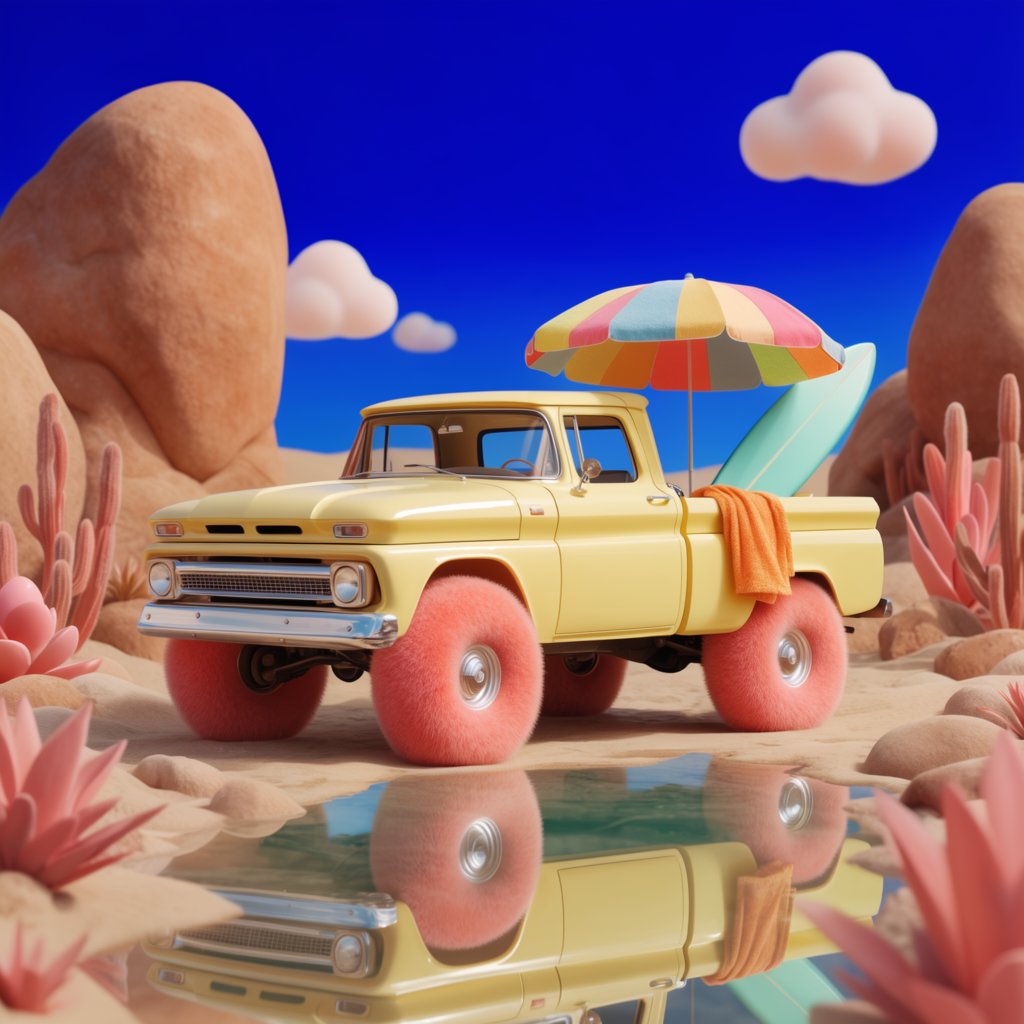
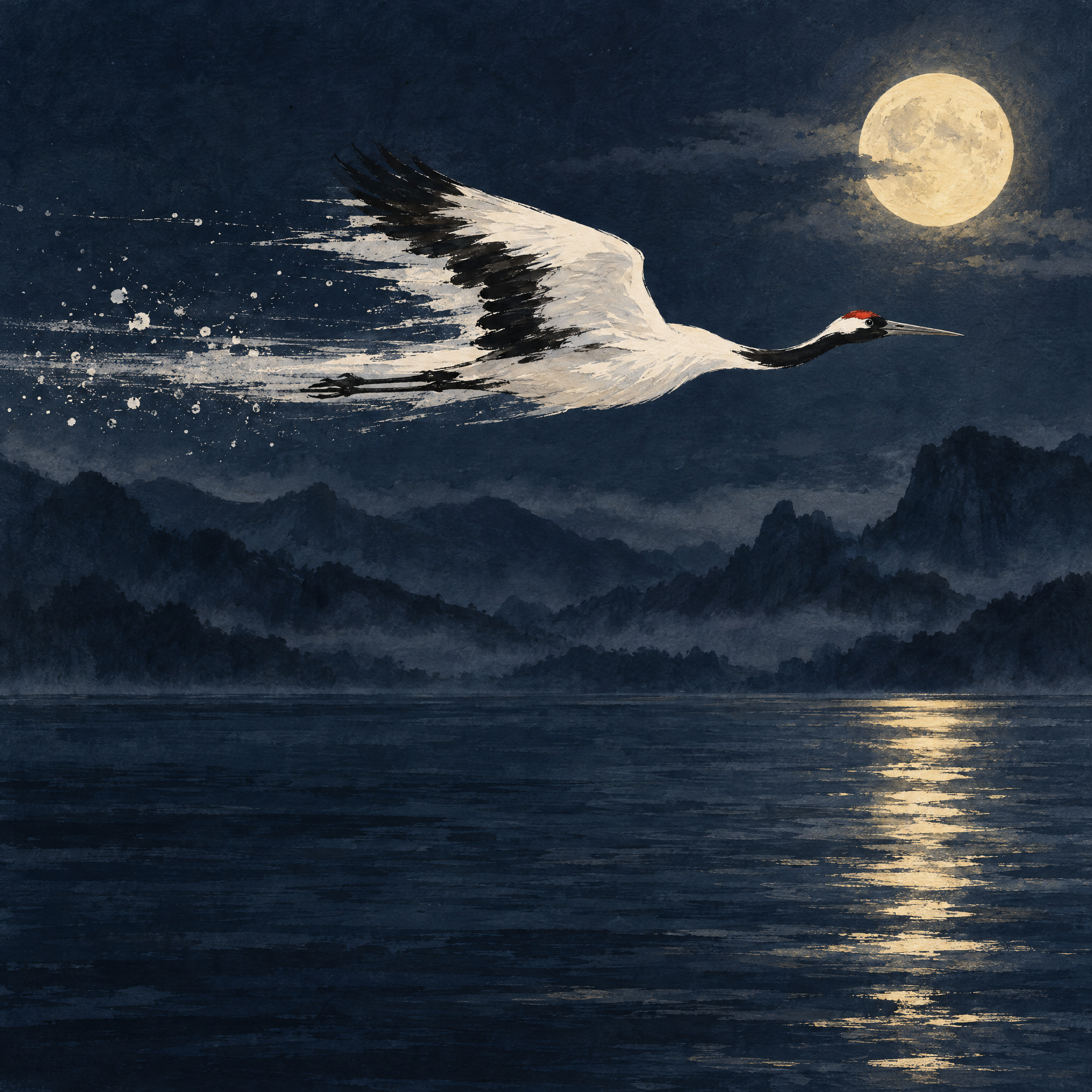
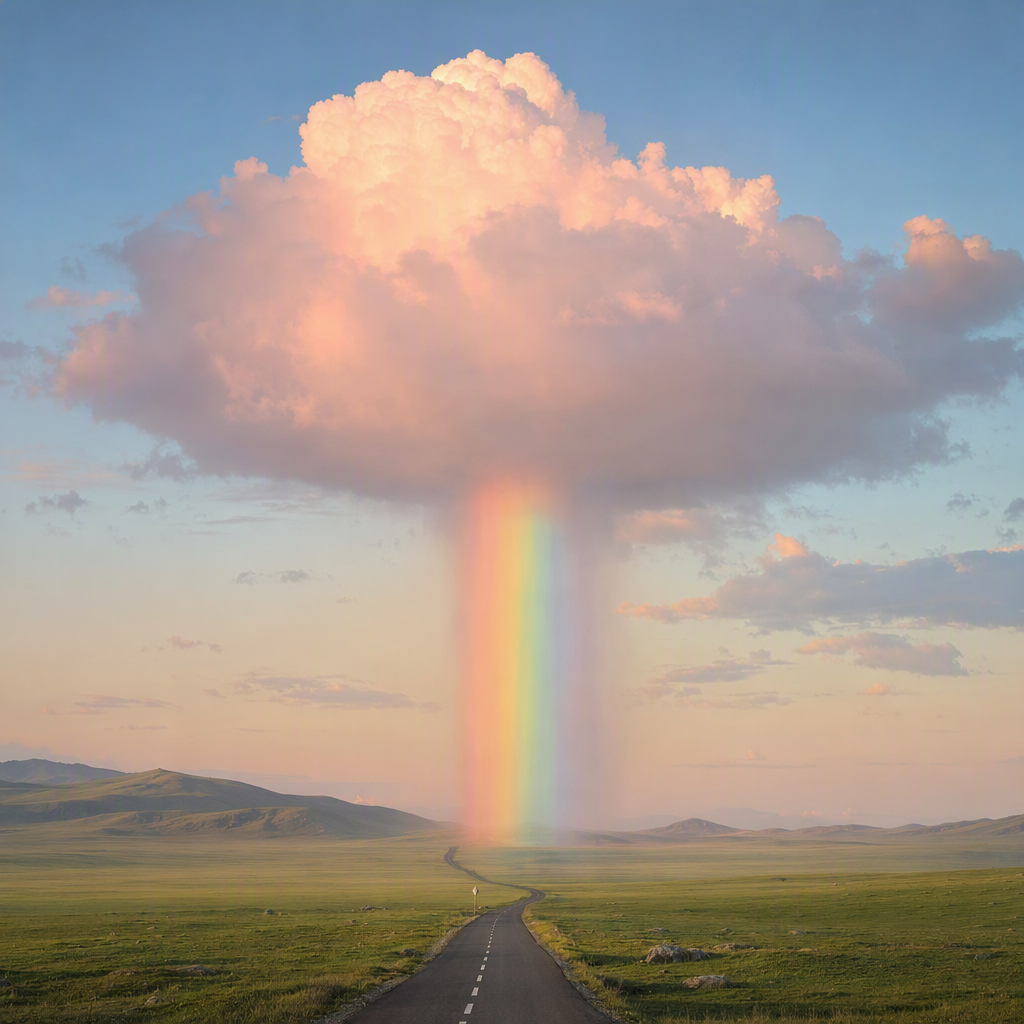
About Microsoft | MAI-Image-2.5 | Text to Image
What is MAI-Image-2.5 and what does it do?
MAI-Image-2.5 is Microsoft's photorealistic image generation and editing model. It turns text prompts into high-quality visuals and lets you refine uploaded images with fine-grained, pixel-level control. The model handles both text-to-image creation and precise image editing, making it a flexible option for producing design-ready visuals.