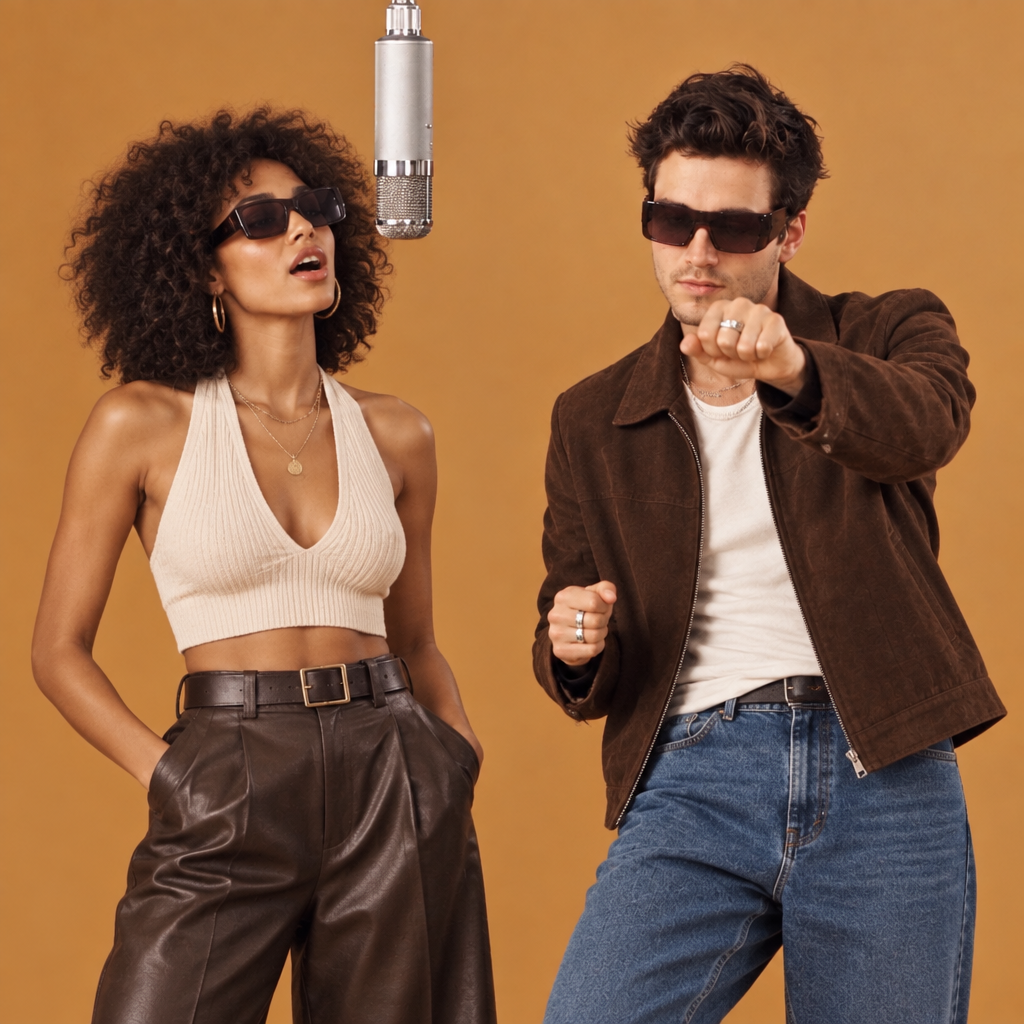
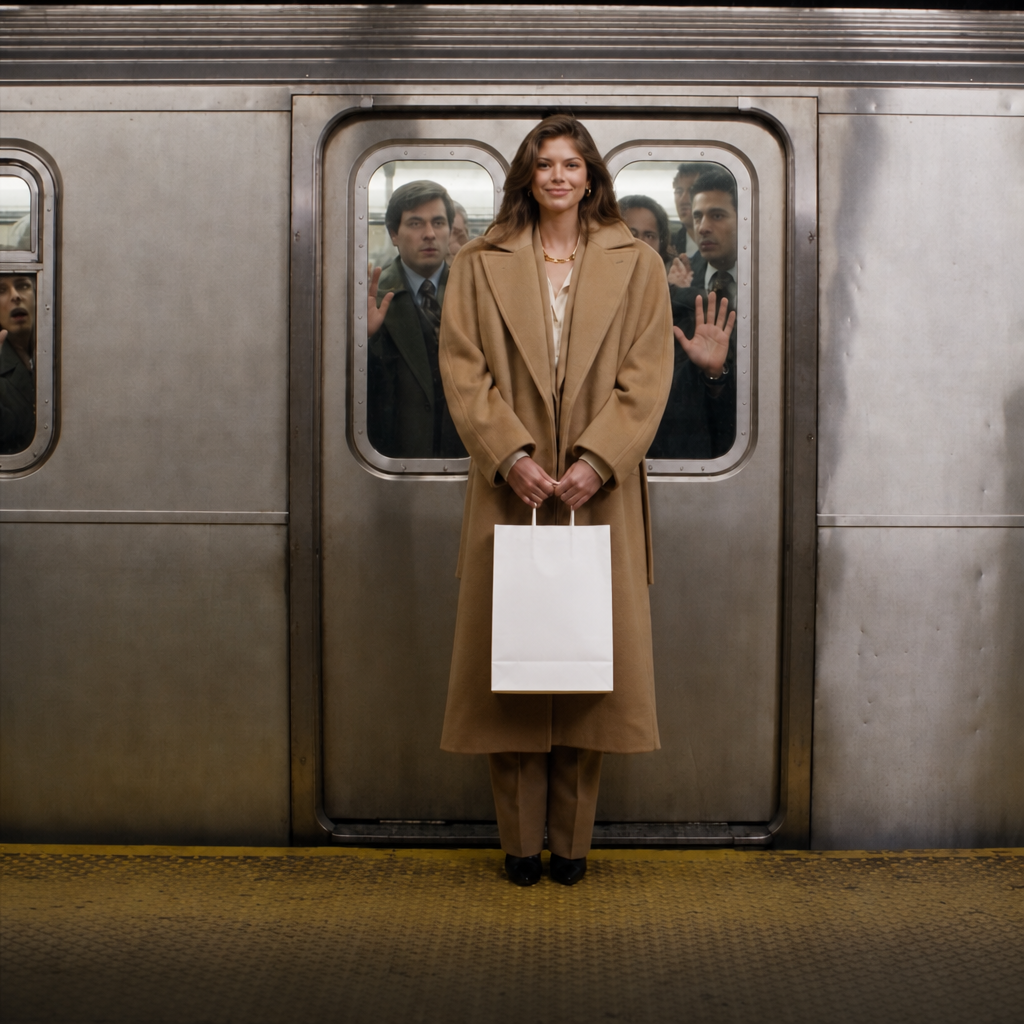
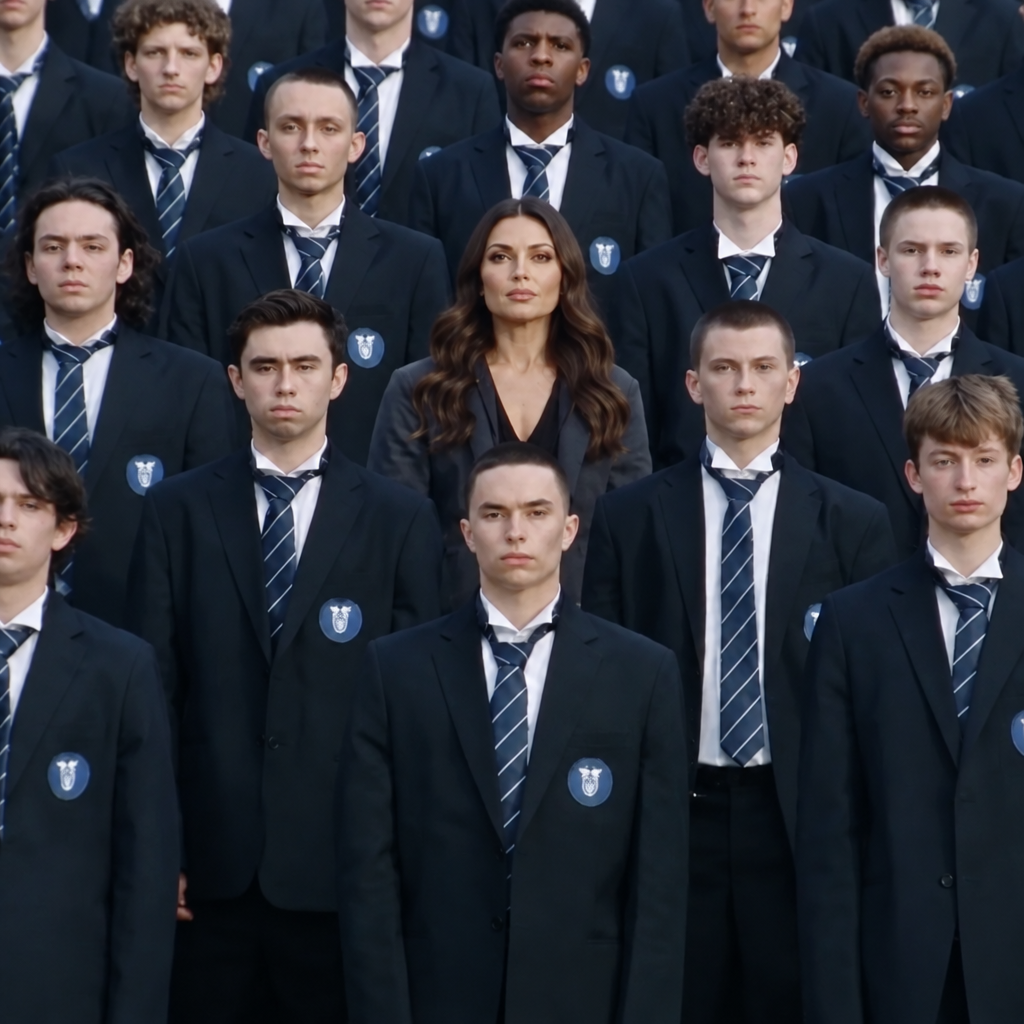
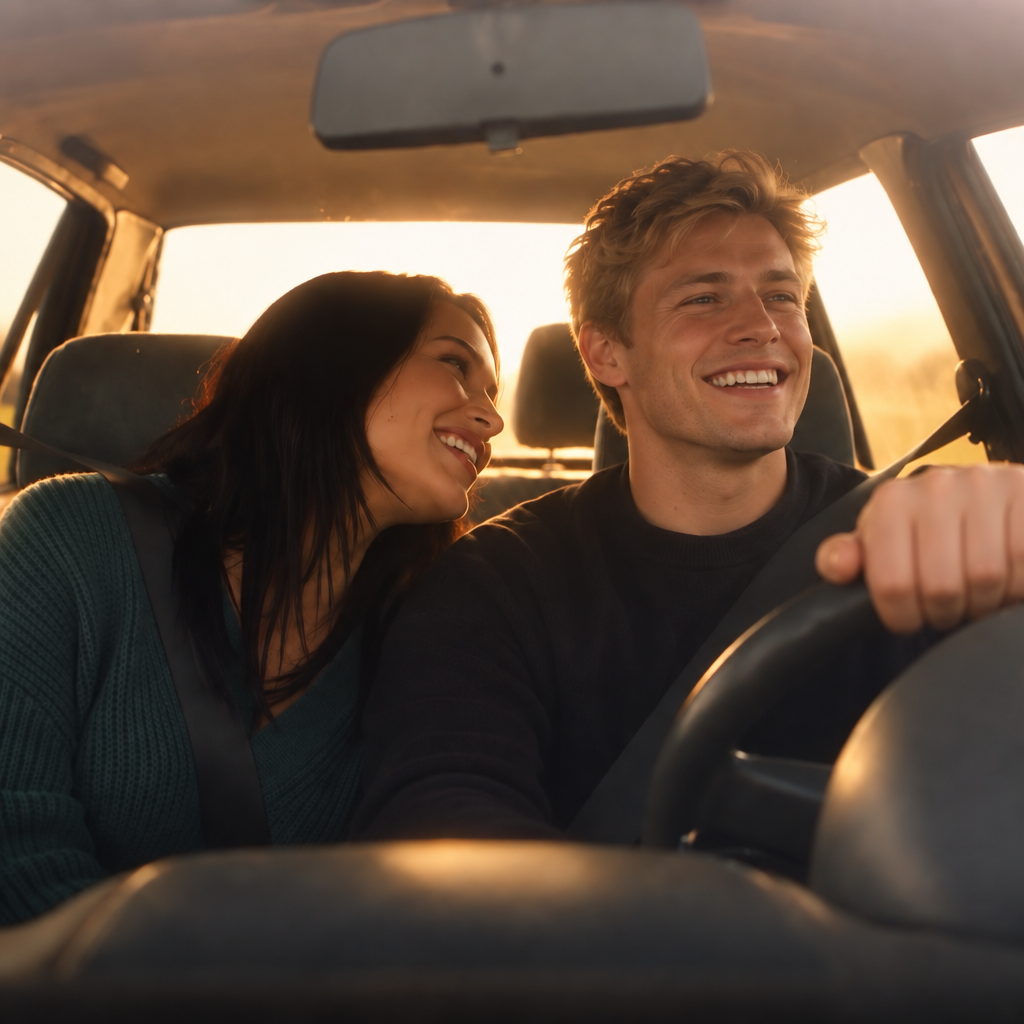
Kling | v3 | 4K | Image to Video
Kling Native 4K delivers professional-grade 4K video directly in a single pass, removing the need for post-production upscaling.
- Runtime (p50)
- 4m
- Estimated price
- $0.42–$0.63 per second, depending on audio
Overview
Kling | v3 | 4K | Image to Video Overview
The Kling | v3 | 4K | Image to Video model from Kling transforms static images into dynamic, cinema-grade videos with native 4K resolution, solving the challenge of creating high-fidelity motion from single visuals without upscaling or post-production. Developed by Kuaishou as part of the Kling V3 family, this image-to-video (I2V) tool excels in preserving intricate details and generating realistic physics-driven animations up to 15 seconds long. Its primary differentiator is native 4K output directly from input images, enabling professional creators to produce hero assets with advanced motion control and optional end-frame conditioning for seamless transitions. Available through platforms like each::labs, the Kling | v3 | 4K | Image to Video supports both Standard and Pro tiers, where Pro delivers superior lighting, textures, and detail retention ideal for cinematic workflows.
Capabilities
Capabilities
- Native 4K video generation from images without upscaling for cinema-grade quality
- Detail preservation and intricate motion in Pro mode, ideal for hero assets
- Start and end image conditioning for precise video beginnings and transitions
- Multi-prompt support for sequential narratives with consistent physics and lighting
- Native audio generation with lip-sync in multiple languages
- Automatic aspect ratio matching to input image
- Advanced character and style consistency across shots
- Realistic 3D rendering, human anatomy, and environmental physics
Use cases
Use Cases for Kling | v3 | 4K | Image to Video
Content Creators: Animate product photos into engaging demos, e.g., "Static watch on wrist morphs into dynamic close-up of ticking mechanism with light reflections, 5-second loop." Leverages native 4K for social media reels.
Marketers: Generate promotional clips from brand visuals, like "Company logo on building facade, camera dolly zoom out revealing bustling city at night with neon glows." Uses end-image control for branded transitions.
Designers: Prototype cinematic storyboards, prompting "Architectural sketch of modern home, fluid fly-through revealing furnished interiors with realistic lighting shifts." Benefits from multi-prompt consistency.
Developers: Integrate via Kling | v3 | 4K | Image to Video API on each::labs for app features, such as "User-uploaded pet photo animates into playful run across grass, adding bark audio." Exploits reference elements for personalization.
Tips & tricks
Tips and Tricks
For best results with Kling | v3 | 4K | Image to Video, use detailed prompts emphasizing motion, camera angles, and physics, like "A majestic eagle soaring over mountains, slow pan right with realistic wing flaps and wind effects." Leverage adjustable guidance scales in V3 to balance creativity and adherence—higher for strict image fidelity. Pair start and end images for smooth transitions in single-shot workflows, avoiding multi-prompt incompatibility. Optimize by uploading high-res source images to maximize native 4K output. Example: "From a serene forest path at dusk, gentle camera zoom into glowing fireflies rising, end with wide starry sky." Another: "Close-up portrait of a chef slicing vegetables, dynamic hand motion with steam rising, transition to plated dish." Test Standard mode first for iteration speed on each::labs.
Technical spec
Technical Specifications
- Architecture: Kling Video V3 with native 4K support
- Resolution: Native 4K (no post-processing upscale), also supports 1080p in Pro/Standard modes
- Duration Range: 3 to 15 seconds
- Aspect Ratio: Automatically inherits from the start image; supports 16:9, 9:16, 1:1
- Input Formats: Start image URL (required), optional end image URL, text prompt or multi-shot prompt list, optional reference images/videos
- Output Format: MP4 video via URL
- Audio: Native generation in Chinese/English with lip-sync support
- Processing: Varies by tier; Standard for rapid prototyping, Pro for high-quality renders
These specs make Kling | v3 | 4K | Image to Video suitable for high-resolution I2V tasks on each::labs.
Things to be aware of
Things to Be Aware Of
Kling | v3 | 4K | Image to Video performs best with high-quality input images; low-res sources lead to artifacts. End-image support is limited to single-prompt workflows, not multi-shot. Fast motions can cause minor ghosting despite 60fps capability, so specify "smooth camera" in prompts. Common mistakes include vague descriptions—always detail speed, direction, and style. Resource-intensive Pro renders take longer; monitor credits on each::labs. Less optimal for flat 2D animations, favoring realistic 3D instead.
Key considerations
Key Considerations
Before using Kling | v3 | 4K | Image to Video, ensure your start image has clear proportions, as aspect ratios auto-adjust to it. This model shines for realistic 3D and cinematic content but may require Pro tier for optimal physics and detail in complex scenes. Users need a compatible API key via each::labs for the Kling | v3 | 4K | Image to Video API, with credits scaling by quality—Standard suits quick tests, Pro for production. Best for scenarios demanding motion fidelity over flat 2D styles; consider duration limits for longer narratives by chaining outputs. Commercial use requires partner agreements.
Limitations
Limitations
Kling | v3 | 4K | Image to Video caps at 15 seconds, unsuitable for long-form content. End-image incompatible with multi-prompting. Struggles with traditional 2D styles, prioritizing realistic 3D physics. Audio limited to Chinese/English; no custom voices. High compute demands Pro tier for peak quality, increasing costs. Potential inconsistencies in extreme angles or rapid cuts without references.
Related models
4 models