Kling v1 | Standard | Image to Video
Kling v1 Standard Image to Video converts images into smooth, high-quality videos.
- Runtime (p50)
- 5m
- Estimated price
- $0.14 / unit
Overview
kling-v1-standard-image-to-video — Image-to-Video AI Model
Transform static images into dynamic, high-quality videos effortlessly with kling-v1-standard-image-to-video, the balanced image-to-video AI model from Kling's kling-v1 family developed by Kuaishou Technology. This model excels in standard image-to-video tasks, delivering smooth motion and visual realism ideal for creators seeking efficient video animation from single images. Developers and designers searching for a reliable Kling image-to-video solution appreciate its first-frame conditioning, which uses an input image to precisely define the video's starting appearance, ensuring consistent character and scene transitions.
Part of the kling-v1 lineup, kling-v1-standard-image-to-video supports key resolutions like 720p, making it a go-to for image-to-video AI model applications without the complexity of pro variants. Whether animating concept art or product visuals, it solves the challenge of bringing stillness to life with cinematic fluidity.
Capabilities
Transforms static images into short animated sequences.
Allows dynamic motion customization via textual descriptions.
Supports motion continuity between two input images.
Enables foreground/background isolation through masking.
Generates content with consistent subject focus and lighting retention.
Use cases
Use Cases for kling-v1-standard-image-to-video
Content creators can animate static character designs into looping promos by uploading a concept art image and prompting for subtle movements, leveraging first-frame conditioning to maintain exact styling and avoid drift—perfect for social media reels needing quick Kling image-to-video turnaround.
Marketers building e-commerce visuals feed product photos into kling-v1-standard-image-to-video with prompts like "spin the red sneakers on a glossy studio floor with dynamic lighting, 720p 6 seconds," generating engaging 360-degree views that boost conversion without photography sessions.
Developers integrating kling-v1-standard-image-to-video API for apps can use it to convert user-uploaded images into personalized video previews, such as turning a pet photo into a playful animation, ensuring consistent motion at 720p for mobile-friendly outputs.
Game designers prototype asset animations by inputting sprite sheets, prompting "walk cycle across a forest path with camera pan," to test mechanics rapidly with the model's fluid temporal coherence and standard resolution support.
Tips & tricks
How to Use kling-v1-standard-image-to-video on Eachlabs
Access kling-v1-standard-image-to-video seamlessly through Eachlabs' Playground for instant testing, API for production-scale image-to-video AI model deployments, or SDK for custom integrations. Upload a reference image (JPG/PNG), add a descriptive prompt for motion like camera moves or actions, select 720p resolution and 6-10 second duration, then generate smooth MP4 videos with first-frame precision—outputs ready in moments for high-quality results.
---Technical spec
What Sets kling-v1-standard-image-to-video Apart
kling-v1-standard-image-to-video stands out in the image-to-video landscape through its optimized balance of speed, cost, and quality, offering up to 2x faster generation and 30% lower costs compared to prior Kling versions while maintaining superior motion fluidity and character consistency. This enables rapid prototyping for Kling image-to-video API integrations, where time-sensitive workflows demand reliable outputs without premium pricing.
It leverages first-frame conditioning as the primary control, allowing precise animation from a single input image—unlike many competitors limited to text-only starts. Users gain predictable results for illustrations or photos, preserving structural details in short-form videos up to 10 seconds at 720p resolution.
- 720p output at 6-10 second durations: Produces smooth, high-fidelity videos from images, supporting aspect ratios like 16:9 for versatile image-to-video AI model use.
- Balanced standard mode: Focuses on core I2V tasks with enhanced realism and efficiency, ideal for everyday API calls without needing pro-level last-frame controls.
- Input flexibility: Accepts JPG, PNG images with text prompts for motion guidance, delivering MP4 outputs in under a minute on average.
Things to be aware of
Animate a photograph of a person with a prompt like:
"a person smiling and tilting their head"Combine two images (main and tail) with:
- image_url: A person standing still
- tail_image_url: Same person starting to walk
- Prompt: "the person begins to walk forward"
Use static_mask_url to keep a building steady while animating the sky:
- Prompt: "clouds slowly moving"
- static_mask_url: mask over the building
Key considerations
Input image quality directly affects the output. Low-resolution or overly compressed images may produce blurry or jittery results.
Prompts should be focused on motion, mood, or transformation. Avoid cluttering the prompt with scene descriptions already present in the image.
If both tail_image_url and static_mask_url are provided, the model prioritizes motion blending and overrides internal motion smoothing logic.
Videos are not audio-synced and contain no sound.
Legal Information for Kling v1 Standard Image to Video
By using this Kling v1 Standard Image to Video, you agree to:
- Kling Privacy
- Kling SERVICE AGREEMENT
Limitations
Limited to 5 or 10 seconds of output.
Model may struggle with complex or overlapping motion instructions.
Background artifacts may appear when subject edges are unclear.
Does not support facial lip-sync or precise expression control.
No support for audio integration.
Output Format: MP4
Related models
4 models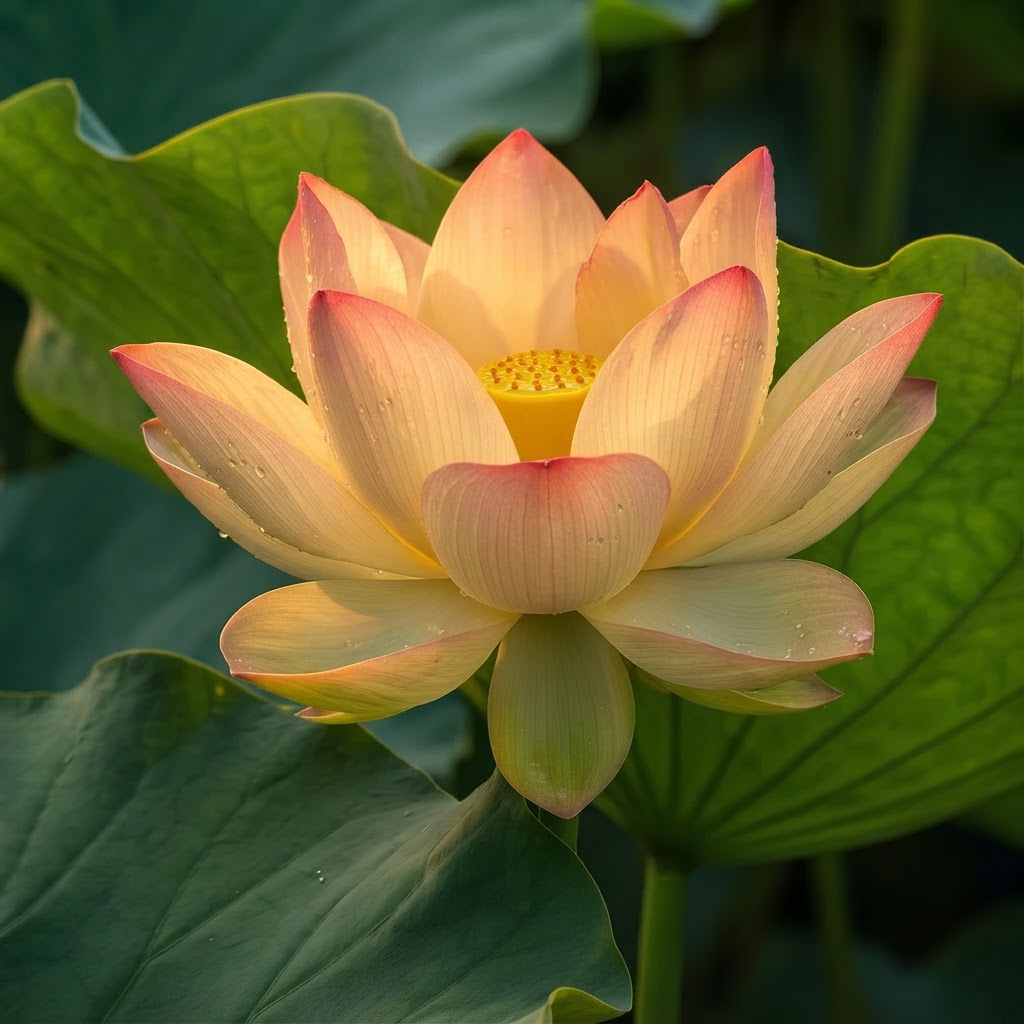
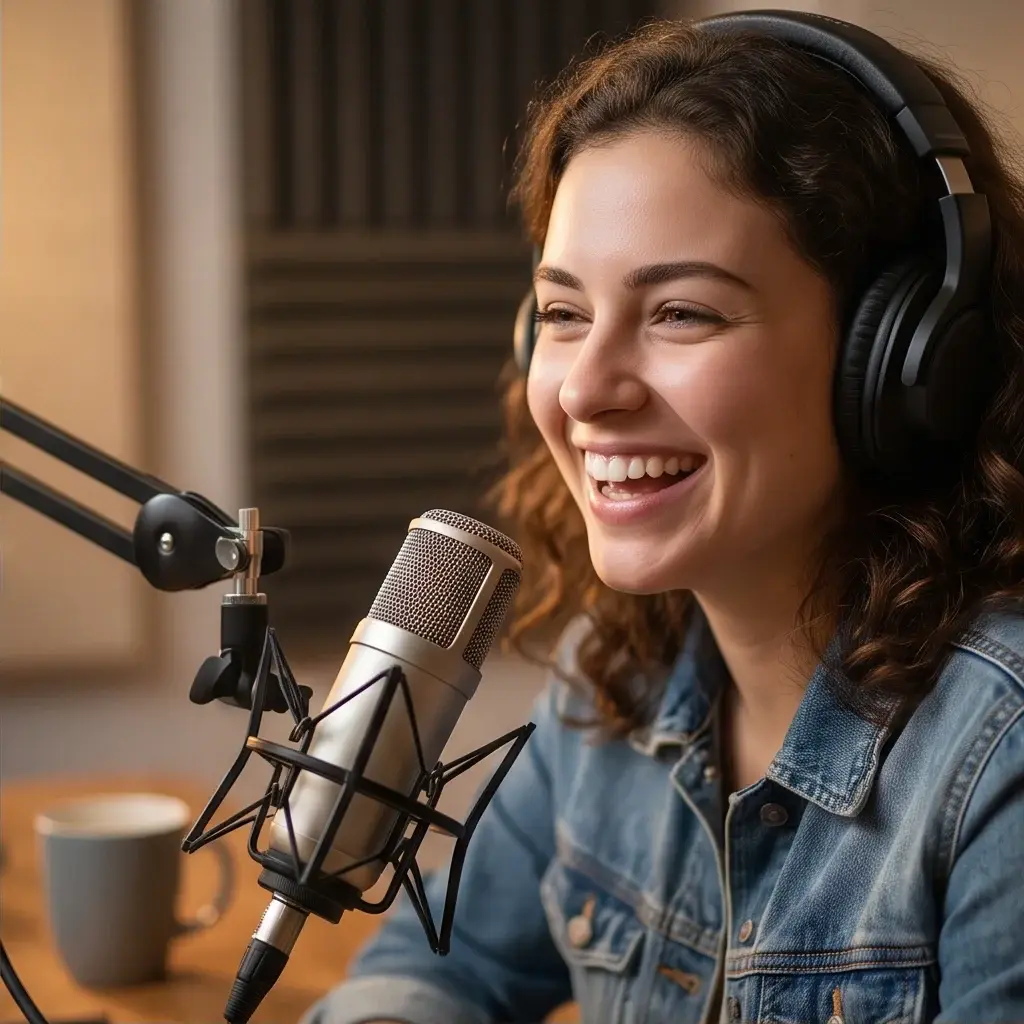
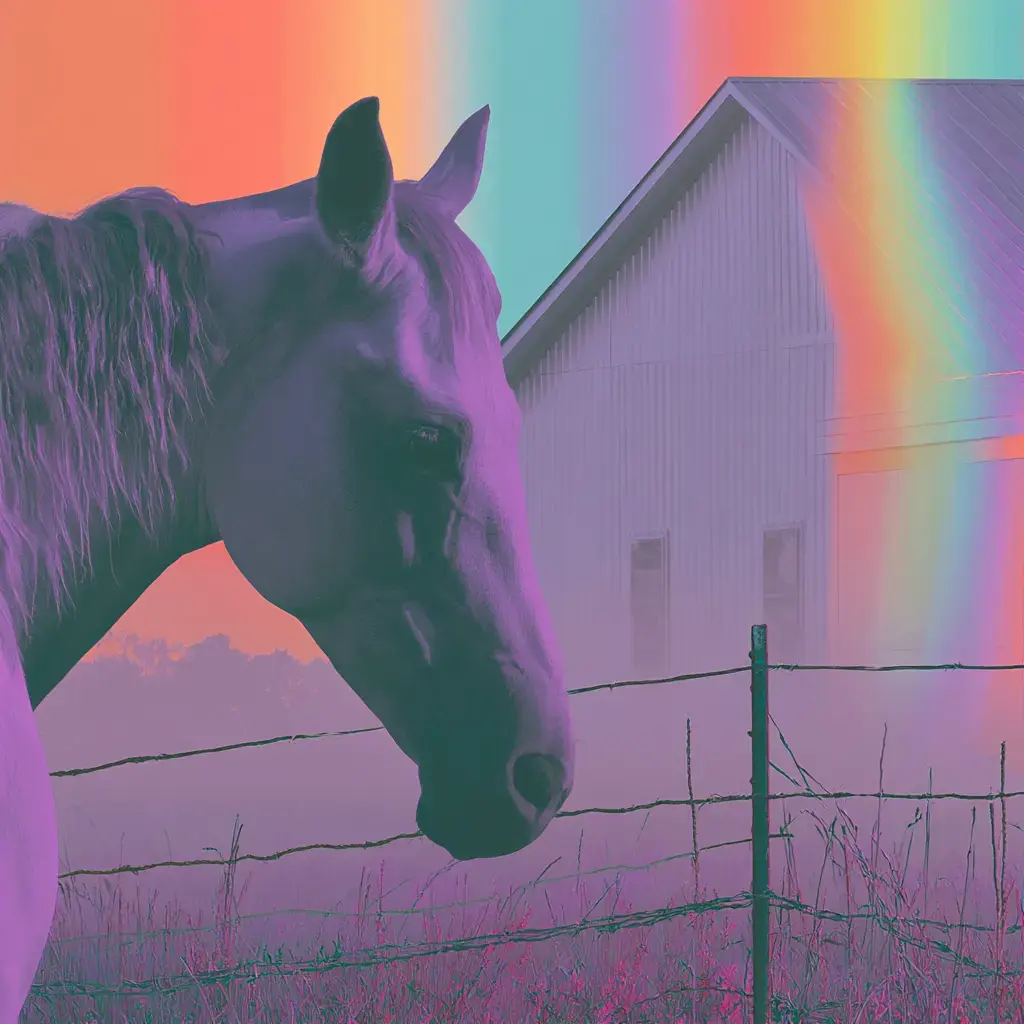

About Kling v1 | Standard | Image to Video
What is Kling V1 Standard Image-to-Video on eachlabs?
Kling V1 Standard Image-to-Video is an early-generation AI model on eachlabs that animates static images into video clips based on text prompts. It provides the foundational image animation capability within Kling's V1 model family, available through eachlabs for developers needing V1-tier image animation at accessible pricing.