PixVerse V6 Transition
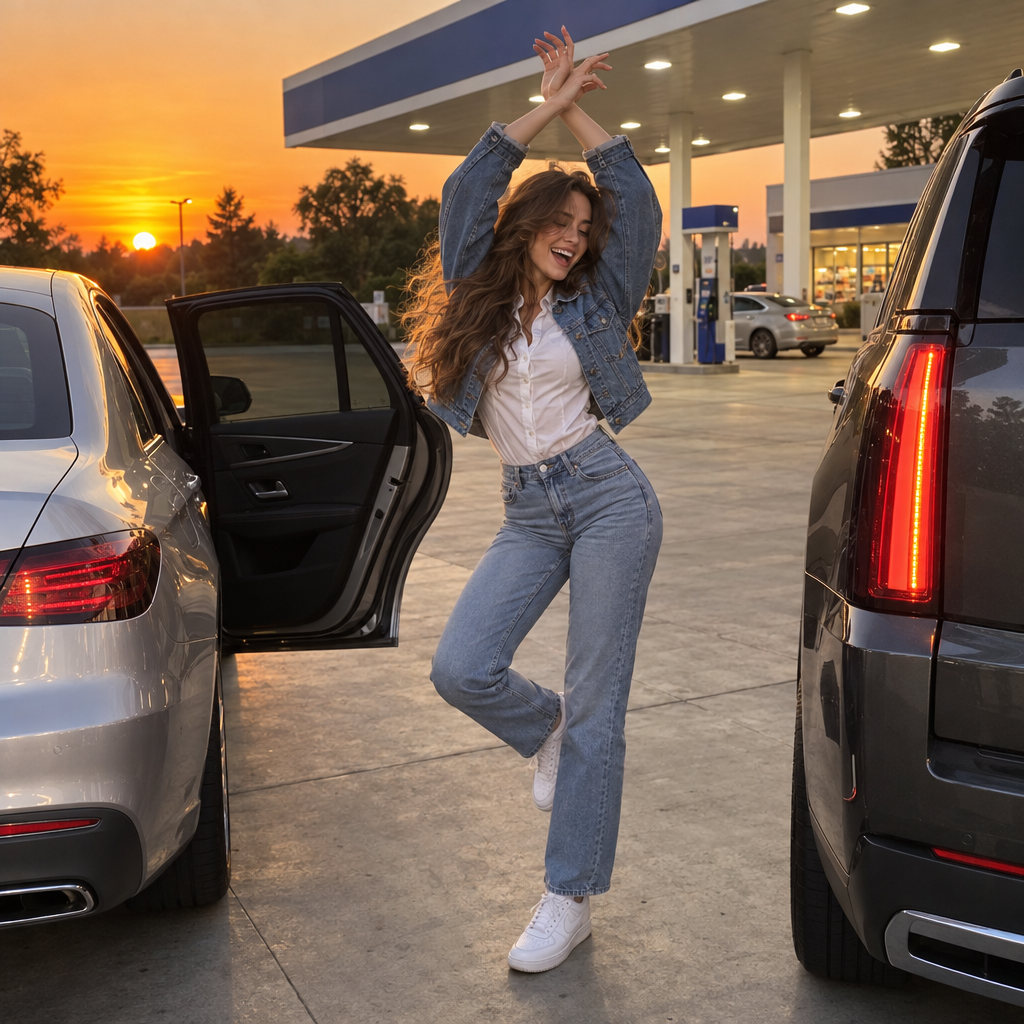
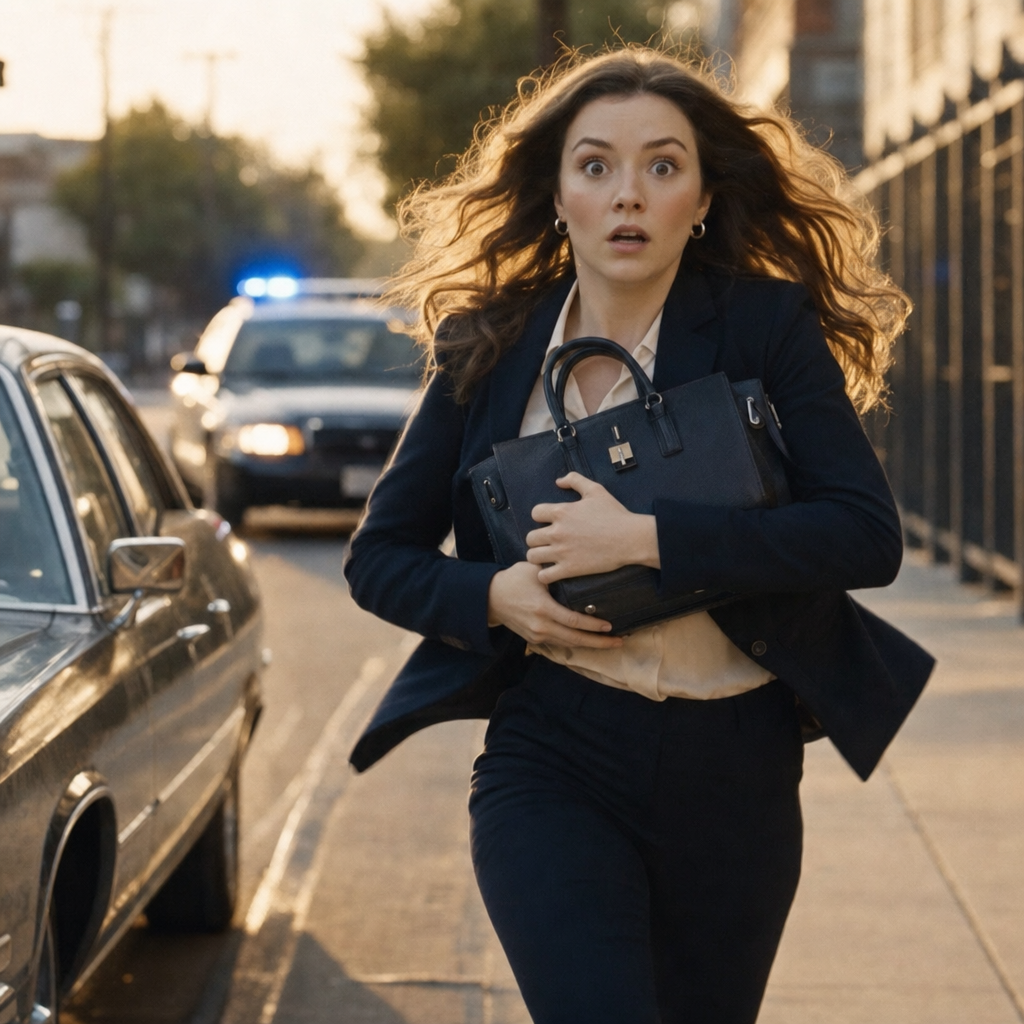
PixVerse V6 generates a smooth video transition between a first and last frame image — up to 1080p, 1 to 15 seconds, with synchronized audio. Perfect for morphs, scene changes and creative transformations.
- Runtime (p50)
- 2m
- Estimated price
- $0.025–$0.115 per second, depending on quality and audio
Overview
PixVerse | V6 | First-Last Frame Transition Overview
PixVerse | V6 | First-Last Frame Transition from Pixverse specializes in generating smooth, cinematic videos that morph between a starting image and an optional ending image, creating fluid transitions up to 1080p resolution and 15 seconds long. This image-to-video model solves the challenge of bringing static imagery to life with professional motion, camera controls, and synchronized native audio, ideal for filmmakers, motion designers, and social media creators. Its primary differentiator is the seamless first-to-last frame capability, where users provide one or two images plus a text prompt to produce cohesive animations like seasonal changes or dynamic scene evolutions, complete with built-in styles such as anime or cyberpunk. Available via the PixVerse | V6 | First-Last Frame Transition API on platforms like each::labs, it streamlines workflows by integrating audio generation and multi-clip features for complete multimedia outputs without extra editing.
Capabilities
Capabilities
- Generates smooth transitions between first and optional last frame images into fluid videos.
- Supports up to 1080p resolution and 1-15 second durations with multiple aspect ratios.
- Built-in native audio generation for synchronized music, effects, and dialogue.
- Applies visual styles including anime, 3D, clay, comic book, and cyberpunk.
- Prompt-driven camera movements like tracking, pans, and bullet time effects.
- Maintains strong subject and character consistency across frames.
- Multi-clip generation for dynamic sequences with professional cinematic quality.
- Negative prompts and auto-optimization for refined, artifact-free outputs.
Use cases
Use Cases for PixVerse | V6 | First-Last Frame Transition
Content Creators: Animate social media teasers by transitioning a product photo to an in-use scene, e.g., "Static bottle morphs to pouring drink with fizz sounds, 9:16 aspect." Leverages native audio for ready-to-post clips.
Marketers: Build ads with multi-shot sequences; prompt "Brand logo fades into customer testimonial, camera zoom, motivational music" for cohesive promotions using character consistency.
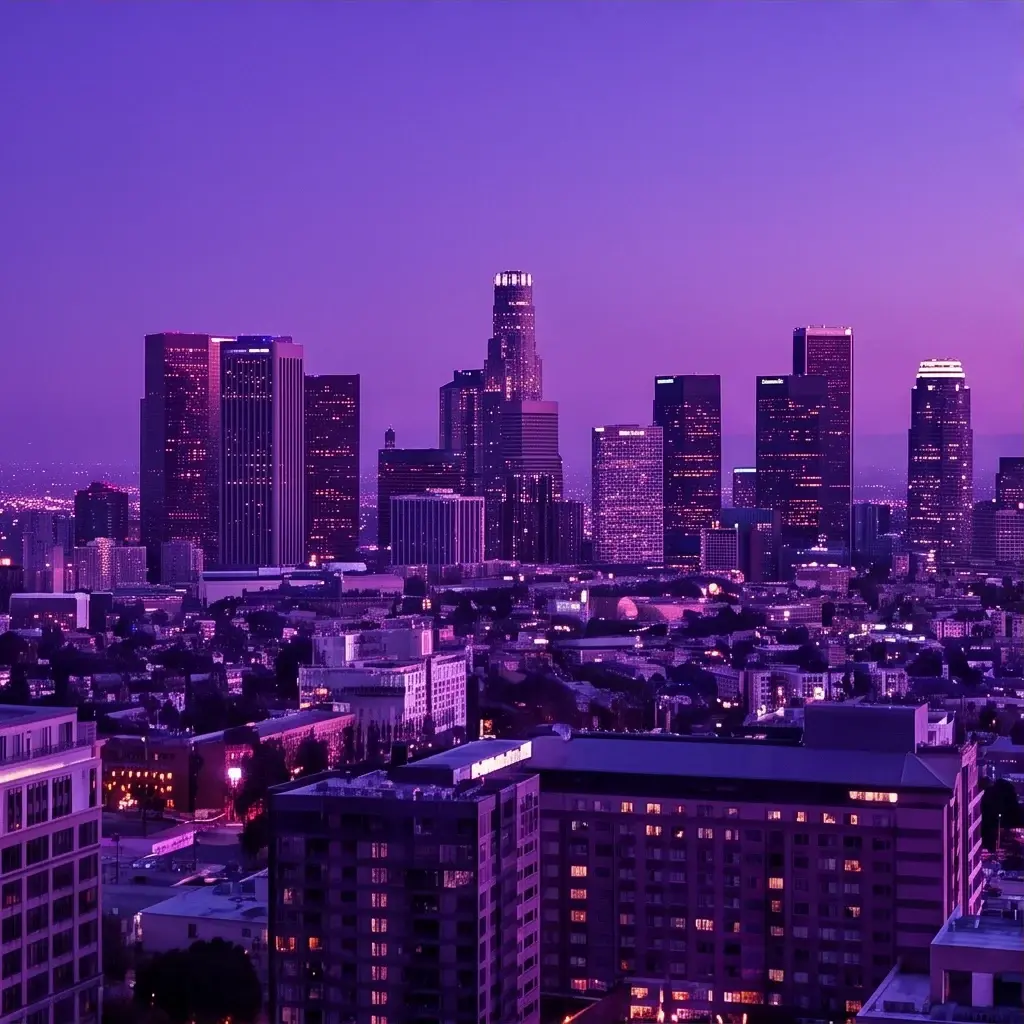
Filmmakers/Designers: Create storyboards with time-lapse effects, like "Cityscape day to night, cyberpunk style, orchestral swell," utilizing camera controls and styles for VFX prototypes.
Developers: Integrate via Pixverse image-to-video API for apps; generate personalized avatars transitioning poses with lip-sync audio from "Neutral face to expressive speech, anime style." These scenarios highlight the model's strength in precise, audio-enhanced transitions on each::labs.
Tips & tricks
Tips and Tricks
For best results with PixVerse | V6 | First-Last Frame Transition, use descriptive prompts focusing on motion and timing, like "Scene slowly transitions as leaves fall and snow covers the ground, with gentle camera pan." Enable prompt optimization for natural-language inputs, letting the model enhance details automatically. Pair first and last frames with matching compositions to ensure smooth morphs; add negative prompts such as "blurry, distorted faces, poor lighting" to avoid artifacts.
Optimize parameters by selecting 16:9 for cinematic feels or 9:16 for mobile, and enable audio for immersive outputs. Workflow: Generate at 720p first, then upscale. Example prompts:
- "Forest in autumn morphs to winter wonderland, snow falling softly, ambient wind sounds."
- "Portrait smiles and waves, transitioning to cyberpunk neon street, upbeat electronic music."
- "Claymation figure dances from static pose to full routine, with rhythmic beats."
Experiment with styles like anime for stylized transitions via the PixVerse | V6 | First-Last Frame Transition API.
Technical spec
Technical Specifications
- Resolution: 360p, 540p, 720p, up to 1080p for high-quality outputs.
- Duration: 1 to 15 seconds, adjustable for short teasers or extended scenes.
- Aspect Ratios: 16:9 (widescreen), 9:16 (vertical), 1:1 (square), 4:3, 21:9 (ultrawide), 2:3, 3:2, 3:4.
- Input: One or two images (first and optional last frame), text prompt; supports negative prompts and prompt optimization.
- Output: MP4 video with optional native audio (music, effects, dialogue); styles like anime, 3D, clay, comic, cyberpunk.
- Processing Time: Varies by complexity; quick for drafts, longer for 1080p with audio.
- Additional: Multi-clip generation, camera controls, character consistency.
These specs make Pixverse image-to-video generation versatile for PixVerse | V6 | First-Last Frame Transition across creative projects.
Things to be aware of
Things to Be Aware Of
PixVerse | V6 | First-Last Frame Transition performs best with high-quality, well-composed input images; mismatched lighting or angles can cause jittery morphs. Complex prompts with multiple actions may introduce minor artifacts in longer clips, so test at shorter durations first. Users often overlook negative prompts, leading to unwanted elements—always specify avoids like "deformed, low quality." High-res with audio increases generation time and resource use, unsuitable for real-time apps; preview at 360p. Edge cases like rapid motions or crowded scenes reduce consistency.
Key considerations
Key Considerations
Before using PixVerse | V6 | First-Last Frame Transition, ensure input images have clear subjects for optimal consistency, as single-person uploads yield best results in 5-8 second clips. This model excels in structured transitions over open-ended generations, outperforming alternatives for precise morphs with audio sync, but may require prompt refinement for complex actions. Access via each::labs provides scalable API integration; balance cost by starting at lower resolutions for previews before full 1080p renders. Higher durations demand more processing power, suiting professional workflows over rapid social content.
Limitations
Limitations
PixVerse | V6 | First-Last Frame Transition struggles with highly dissimilar first/last frames, potentially producing unnatural morphs or frame inconsistencies. Audio quality varies for dialogue-heavy prompts, better for ambience than precise voiceovers. No support for videos longer than 15 seconds or non-image inputs; complex physics in action sequences may show artifacts. Limited to specified styles and ratios, without custom training or ultra-high resolutions beyond 1080p.
Related models
4 models