Google Veo 3 | Image to Video
Veo 3 Image to Video | Google’s latest model that transforms a single image into cinematic video with stunning realism and motion
- Runtime (p50)
- 3m
- Estimated price
- $0.20–$0.40 per second, depending on audio
Overview
veo-3-image-to-video — Image-to-Video AI Model
veo-3-image-to-video, Google's cutting-edge model from the Veo 3 family, transforms a single image or up to four reference images into stunning, realistic 8-second videos with native audio and 4K resolution support. This image-to-video AI model solves the challenge of adding lifelike motion and sound to static visuals, enabling creators to produce cinematic clips without complex editing tools. Developers seeking a Google image-to-video solution with professional-grade output find veo-3-image-to-video ideal for high-fidelity applications like film pre-visualization and e-commerce product demos.
Capabilities
- Generates high-fidelity, cinematic video from a single image or text prompt
- Supports resolutions up to 4K for professional-quality outputs
- Produces smooth, realistic motion and scene transitions
- Maintains strong semantic alignment between prompt and generated video
- Versatile across a range of visual styles, genres, and subject matter
- Consistently rated highly for visual fidelity and prompt adherence in benchmarks and user reviews
- Can synthesize short video clips with complex motion and dynamic camera effects
Use cases
Use Cases for veo-3-image-to-video
Filmmakers use veo-3-image-to-video for pre-visualization by uploading a storyboard image and prompting for motion, generating 4K 8-second clips with realistic physics and native audio to plan shots efficiently. "Animate this character sketch walking through a rainy city street at night, neon lights reflecting on puddles, with ambient rain sounds and footsteps," yields coherent, high-res sequences maintaining facial consistency across frames.
Marketers targeting short-form content leverage its native 9:16 vertical output from product images, creating TikTok-ready demos like spinning shoe visuals with synchronized whooshing sounds, bypassing manual cropping and editing.
E-commerce developers integrate the veo-3-image-to-video API to automate product photo animation, feeding four angles into the model for 360-degree views with fluid motion, enhancing online store engagement without studio shoots.
Content creators building for YouTube Shorts input a single photo plus prompts for dynamic effects, producing 1080p or 4K clips with dialogue lip-sync, ideal for quick social media storytelling.
Tips & tricks
How to Use veo-3-image-to-video on Eachlabs
Access veo-3-image-to-video seamlessly on Eachlabs via the Playground for instant testing, API for production-scale apps, or SDK for custom integrations. Upload one to four reference images, add a motion prompt, select resolution (up to 4K), aspect ratio (16:9 or 9:16), and duration (up to 8 seconds), then generate MP4 videos with native audio in minutes.
---Technical spec
What Sets veo-3-image-to-video Apart
veo-3-image-to-video stands out in the image-to-video AI model landscape with its pioneering 4K resolution output at 3840x2160, surpassing competitors limited to 1080p, which allows for sharp, detailed videos suitable for large screens and professional productions. It supports up to four reference images per generation via the "Ingredients to Video" feature, ensuring exceptional character consistency across scenes that prevents morphing issues common in other models. Native 9:16 vertical video generation eliminates cropping needs for platforms like YouTube Shorts, paired with native audio including synchronized sound effects and dialogue.
- 4K Resolution (3840x2160): Delivers professional-grade clarity for cinema displays; enables high-end e-commerce videos viewable on retail sites without quality loss.
- Up to 4 Reference Images: Maintains precise identity and motion consistency; empowers multi-angle compositions from product photos into dynamic scenes.
- Native Vertical (9:16) and Audio: Produces full-screen shorts with lip-synced dialogue; streamlines content for TikTok and Reels directly from image inputs.
Technical specs include 4-, 6-, or 8-second durations, 16:9 or 9:16 aspect ratios, MP4 output at 24 fps, and start/end frame control, with processing optimized for veo-3-image-to-video API integrations.
Things to be aware of
- Some users report experimental features, such as audio-video synchronization, are still being refined
- Known quirks include occasional motion artifacts, especially with ambiguous or complex prompts
- Performance is generally strong, but generation times increase with higher resolutions and longer clips
- Resource requirements are significant for 4K outputs; users with limited hardware may experience slower processing
- Consistency in style and motion is a highlight, but rare edge cases can produce unnatural transitions or visual glitches
- Positive feedback centers on the model’s realism, cinematic quality, and ease of use for creative workflows
- Common concerns include limited video length, occasional prompt misinterpretation, and the need for prompt iteration to achieve optimal results
Key considerations
- Veo 3 excels with high-quality, well-lit source images and clear, descriptive prompts
- Optimal results are achieved by specifying desired motion, scene dynamics, and cinematic style in the prompt
- The model is best suited for short video clips (typically 5–8 seconds)
- Higher resolutions and longer videos require more computational resources and may be limited by access tier
- Prompt engineering is crucial: ambiguous or overly complex prompts can lead to less coherent outputs
- There is a trade-off between video quality and generation speed, especially at higher resolutions
- Consistency in motion and scene transitions is generally strong, but edge cases may produce artifacts or unnatural motion
Limitations
- Video length is typically limited to short clips (5–8 seconds), restricting use for longer narratives
- May struggle with highly complex scenes, rapid motion, or ambiguous prompts, leading to artifacts or less coherent outputs
- High resource requirements for top-tier outputs may limit accessibility for some users
Related models
4 models
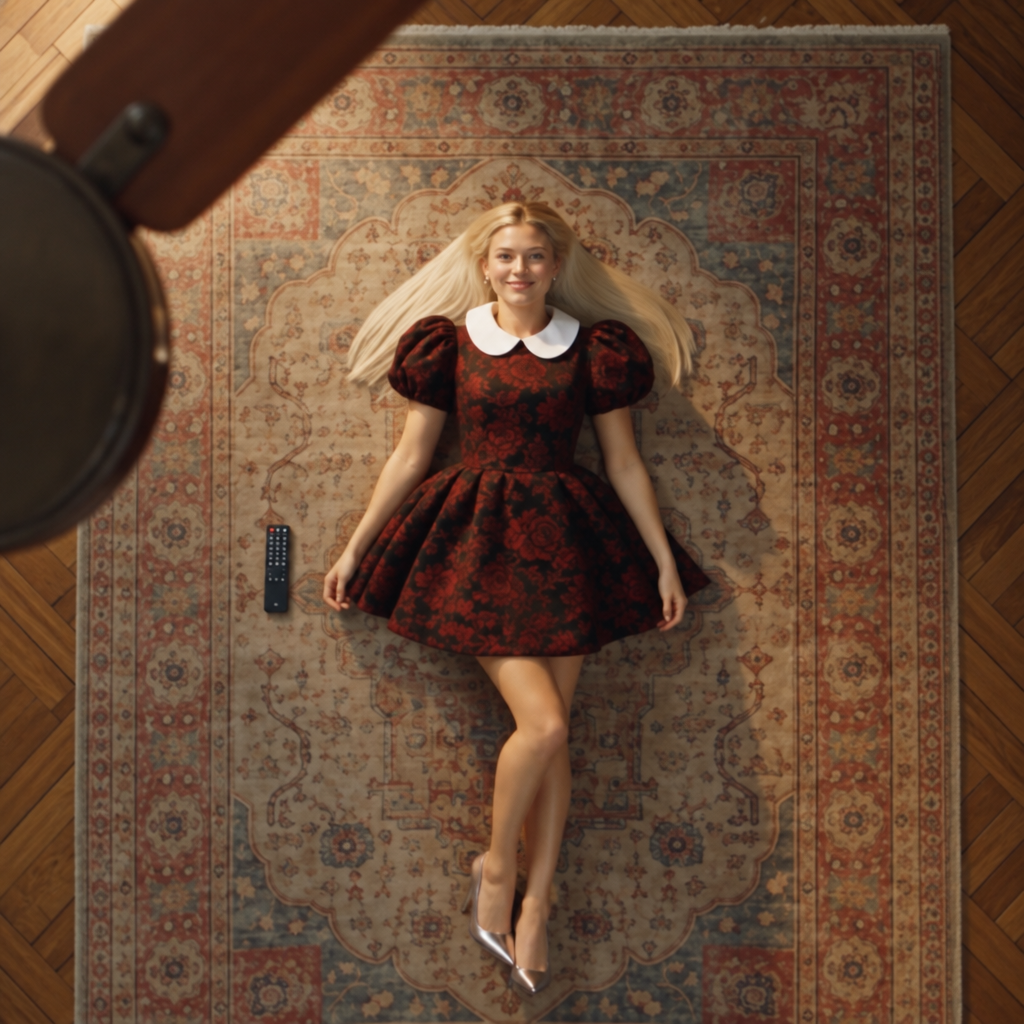
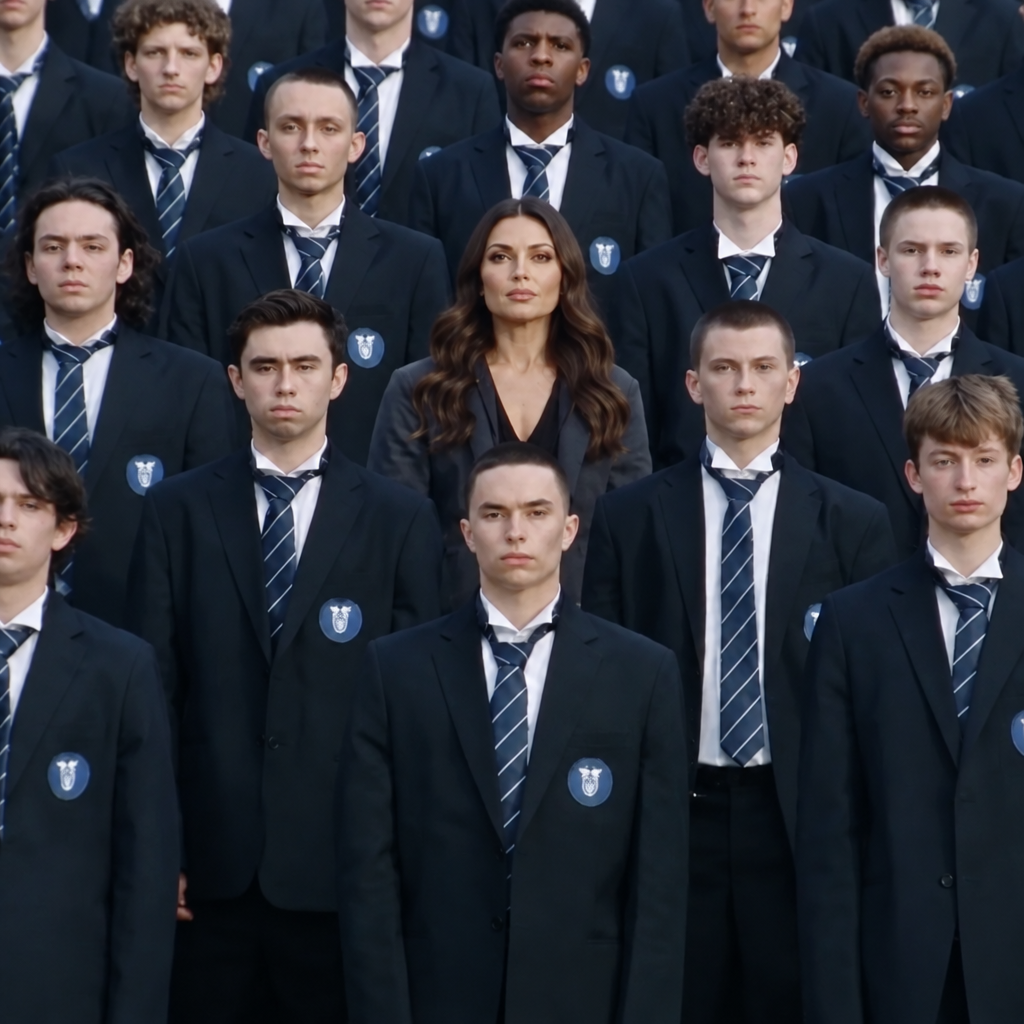
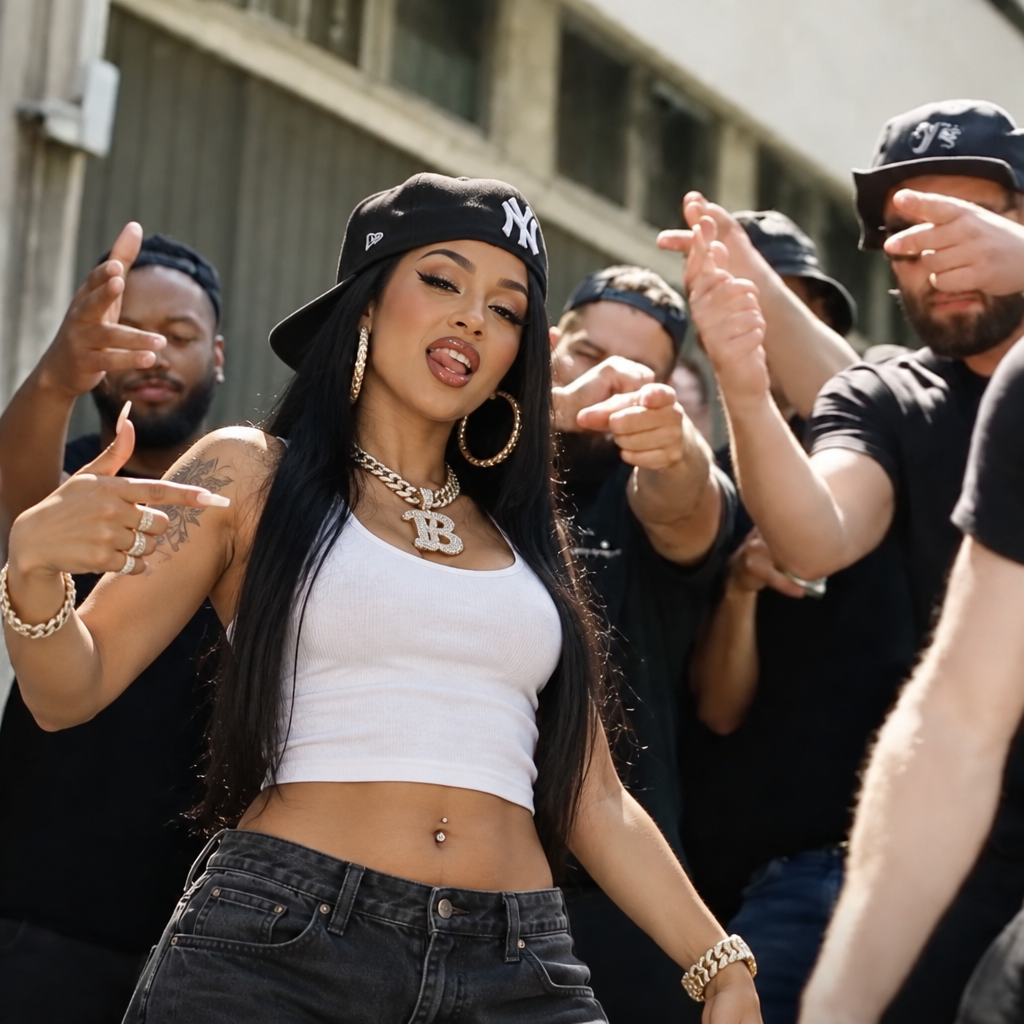
About Google Veo 3 | Image to Video
What is Veo 3 image-to-video and what capabilities does it add over Veo 2?
Veo 3 image-to-video is Google's third-generation image animation model that generates high-quality, physically realistic video clips from static input images. Compared to Veo 2, it delivers improved temporal coherence, more natural scene motion, better handling of complex backgrounds and multi-element compositions, and supports audio generation capabilities in its text-to-video mode.