PixVerse C1 Transition
PixVerse C1 cinematic First-Last Frame transition. Provide a first and last frame plus a prompt; C1 generates a smooth cinematic transition between them. Supports 1-15s duration and up to 1080p quality. Optional generated audio.
- Runtime (p50)
- 2m
- Estimated price
- $0.03–$0.12 per second, depending on quality and audio
Overview
PixVerse | C1 | Cinematic First-Last Frame Transition Overview
The PixVerse | C1 | Cinematic First-Last Frame Transition is an advanced image-to-video AI model from Pixverse that generates smooth, cinematic video transitions between a provided first frame and optional last frame, guided by a text prompt. This solves the challenge of creating fluid motion from static images without manual editing, ideal for filmmakers and content creators needing quick, high-quality animations. Its primary differentiator is the precise first-to-last frame morphing with strong subject consistency, maintaining faces, bodies, and wardrobes across the sequence, while supporting optional native audio for complete multimedia outputs. Available via platforms like each::labs, this Pixverse image-to-video tool excels in producing 1-15 second clips up to 1080p, enabling professional-grade transitions for storytelling and visual effects.
Capabilities
Capabilities
- Generates smooth cinematic transitions from first frame image to optional last frame using text prompts.
- Maintains strong subject consistency for faces, bodies, and clothing across the entire video.
- Supports prompt-driven camera controls like pans, zooms, tracking, and perspective shifts.
- Produces videos from 1-15 seconds at resolutions up to 1080p, preserving input aspect ratios.
- Includes optional native audio generation with synchronized sound effects, music, or ambience.
- Handles realistic motion like object interactions, environmental changes, and subtle animations.
- Works with negative prompts to avoid artifacts, blurring, or unwanted elements.
- Ideal for single-subject inputs, enabling character-driven or branded content creation.
Use cases
Use Cases for PixVerse | C1 | Cinematic First-Last Frame Transition
For content creators: Animate a character's portrait from neutral to expressive pose. Provide a starting headshot and prompt: "Face transitions from serious to joyful smile, eyes light up, soft head turn with hair sway." Use the subject consistency for engaging social media reels.
For marketers: Create product reveal videos. Start with a static product image, end with usage scene: "Smartphone on table lifts into hand, screen activates, camera circles smoothly." Native audio adds impact with activation sounds.
For designers: Build dynamic storyboards. Transition landscape photos: "Mountain view at sunrise to sunset, clouds drift, golden light fades to purple hues, slow pan." High-res output suits client pitches.
For developers: Integrate via each::labs PixVerse | C1 | Cinematic First-Last Frame Transition API for apps needing quick video prototypes from user uploads, leveraging duration flexibility for varied content lengths.
Tips & tricks
Tips and Tricks
Optimize prompts for PixVerse | C1 | Cinematic First-Last Frame Transition by describing specific camera moves and actions early, like "slow zoom in on face with gentle wind blowing hair." Use detailed negative prompts such as "no blurring, no distortion, no extra limbs" to refine outputs. For best results, provide matching aspect ratio images and enable audio only for ambient or Foley needs. Test shorter durations first to iterate quickly. Workflow tip: Generate on each::labs, then upscale via API chaining.
Example prompts:
- "Forest in autumn transitions to winter: leaves fall, snow covers ground, soft camera pan right."
- "Portrait smiles warmly, head tilts slightly, eyes sparkle with emotion, subtle breathing motion."
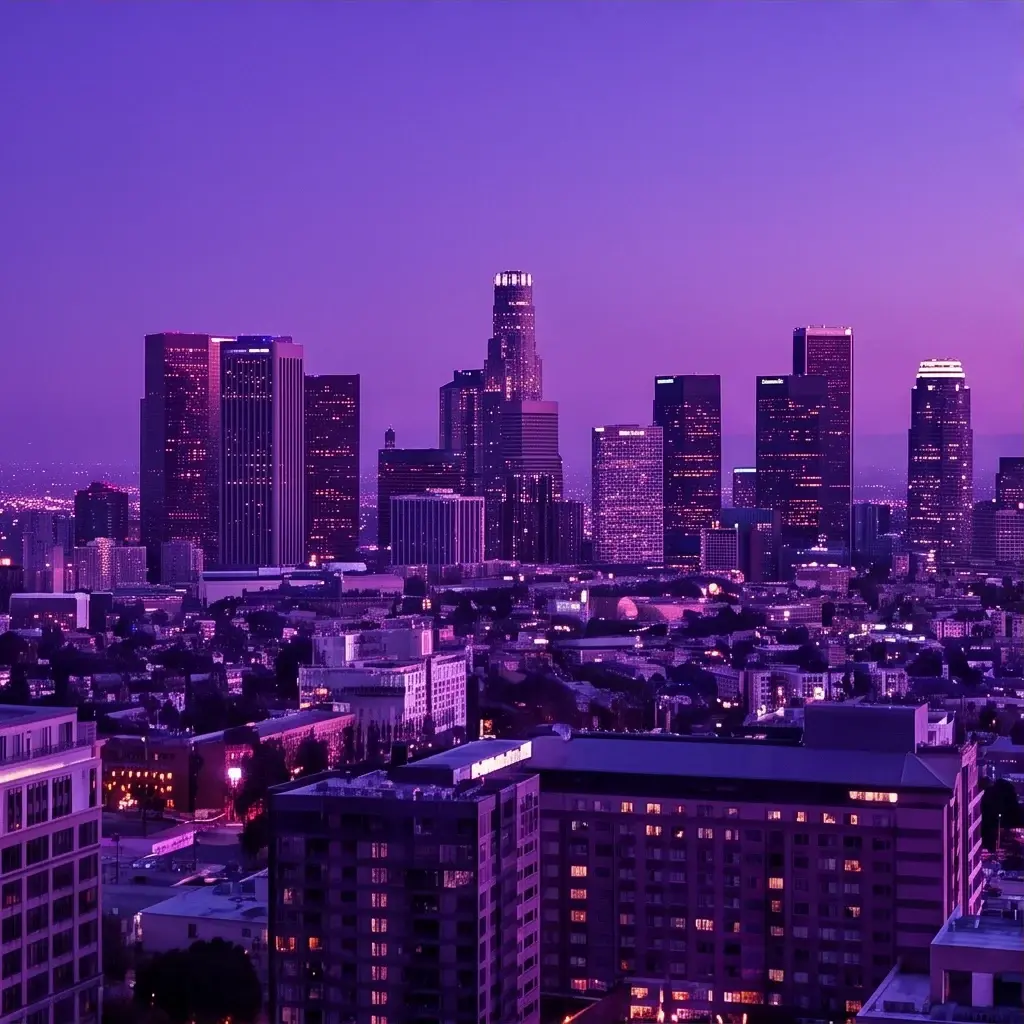
- "City skyline at dusk fades to night: lights flicker on, stars emerge, slow upward crane shot."
These leverage the model's strength in controlled, cinematic transitions for Pixverse image-to-video excellence.
Technical spec
Technical Specifications
- Resolution Support: 360p, 540p, 720p, up to 1080p for high-definition outputs.
- Video Duration: Configurable from 1 to 15 seconds, allowing precise pacing control.
- Aspect Ratios: Maintains original image aspect ratios for consistent framing.
- Input Formats: Single starting image (required), optional ending image, text prompt, negative prompt option.
- Output Formats: Video clips with optional synchronized native audio including Foley, ambience, music, or effects.
- Processing Time: Varies by duration and resolution; optimized for fast generation on API platforms.
- Key Features: Prompt-driven camera movements, subject consistency, and seamless frame transitions.
These specs make PixVerse | C1 | Cinematic First-Last Frame Transition a versatile choice for the Pixverse image-to-video workflow on each::labs.
Things to be aware of
Things to Be Aware Of
With PixVerse | C1 | Cinematic First-Last Frame Transition, complex multi-subject scenes may lose consistency, so stick to single-person or simple compositions. Rapid motions in prompts can introduce minor artifacts; use gradual descriptions for smoother results. Audio generation syncs well for ambience but may mismatch fast actions—test manually. High-res 1080p/15s clips demand more compute, potentially slowing API calls on each::labs. Common mistake: Vague prompts lead to generic outputs; always specify motion direction and timing. Input images with heavy filters can disrupt transitions.
Key considerations
Key Considerations
Before using PixVerse | C1 | Cinematic First-Last Frame Transition, ensure inputs are high-quality single-person images for optimal subject consistency and smooth transitions. It performs best with clear first and last frames that logically connect via your prompt, avoiding complex multi-subject scenes. Choose shorter durations (1-5s) for quick social media teasers or longer (10-15s) for detailed cinematic sequences. Native audio adds value but increases processing; disable for silent clips to save time. On each::labs, leverage the PixVerse | C1 | Cinematic First-Last Frame Transition API for scalable integration, balancing cost with 1080p quality for professional results versus faster low-res drafts.
Limitations
Limitations
The PixVerse | C1 | Cinematic First-Last Frame Transition excels at controlled transitions but struggles with highly dynamic action sequences or crowds, often showing frame inconsistencies. It requires at least a starting image—no pure text-to-video mode here. Max 15s duration limits long-form content, and audio is basic, lacking advanced voiceovers. Optimal for single subjects; multi-character inputs degrade quality. No built-in editing tools—outputs are final clips without frame-by-frame tweaks.
---
Related models
4 models