Google | Gemini Omni Flash | Video Editing
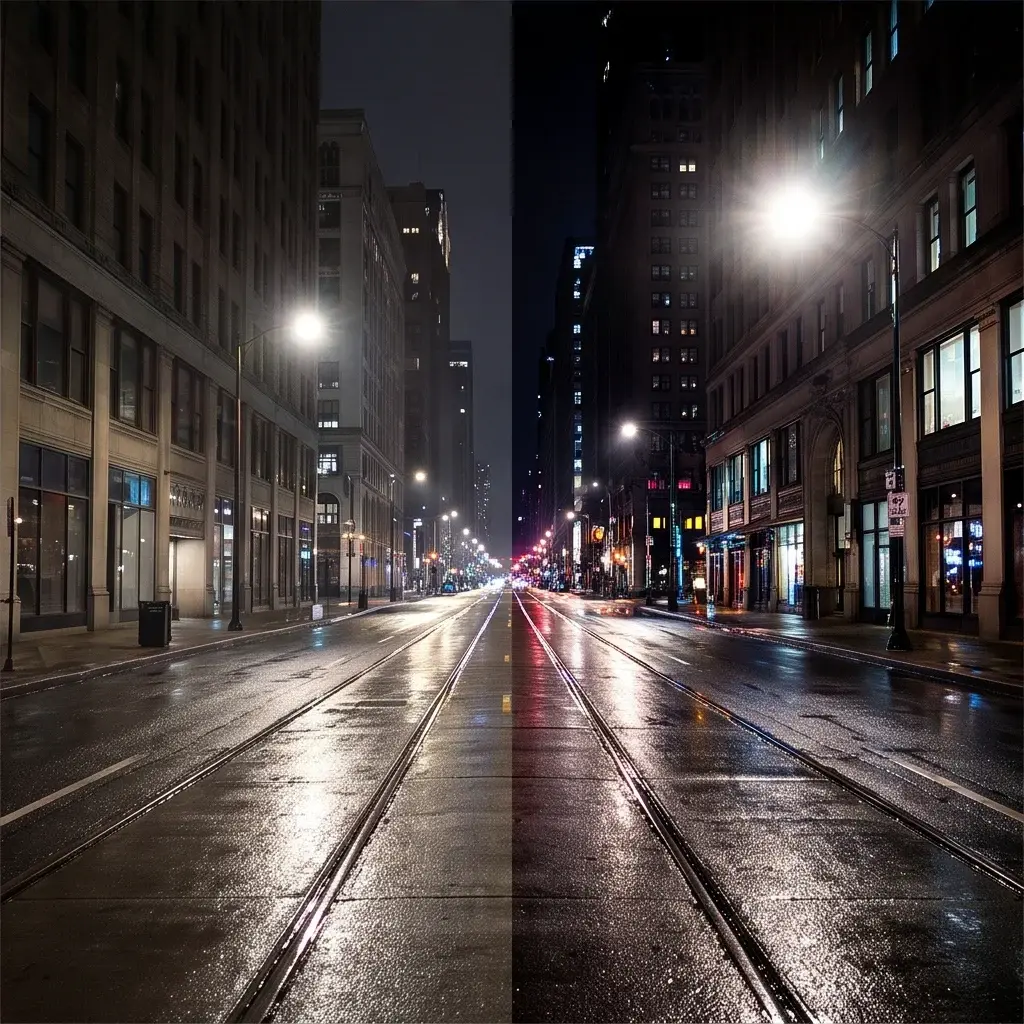
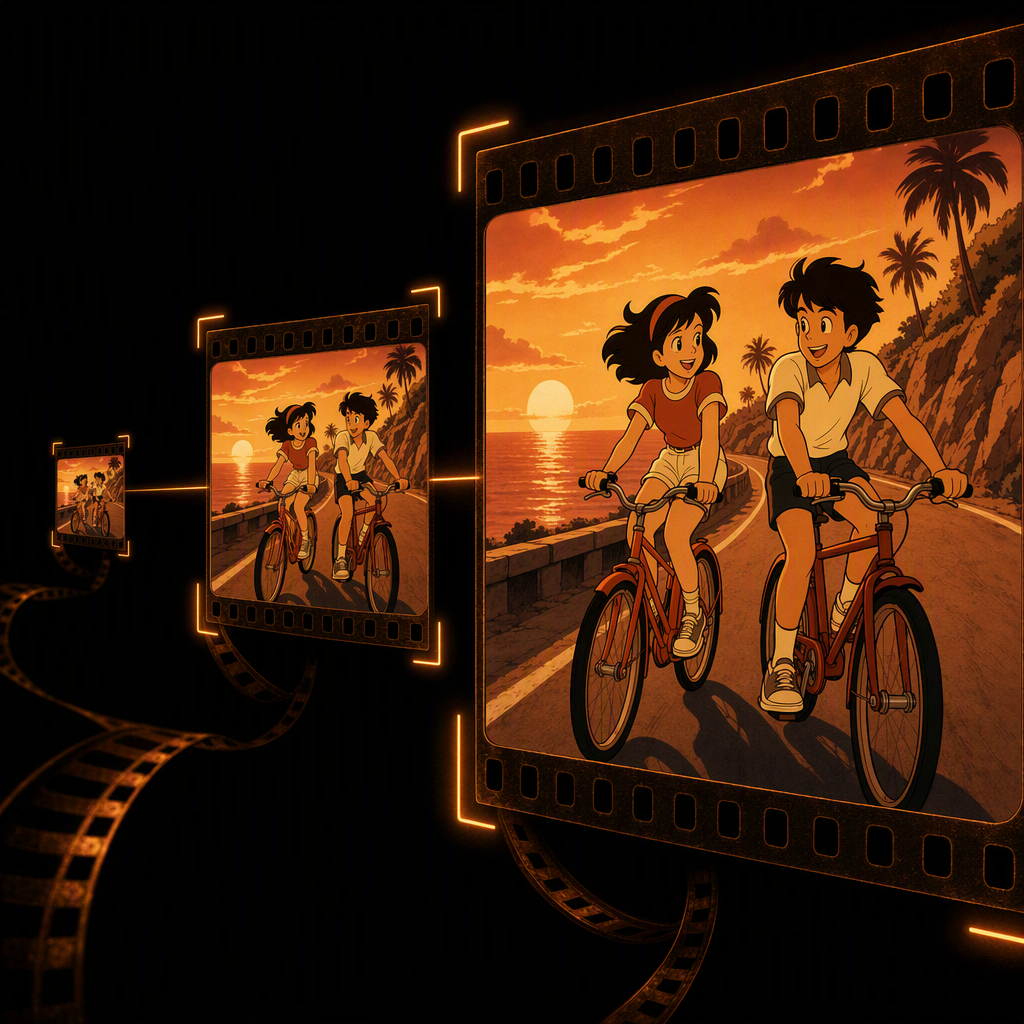
Gemini Omni Flash Edit transforms existing videos with prompt-guided visual changes while preserving the original scene structure.
- Runtime (p50)
- 1m
- Estimated price
- $1.50–$17.50 per million tokens, depending on token type
Overview
Google | Gemini Omni Flash | Video Editing Overview
Google | Gemini Omni Flash | Video Editing is a high-performance multimodal model from Google’s Gemini family designed for fast, conversational video generation and editing. It lets you modify existing clips using natural-language instructions while preserving the core content of the original footage, turning video editing into an iterative, dialog-driven workflow. A key differentiator is its conversational video editing capability: you can refine scenes over multiple turns, applying complex relighting, restyling, and camera changes without re-uploading assets each time. Built on Gemini Omni Flash (gemini-omni-flash-preview) in the Gemini API, the model supports native synchronized audio and physics-aware scene understanding, making edits feel coherent and grounded in real-world motion. On each::labs, this model focuses on video-to-video editing, returning a 720p 24 FPS clip suitable for rapid creative iteration and production-ready workflows.
Capabilities
Capabilities
- Conversational video editing: Iteratively refine videos via natural-language interaction, with the model remembering previous context and edits.
- Video-to-video transformation: Upload a short clip and restyle, relight, or reframe it while preserving core actions and scene continuity.
- Multimodal control: Combine text, image, and video inputs to guide look, composition, and character consistency in edited outputs.
- Physics-aware scenes: Uses Gemini Omni’s understanding of physical interactions so camera moves, object motion, and environment responses feel realistic.
- Native audio handling: Generates or preserves synchronized audio tracks so edited clips arrive with matching sound.
- Cinematic control: Supports directives for camera angles, pans, zooms, and cuts, enabling shot-level control over the final video.
- Style and lighting adjustments: Change visual style (e.g., realism vs. animation), color grading, and lighting conditions across the entire scene with a single prompt.
- Short-form optimization: Tuned for fast generation of 720p clips up to ~10 seconds, making it ideal for social, advertising, and prototype shots.
Use cases
Use Cases for Google | Gemini Omni Flash | Video Editing
Content creators can use Google | Gemini Omni Flash | Video Editing to rapidly restyle short vertical or horizontal clips for social platforms, leveraging cinematic control and conversational editing to test multiple looks from a single take. For example: “Turn this 6-second vlog intro into a dreamy, soft-focus shot with slow dolly-in and gentle background music, keep my voice unchanged.” Marketers can repurpose product footage with physics-aware scene edits, such as “Relight this product spin to high-contrast studio lighting, add subtle camera orbit, preserve original timing and VO.” Designers can prototype motion concepts using multimodal control: “Use this storyboard image and this 5-second video to create a cohesive animated logo reveal, match the colors from the image.” Developers can integrate the Google | Gemini Omni Flash | Video Editing API into pipelines that auto-generate A/B variants of trailers or ad spots, iterating via multi-turn prompts and combining video-to-video edits with text-based scene directions.
Tips & tricks
Tips and Tricks
To get the most from Google | Gemini Omni Flash | Video Editing, write prompts as if you are directing a camera operator: specify shot type, movement, lighting, and style all in one concise instruction. The Google video-to-video workflow supports multi-turn conversational editing, so start broad and refine with follow-up prompts rather than trying to capture every detail at once. Use reference images to lock in character design, environments, or color grading, and keep time-based instructions explicit (for example, “at 3 seconds, tilt up to the sky”). When editing an existing clip, be clear about what should stay unchanged (e.g., “keep the actor and timing, only change the lighting”) to preserve content while applying stylized changes.
Example prompts:
- “Take this 8-second office clip and restyle it as a cyberpunk night scene, keep the same camera movement and dialog, add neon reflections on the windows.”
- “From this skateboarding video, change the camera to a low-angle tracking shot, warm sunset lighting, and film grain, preserve the original trick sequence and audio.”
- “Edit this classroom video so the scene looks like a watercolor animation, maintain the teacher’s gestures and lip sync, softly pan the camera from left to right.”
Technical spec
Technical Specifications
- Provider / family: Google Gemini Omni Flash (model ID:
gemini-omni-flash-preview) via the Gemini API. - Task type: Google video-to-video editing with multimodal inputs (text, image, video, optional audio).
- Input formats: Short video clips (up to ~10 seconds), images, and text prompts uploaded via Files or Interactions APIs.
- Output: Edited video clip at 720p resolution and 24 FPS, with native synchronized audio when the edit preserves or generates sound.
- Max duration: ~10 seconds per output video in current preview.
- Aspect ratios: Landscape and portrait are supported; aspect is chosen at generation time.
- Pricing model: Billed by token / video-seconds via the Gemini Omni Flash API; public docs quote ~$0.10 per second in preview.
- Architecture: Multimodal Gemini Omni backbone optimized for high-speed video generation and conversational editing.
- Typical latency: Designed for “high-speed” editing; real-world tutorials show multi-turn edits completing in seconds to tens of seconds per clip.
- Provider / family: Google Gemini Omni Flash (model ID:
Things to be aware of
Things to Be Aware Of
Google | Gemini Omni Flash | Video Editing currently focuses on short clips, so attempting long, continuous sequences will require stitching multiple outputs in a separate editor. Complex multi-object interactions or highly detailed scenes may need several conversational passes to converge on the desired look, which increases API usage and cost per second. The Google video-to-video workflow depends on good upstream asset management: you must keep track of interaction IDs or file references when chaining edits through the Interactions API. Users sometimes over-specify prompts—combining drastic style shifts, heavy motion changes, and precise timing in a single request—which can lead to less predictable results; breaking edits into smaller steps generally improves consistency.
Key considerations
Key Considerations
Before using Google | Gemini Omni Flash | Video Editing on each::labs, note that the model is currently in public preview and tuned for short, high-impact clips rather than long-form episodes. The Google | Gemini Omni Flash | Video Editing API expects well-structured prompts and, for video-to-video workflows, short source clips (generally ≤10 seconds) uploaded through the Files or Interactions APIs. It performs best when you clearly describe camera motions, style changes, and scene constraints, allowing the model’s physics and world-knowledge to produce consistent edits. For longer projects, creators and developers should treat Omni Flash as a shot-level tool, stitching multiple outputs together in an external editor while balancing per-second billing against the need for iterative refinement.
Limitations
Limitations
Google | Gemini Omni Flash | Video Editing is limited to relatively short outputs (around 10 seconds) and 720p resolution in its current preview configuration, making it less suitable for long-form, high-resolution production masters. While the model excels at conversational editing and style changes, it may struggle with extremely fine-grained frame-perfect control or exact replication of complex real-world lighting setups. Input clips with heavy motion blur, low light, or severe compression can reduce edit quality, particularly for detailed restyling or character preservation. Finally, all usage is subject to Google’s Gemini API policies and regional availability, so some advanced features may not be accessible in every environment or account tier.
Related models
4 models