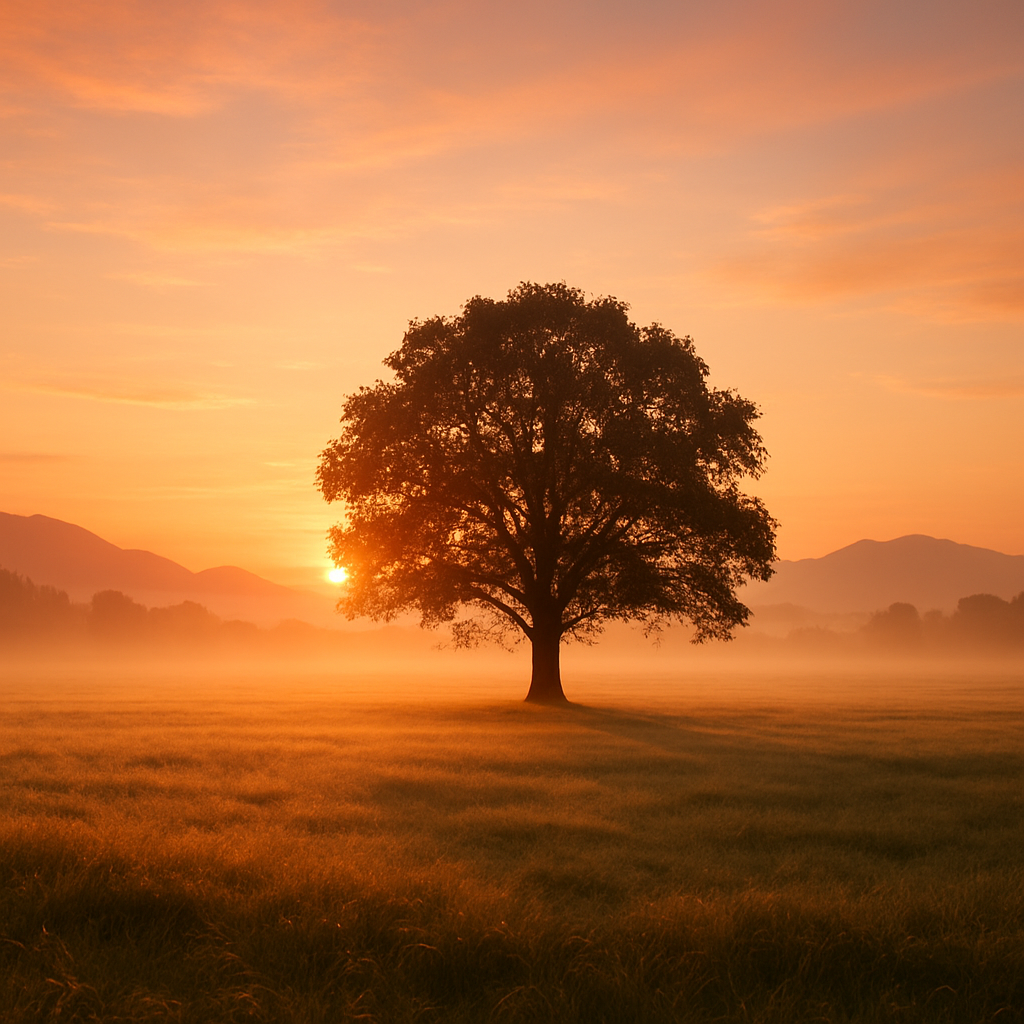
Eachlabs Image Generation
Eachlabs' image generation model is designed to produce high-quality visuals quickly and consistently. It balances realism and detail with reliable prompt alignment.
- Runtime (p50)
- 3m
- Estimated price
- $0.08
Overview
eachlabs-image-generation — Image-to-Image AI Model
eachlabs-image-generation empowers developers and creators to transform existing images with precise text-guided edits, solving the challenge of maintaining structural fidelity while applying creative modifications. Developed by Eachlabs as part of the Eachlabs family, this image-to-image AI model delivers high-quality visuals quickly and consistently, balancing realism, detail, and reliable prompt alignment for applications like product visualization and scene enhancement. Ideal for users seeking an image-to-image AI model with fast processing, it supports input images up to 50MB via URL or file upload, generating outputs optimized for photorealistic results.
Capabilities
Translates natural language prompts into visually coherent and creative images.
Merges multiple image references with textual guidance for composite generation.
Captures abstract and stylistic attributes from reference visuals.
Supports multi-subject scene composition and dynamic object placement.
Ideal for:
- Visual storytelling
- Character design
- Thematic concept visuals
- Art direction and creative exploration
Use cases
Use Cases for eachlabs-image-generation
For developers building AI image editor APIs: Integrate eachlabs-image-generation to enable clients to upload product photos and apply edits like "add a summer beach background while keeping the model's pose intact," generating 1024x1024 composites in seconds for dynamic e-commerce catalogs.
For marketers in photo editing for e-commerce: Transform catalog images with multi-modal controls, such as feeding an edge map alongside a prompt to refine lighting and details; this creates variant visuals for A/B testing campaigns, maintaining brand consistency across hundreds of assets.
For designers handling image edits with AI: Use pose or depth inputs to reposition elements in scene designs, like "integrate this chair into a modern office using the provided depth map"; the model's prompt alignment ensures outputs align perfectly with creative visions, speeding up iteration.
For creators exploring eachlabs image-to-image: Animate static portraits by combining text like "add flowing hair in wind with soft golden hour lighting" and HED edges; results preserve identity while adding dynamic realism, ideal for social media content.
Tips & tricks
How to Use eachlabs-image-generation on Eachlabs
Access eachlabs-image-generation seamlessly through Eachlabs' Playground for instant testing—upload an image URL or file (max 50MB), add a descriptive text prompt, and optionally include control inputs like edges or poses for guided edits. For production, use the Eachlabs API or SDK with parameters for resolution (up to 1024x1024), aspect ratios, and output formats like PNG/JPEG, delivering high-quality, photorealistic results in ~12 seconds.
---Technical spec
What Sets eachlabs-image-generation Apart
The eachlabs-image-generation model stands out in the competitive landscape of image-to-image AI models through its focus on rapid, consistent outputs with strong prompt adherence, distinguishing it from slower or less reliable alternatives. It processes inputs in an average of 12 seconds, enabling high-volume workflows for developers building AI image editors.
- High-resolution photorealism at 1024x1024: Produces detailed images with accurate skin, hair, and lighting; this allows users to create professional-grade visuals without post-processing, perfect for e-commerce photo editing.
- Multi-modal control integration: Combines text prompts with edge, depth, pose, or line inputs for precise structural guidance; developers gain fine control over edits, such as union of multiple conditions, reducing hallucinations in complex transformations.
- Efficient pricing and speed: At $0.006 per megapixel for input and output, with low-latency generation; this supports scalable applications like automated image editing APIs without breaking budgets.
Supporting flexible aspect ratios and formats like PNG/JPEG, eachlabs-image-generation API excels in balancing quality and performance for real-time use cases.
Things to be aware of
Upload a series of 3 fashion sketches and use the prompt:
"Editorial-style fashion photography, soft lighting, white background"Provide architectural renders with prompt:
"Modern eco-friendly house surrounded by nature"Mix a child’s photo with:
"A superhero costume, flying through the sky, dramatic lighting"Key considerations
- Inputs must not contain explicit, harmful, or copyrighted content. This includes:
- Prompts with adult, violent, or hateful language.
- Images showing graphic material, illegal acts, or real-world celebrities.
- Misaligned prompts and images may produce distorted results.
- Excessive prompt length (e.g. paragraphs of text) can dilute the intended concept.
- When uploading multiple images, ensure visual consistency across them (e.g., angle, lighting, or subject type).
- Eachlabs Image Generation is not intended for real-person likeness generation for identity-sensitive use cases.
- Inputs must not contain explicit, harmful, or copyrighted content. This includes:
Limitations
May not accurately replicate real-life faces, especially if prompt or images imply real identity use.
Does not support fine-grained editing or photorealistic inpainting.
Unclear or conflicting input (e.g., forest prompt + city images) can lead to mismatched results.
Output may vary slightly between runs, especially when using broad prompts without clear visual guidance.
Not suited for medical, legal, or sensitive identity-related content generation.
Output Format: PNG