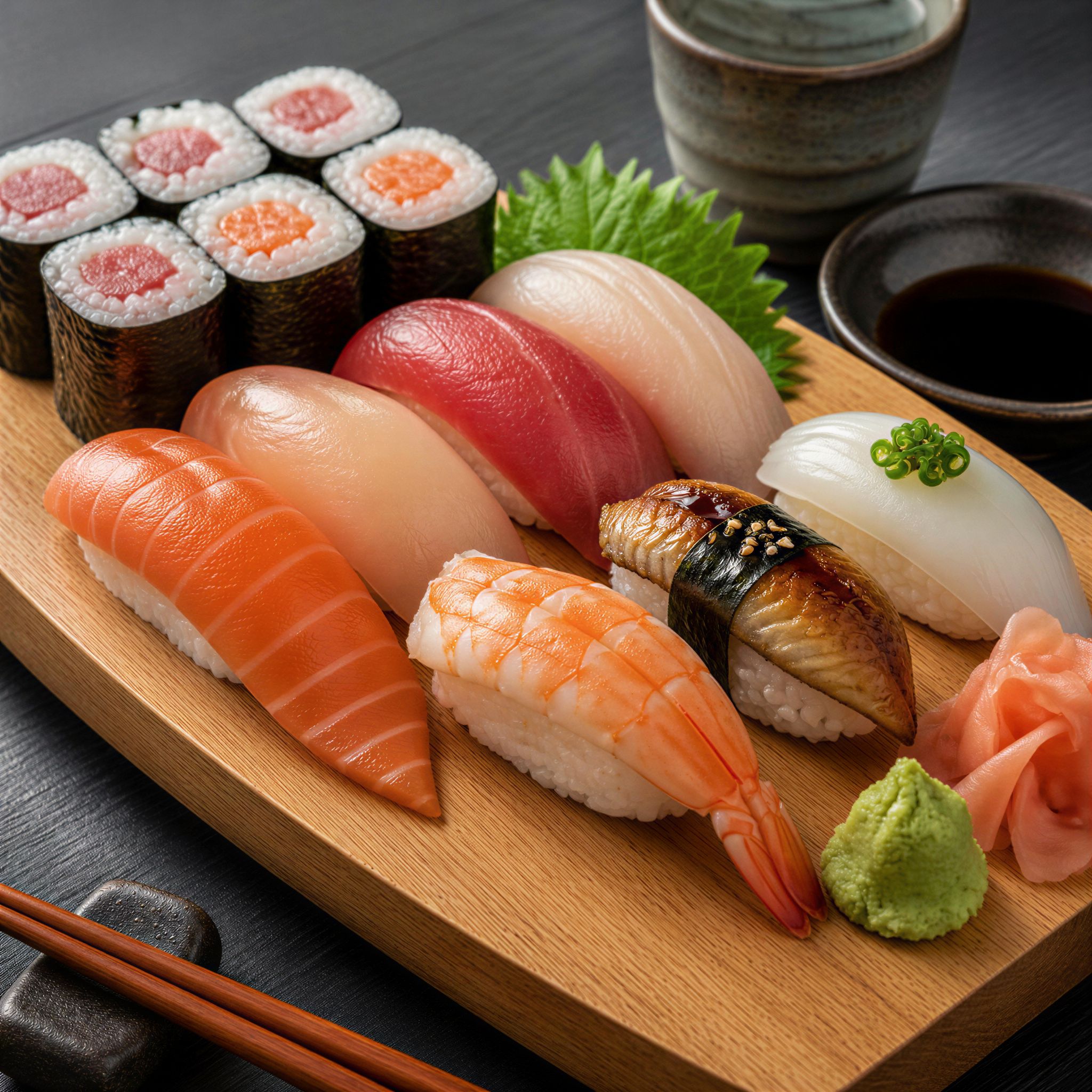
Pruna | P Image | Upscale
p-image-upscale increases image resolution while enhancing detail and realism, sharpening photos and AI-generated visuals for crisp, high-resolution output.
- Runtime (p50)
- 8s
- Estimated price
- $0.005–$0.12 per execution, depending on target
Overview
Pruna | P-Image | Upscale Overview
Pruna | P-Image | Upscale is an image-to-image enhancement model from Pruna AI, built to increase image resolution while preserving and refining visual detail. It focuses on sharpening textures, edges, and small features so that both photos and AI-generated images look crisp at higher sizes. Within the Pruna P-Image family, this variant is tailored for upscaling rather than creative style changes, making it ideal when you want a cleaner, higher-resolution version of an existing asset without radically altering its look. Integrated on each::labs, Pruna | P-Image | Upscale helps creators, designers, and developers turn low- or mid-resolution inputs into print-ready, presentation-ready, and web-ready outputs with minimal manual retouching.
Capabilities
Capabilities
- Upscales existing images to higher resolutions while preserving the original composition and aspect ratio.
- Enhances local detail and edge sharpness, improving clarity in textures, typography, and fine lines.
- Reduces visible compression artifacts and noise, especially in web-sourced or lightly compressed images.
- Improves perceived realism for AI-generated visuals by refining surfaces, lighting transitions, and micro-detail.
- Prepares assets for print, large-format display, or high-density screens without manual retouching.
- Fits naturally into automated pipelines via the Pruna | P-Image | Upscale API for bulk image enhancement.
- Supports creators using the broader Pruna AI image-to-image ecosystem, where upscaling acts as the final polishing step.
Use cases
Use Cases for Pruna | P-Image | Upscale
Brand and marketing teams can take mid-resolution campaign visuals and upscale them for large banners while keeping logos, icons, and text elements sharp. A realistic instruction for this workflow could be: “Upscale this 1200×628 campaign visual for a 4K display, sharpening the logo and tagline.” Product designers can refine UI mockups or app screens so every pixel remains crisp on high-density displays, for example: “Increase resolution of this dashboard mockup for 3× retina export, preserving font clarity.” Digital artists who generate concept art with other P-Image models can pass their favorite frames into Pruna | P-Image | Upscale to make them portfolio-ready: “Upscale this fantasy landscape concept for art print, enhancing foliage detail and edge definition.” Developers can use the Pruna | P-Image | Upscale API to batch-enhance user-uploaded photos or listings, improving visual quality without manual intervention.
Tips & tricks
Tips and Tricks
Start with the highest-quality source image you have; the cleaner the input, the more natural the upscaled result. When chaining models, run your creative or generative image step first, then apply Pruna | P-Image | Upscale as a final enhancement pass to avoid amplifying artifacts. For product or UI images, avoid adding heavy filters beforehand, as the model performs better on relatively neutral inputs. If your workflow allows metadata or tags, clearly label the intended use (print, web, thumbnail) so you can choose appropriate target resolutions programmatically via the Pruna | P-Image | Upscale API. Example instructions you might pair with your pipeline include: “Upscale this 1024×1024 AI render to a clean 4K resolution for print, preserving original colors”, “Sharpen this portrait for a high-resolution banner without adding extra texture to skin”, or “Increase resolution of this ecommerce product photo for zoom views while keeping edges crisp.”
Technical spec
Technical Specifications
- Model type: Image-to-image upscaling (non-generative content-preserving enhancement).
- Input: Existing raster image (e.g., photo or AI-generated visual) supplied via file upload or URL through the Pruna | P-Image | Upscale API on each::labs.
- Output: Higher-resolution image with sharpened details and increased perceived realism.
- Aspect ratios: Designed to retain the original aspect ratio of the input image; no cropping or stretching applied by default.
- Resolution behavior: Upscales the source image; optimal performance is with reasonably clear inputs rather than heavily compressed thumbnails.
- Processing profile: Latency is suitable for interactive workflows, with typical turnarounds fast enough for iterative design and batch processing via API.
- Architecture: Uses a modern deep learning upscaling approach focused on detail enhancement and artifact reduction; exact architecture details are abstracted behind the Pruna AI image-to-image interface.
Things to be aware of
Things to Be Aware Of
Pruna | P-Image | Upscale is designed for enhancement, not content editing, so it will not change composition, remove objects, or fix major lighting issues. Very blurry or extremely low-resolution sources may still look soft after processing because the model cannot invent precise details. Over-processing an image multiple times can introduce an unnatural “over-sharpened” look, so it is better to upscale once to the target size. For workflows that depend on exact color values, validate a small sample first to ensure that subtle contrast adjustments are acceptable. When using the Pruna AI image-to-image stack, ensure you apply upscaling after any style or editing steps to avoid amplifying their artifacts.
Key considerations
Key Considerations
Pruna | P-Image | Upscale works best when the input already has clear structure and recognizable content; it cannot reconstruct details that are entirely absent. For very small or heavily compressed images, expect improved clarity but not perfect restoration. The model is ideal when you want faithful, higher-resolution versions of concept art, product shots, or renders rather than stylized reinterpretations. For workflows that require tight control, use the Pruna | P-Image | Upscale API, which lets you automate bulk enhancement and integrate it into existing pipelines. Consider overall file size and downstream performance, as high-resolution outputs may increase storage and delivery costs.
Limitations
Limitations
Pruna | P-Image | Upscale does not generate images from text prompts and relies entirely on an existing input image. It cannot guarantee accurate restoration of fine text in extremely small logos or dense UI when starting from tiny thumbnails. Very noisy, heavily compressed, or out-of-focus photos may see limited improvement. The model is not intended for semantic edits, object removal, or compositing; those tasks require separate image-edit tools within the Pruna AI image-to-image ecosystem. Users should also account for larger file sizes and potential bandwidth impact when deploying high-resolution outputs at scale.
Related models
4 models
About Pruna | P Image | Upscale
What does p-image-upscale do?
p-image-upscale is an image upscaling model from Pruna AI that increases image resolution while adding detail and realism. It supports target resolutions up to 128 megapixels and outputs WebP, JPG, or PNG files, making it a flexible choice for high-resolution image enhancement on each::labs.