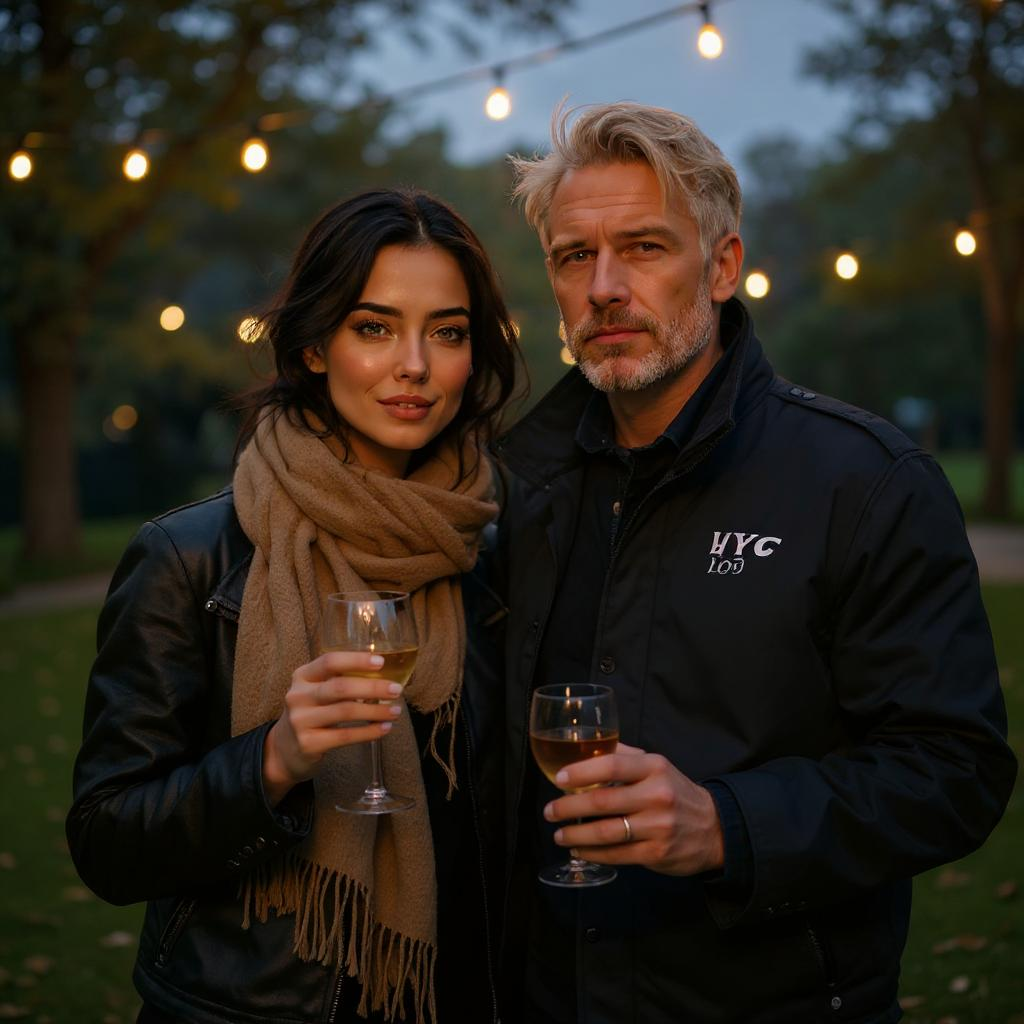
 inference · 8.2s
Flux Kontext | Max | Multi Image
For more complex scenes, use multi-image-kontext-max to match color palettes and lighting exactly, creating professional image series and consistent storyboards.
- Runtime (p50)
- 15s
- Estimated price
- $0.08 per execution
Overview
multi-image-kontext-max — Image-to-Image AI Model
Developed by Black Forest Labs as part of the flux-kontext family, multi-image-kontext-max excels in image-to-image editing for complex scenes, matching color palettes and lighting across up to 10 reference images to create professional image series and consistent storyboards. This image-to-image AI model delivers maximum performance with the highest editing consistency, vast world knowledge, and faithful style representation, making it ideal for precise multi-reference compositions that maintain character consistency and style transfer. Users searching for Black Forest Labs image-to-image tools find multi-image-kontext-max stands out for its ability to handle up to 10 input images simultaneously, far surpassing typical models in multi-reference control for photorealistic outputs up to 4MP.
Capabilities
Multi-image context fusion with prompt interpretation.
Wide support for custom aspect ratios and formats.
Repeatable results using seeding.
Built-in content moderation controls.
Visual coherence between image inputs and textual intent.
Use cases
Use Cases for multi-image-kontext-max
Content creators building storyboards feed multiple character sketches plus a prompt like "match warm sunset lighting and golden hour colors across all panels, consistent poses from reference A to D" to generate a seamless 10-image sequence with perfect consistency, eliminating manual touch-ups.
Marketers handling e-commerce visuals use multi-image-kontext-max for AI photo editing for e-commerce, uploading product shots and lifestyle references to swap backgrounds while preserving exact branding colors via hex matching, speeding up campaign asset production without photoshoots.
Developers seeking an automated image editing API integrate it to process batches of user-uploaded images with multi-references for style transfers, maintaining identity across edits like "apply cyberpunk neon lighting from reference image to all subjects while keeping facial details intact."
Designers create professional mockups by editing UI elements with text prompts and multiple layout references, leveraging image text editing for accurate typography changes in infographics.
Tips & tricks
How to Use multi-image-kontext-max on Eachlabs
Access multi-image-kontext-max through Eachlabs Playground for instant testing with text prompts, up to 10 reference images, hex colors, and aspect ratio settings, or integrate via API/SDK for scalable multi-image-kontext-max API deployments. Provide natural language instructions alongside inputs for high-quality 4MP image-to-image outputs with reproducibility via seeds, optimized for professional workflows.
---Technical spec
What Sets multi-image-kontext-max Apart
multi-image-kontext-max differentiates itself in the competitive landscape of image-to-image AI models through its superior multi-reference capabilities, supporting up to 10 input images for unprecedented consistency in color, lighting, and composition. This enables creators to generate cohesive image series from multiple references without losing details like character identity or style, perfect for storyboards and product visuals.
Leveraging advanced controls like hex color matching, pose guidance, and grounding search exclusive to the max variant, it ensures precise edits that align exactly with professional specifications. Developers integrating the multi-image-kontext-max API benefit from structured JSON prompting and any aspect ratio support, producing high-resolution outputs up to 4MP with input minimums of 64x64 pixels.
- Up to 10 reference images for multi-image editing, enabling exact palette and lighting matches across complex scenes—ideal for consistent character rendering in series.
- Highest editing consistency with realistic spatial reasoning, shadows, and text editing, outperforming others in faithful style transfer and object modification.
- 4MP photorealistic output with fast inference optimized for production, supporting hex codes for precise color control in AI image editor API workflows.
Things to be aware of
Combine a child's drawing with a photo of a landscape and use a prompt like “a dreamlike journey through the forest.”
Blend two portraits with the prompt “two people merging into one digital avatar.”
Input a black-and-white image and a colored image with the prompt “reimagine the scene with vibrant energy.”
Key considerations
Input images should be well-lit, clear, and thematically aligned for best results.
Prompts that include conflicting or contradictory instructions may result in blurred or abstract outputs.
Very high or very low values in safety_tolerance can either overly restrict or inadequately filter sensitive outputs.
The selected aspect_ratio strongly affects framing — mismatches may cause cropping or empty areas.
Limitations
May generate unrealistic or abstract results with incompatible input images.
Safety filters can prevent generation if sensitive content is detected, even when unintended.
Long or overly complex prompts may cause loss of focus in the generated image.
Not ideal for precise photorealistic edits like facial retouching or object removal.
Output Format: JPG,PNG
Related models
4 models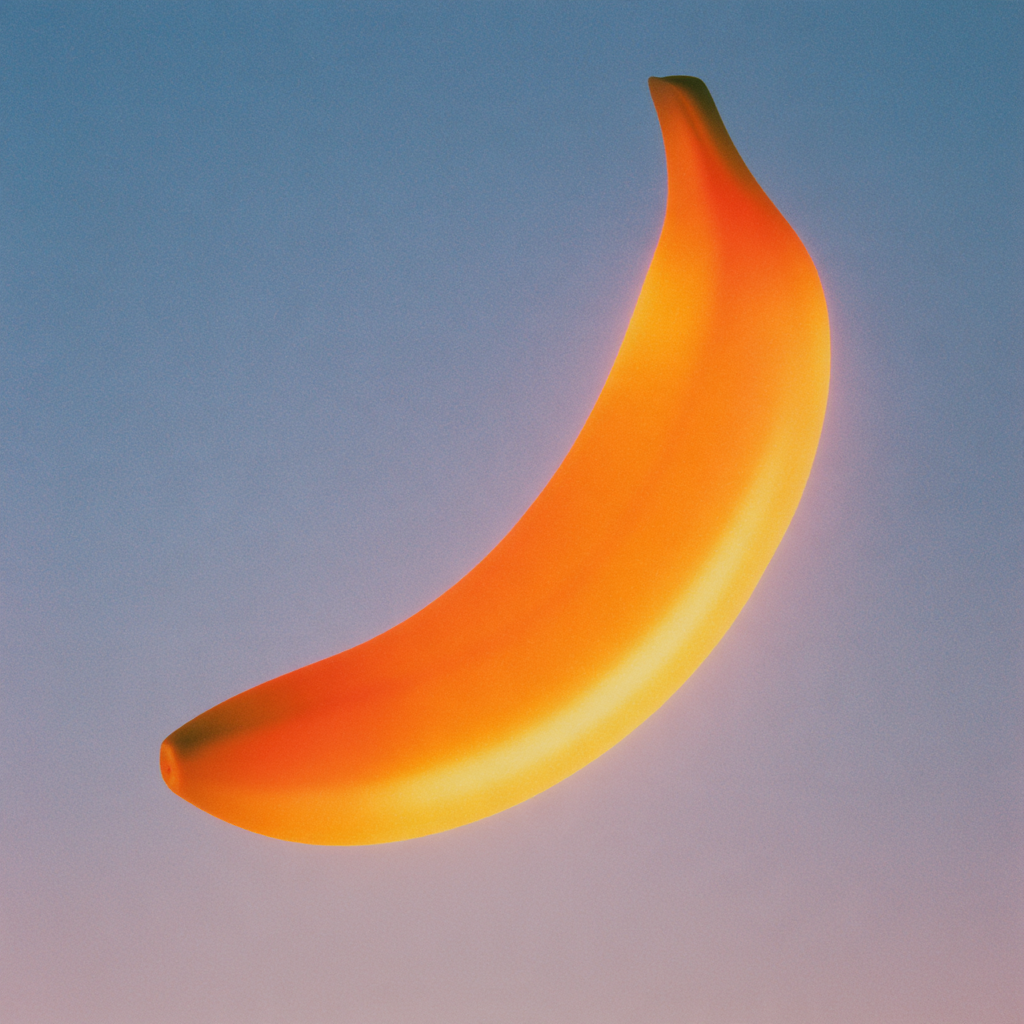
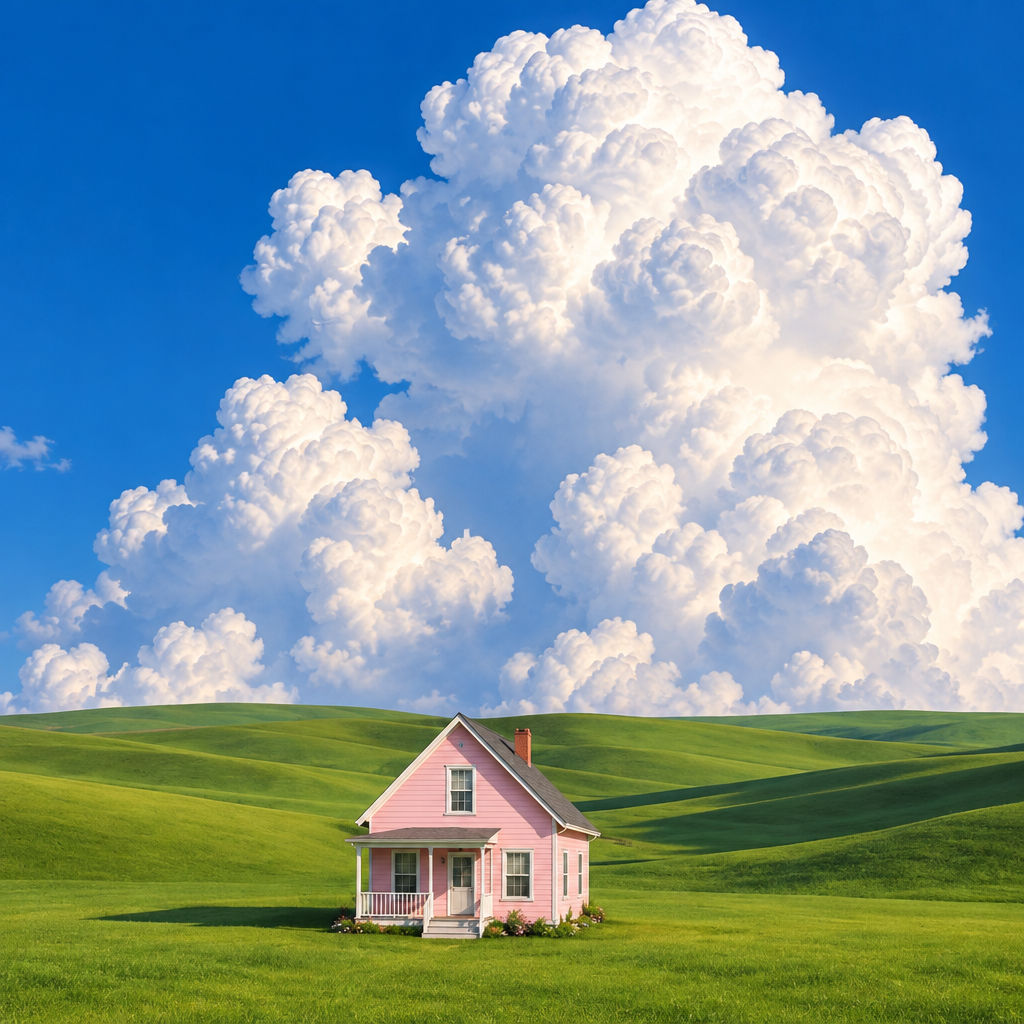
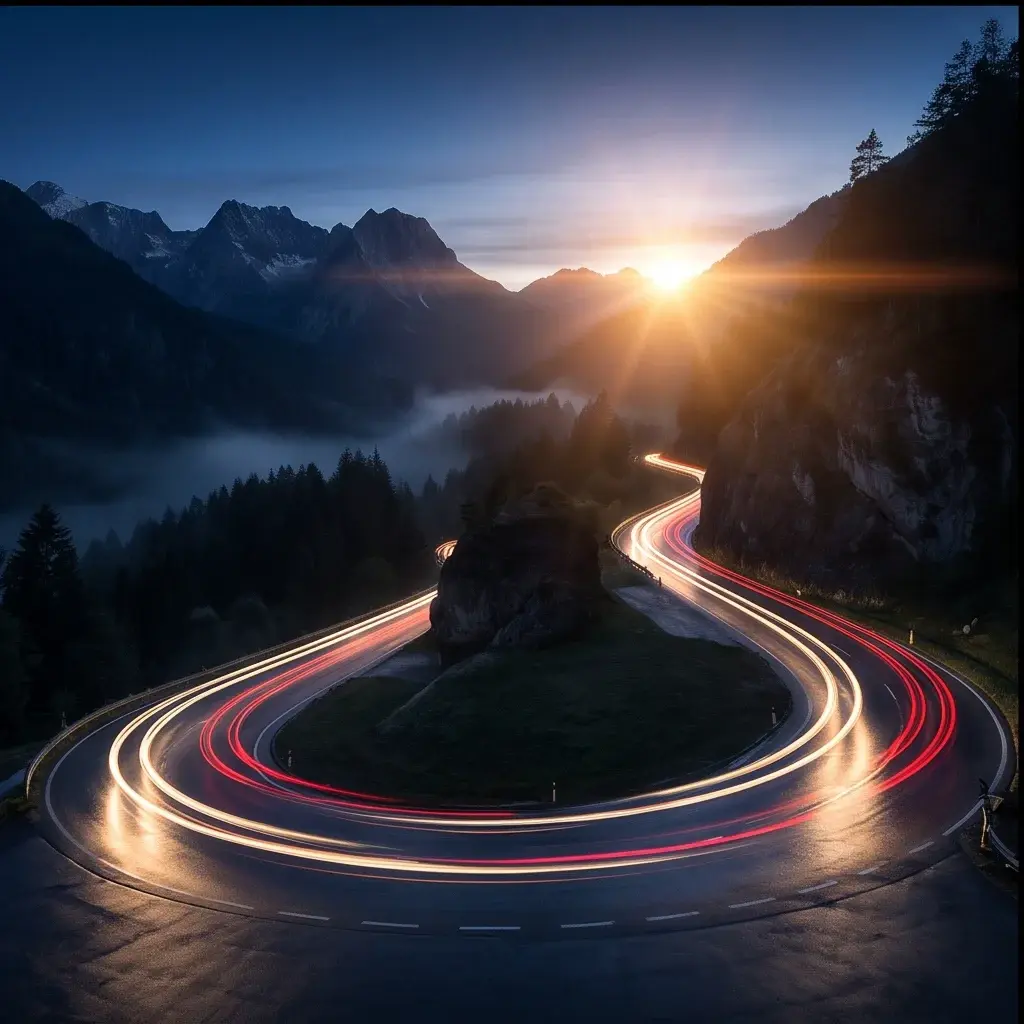
About Flux Kontext | Max | Multi Image
What is Multi-Image Kontext Max?
Multi-Image Kontext Max is a premium in-context image editing model by Black Forest Labs that processes multiple reference images simultaneously to produce highly consistent, instruction-guided edits. It enables editing that draws context from several source images, delivering the highest quality output in the Kontext family.