inference · 13.7s
Flux Realism
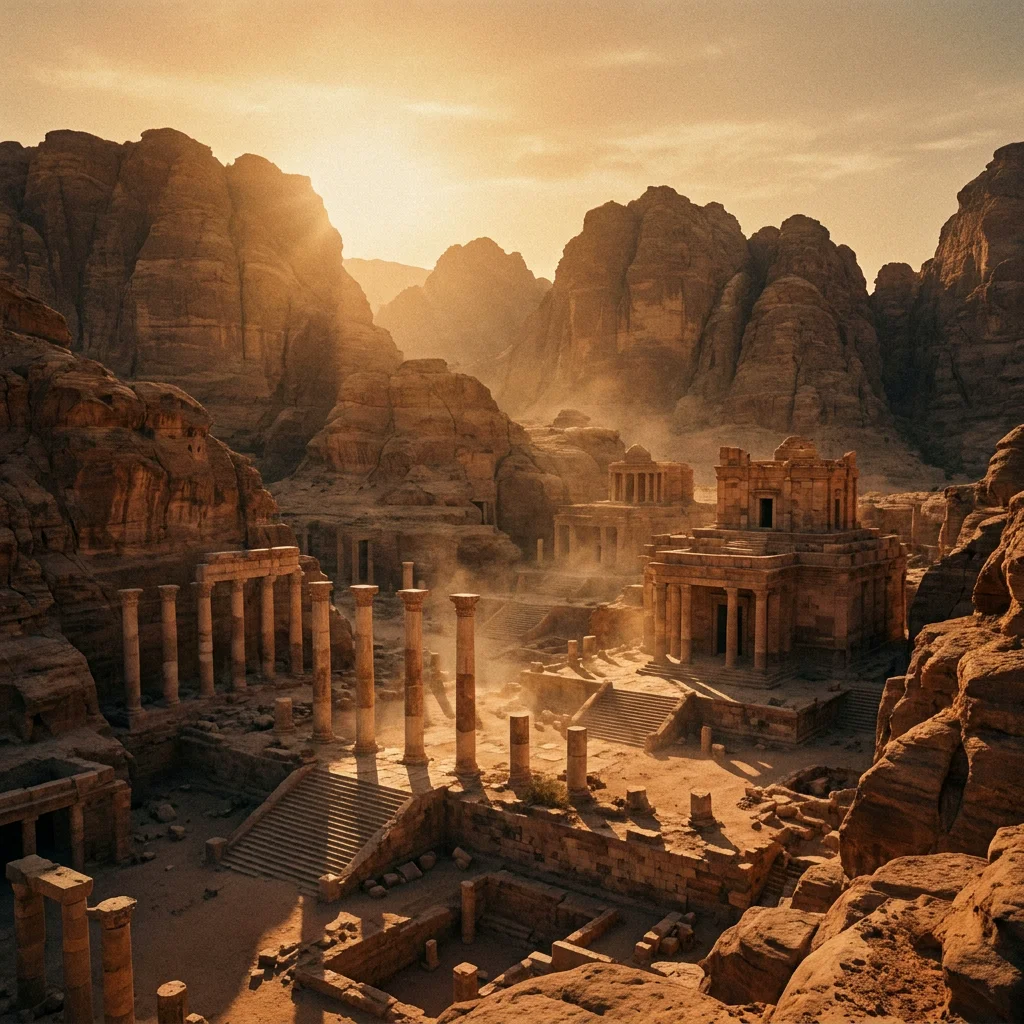
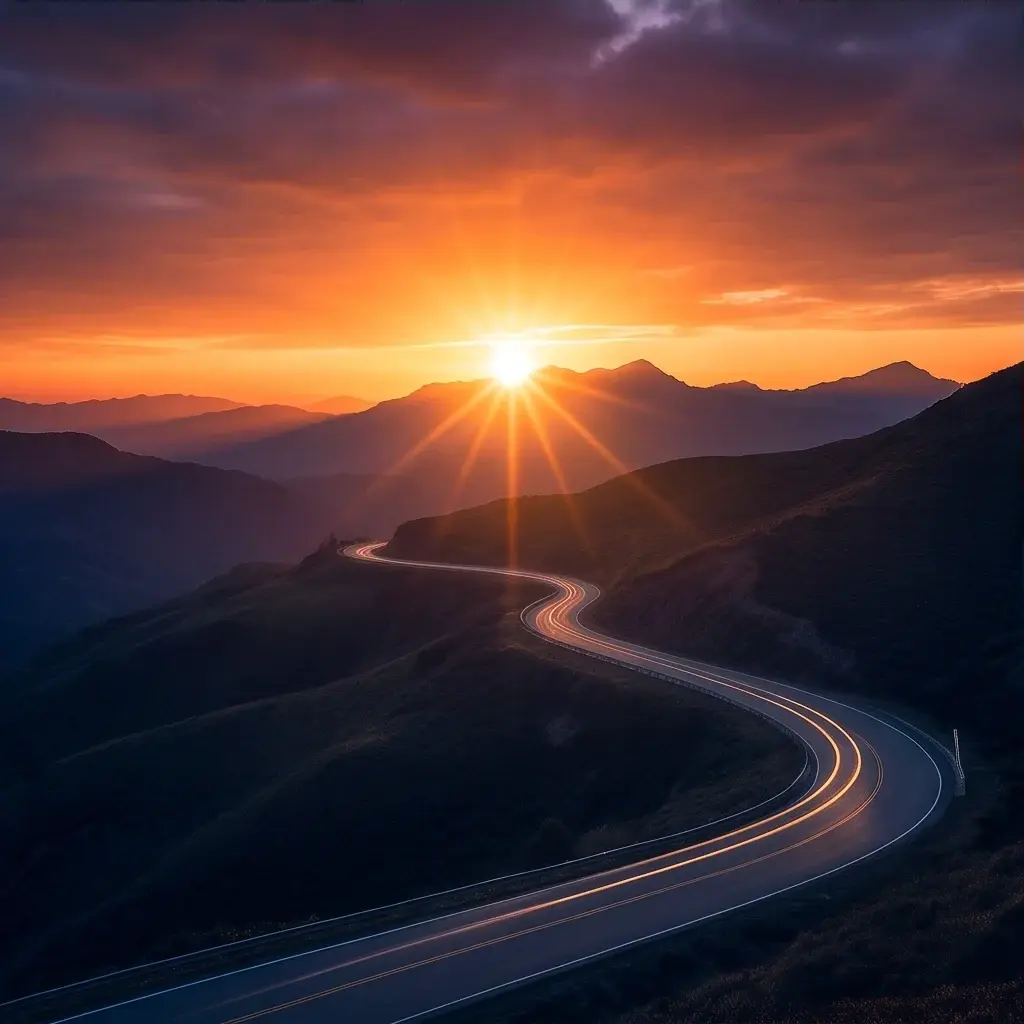
Flux Realism focuses on generating hyper-realistic images for professional-grade visuals.
- Runtime (p50)
- 15s
- Estimated price
- $0.05 per execution
Overview
flux-dev-realism — Text to Image AI Model
flux-dev-realism from Black Forest Labs delivers hyper-realistic text-to-image generation, producing professional-grade visuals that eliminate the typical "AI look" for photorealistic outputs ideal for designers and marketers seeking Black Forest Labs text-to-image solutions. Developed as part of the flux-dev family, this model excels in natural details and exceptional realism, supporting high-resolution images up to 1024x1024 and beyond on capable hardware. Users searching for a text-to-image AI model with superior aesthetics turn to flux-dev-realism for its ability to render lifelike scenes without oily highlights or unnatural artifacts, making it a top choice for realistic image creation.
Capabilities
Image Generation: Capable of producing a wide range of photorealistic images, from detailed portraits to complex landscapes and imaginative scenes.
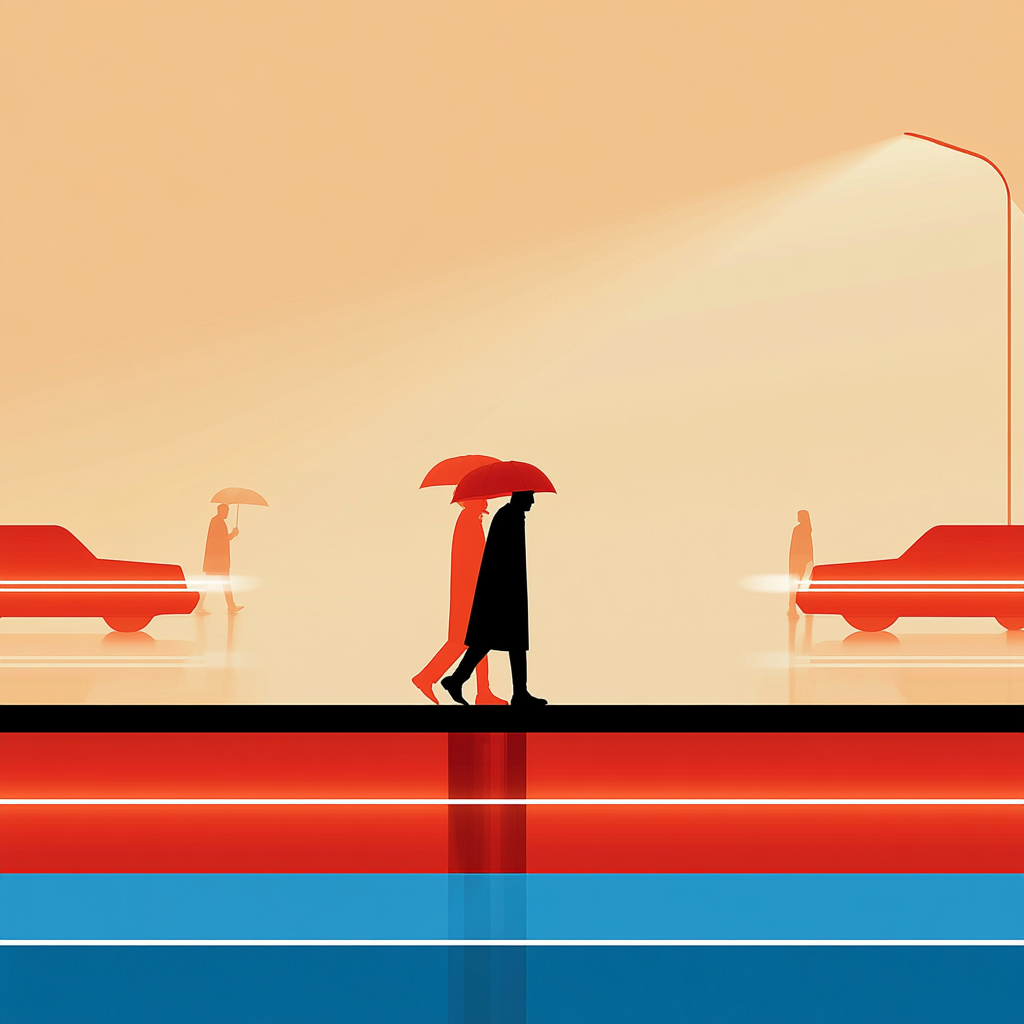
Style Diversity: The model supports various artistic styles, allowing users to generate images that align with specific aesthetic preferences.
Photorealistic Image Generation: Creates lifelike visuals based on textual prompts.
Optimized for Realism: Prioritizes realistic details and image fidelity.
Enhanced Stability: Ensures consistent results across diverse inputs.
Use cases
Use Cases for flux-dev-realism
Product designers use flux-dev-realism to create hyper-realistic renders from prompts like "a sleek stainless steel watch on a textured leather surface with soft studio lighting, highly detailed reflections," bypassing costly photoshoots for e-commerce catalogs. This leverages the model's strength in natural details and realism for precise material rendering.
Marketers seeking Black Forest Labs text-to-image tools generate campaign visuals, such as lifelike portraits of diverse models in urban settings, ensuring outputs feel authentic without AI artifacts for social media ads. The superior character representation supports quick iterations on branding materials.
Developers integrate the flux-dev-realism API into apps for custom image generation, feeding detailed prompts to produce professional-grade assets like architectural interiors with accurate lighting and textures. This enables automated workflows for real estate or interior design platforms.
Content creators produce editorial photography, using flux-dev-realism's realism for scenes like "a barista pouring espresso in a cozy cafe with steam rising and natural morning light," perfect for stock image libraries or blogs.
Tips & tricks
How to Use flux-dev-realism on Eachlabs
Access flux-dev-realism through Eachlabs Playground for instant testing with text prompts, or integrate via API and SDK for production apps—simply provide a descriptive prompt, optional CFG scale around 5.0, and resolution settings up to 1024x1024 to generate hyper-realistic PNG outputs in seconds on high-end hardware. Eachlabs delivers the full flux-dev-realism capabilities with optimized inference for seamless scaling.
---Technical spec
What Sets flux-dev-realism Apart
flux-dev-realism stands out in the competitive text-to-image landscape with its enhanced aesthetic style that avoids the uncanny "AI-generated" appearance, delivering outputs with natural, realistic details superior to standard flux-dev variants. This enables creators to produce professional visuals directly usable in print or digital media without extensive post-processing. Unlike many models struggling with character realism, flux-dev-realism generates skin tones and features without excessive shine, ideal for portraiture in flux-dev-realism API integrations.
- Supports 1024x1024 resolution natively with VRAM-efficient options like FP8_scaled for lower-end GPUs, generating first images in 40-46 seconds on RTX 4090 while maintaining outstanding realism.
- Fully compatible with flux-dev architecture, allowing seamless workflows in tools like ComfyUI for users needing high-fidelity text-to-image AI model outputs.
- Optimized for exceptional prompt fidelity in realistic scenes, outperforming base flux-dev in aesthetics and detail generalization for complex subjects.
These specs make flux-dev-realism a differentiator for developers building scalable image generation pipelines.
Things to be aware of
Experiment with Prompts: Test various text descriptions to explore the model's range and versatility in image generation.
Combine with Other Tools: Integrate the model with other AI tools and extensions, such as ControlNet and LoRA models, to enhance output quality and control
Specific Examples: Experiment with detailed text prompts to achieve varied outputs.
Practical Use Cases: Utilize the model in real-world scenarios for impactful results.
Parameter Adjustments: Explore different settings to fine-tune results.
Creative Applications: Push the boundaries of creativity by experimenting with unique prompts.
Integration Scenarios: Combine the model with other models to enhance workflows.
Key considerations
Non-Commercial Use: The flux-dev-realism model is intended for non-commercial applications, such as research, education, and personal projects.
Complete necessary data preprocessing steps: Ensure that input data is appropriately prepared before using the model.
Validate input data format and structure: Confirm that the data format matches the model's expectations.
Legal Information
By using this model, you agree to:
- XLabs AI API agreement
- XLabs AI Terms of Service
Limitations
Resource Intensive: The model's size and complexity may lead to high computational demands, potentially limiting its use on less powerful hardware.
Scope of Use: Designed primarily for non-commercial purposes, the model may not be suitable for commercial projects without appropriate licensing.
Maximum data size: Be mindful of the model's capacity to handle large datasets.
Output Format: PNG,JPG,WEBP