
XAI | Grok | Imagine | Text to Image
Generate highly aesthetic images from text using xAI’s Grok Imagine Image Generation model. Turn your ideas and prompts into detailed, high-quality visuals in seconds.
- Runtime (p50)
- 5s
- Estimated price
- $0
Overview
xai-grok-imagine-text-to-image — Text-to-Image AI Model
Developed by xAI as part of the grok-imagine family, xai-grok-imagine-text-to-image transforms text prompts into high-quality, detailed images in seconds. This text-to-image AI model solves the core creative challenge: converting ideas into polished visuals without requiring design skills, photography equipment, or lengthy production cycles. Whether you're prototyping concepts, generating marketing assets, or exploring creative directions, this model delivers aesthetic results across multiple visual styles—from ultra-realistic photography to anime, oil paintings, and pencil sketches.
What distinguishes xai-grok-imagine-text-to-image from other text-to-image generators is its exceptional speed combined with high-fidelity text rendering within images. The model excels at embedding legible, accurate text directly into generated visuals—a capability that most image generation models struggle with—making it invaluable for creating branded graphics, social media posts, and marketing collateral where text precision matters. Built on optimized GPU-backed architecture, it delivers results with ~150ms latency per image, enabling rapid iteration and experimentation without the wait times typical of cinematic-quality alternatives.
Capabilities
- Text-to-image and text-to-video generation from detailed prompts
- Image-to-video conversion with cinematic motion and realistic object interactions
- Native audio generation synchronized with visual content, including character voices with emotional nuance and accurate lip-syncing
- Video editing capabilities including object addition, removal, and swapping with precision
- Scene transformation features such as lighting adjustments, weather effects, and environmental changes
- Character animation using user-provided performance references
- Sketch and line drawing animation into full visual sequences
- Footage restyling and color control for detailed post-generation adjustments
- Visual continuity maintenance across frames and scenes
- Support for multiple aspect ratios and flexible clip lengths
- Rapid iteration capability with low latency and cost efficiency
- High-quality motion understanding with smooth frame rates and minimal motion blur or physics hallucinations
Use cases
Use Cases for xai-grok-imagine-text-to-image
E-commerce Product Visualization: Marketing teams building AI image editor solutions for e-commerce can leverage xai-grok-imagine-text-to-image to generate product mockups in different environments. A user might prompt: "Place this white ceramic mug on a wooden desk with morning sunlight, coffee steam rising, minimalist office background"—producing photorealistic product images for multiple contexts without requiring studio photography or manual compositing.
Rapid Brand Asset Creation: Design teams and content creators can generate on-brand graphics, social media templates, and marketing collateral at scale. The model's text rendering capability means designers can create complete social posts with embedded headlines, captions, and calls-to-action in a single generation, reducing design iteration cycles from hours to minutes.
Creative Concept Exploration: Filmmakers, game developers, and creative directors use xai-grok-imagine-text-to-image for visual pre-production and mood boarding. The ability to rapidly generate variations across different artistic styles—"cyberpunk neon cityscape, blade runner aesthetic" versus "same scene, oil painting style, impressionist"—enables quick exploration of visual directions before committing to production resources.
API Integration for Developers: Developers building applications requiring dynamic image generation can integrate xai-grok-imagine-text-to-image through the xAI API for on-demand visual content creation. The model's low latency and high throughput support real-time image generation in user-facing applications, from personalized greeting cards to dynamically generated ad creatives.
Tips & tricks
How to Use xai-grok-imagine-text-to-image on Eachlabs
Access xai-grok-imagine-text-to-image through Eachlabs' Playground for immediate experimentation or integrate via API for production workflows. Provide a text prompt describing your desired image, optionally specify aspect ratio and style preferences, and receive high-resolution output in seconds. The model accepts detailed prompts and supports negative prompts to exclude unwanted elements. Outputs are delivered as base64-encoded images or direct URLs, ready for immediate use in design workflows, applications, or content pipelines.
---END---
Technical spec
What Sets xai-grok-imagine-text-to-image Apart
High-Fidelity Text Rendering: Unlike most text-to-image models that struggle with legible text embedding, xai-grok-imagine-text-to-image renders clear, accurate text within images. This capability eliminates the need for post-processing text overlays and enables direct creation of branded graphics, poster designs, and social media content where typography is integral to the visual.
Exceptional Speed with Quality: The model generates images at approximately 150ms per request with throughput up to 65 requests per second. This speed-to-quality ratio makes it ideal for rapid prototyping and high-volume generation workflows where iteration speed directly impacts productivity.
Versatile Style Control: xai-grok-imagine-text-to-image supports style transfer across 9+ distinct visual aesthetics—anime, cyberpunk, futuristic, whimsical, minimal art, and photorealistic styles. Users can transform existing images or generate new ones by simply describing the desired aesthetic in their prompt, providing granular creative control without complex configuration.
Technical Specifications:
- Resolution: High-resolution image support including 1K and 2K capabilities
- Aspect Ratios: 7 supported formats (square, portrait, landscape, ultrawide, and platform-specific dimensions)
- Input Format: Text prompts with optional negative prompts for exclusion control
- Output Format: Base64-encoded images or direct URL delivery
- Processing Time: ~150ms average latency per image generation
Things to be aware of
- The model demonstrates exceptional performance at scale, with documented generation of 1.245 billion videos in 30 days, indicating stability and reliability in high-volume production
- User adoption has grown dramatically, with 64 million monthly active users representing a 200% increase from mid-2025, suggesting strong community confidence in the model's capabilities
- The 30% speed advantage over competing alternatives is a consistent theme in technical discussions, making it particularly valuable for time-sensitive creative workflows
- Independent benchmarks consistently rank the model first across key evaluation metrics, validating quality claims across multiple assessment frameworks
- The model's cost efficiency at $4.20 per minute with audio included is significantly lower than competitors like Veo 3.1 at $12/min and Sora 2 Pro at $30/min, making it accessible for budget-conscious creators
- Professional integrations are documented, with companies like HeyGen incorporating Grok into their video agents specifically for the fast iteration capabilities
- The native audio synchronization is highlighted as a standout feature that differentiates it from older generators that relied on generic background tracks
- Users report that the prompt-following capability enables detailed cinematic control, suggesting the model responds well to specific directional language
- The model's ability to handle follow-up prompts for refinement without full regeneration is noted as a practical advantage for iterative creative work
- Performance remains consistent across diverse use cases from individual creators to enterprise workflows, indicating robust generalization
Key considerations
- Prompt specificity matters significantly; the model excels at interpreting detailed cinematic prompts including specific camera movements, lighting changes, and scene compositions
- The model supports follow-up prompts for refinement, allowing creators to adjust elements like lighting warmth or character expressions without full regeneration
- Speed and cost efficiency enable rapid iteration, making it suitable for exploratory creative work and quick prototyping
- The native audio generation is synchronized with visual motion, eliminating the need for separate audio post-processing
- Quality remains consistent across high-volume generation, as evidenced by the 1.245 billion videos generated in 30 days
- The model handles motion blur and physics more smoothly than competing systems, according to xAI's claims
- Lip-syncing accuracy in character voices is a notable strength for narrative-driven content
- The system is optimized for both individual creators and enterprise-scale workflows
Limitations
- Video generation is limited to 10 seconds per clip, requiring multiple generations for longer-form content
- Output resolution is capped at 720p, which may be insufficient for certain professional broadcast or high-resolution archival applications
- The model's performance on highly abstract or non-photorealistic artistic styles is not extensively documented in available sources
Related models
4 models


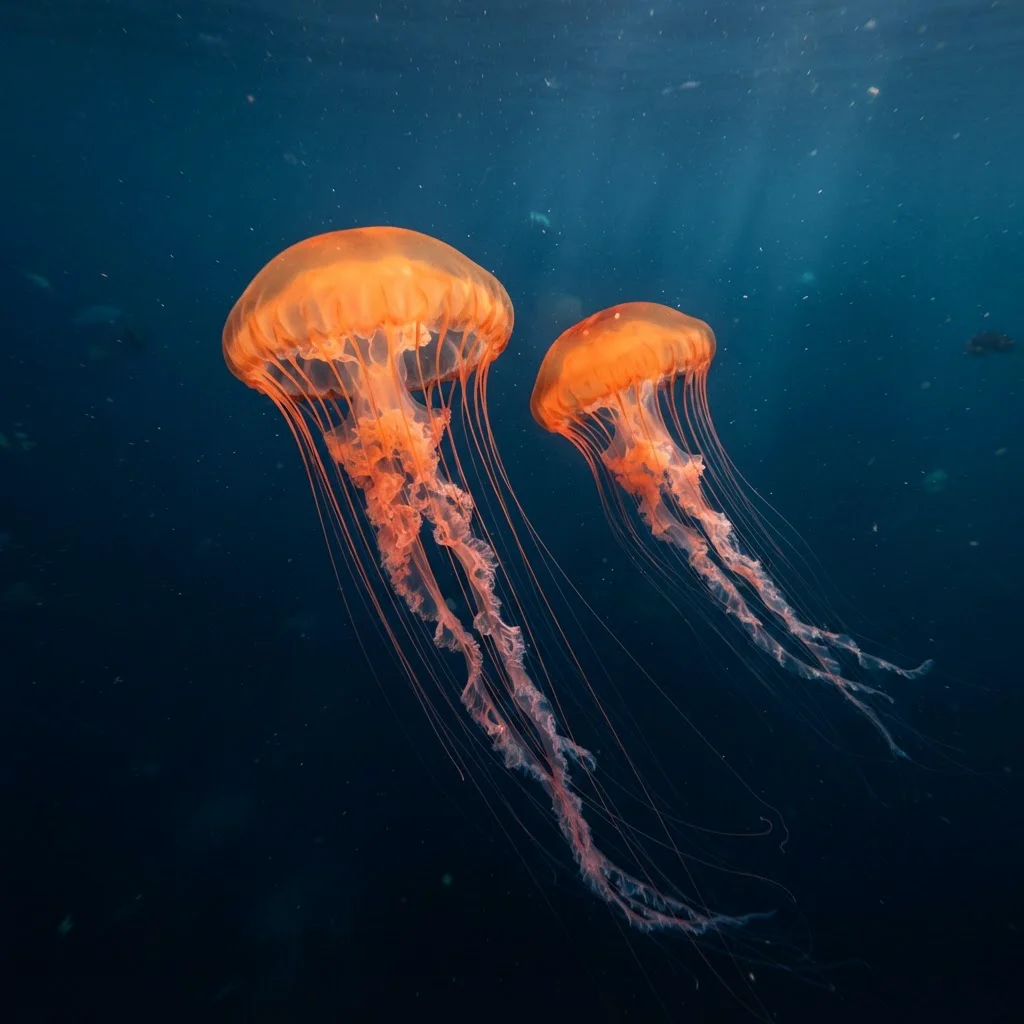
About XAI | Grok | Imagine | Text to Image
What is xAI Grok Imagine Text to Image?
xAI Grok Imagine Text to Image is a generative AI model by xAI that creates images from natural language prompts. Built on xAI's multimodal architecture, it produces detailed, high-quality visuals across a range of styles from photorealistic renders to artistic illustrations.