
Flux 2 | Edit
Image editing with FLUX-2. Precise prompt-based adjustments, smooth visual transformations, and natural, high-quality edits with full creative control.
- Runtime (p50)
- 20s
- Estimated price
- From $0.012
Overview
flux-2-edit — Image Editing AI Model
flux-2-edit from Black Forest Labs empowers precise image-to-image AI model editing, transforming input images with natural-language prompts and hex color controls for seamless, high-fidelity adjustments. Part of the flux-2 family, specifically the FLUX.2 [klein] 4B base variant, it excels in photorealistic edits up to 4 megapixels while maintaining geometry, texture, and spatial coherence—ideal for developers seeking an AI image editor API that runs efficiently on consumer GPUs.
Built on a rectified flow transformer with Qwen3-based text encoder, flux-2-edit supports multi-reference inputs, enabling complex compositions without model switching. Users leverage it for Black Forest Labs image-to-image workflows, achieving sub-second inference on high-end hardware like RTX 5090, with Apache 2.0 licensing for commercial freedom.
Capabilities
- Perform precise prompt-based image editing with smooth, natural-looking transformations
- Support both text-to-image and image-to-image modes in a unified workflow
- Maintain high photorealism with accurate lighting, physics, and spatial coherence
- Generate and edit images with clearly legible text, including logos, signage, UI screens, and multilingual content
- Handle complex, structured prompts using JSON-style syntax for fine-grained control over composition, colors, and camera settings
- Use up to 10 reference images simultaneously to maintain character, product, or style consistency across edits
- Produce high-resolution outputs up to 4 megapixels suitable for professional and commercial use
- Support multi-language prompts, including non-Latin scripts, enabling global content creation
- Enable direct pose control for subjects and characters in editing workflows
- Deliver clean, readable fonts and typography even at scale, making it suitable for branding and marketing assets
Use cases
Use Cases for flux-2-edit
E-commerce developers building an AI photo editing for e-commerce pipeline can upload product images with references and prompt "replace background with studio white, add soft shadows, hex #F0F8FF lighting"—generating consistent mockups at 4MP without photography shoots, thanks to multi-reference support and texture preservation.
Digital creators focused on character design use flux-2-edit's spatial logic by providing pose references and editing "change outfit to cyberpunk leather jacket in neon city night, maintain face identity"—ensuring coherence across iterations for comics or games, with hex controls for precise color matching.
Marketers needing quick asset variations feed brand-style images into this automated image editing API, prompting "adapt this ad to summer theme with beach backdrop and #00BFFF accents"—leveraging rectified flow for fast, high-fidelity outputs that retain logo sharpness and composition.
UI/UX designers refine prototypes by editing wireframes with multi-references: "enhance this app screenshot with realistic glassmorphism effects, cool blue palette #4169E1"—achieving photorealistic previews efficiently on mid-range GPUs for client presentations.
Tips & tricks
How to Use flux-2-edit on Eachlabs
Access flux-2-edit seamlessly on Eachlabs via Playground for instant testing, API for production flux-2-edit API integrations, or SDK for custom apps. Provide an input image, optional multi-references, detailed prompt with hex colors, and settings like 25-50 steps or resolution up to 4MP—outputs deliver photorealistic PNGs in seconds, optimized for commercial workflows.
---Technical spec
What Sets flux-2-edit Apart
flux-2-edit stands out in the image-to-image AI model landscape through its compact 4B parameter size delivering professional-grade quality, multi-reference editing up to multiple images for consistent character or product visuals, and high-resolution support up to 4MP with preserved detail.
- Multi-reference image editing: Handles multiple input images simultaneously to blend concepts reliably, even on 4B hardware; this enables consistent styling across product variations or character scenes without quality loss, outperforming single-image limits in compact models.
- Hex color control and precise natural-language edits: Users specify exact colors via hex codes alongside prompts for targeted changes; it allows surgical adjustments like "change shirt to #FF5733 while keeping fabric texture," preserving coherence where diffusion models often hallucinate.
- Efficient rectified flow architecture: Supports 1024x1024+ resolutions and 25-50 configurable steps with quantization (FP8/NVFP4) for 12-13GB VRAM use; delivers sub-second speeds on RTX 5090 for interactive edit images with AI workflows, matching larger models' output at lower cost.
Technical specs include image inputs/outputs, 4MP capability, and strong spatial logic for character consistency, setting it apart from generic editors.
Things to be aware of
- The model performs best with well-structured prompts; overly vague or ambiguous instructions can lead to unexpected results
- Very complex scenes with many interacting elements may require multiple refinement steps to achieve desired coherence
- While text rendering is strong, extremely dense text blocks or highly stylized fonts may not always render perfectly
- Multi-reference editing works well for consistency but requires carefully selected reference images to avoid style conflicts
- High-resolution outputs and complex prompts increase VRAM and compute requirements, especially when running locally
- Pose control is effective but may need additional prompt guidance for very specific or unusual poses
- Users report excellent consistency for characters and products when using reference images, but minor variations can still occur across batches
- Community feedback highlights strong prompt adherence, clean typography, and photorealistic quality as major strengths
- Some users note that achieving pixel-perfect text alignment or exact layout replication may require post-processing or careful prompt engineering
Key considerations
- The model works best when given clear, structured prompts that specify composition, lighting, mood, and positioning; vague prompts can lead to inconsistent results
- For editing tasks, providing high-quality input images with good resolution and lighting improves output fidelity
- Using multi-reference images (up to 10) helps maintain character, product, or style consistency across edits
- Prompt adherence is strong but not perfect; complex multi-subject scenes may require iterative refinement
- There is a trade-off between generation speed and output quality; higher resolution and more detailed prompts increase compute requirements
- When using JSON-style structured prompts, ensure all required fields (subjects, colors, composition, camera settings) are properly defined to avoid ambiguity
- Seed control is available and recommended for reproducible variations during iterative editing
Limitations
- The model is not designed for full layout design or precise vector-style composition; it works best for visual refinement rather than exact page layout control
- Extremely dense text layouts or complex multi-column designs may not render with perfect fidelity and may require manual correction
Related models
4 models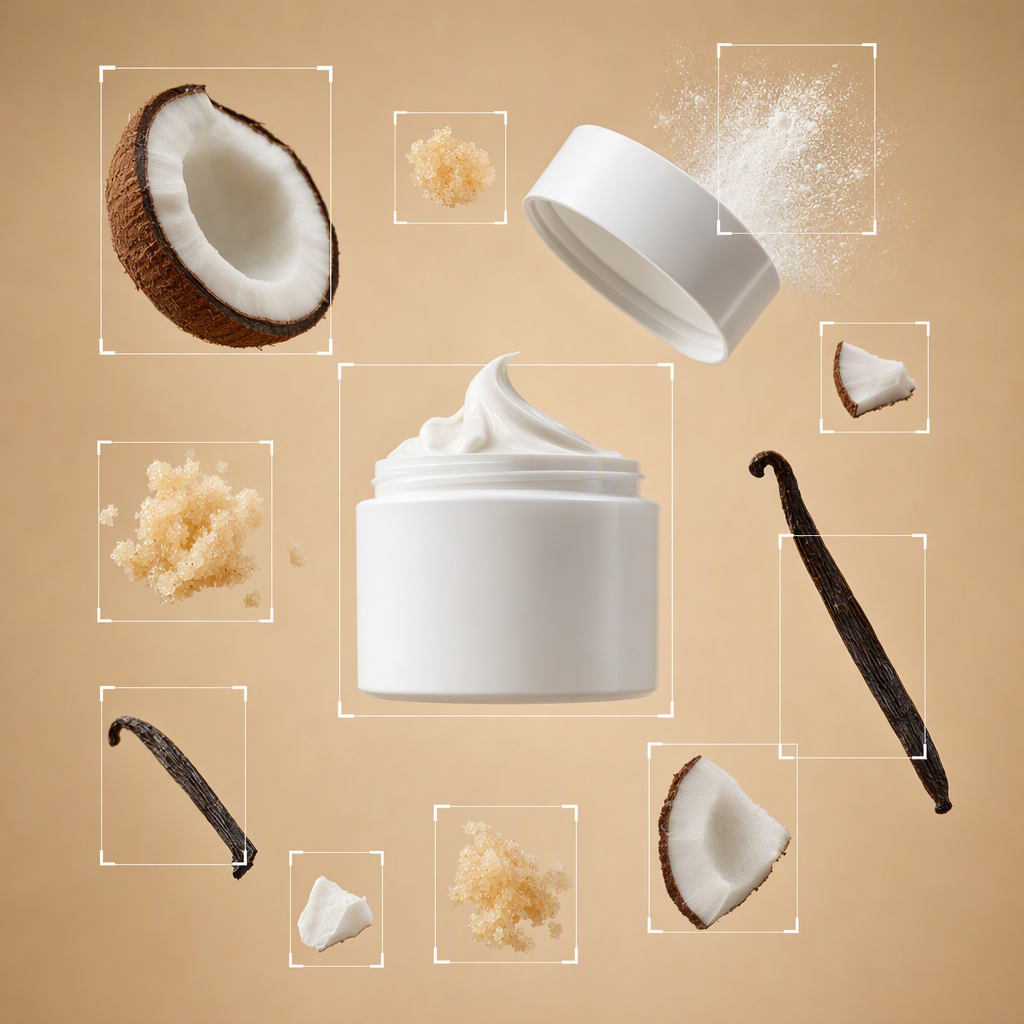


About Flux 2 | Edit
What is FLUX.2 Edit and how does it handle instruction-based image editing?
FLUX.2 Edit is Black Forest Labs' flagship image editing model built on the FLUX.2 architecture. It applies precise instruction-guided modifications to source images including background replacement, object editing, style transfer, and compositional adjustments. Its strong semantic understanding enables accurate interpretation of complex natural language editing instructions.