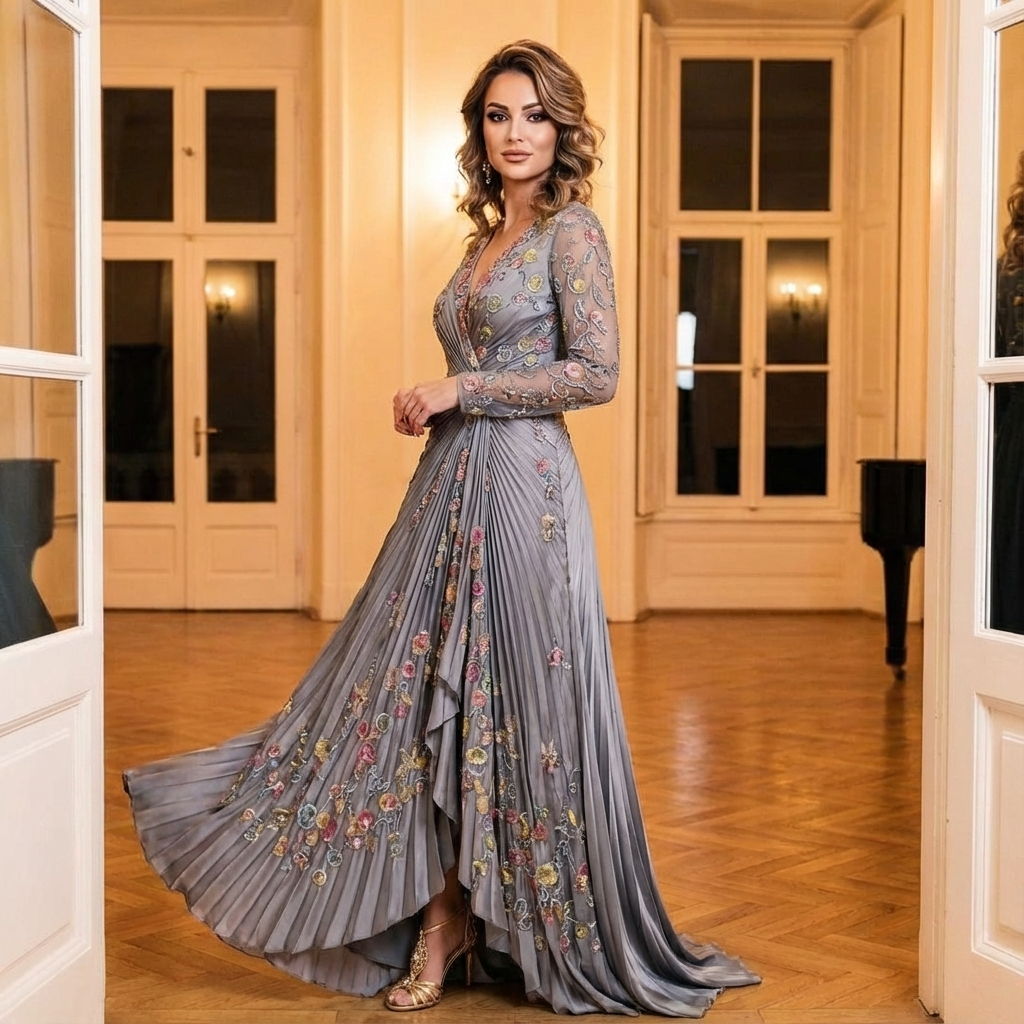
 inference · 0.9s
Pruna | P Image | Edit
P-image Edit is an image editing model that applies precise, high-quality edits from text prompts with fast performance and consistent results, built for production use cases.
- Runtime (p50)
- 1s
- Estimated price
- $0.01 per execution
Overview
p-image-edit — Image Editing AI Model
Developed by Pruna as part of the P-Image family, p-image-edit is a state-of-the-art text-based image editing model that transforms existing images with precise, high-quality changes driven by natural language prompts, ideal for developers seeking an image-to-image AI model with production-ready speed and consistency. Unlike standard text-to-image generators, p-image-edit excels at targeted edits on user-provided images, enabling seamless modifications like adding objects or altering styles without regenerating from scratch. This makes it perfect for AI image editor API integrations where fast, reliable outputs are essential for apps handling edit images with AI workflows.
Capabilities
- Precise text-prompt-based image editing with high photorealism
- Edits up to 4 images simultaneously in 1-2 seconds
- Strong prompt adherence and text rendering in outputs
- High iteration speed for real-time workflows
- Cost-efficient performance compared to larger models
- Versatile for applications like virtual try-on and object manipulation
- Consistent quality across fast generations
Use cases
Use Cases for p-image-edit
For e-commerce developers building an AI photo editing for e-commerce platform, p-image-edit allows uploading product photos and prompting "place this sneaker on a urban street with neon lights reflecting off wet pavement," instantly generating lifestyle composites that boost conversion rates without manual Photoshop sessions.
Marketers can refine campaign visuals by editing existing assets—feed in a brand photo with "change outfit to summer dress and add beach sunset background"—leveraging its sub-second speed for rapid A/B testing in high-stakes ad production.
Content creators and designers benefit from its precise inpainting for artistic tweaks, such as taking a portrait and instructing "enhance lighting to golden hour, add subtle freckles, maintain facial identity," producing professional edits ideal for social media or portfolios with unmatched consistency.
App developers integrating p-image-edit API can create on-device-like editing tools, processing user-uploaded images with style transfers like "convert to cyberpunk aesthetic with glowing holograms," supporting scalable, cost-effective features for mobile apps.
Tips & tricks
How to Use p-image-edit on Eachlabs
Access p-image-edit seamlessly through Eachlabs' Playground for instant testing, API for production integrations, or SDK for custom apps—simply provide an input image and text prompt like "remove background and add forest scene," with optional parameters for resolution up to 4K and aspect ratios. Expect high-fidelity PNG/JPEG outputs in sub-second times, optimized for Pruna image-to-image efficiency.
---Technical spec
What Sets p-image-edit Apart
p-image-edit stands out in the competitive landscape of Pruna image-to-image models due to its optimized architecture from Pruna AI, delivering sub-second processing times for high-quality edits at a fraction of typical costs—under a cent per run—while maintaining excellent prompt adherence and visual fidelity.
- Ultra-fast inference: Generates edited images in under one second on standard hardware, enabling real-time applications that competitors like Flux variants can't match without sacrificing quality. This speed empowers developers to build responsive automated image editing API tools for high-volume tasks.
- Superior prompt following for edits: Accurately interprets complex text instructions to modify specific image elements, such as "add sunglasses to the subject" or "turn background into a starry night," with consistent, photorealistic results across diverse inputs. Users gain precise control, reducing iterations in creative pipelines.
- Production-optimized efficiency: Supports resolutions up to 4K with outputs in standard image formats, optimized via Pruna's toolkit for low-latency performance on A100 GPUs or similar, outperforming heavier models in cost and speed for image to image AI model use.
These capabilities position p-image-edit as a leader among fast image editing models, particularly for API-driven workflows where every millisecond counts.
Things to be aware of
- Experimental multi-image editing enables new workflows but requires testing for complex batches
- Known quirks: Performs best with clear, single-subject inputs; may need prompt tweaks for crowded scenes
- Performance considerations: Sub-1 second on single images scales efficiently to 4 inputs
- Resource requirements: Optimized for low-cost, high-speed inference suitable for broad deployment
- Consistency factors: High reliability in prompt following and quality across iterations
- Positive user feedback themes: Excitement over speed enabling "unlocking new use cases" and user happiness from no-wait editing
- Common concerns: Limited public benchmarks beyond demos; community notes emphasis on its gap over slower competitors
Key considerations
- Focus on text prompts that are descriptive and specific to leverage high prompt adherence
- Use multi-image inputs for batch editing to maximize speed advantages
- Best practices include starting with clear base images to ensure consistent results
- Avoid overly complex edits in single passes; iterate quickly due to sub-second speeds
- Quality remains high even at maximum speed, but test prompts for edge cases like intricate text rendering
- Prompt engineering tips: Specify exact changes (e.g., "replace clothing with red dress") for precise control
Limitations
- Primarily optimized for editing existing images; relies on paired generation models for full creation workflows
- Public details sparse on exact parameter counts or training data, limiting deep customization insights
- Potential edge cases in highly intricate or abstract edits, where iteration is recommended
Related models
4 models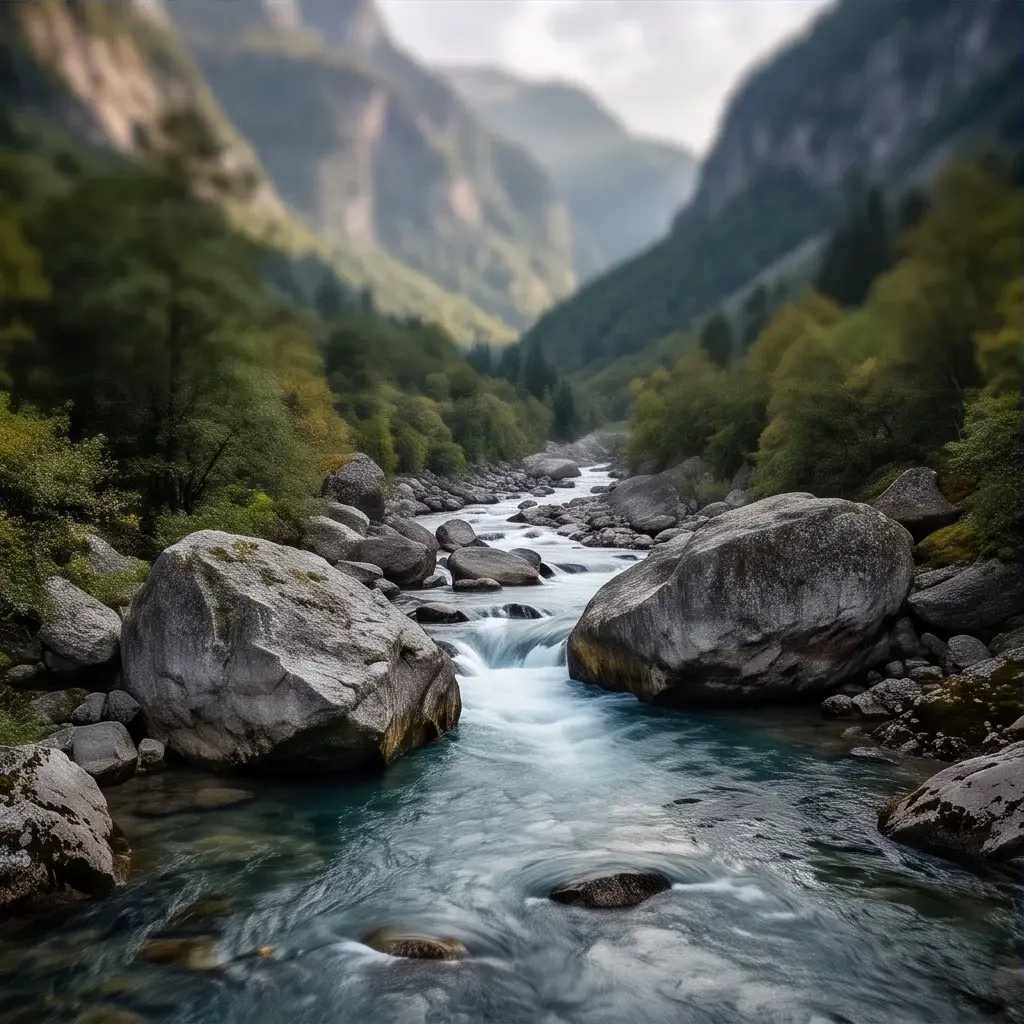


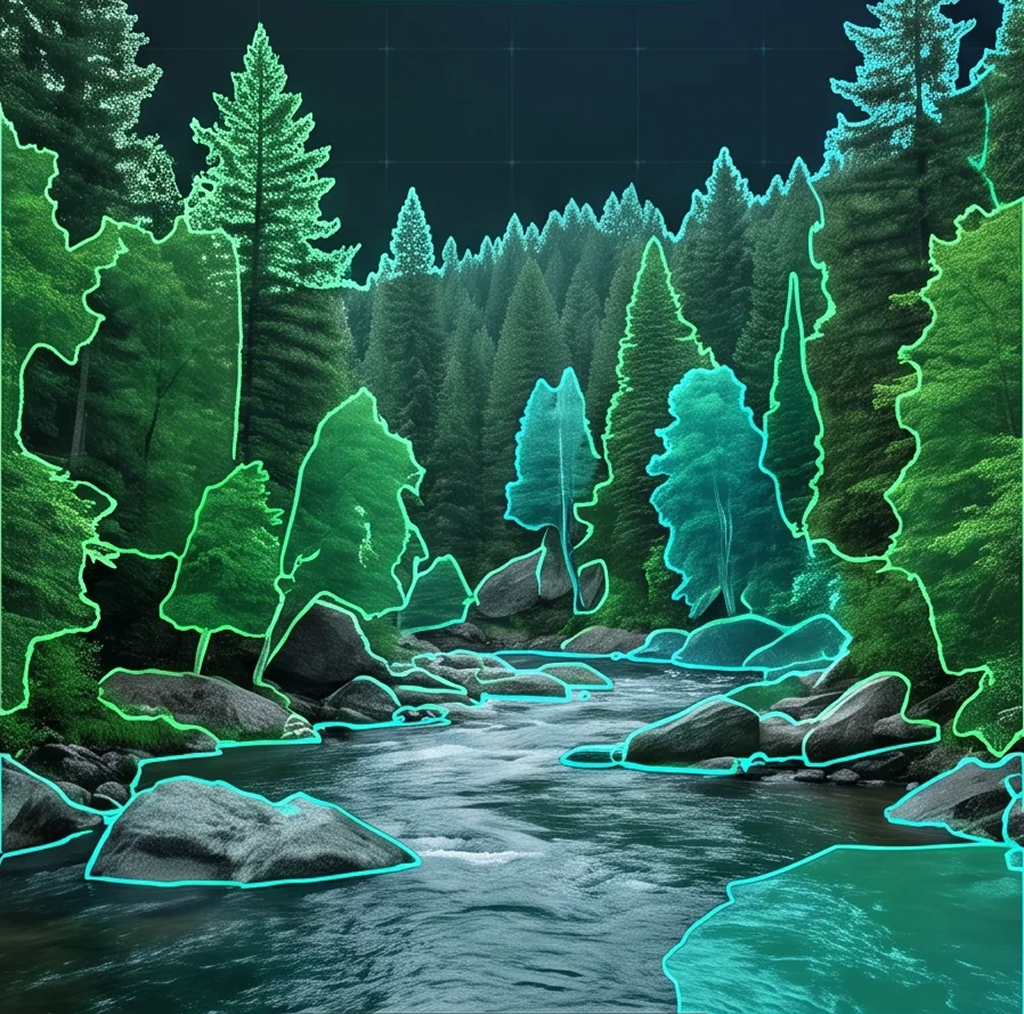
About Pruna | P Image | Edit
What is the p-image-edit model available on Eachlabs?
p-image-edit is a highly optimized AI image editing model hosted on Eachlabs. It allows users to modify existing images, perform in-painting, and alter styles with ultra-low latency, ensuring fast and efficient workflows for developers.