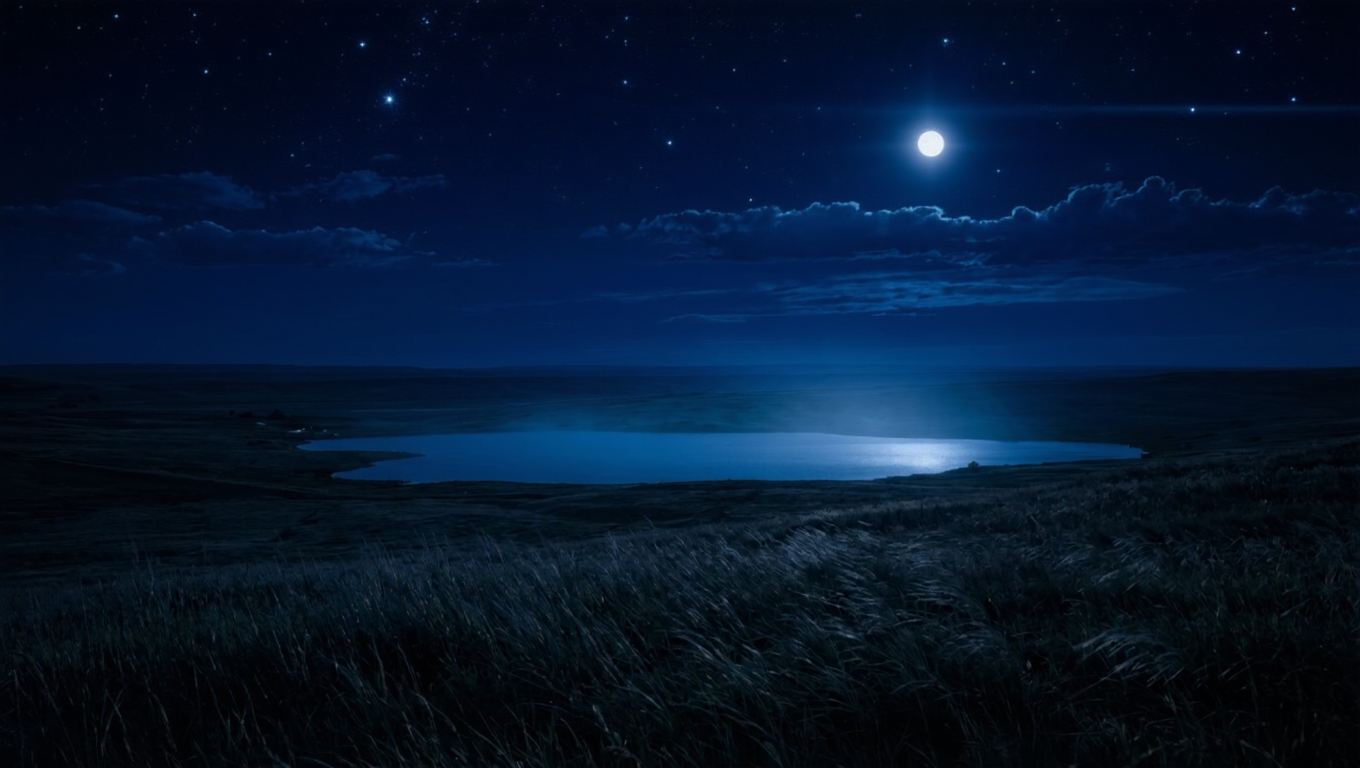
Kling | v3 | Image to Image
Kling Image V3 is the latest image generation model from Kling, delivering improved quality, consistency, and visual detail.
- Runtime (p50)
- 30s
- Estimated price
- $0.028 per image
Overview
Kling | v3 | Image to Image transforms input images into enhanced, high-fidelity outputs using advanced AI from Kuaishou's Kling family. This model excels in generating native 4K images with superior edge clarity, detail, and consistency, solving common issues like upscaling artifacts in traditional image editing workflows. As part of the Kling v3 suite released in early 2026, it builds on the family's multimodal foundation, offering creators print-ready visuals directly from reference images and text prompts.
Developed by Kuaishou, Kling | v3 | Image to Image stands out for its native 4K output without upsampling, delivering crisp results ideal for professional design and cinematic stills. Whether refining concepts or creating series, it provides seamless image-to-image generation on each::labs, empowering users with Kling | v3 | Image to Image API access for integrated workflows.
Capabilities
- Native 4K image generation from input images, delivering crisp edges and fine details without upscaling
- Supports seven aspect ratios for versatile cinematic and social media outputs
- Enhanced image series mode for generating consistent sequences from a single reference
- Superior texture and lighting rendering, ideal for film-like stills and professional visuals
- Multi-image input handling for refined compositions and subject binding
- Pixel-level detail enhancement with semantic understanding of prompts
- Omni mode integration for complex scene creation with accurate element consistency
- Kling image-to-image transformations preserving core structure while adding motion-like micro-details
Use cases
For designers: Refine concept art by inputting sketches and prompting "evolve to photorealistic 4K render with dynamic lighting and fabric textures"—leveraging native resolution for client-ready mockups.
For marketers: Transform product photos into lifestyle scenes: "Enhance watch image to elegant wrist in sunset light, subtle reflections, 16:9 banner aspect"—using series mode for ad variants with consistent branding.
For creators: Generate cinematic portraits from selfies: "Convert to weathered craftsman examining bowl, breathing motion implied in details, warm dust-filled light"—capitalizing on texture and mood control for storytelling stills.
For developers: Integrate Kling | v3 | Image to Image API on each::labs for app-based edits, like "stylize user upload to fantasy realm, maintain face consistency"—via reference-driven capabilities.
Tips & tricks
Optimize prompts for Kling | v3 | Image to Image by focusing on specific lighting, mood, and micro-details, as the model responds well to cinematic language. Use reference images with clear subjects to maintain consistency, and specify aspect ratios early for precise outputs.
Parameter tips: Leverage image series mode for coherent multi-image sets; combine with "Omni" style prompts for complex scenes binding subjects accurately. Workflow: Start with a strong base image, iterate with targeted refinements like "enhance textures while preserving composition."
Example prompts:
- "Transform this portrait into a candlelit wise elder, subtle wrinkles, warm glow on skin, shallow depth of field, native 4K detail."
- "Convert landscape photo to dusk scene with drifting mist, rich textures on foliage, cinematic golden hour lighting, 16:9 aspect."
- "Refine product shot: glossy ceramic bowl in artisan hands, dust particles in soft light, hyper-detailed edges, print-ready 4K."
Technical spec
- Aspect Ratios: Seven flexible aspect ratios supported, including standard 16:9, 9:16, 1:1, and custom cinematic formats
- Input Formats: Reference images (JPEG, PNG) combined with text prompts; supports multi-image inputs from prior Kling versions
- Output Formats: High-quality PNG/JPEG images at 4K resolution; image series mode for consistent sequences
- Processing Time: Turbo inference optimized for fast generation, typically seconds to minutes depending on complexity (inherits V2.5+ speed improvements)
- Architecture: Part of Kling 3.0 unified multimodal family, with enhanced semantic understanding and detail rendering
Things to be aware of
Kling | v3 | Image to Image may drift in extreme style transfers, like photoreal to abstract, where core subject fidelity weakens. Common mistakes include vague prompts without mood or shot specifics, leading to generic outputs—always specify lighting and micro-details.
Edge cases: Complex occlusions or heavy crowds can introduce minor artifacts; test with simpler compositions first. Resource needs scale with 4K—higher compute yields faster, detailed results on platforms like each::labs.
Key considerations
Before using Kling | v3 | Image to Image, ensure high-quality reference images for optimal results, as the model leverages input details for consistency. It shines in scenarios requiring cinematic textures and lighting over basic edits, making it ideal for professional creators versus simpler tools.
Access via each::labs includes Kling | v3 | Image to Image API for developers, with performance scaling by compute resources—expect tradeoffs in speed for maximum 4K detail. Best for detailed refinements rather than extreme style shifts, prioritizing quality in controlled prompts.
Limitations
Kling | v3 | Image to Image focuses on high-detail static outputs, lacking native video extension in this variant—use image-to-video siblings for motion. Constraints include potential inconsistencies in multi-subject scenes without Omni mode, and no support for real-time editing.
Quality dips in overly abstract prompts; best for realistic to semi-realistic transformations. Input images should be high-res for peak 4K performance.
Related models
4 models
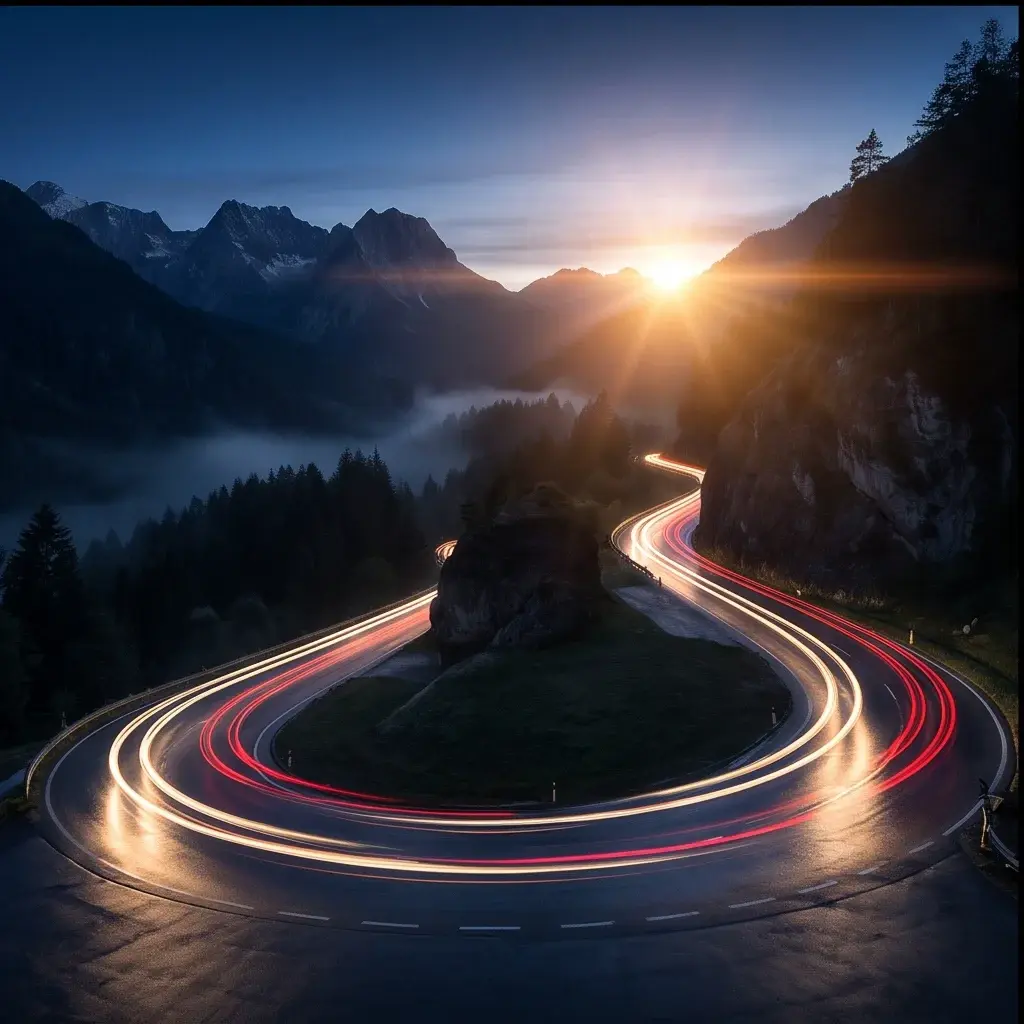


About Kling | v3 | Image to Image
What is Kling V3 Image-to-Image on eachlabs?
Kling V3 Image-to-Image is an AI model on eachlabs that transforms an input image into a new image based on a text prompt or style instruction. It preserves the original composition while applying stylistic changes, making it useful for product photography retouching, artistic style transfers, and visual content variation through eachlabs' unified API.