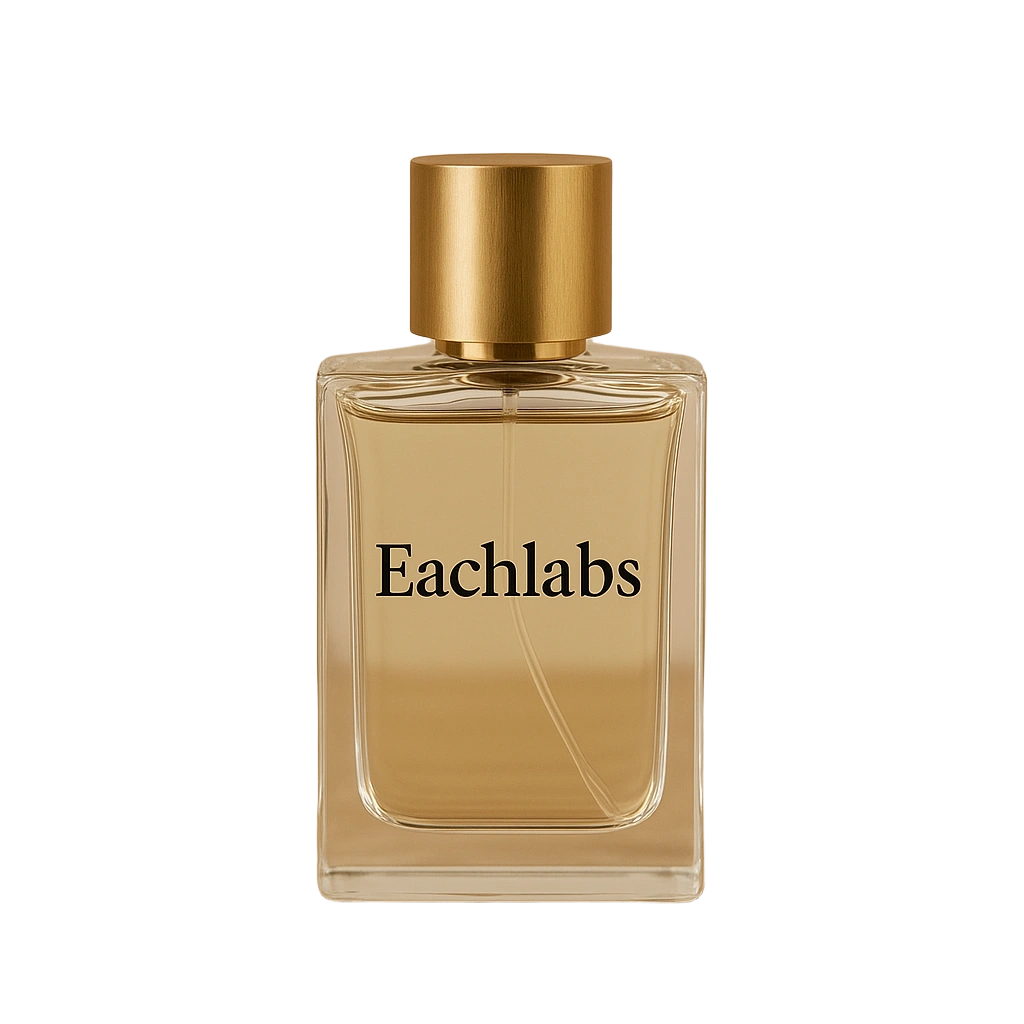
Eachlabs Background Remover v1
Eachlabs Background Remover v1 a reliable model that accurately removes backgrounds from images, making it easy to isolate subjects for product showcases, design work, or clean visual presentations.
- Runtime (p50)
- 5s
- Estimated price
- $0.017 per execution
Overview
eachlabs-bg-remover-v1 — Image-to-Image AI Model
eachlabs-bg-remover-v1 delivers precise background removal from images, enabling users to isolate subjects instantly for e-commerce product photos, design projects, and marketing visuals. Developed by eachlabs as part of the eachlabs family, this image-to-image AI model stands out with its reliable AI-driven edge detection that handles complex scenes like hair, fur, and blended colors without manual editing. Perfect for developers seeking an AI image editor API or creators needing fast image background remover tools, eachlabs-bg-remover-v1 processes uploads in seconds to produce clean, transparent PNG outputs ready for any workflow.
Capabilities
- Accurately removes backgrounds from a wide variety of images, including people, products, and animals
- Handles complex edges and fine details with minimal artifacts
- Maintains subject integrity, preserving natural colors and contours
- Supports high-resolution outputs suitable for professional design and print
- Adaptable to different lighting conditions and background complexities
- Fast inference times, enabling real-time or batch processing workflows
- Generates transparent PNGs or alpha masks for seamless integration into design pipelines
Use cases
Use Cases for eachlabs-bg-remover-v1
E-commerce sellers optimizing product listings: Upload cluttered photos of jewelry or clothing, and eachlabs-bg-remover-v1 strips the background to create compliant transparent PNGs for Etsy or Amazon. This specific edge-handling capability ensures products pop against white or custom backgrounds, meeting marketplace guidelines without photography costs.
Graphic designers creating marketing materials: For campaigns needing isolated elements, feed in layered images to remove distractions instantly via the image background remover feature. Its precision on fine details like fur allows quick composites, such as placing a pet on promotional banners.
Developers integrating AI image editor API: Build apps for AI photo editing for e-commerce by calling eachlabs-bg-remover-v1 with a simple image upload parameter—"process this product shot for transparent output"—and receive high-quality results for automated storefront updates. The API's speed supports real-time previews in custom tools.
Social media creators prepping profile visuals: Remove busy backdrops from selfies or event shots to generate clean cutouts, leveraging the model's one-click automation for consistent branding across platforms.
Tips & tricks
How to Use eachlabs-bg-remover-v1 on Eachlabs
Access eachlabs-bg-remover-v1 exclusively through Eachlabs' Playground for instant testing—upload a JPG, PNG, or WebP image and generate transparent PNG outputs in seconds—or integrate via the eachlabs-bg-remover-v1 API and SDK for scalable apps. Specify input images and optional parameters like output format for high-resolution, watermark-free results tailored to your image-to-image AI model needs.
---Technical spec
What Sets eachlabs-bg-remover-v1 Apart
eachlabs-bg-remover-v1 excels in the competitive landscape of image-to-image AI models by focusing on one-click precision for diverse subjects, supporting common formats like JPG, PNG, and WebP up to high resolutions without watermarks. Unlike generic tools, it emphasizes seamless integration for high-volume tasks via API, making it ideal for automated image editing API needs in e-commerce.
- Advanced AI edge detection for portraits, products, and pets: Accurately isolates subjects even with subtle edges or color blending, delivering professional transparent cutouts. This enables bulk processing for product catalogs without post-editing, saving hours for sellers on platforms like Shopify or Amazon.
- Fast one-click processing in seconds with transparent PNG exports: Handles images quickly while maintaining high quality, outperforming slower alternatives in real-time workflows. Users gain instant results for social media graphics or design composites, boosting productivity for marketers and designers.
- API-ready for scalable automation: Supports batch background removal and custom outputs like solid colors or transparency, tuned for e-commerce pipelines. Developers building AI photo editing for e-commerce apps can chain it with resizing or upscaling for end-to-end solutions.
With no resolution limits in pro modes and compatibility across workflows, eachlabs-bg-remover-v1 powers efficient eachlabs image-to-image applications.
Things to be aware of
- Some users report occasional artifacts around fine details like hair or semi-transparent objects, especially in low-contrast scenarios
- Performance is generally robust, but extremely cluttered or low-quality backgrounds can challenge the model
- GPU acceleration is recommended for high-throughput or high-resolution processing
- Memory usage increases with image size; users processing large batches should monitor system resources
- Users praise the model's ease of use and consistent results across diverse image types
- Positive feedback highlights the model's speed and minimal need for parameter tuning
- Negative feedback is rare but typically relates to edge cases with highly complex backgrounds or overlapping subjects
Key considerations
- Ensure input images are well-lit and subjects are clearly distinguishable from the background for best results
- High-resolution images yield more precise cutouts but may increase processing time
- Avoid heavily compressed or low-quality images, as artifacts can impact segmentation accuracy
- For batch processing, monitor memory usage, especially with large images or high throughput
- Fine details such as hair, fur, or transparent objects may require post-processing for perfect results
- Consistency is generally high, but edge cases with complex backgrounds may need manual refinement
- Prompt engineering is less relevant, but pre-processing (cropping, contrast adjustment) can improve outcomes
Limitations
- May struggle with highly complex or low-contrast backgrounds, leading to imperfect cutouts
- Fine details such as hair, fur, or transparent materials may require manual touch-up or post-processing
- Not optimized for video or sequential frame processing; best suited for still images
Related models
4 models

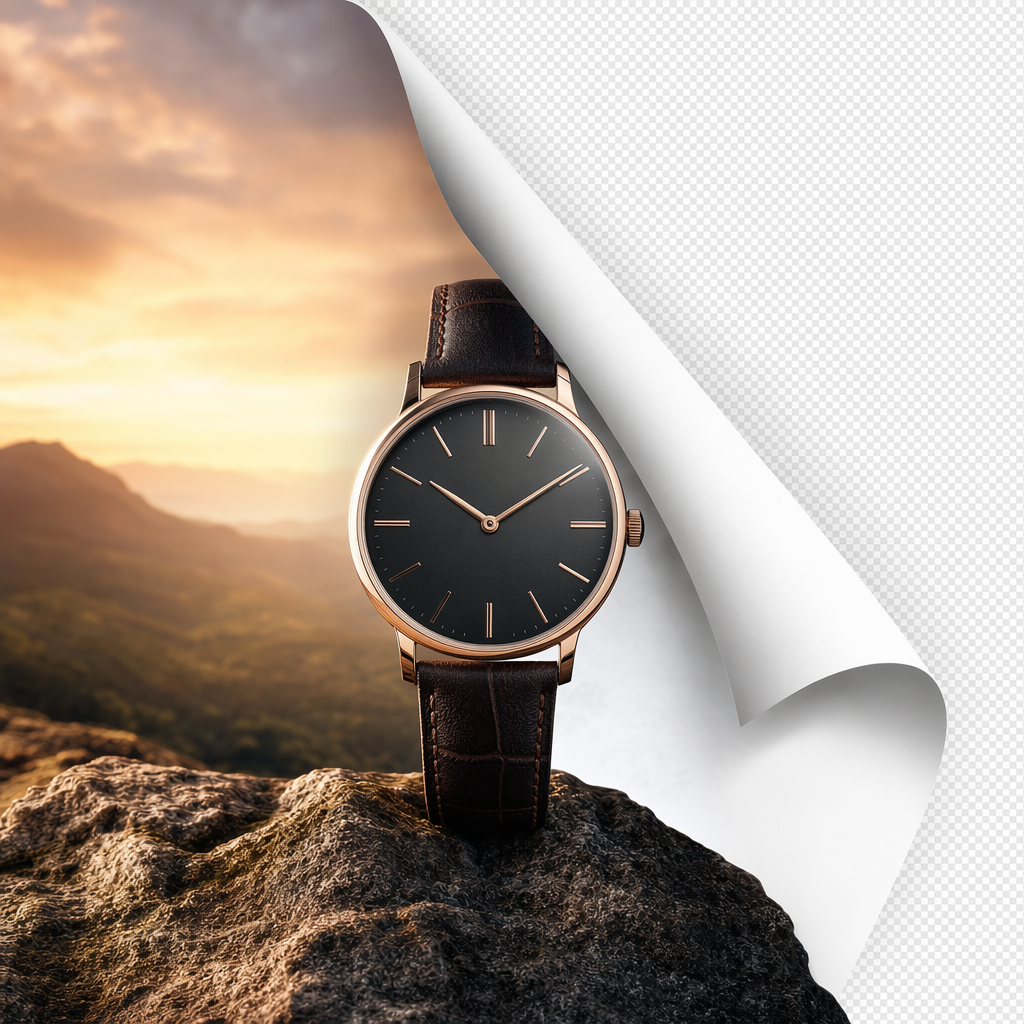
About Eachlabs Background Remover v1
What is eachlabs Background Remover v1?
eachlabs Background Remover v1 is an AI image processing model developed by each::labs that automatically removes the background from images, producing a clean subject cutout with a transparent or white background. It delivers precise edge detection and subject isolation, suitable for product photography and design workflows.