Kandinsky 5 | Pro | Image to Video
Kandinsky 5.0 Pro is a diffusion-based model built for fast, high-quality image-to-video generation with smooth motion and consistent visuals.
- Runtime (p50)
- 3m
- Estimated price
- $0.04–$0.12 per second, depending on resolution
Overview
kandinsky5-pro-image-to-video — Image-to-Video AI Model
Transform static images into dynamic videos effortlessly with kandinsky5-pro-image-to-video, Sber's diffusion-based model from the Kandinsky5 family designed for fast, high-quality image-to-video AI model generation. This model excels in producing smooth motion and consistent visuals from a single input image, solving the challenge of creating engaging short-form content without complex animation tools. Developed by Sber, kandinsky5-pro-image-to-video stands out in the Sber image-to-video lineup by prioritizing speed and visual fidelity, making it ideal for users seeking quick image to video AI conversions. Whether you're animating product shots or creative concepts, it delivers professional results in seconds, streamlining workflows for creators and developers.
Use cases
Use Cases for kandinsky5-pro-image-to-video
Content creators can animate still artwork into looping videos; for instance, upload a landscape photo and generate "gentle wind blowing through autumn leaves with subtle camera pan," producing mesmerizing social media clips with consistent lighting and motion.
Marketers building AI video generator for e-commerce campaigns use it to bring product images to life, like turning a static shoe photo into a rotating 360-degree view on a pedestal, enhancing ads without video shoots.
Developers integrating Sber image-to-video API into apps automate personalized content, feeding user-uploaded selfies with prompts for "add smiling expression and wave hello" to create avatar greetings with smooth facial animations.
Designers prototyping UI motion graphics input wireframes and output interactive demos, such as "buttons pulsing with hover effects in a dark theme," accelerating feedback loops in image to video AI tool pipelines.
Tips & tricks
How to Use kandinsky5-pro-image-to-video on Eachlabs
Access kandinsky5-pro-image-to-video seamlessly on Eachlabs via the Playground for instant testing, API for production-scale image-to-video apps, or SDK for custom integrations. Upload an input image, add a motion prompt like "slow pan across the scene," select duration (up to 10 seconds) and resolution, then generate high-quality MP4 outputs with smooth, consistent visuals in moments.
---Technical spec
What Sets kandinsky5-pro-image-to-video Apart
kandinsky5-pro-image-to-video differentiates itself through its optimized diffusion architecture, enabling rapid generation of short-form videos with seamless motion from input images, typically in under 30 seconds on standard hardware. This speed empowers users to iterate designs quickly without waiting for lengthy renders. Unlike generic models, it maintains subject consistency across frames, preserving details like facial features or object textures in dynamic sequences.
- Fast processing for high-quality outputs: Supports resolutions up to 1024x1024 with 5-10 second video clips, ideal for kandinsky5-pro-image-to-video API integrations in real-time apps.
- Smooth, natural motion synthesis: Leverages Kandinsky5's pro tuning for fluid animations, reducing artifacts in complex scenes like walking figures or flowing liquids.
- Flexible aspect ratios: Handles 16:9, 9:16, and square formats, perfect for social media or ads via AI image to video generator workflows.
These specs make it a top choice for image-to-video AI model tasks, with average processing times far below competitors in the Sber ecosystem.
Related models
4 models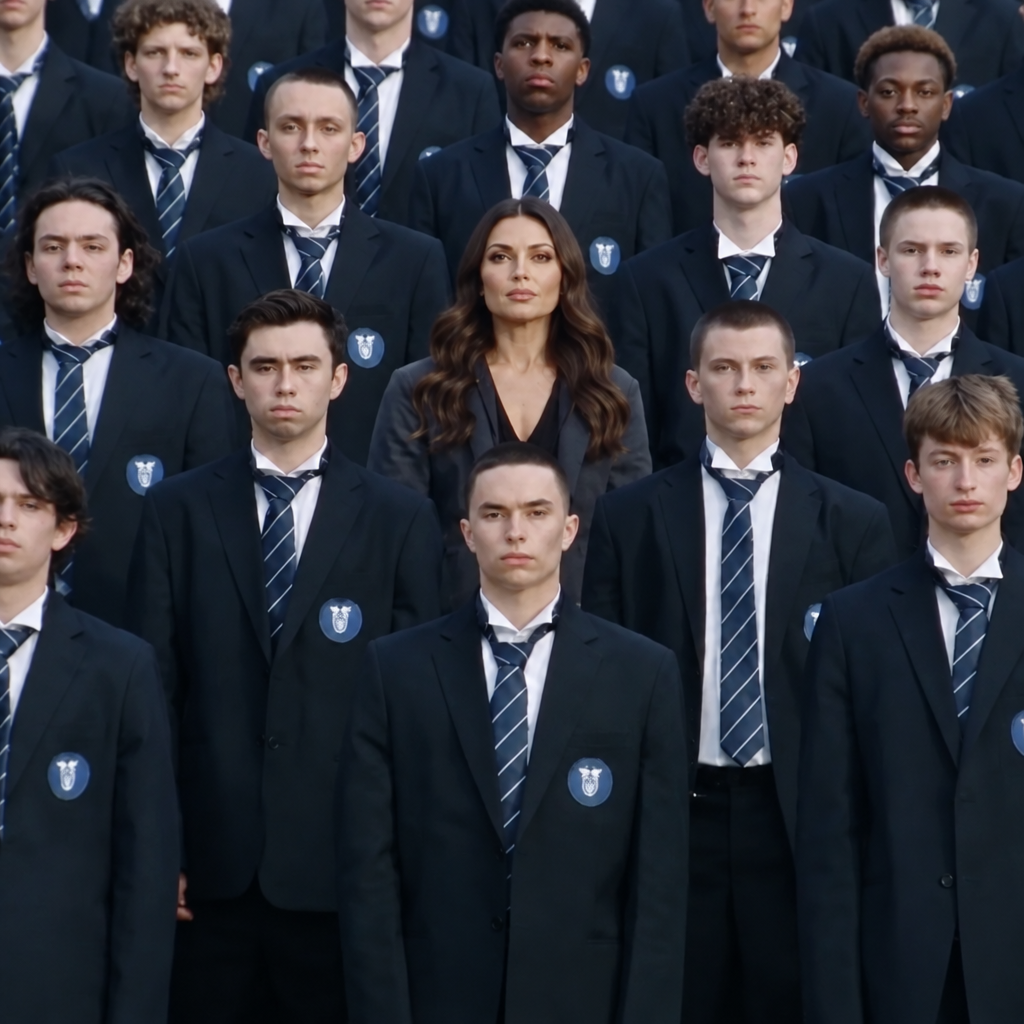
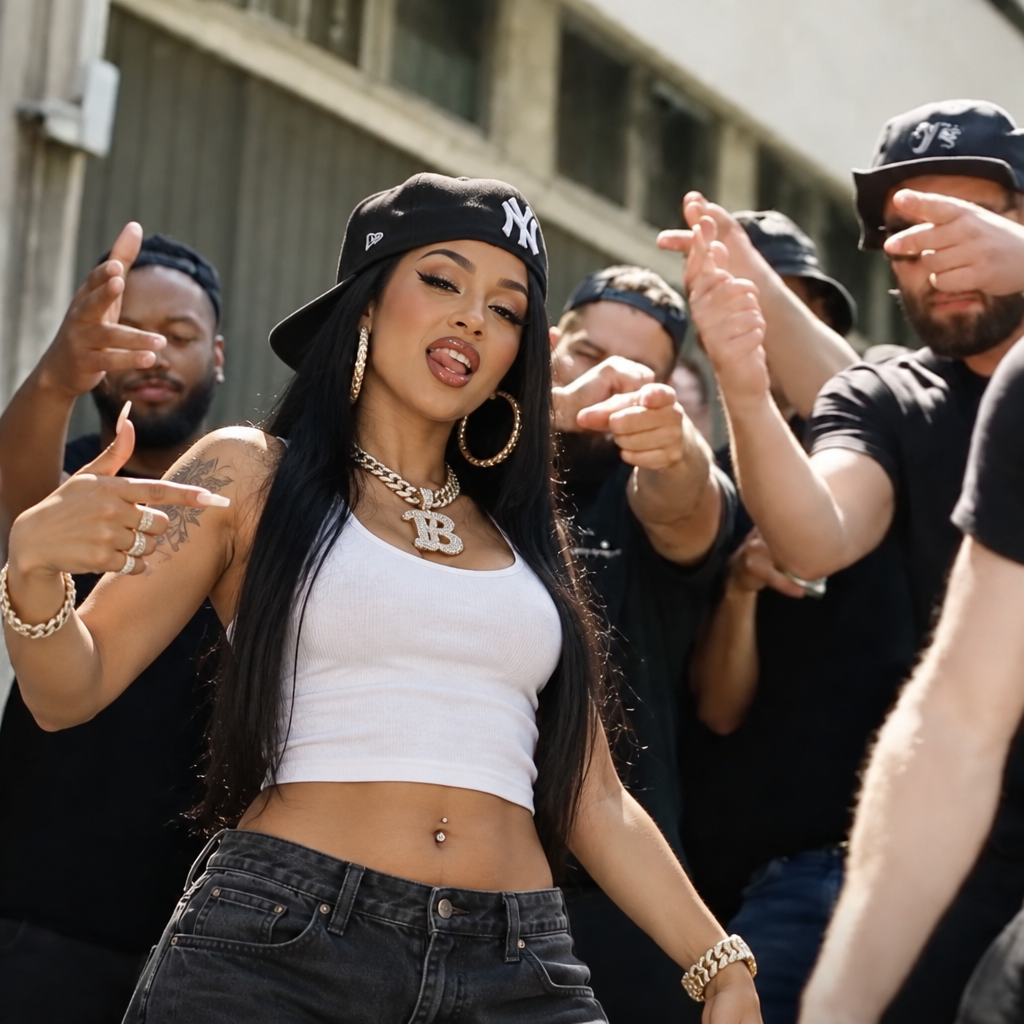


About Kandinsky 5 | Pro | Image to Video
What is Kandinsky 5 Pro Image to Video?
Kandinsky 5 Pro Image to Video is an AI model by Sber that animates still images into video clips using a diffusion-based generation pipeline. It produces smooth, high-quality motion from photographic or artistic images, supporting a range of visual styles with coherent temporal dynamics.