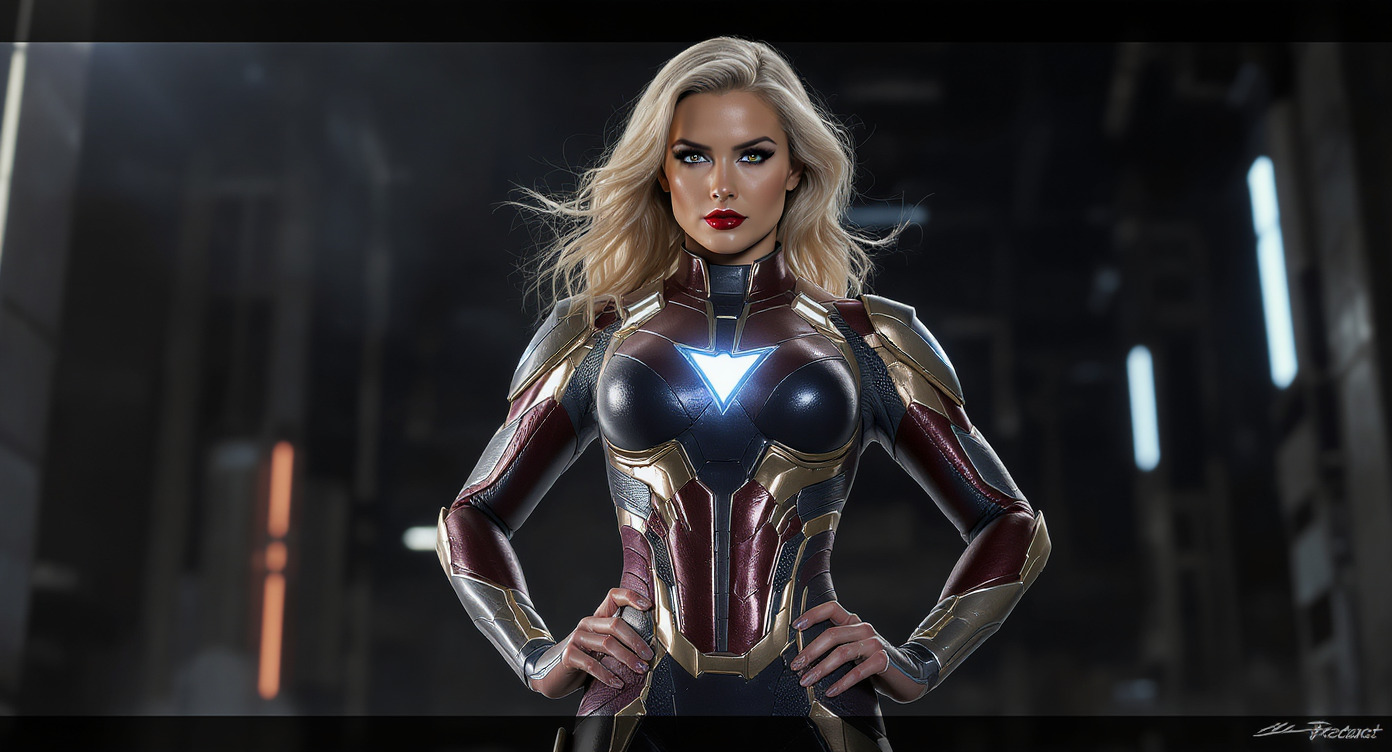
Runway · Act-Two
Runway Act-Two turns performance videos into realistic character animations by transferring gestures and expressions.
- Runtime (p50)
- 3m
- Estimated price
- $0.05 / sec
Overview
runway-act-two — Image-to-Video AI Model
Runway Act-Two transforms static performance videos into hyper-realistic character animations by precisely transferring gestures, facial expressions, and body movements from an actor to any target character. Developed by Runway as part of the runway family, runway-act-two solves the challenge of creating lifelike animations without manual keyframing, enabling creators to produce professional-grade videos from simple inputs like a reference performance clip and a character image. This image-to-video AI model stands out in Runway image-to-video workflows by maintaining temporal consistency and emotional fidelity across extended sequences, ideal for filmmakers and animators seeking "AI character animation from video performance" results.
Capabilities
- Transfers full-body, facial, and hand gestures from a driving video to a character reference with high expressive fidelity
- Animates both static images and video references as target characters
- Adds plausible environmental motion to image-based characters to avoid static or floating effects
- Supports multiple aspect ratios and resolutions suitable for social media, film, and professional workflows
- Delivers high-quality, realistic character animations suitable for prototyping, short-form content, and creative projects
- Flexible input options and API integration enable automated and scalable animation pipelines
Use cases
Use Cases for runway-act-two
Filmmakers and animators use runway-act-two to animate CG characters with real actor performances; input a video of an actor delivering lines like "The detective leans forward, eyes narrowing suspiciously, whispering 'You've got one chance to explain'," paired with a character image, and get a synchronized 10-second clip with matching expressions and lip movements—ideal for indie films needing quick VFX.
Game developers seeking Runway image-to-video for character prototypes feed motion capture clips into runway-act-two to test NPC animations, ensuring gestures transfer flawlessly to stylized avatars while maintaining physics-realistic motion for immersive gameplay demos.
Marketers and content creators building "AI video generator with motion transfer" tools animate brand mascots; provide a smartphone-recorded performance of a dancer and a logo-based character image to produce engaging social media ads with lifelike energy, bypassing expensive motion capture rigs.
Educational video producers leverage its gesture fidelity to reanimate historical figures; a reference video of a modern speaker combined with a portrait yields explanatory animations where figures gesture naturally, enhancing engagement in "image-to-video AI model" e-learning content.
Tips & tricks
How to Use runway-act-two on Eachlabs
Access runway-act-two seamlessly through Eachlabs Playground for instant testing, API for scalable apps, or SDK for custom integrations. Upload a performance video reference (up to 10s), target character image, and optional text prompt specifying style or duration; generate high-quality 1080p MP4 videos in seconds with precise motion transfer. Eachlabs delivers consistent, professional outputs ready for editing.
---Technical spec
What Sets runway-act-two Apart
runway-act-two excels in motion transfer accuracy, capturing subtle nuances like eye blinks, lip sync, and hand gestures from real actor footage that generic image-to-video models often distort. This enables seamless integration of human performances into digital characters, producing animations indistinguishable from live-action composites.
Unlike standard text-to-video tools, it supports extended durations up to 10 seconds at 1080p resolution with 16:9 aspect ratios, delivering smooth 24fps outputs optimized for professional editing pipelines. Users benefit from rapid processing times under 30 seconds per clip, streamlining iterative workflows for "Runway image-to-video API" integrations.
- Performance-driven animation transfer: Analyzes input video for precise gesture mapping, preserving personality and intent in target characters—perfect for "image-to-video AI model" tasks requiring actor-like realism.
- High-fidelity expression retention: Handles complex facial dynamics and multi-pose consistency, outperforming competitors in emotional storytelling for animation pipelines.
- Flexible input handling: Accepts video references up to 10s alongside static images, with MP4 outputs compatible with Adobe Premiere and DaVinci Resolve.
Things to be aware of
- Some users report that the model excels with solo performances but may struggle with multi-person scenes or heavy occlusion
- Artifacts such as jitter, incorrect hand poses, or expression mismatches can occur in challenging inputs or with highly stylized references
- The model is not a full replacement for traditional motion capture in high-end, precision-critical workflows (e.g., feature films with multiple interacting actors)
- Resource requirements are moderate; processing time increases with resolution and clip length
- Consistency across long sequences may require careful planning and post-processing
- Positive feedback highlights the model’s ease of use, expressive fidelity, and ability to animate from a single image
- Some concerns include occasional moderation rejections, need for manual cleanup, and limitations with complex or long-duration scenes
Key considerations
- Ensure the driving performance and character reference face the same general direction and occupy similar screen space for optimal results
- The model is optimized for short clips (minimum 3 seconds, typically under 30 seconds); longer sequences may require chunking or traditional motion capture
- Inputs with extreme perspective mismatches, low resolution, or distant subjects can degrade output quality
- Highly complex scenes (multiple actors, heavy occlusion, ultra-stylized references) may introduce artifacts such as jitter or incorrect hand poses
- Manual cleanup or hybrid workflows (e.g., light rotoscoping) may be necessary for professional-grade results
- Content moderation is enforced; flagged or non-compliant content may be rejected or result in account restrictions
- Quality and speed trade-off: higher fidelity may require more processing time, especially for high-resolution outputs
Limitations
- Optimized for short clips (3–30 seconds); not suitable for long-form or feature-length animation without segmentation
- May produce artifacts or reduced quality with complex scenes, multiple actors, or highly stylized references
- Not a full substitute for traditional motion capture in scenarios requiring sub-millimeter accuracy or precise physical interactions
Related models
4 models


About Runway · Act-Two
What is Runway Act Two?
Runway Act Two is an AI character animation model by Runway that drives character motion and performance in video from a reference image and motion input. It generates realistic body movement, gesture, and expression animation, enabling performance-driven video generation from static character references.