PixVerse v4 | Transition
Apply standard and clean transition effects between clips in your video edits using pixverse v4 transition to speed up the montage process.
- Runtime (p50)
- 45s
- Estimated price
- $0.2822–$0.7524 per generation, depending on quality and duration and motion mode and sound effect and lip sync
Overview
pixverse-v4-transition — Image-to-Video AI Model
Developed by Pixverse as part of the pixverse-v4 family, pixverse-v4-transition is an image-to-video AI model that applies standard and clean transition effects between clips, speeding up montage processes for seamless video edits. This model excels in creating smooth cinematic motion and dynamic scene transitions from static images or text prompts, addressing common challenges like jittery movements and inconsistent physics in AI-generated videos. Ideal for creators seeking Pixverse image-to-video tools, pixverse-v4-transition delivers high-fidelity outputs with natural subject consistency, making it a go-to for professional-quality montages without extensive post-production.
Capabilities
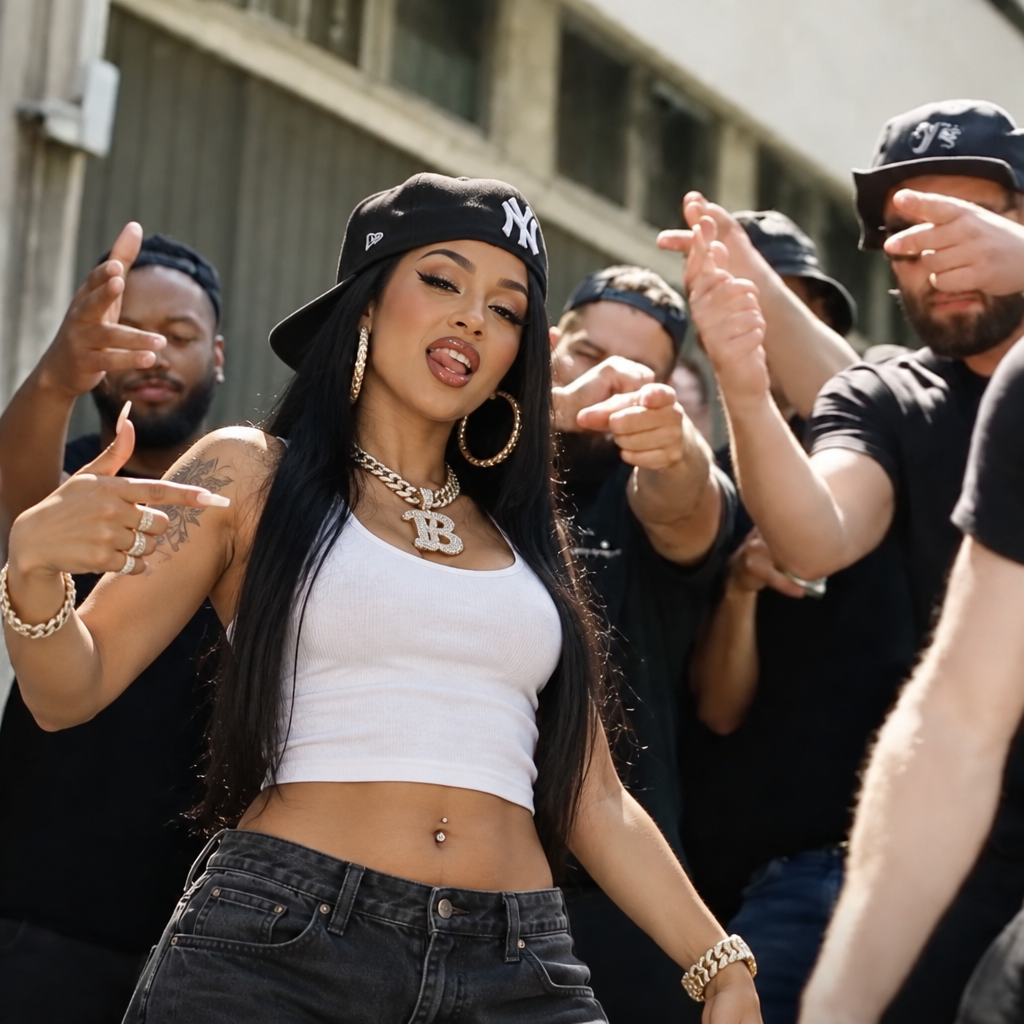
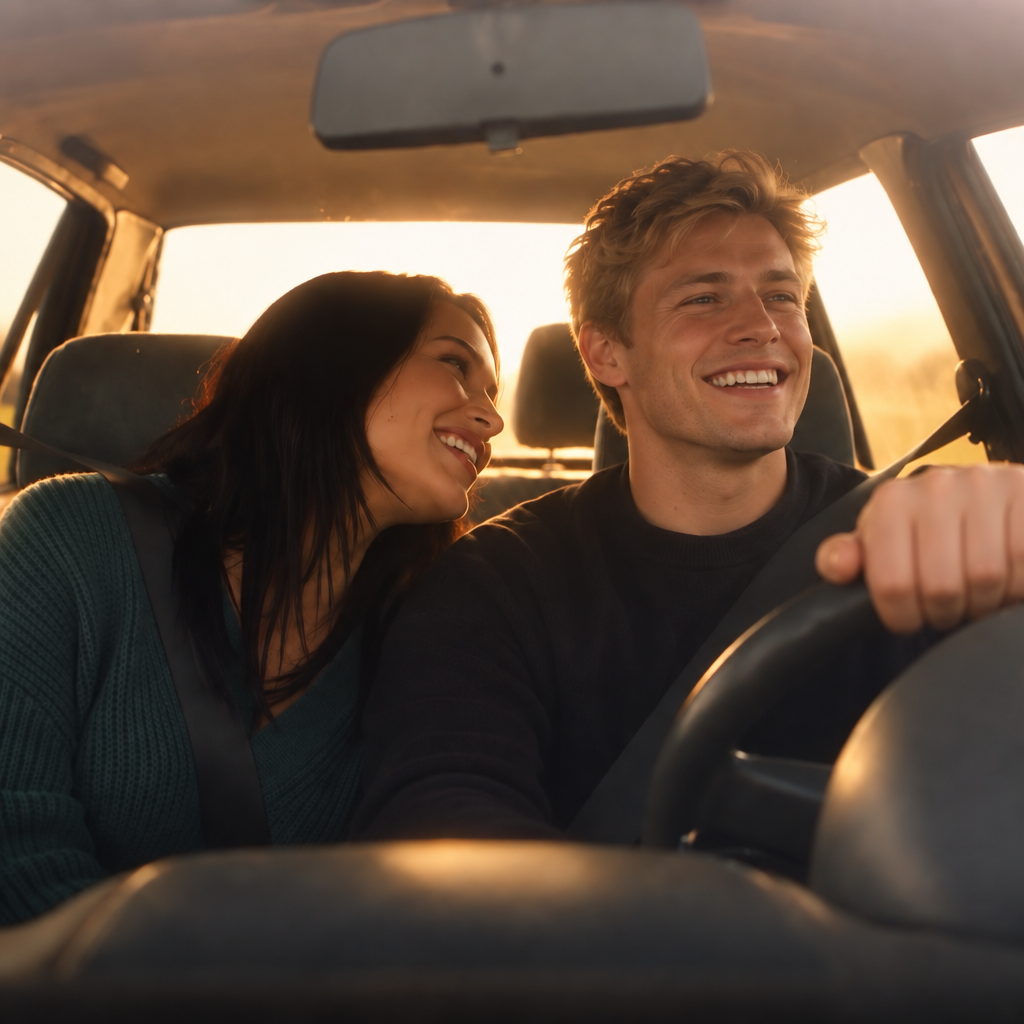
Create seamless transitions between any two images.
Blend visual elements and generate intermediate frames guided by descriptive text.
Control output video resolution, duration, and animation speed.
Apply custom visual styles via text prompts during the transition process.
Use cases
Use Cases for pixverse-v4-transition
Video editors and content creators use pixverse-v4-transition to montage static product images into dynamic reels, feeding a source image with a prompt like "Shot 1: Wide product reveal on table; Shot 2: Close-up spin with soft lighting transition" for seamless e-commerce ads that mimic studio footage. This leverages its multi-shot camera control to produce 1080p clips ready for social media without manual cuts.
Marketers building Pixverse image-to-video campaigns transform campaign visuals into engaging stories, applying clean transitions between scenes like environmental interactions—wind through hair or water splashes—for realistic physics that boosts viewer retention. The model's subject fidelity ensures brand consistency across high-res outputs.
Developers embedding pixverse-v4-transition API in apps create automated editing tools for user-uploaded clips, specifying negative prompts to avoid blurriness while generating 4K montages with synchronized audio for interactive previews. This speeds up prototyping for apps needing quick video enhancements.
Filmmakers experiment with complex sequences, using image inputs and prompts for aerial chases or dancer interactions, where the model's temporal consistency delivers jitter-free results up to 16 seconds long.
Tips & tricks
How to Use pixverse-v4-transition on Eachlabs
Access pixverse-v4-transition through Eachlabs' Playground for instant testing with image URLs (PNG/JPG), text prompts describing transitions like "slow zoom with wind effects," and settings for resolution (up to 4K), aspect ratio, and seeds. Integrate via API or SDK for production, outputting MP4 videos with optional audio in seconds—perfect for scalable image-to-video AI model workflows.
---Technical spec
What Sets pixverse-v4-transition Apart
pixverse-v4-transition stands out in the image-to-video AI model landscape with its specialized focus on physics-aware transitions and multi-shot camera control, enabling fluid wide-to-close-up shifts and realistic environmental interactions that most competitors handle poorly. This capability allows users to generate production-ready sequences from simple image inputs, preserving subject identity and style across frames while simulating details like fabric weight or water splashes.
Unlike generic video tools, it supports native high-resolution rendering up to 4K with aspect ratios like 16:9 or 9:16, producing clips in seconds at 540p to 1080p for quick iterations. Developers integrating pixverse-v4-transition API benefit from fast inference without cold starts, ranking highly in benchmarks for temporal consistency and motion realism.
- Enhanced multi-shot transitions with lens language like "slow zoom in" or "tracking shot," creating cinematic sequences that maintain spatial coherence.
- Realistic physics simulation for natural animations, outperforming in image-to-video benchmarks (2nd place per industry reviews).
- Optional synchronized audio and negative prompt support to eliminate artifacts, ideal for AI video transitions in editing workflows.
Things to be aware of
Use two images of the same scene at different times (day and night) to create a time-lapse effect.
Try a thematic prompt like "vaporwave aesthetic" or "rainy noir city" to stylize the transition.
Experiment with fast motion mode for energetic, high-paced sequences.
Generate content at 1080p for visually rich and clear video clips.
Key considerations
Input images should have the same aspect ratio to prevent distortion during interpolation.
Drastic visual differences between the first and last images may lead to less coherent transitions.
Longer durations result in more frames, but at higher processing time.
Higher resolutions increase rendering time and output file size.
Fast motion mode may sacrifice some visual smoothness for speed.
Legal Information for Pixverse Transition
By using this Pixverse Transition, you agree to:
Piverse Terms Of Service
Pixverse Privacy PolicyLimitations
Can only interpolate between two images; cannot process multi-step or multi-scene transitions.
Text prompt influences the style of intermediate frames, but may not fully override strong visual elements of input images.
Resolution and duration limits apply for performance reasons.
High motion or fast-paced transitions may result in minor artifacts on complex image pairs.
Output Format: MP4
Related models
4 models

About PixVerse v4 | Transition
What is PixVerse v4 Transition?
PixVerse v4 Transition is an AI model by PixVerse that generates smooth, cinematic video transitions between two input images. It produces seamless visual connections between source and target scenes with realistic motion and consistent style, enabling polished scene cuts for video production workflows.