PixVerse v4.5 | Image to Video
Use the pixverse v4 5 image to video engine to animate your images up to 4K quality; experience the superior stability introduced with the v4.5 update.
- Runtime (p50)
- 45s
- Estimated price
- $0.2822–$0.7524 per generation, depending on quality and duration and motion mode and sound effect and lip sync
Overview
pixverse-v4-5-image-to-video — Image-to-Video AI Model
Transform static images into dynamic, high-quality videos with pixverse-v4-5-image-to-video, the Pixverse image-to-video engine from the pixverse-v4.5 family that delivers superior stability and up to 4K-quality animations. Developers and creators seeking an image-to-video AI model with exceptional subject fidelity can animate product shots or character illustrations while preserving exact details like facial features and textures. This model solves common AI video issues like structural drift and motion wobble, making it ideal for professional workflows requiring precise control over the original image composition.
Part of Pixverse's evolving lineup, pixverse-v4-5-image-to-video builds on prior versions with enhanced temporal modeling for smoother, more coherent motion in sequences up to 1080p resolution. Whether you're building apps with Pixverse image-to-video API integration or generating social media clips, it maintains identity consistency throughout the animation, setting a high bar for reliability in image-to-video generation.
Capabilities
Converts static images into coherent short video sequences.
Supports style-driven motion synthesis.
Handles complex image compositions with structured motion.
Retains essential features from original input.
Provides fine-grain control over motion type, visual quality, and artistic direction.
Use cases
Use Cases for pixverse-v4-5-image-to-video
Marketers animating e-commerce product photos can upload a still image of a watch and prompt "slow zoom-in with subtle ticking motion and light reflections on the metal band," generating a 5-second 9:16 clip perfect for TikTok ads that retains exact branding details without studio reshoots.
Content creators bringing illustrations to life input character art with prompts like "gentle head turn, wind in hair, cinematic lighting shift" to produce 1080p Instagram Reels, leveraging the model's stability for consistent facial features across frames—ideal for scroll-stopping anime or comic-style videos.
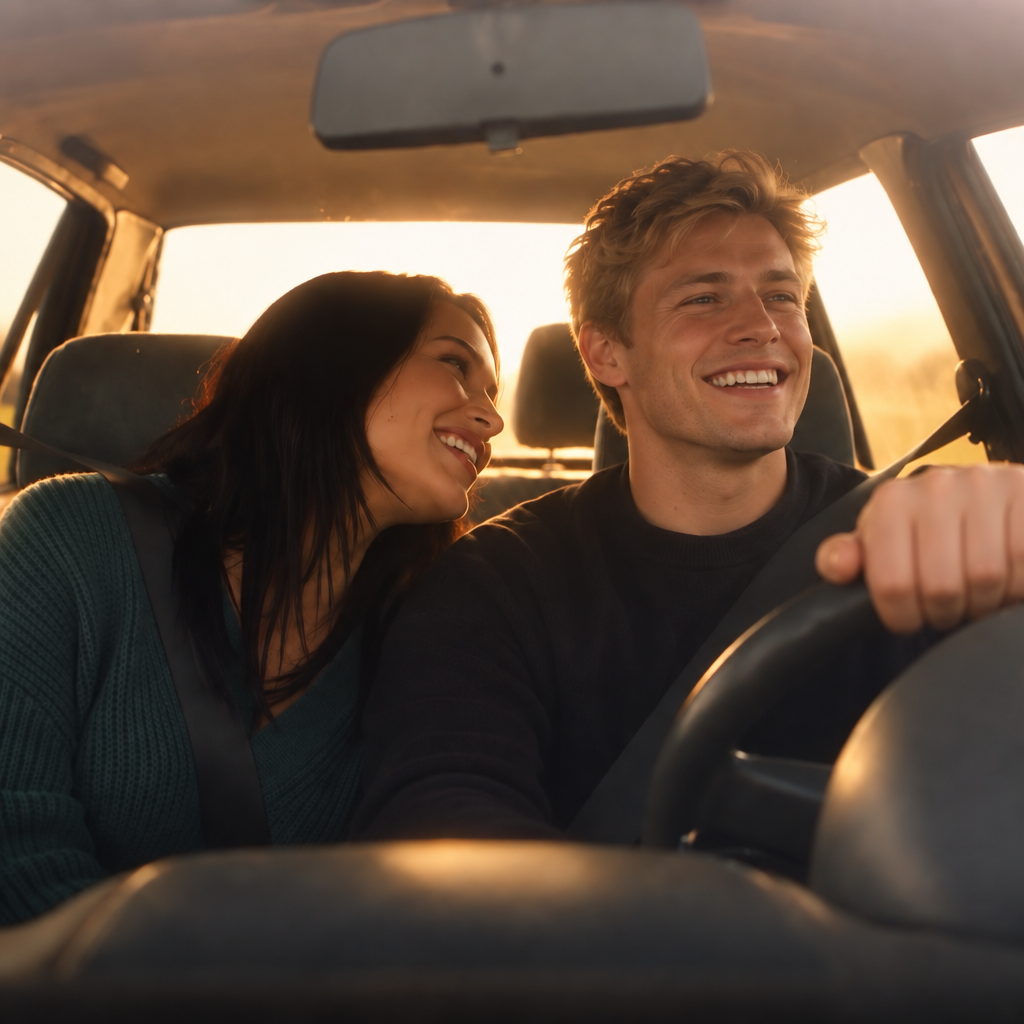
Developers integrating pixverse-v4-5-image-to-video API into apps for personalized avatars start with user selfies, adding motion via "natural blink and smile with soft background parallax," outputting 16:9 videos for profile enhancements while preserving identity for social platforms.
Designers prototyping UI animations feed wireframe screenshots and specify "smooth button hover effects with glowing transitions," creating short demo loops in 1:1 aspect ratio to showcase interactions with precise detail retention from the source image.
Tips & tricks
How to Use pixverse-v4-5-image-to-video on Eachlabs
Access pixverse-v4-5-image-to-video seamlessly on Eachlabs via the Playground for instant testing, API for production-scale Pixverse image-to-video integrations, or SDK for custom apps. Upload your image, add a motion prompt like "camera push-in with natural sway," select duration (5-10s), resolution (up to 1080p), and aspect ratio, then generate stable, high-fidelity MP4 videos in about 30 seconds.
---Technical spec
What Sets pixverse-v4-5-image-to-video Apart
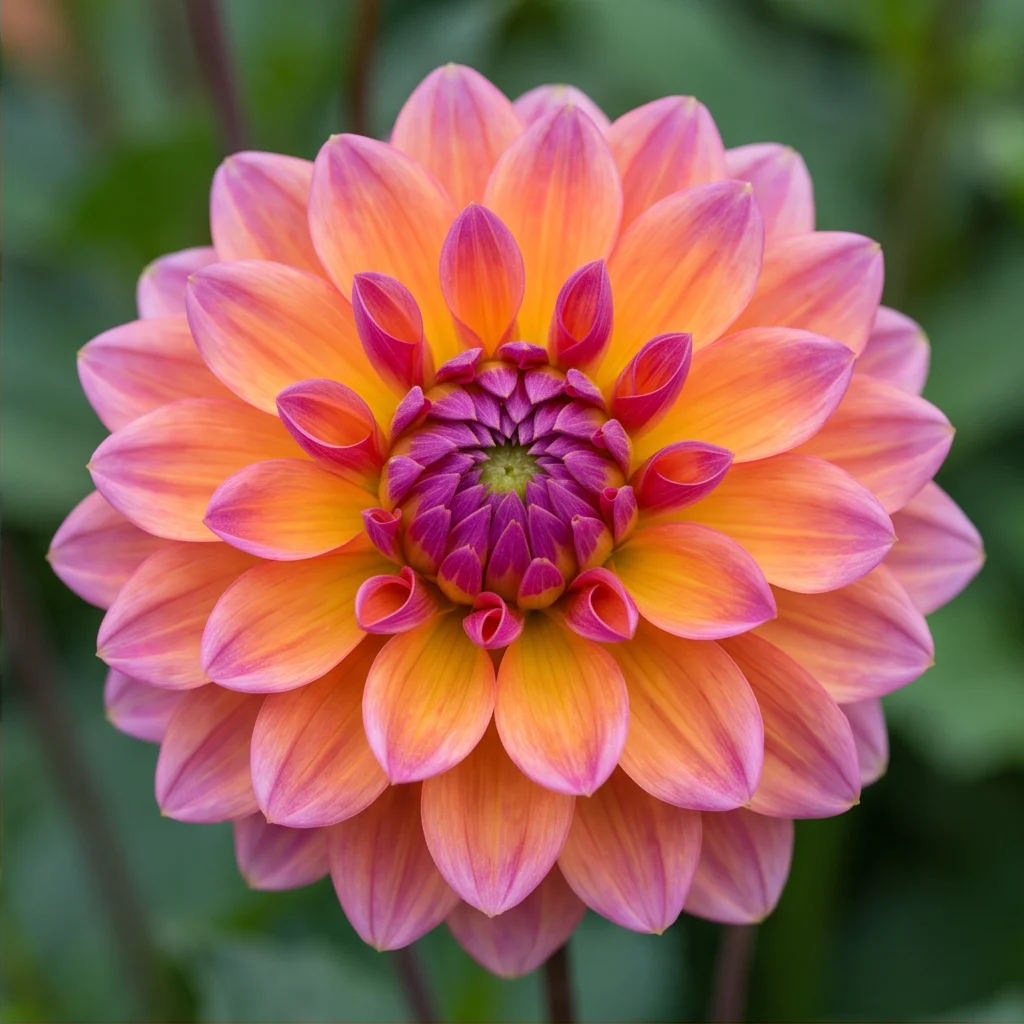
pixverse-v4-5-image-to-video excels with superior subject fidelity, using the input image as the anchor frame to preserve identity, pose, and fine details like clothing textures across the entire video. This enables creators to animate portraits or products without morphing or distortion, delivering outputs that feel production-ready for ads or storytelling.
Flexible resolution support from 360p to 1080p, with aspect ratios like 16:9 for YouTube, 9:16 for TikTok, and 1:1 for Instagram, allows tailored videos up to 10 seconds at lower resolutions or 5-8 seconds at full HD. Users benefit from quick drafts at 540p iterating to high-res finals, optimizing for platforms without post-cropping.
Advanced motion coherence reduces jitter in fast sequences, handling realistic physics like fabric movement or camera pans better than earlier models. This empowers dynamic content like anime actions or photorealistic scenes with clean, artifact-free results.
- Max duration: 5-10 seconds, balancing short social hooks with extended narratives.
- Processing time: Around 30 seconds for most generations.
- No native audio, but seamless integration for post-addition.
Things to be aware of
Combine a high-resolution portrait with the comic style and prompt: “smiling and turning to the left”.
Use a landscape image with the cyberpunk style and prompt: “drone flying above the city”.
Try different seeds with the same inputs to explore motion variations.
Apply a negative_prompt like “no blur, no color change” to preserve image integrity.
Select fast motion mode on character poses to simulate a cinematic turn or jump.
Key considerations
Content with highly abstract or cluttered elements may not animate smoothly.
Text or logos in the image may get distorted during motion generation.
Videos longer than 8 seconds are not supported.
Fast motion mode may reduce frame-to-frame consistency in complex scenes.
Styles may override some natural color tones from the original image.
Legal Information for PixVerse v4.5 Image to Video
By using this PixVerse v4.5 Image to Video, you agree to:
Piverse Terms Of Service
Pixverse Privacy PolicyLimitations
Currently limited to 5s and 8s video durations only.
Not suitable for full-scene transformations or rapid zoom effects.
Some styles may produce overly saturated results depending on the input.
Prompt guidance influences motion subtly; do not expect major scene changes from text.
Style and motion effects may override or distort fine image details.
Output Format: MP4
Related models
4 models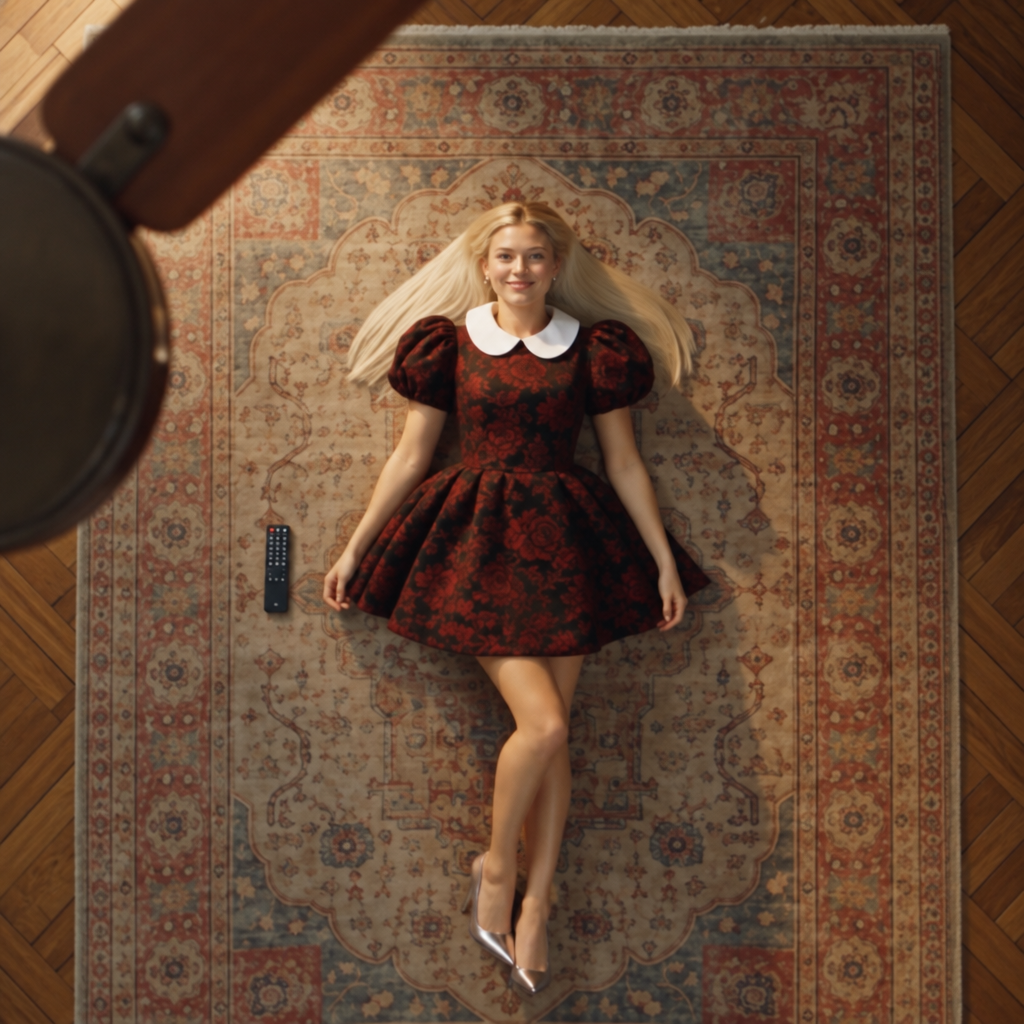
About PixVerse v4.5 | Image to Video
What is PixVerse v4.5 image-to-video and how does it compare to v5?
PixVerse v4.5 image-to-video is PixVerse's fourth-generation plus model for animating static images into video clips. It provides reliable motion quality and solid scene coherence and remains a stable, well-tested option for established production workflows. Version 5 and 5.5 build on v4.5 with improvements in motion fidelity and scene accuracy.