PixVerse Restyle
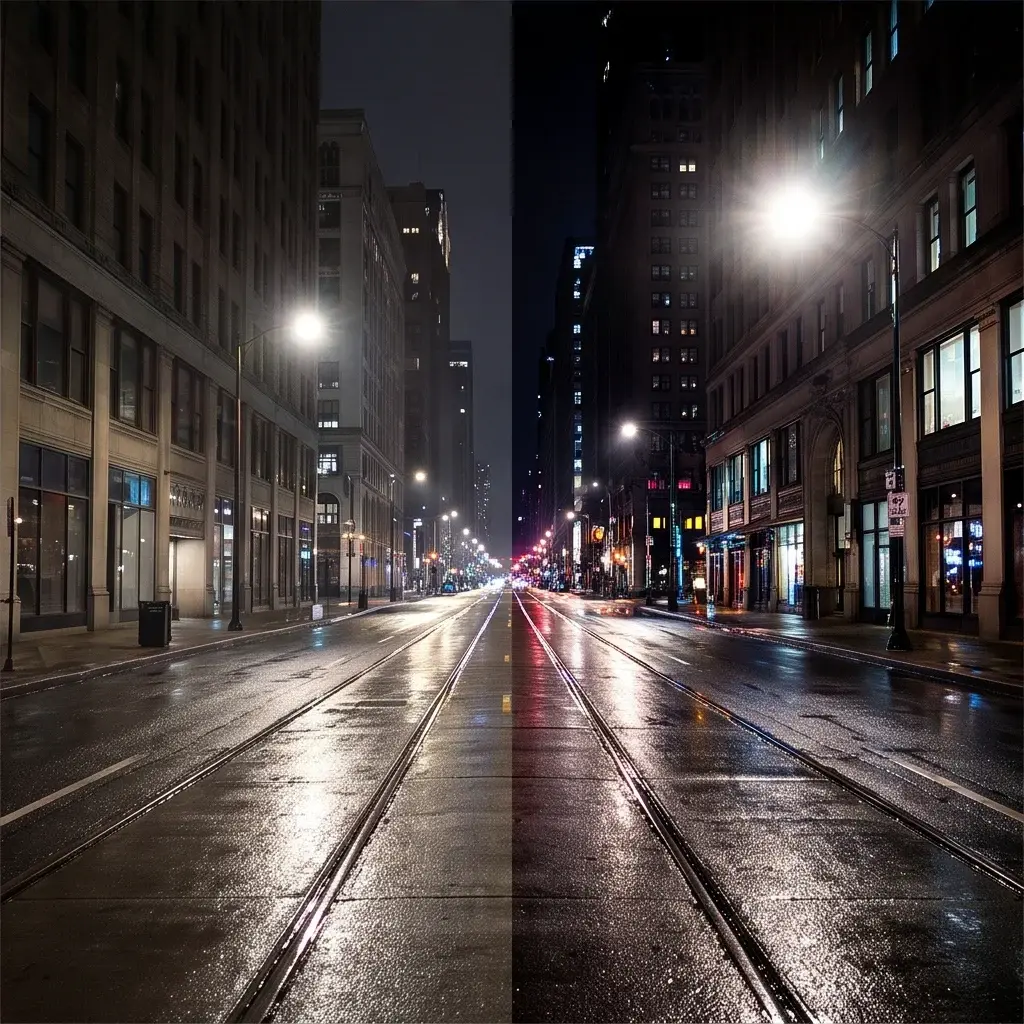
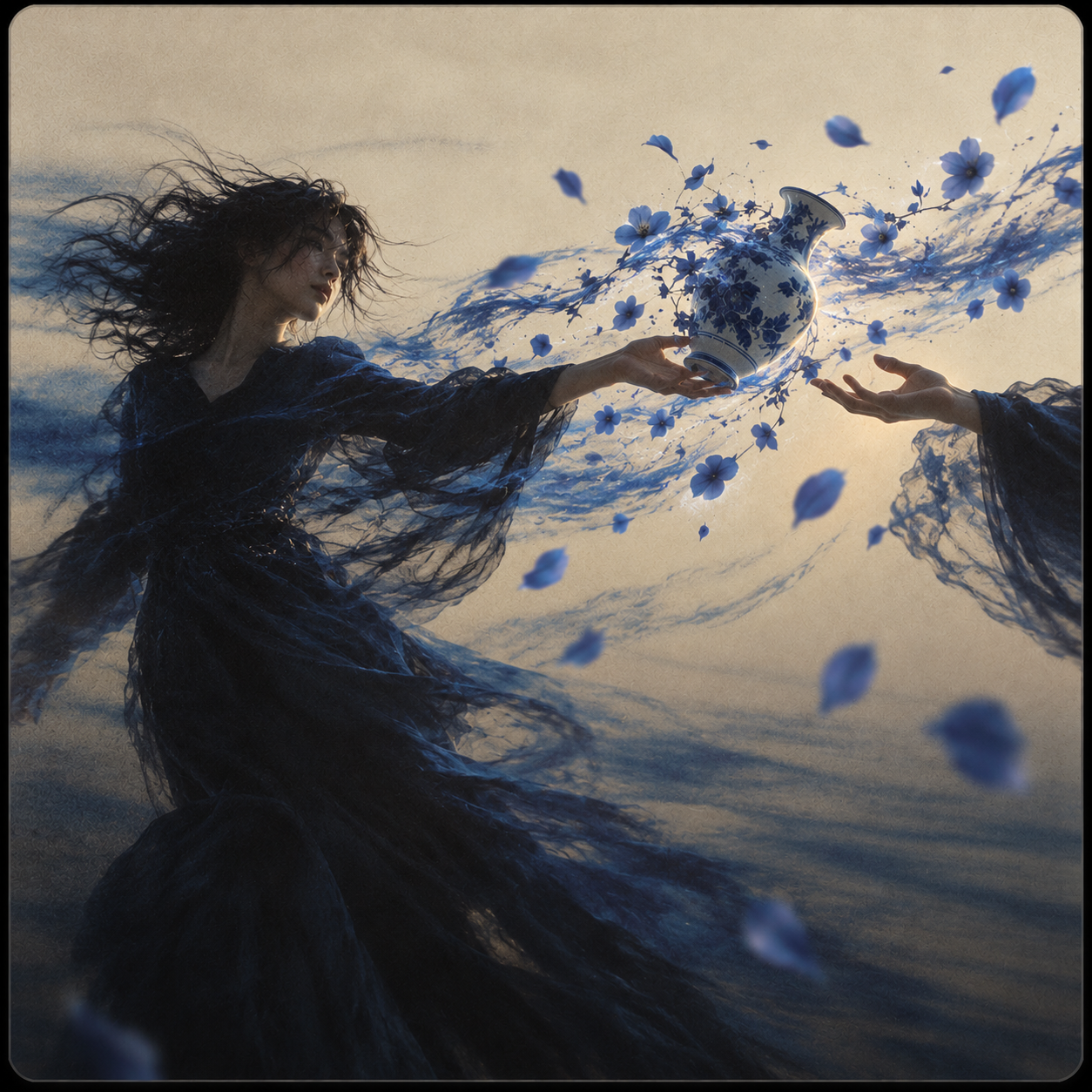
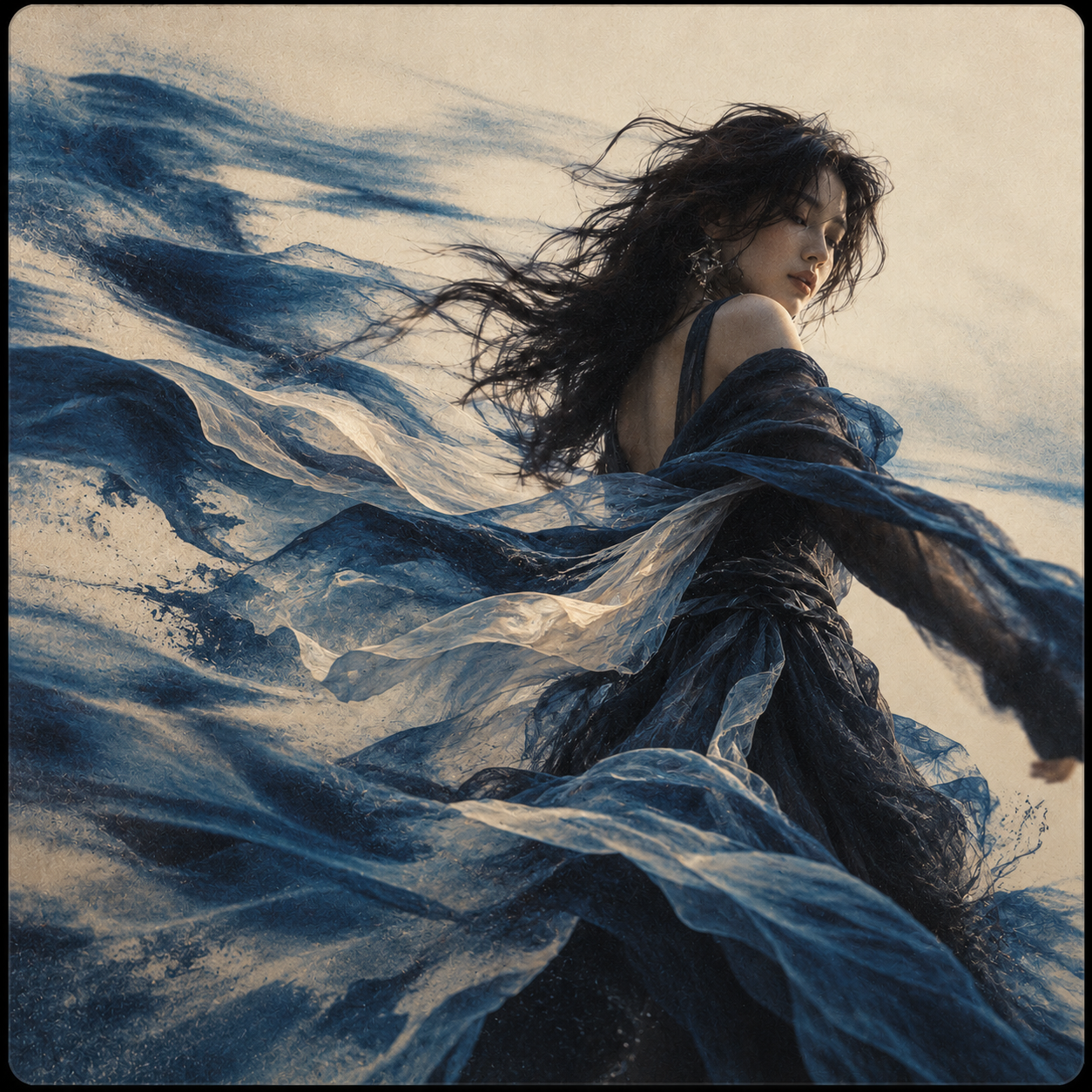
PixVerse Restyle applies artistic styles to existing videos while preserving original motion, allowing you to use predefined styles or describe custom looks through text prompts.
- Runtime (p50)
- 2m
- Estimated price
- $0.05 per second
Overview
PixVerse | Restyle | Video Style Transfer Overview
PixVerse | Restyle | Video Style Transfer transforms existing videos by applying artistic styles while preserving original motion, solving the challenge of stylizing footage without losing dynamic elements. Provided by Pixverse, this video-to-video model stands out with curated styles like Felted Art, Origami, Ukiyo-e, Cyberpunk, Clay, Baroque, Van Gogh, and Animal World, plus custom prompt-based stylization for precise creative control. Available on each::labs, it enables creators to restyle videos efficiently via the PixVerse | Restyle | Video Style Transfer API or platform interface. Unlike generic filters, it maintains motion fidelity across complex scenes, making it ideal for professional video edits, social media enhancements, and artistic experiments. This capability bridges static style transfer with video dynamics, empowering users to reimagine content in seconds.
Capabilities
Capabilities
- Applies curated artistic styles (Felted Art, Origami, Ukiyo-e, Cyberpunk, Clay, Baroque, Van Gogh, Animal World) to videos while locking original motion.
- Custom style transfer via text prompts for unique artistic visions.
- Preserves subject consistency—faces, bodies, and actions remain intact across frames.
- Supports prompt-driven enhancements like camera movements and scene blends.
- Generates native audio: synchronized sound effects, music, and dialogue.
- Negative prompt control to avoid artifacts like blur or distortion.
- Multi-style fusion for hybrid aesthetics, e.g., Baroque with Cyberpunk elements.
- Seamless integration with Pixverse ecosystem for extend and modify workflows.
Use cases
Use Cases for PixVerse | Restyle | Video Style Transfer
Content Creators: Restyle vlog footage in Van Gogh style for artistic TikToks. Prompt: "Swirling starry night background on talking head, natural lip sync preserved." Leverages motion fidelity for engaging shorts.
Marketers: Convert product demo videos to Cyberpunk aesthetic for ads. Prompt: "Neon-lit gadget rotation in rainy cityscape, smooth 360 spin intact." Style transfer boosts visual appeal without reshooting.
Designers: Apply Origami style to animation prototypes. Prompt: "Folding paper figures in motion sequence, crisp edges, original paths followed." Ideal for stylized pitches maintaining design flow.
Developers: Use PixVerse | Restyle | Video Style Transfer API on each::labs to batch-process training videos into Clay style for educational apps. Prompt: "Clay texture on lecture gestures, exaggerated bounces." Ensures consistency in interactive content.
Tips & tricks
Tips and Tricks
For best results with PixVerse | Restyle | Video Style Transfer, use descriptive prompts focusing on style intensity, like "apply subtle Van Gogh swirls to preserve natural motion." Enable prompt optimization mode to refine inputs automatically, enhancing style adherence without manual tweaks. Start with 720p and 5-second durations to test, then scale up. Use negative prompts such as "blurry edges, distortion, low quality" to minimize artifacts. Workflow: Upload video, select curated style or custom prompt, add camera cues like "slow pan right."
Example prompts:
- "Restyle this walking scene in Cyberpunk neon glow with flickering lights, maintain stride."
- "Transform footage to Origami paper folds, sharp creases, fluid unfolding motion."
- "Claymation style on animal run, textured surfaces, bouncy physics preserved."
Combine with Pixverse audio generation for complete clips.
Technical spec
Technical Specifications
- Resolution Support: Up to 1080p, with options for 360p, 540p, 720p for flexible quality and speed.
- Max Duration: 1-15 seconds, adjustable for short clips or extended sequences.
- Aspect Ratios: 16:9 (widescreen), 9:16 (vertical), 1:1 (square), 4:3, 21:9 (ultrawide), 2:3, 3:2, 3:4.
- Input/Output Formats: Accepts video or image inputs; outputs MP4 videos with optional native audio (background music, sound effects, dialogue).
- Processing Time: Seconds to minutes depending on resolution and duration; optimized for quick iterations.
- Styles: Predefined (Clay, Cyberpunk, Anime, 3D) plus custom text prompts; negative prompts for quality control.
These specs align with Pixverse's V6 advancements in motion and style application.
Things to be aware of
Things to Be Aware Of
PixVerse | Restyle | Video Style Transfer may struggle with fast-motion or crowded scenes, causing minor style inconsistencies. Common mistakes include vague prompts—specify "preserve exact foot placement" for accuracy. High-resolution outputs demand more compute, so test at 540p first. Edge cases like extreme close-ups can warp styles; use wider shots. Overly complex custom prompts risk ignoring motion. Resource needs: Stable internet for API calls on each::labs; GPU acceleration speeds local runs. Monitor for audio sync drift in long clips.
Key considerations
Key Considerations
Before using PixVerse | Restyle | Video Style Transfer, ensure input videos are 5-8 seconds for optimal motion preservation, as longer clips may introduce artifacts. It excels in scenarios requiring style overlays on dynamic footage, outperforming pure text-to-video for motion fidelity. Access via each::labs provides scalable API integration for developers. Cost scales with resolution and duration—lower settings yield faster, cheaper results ideal for drafts. Single-subject videos perform best; complex crowds may lose detail. Pair with Pixverse's image-to-video for hybrid workflows on eachlabs.ai.
Limitations
Limitations
PixVerse | Restyle | Video Style Transfer caps at 15 seconds, unsuitable for long-form content. Complex multi-subject interactions may lose fine details in stylization. No support for resolutions beyond 1080p or non-standard formats. Custom styles perform best with simple motions; rapid actions introduce artifacts. Lacks real-time preview—generations are batch-only. Audio generation is mood-based, not precisely editable. Optimal for 5-8 second single-subject inputs; deviations reduce quality.