PixVerse Multi Transition
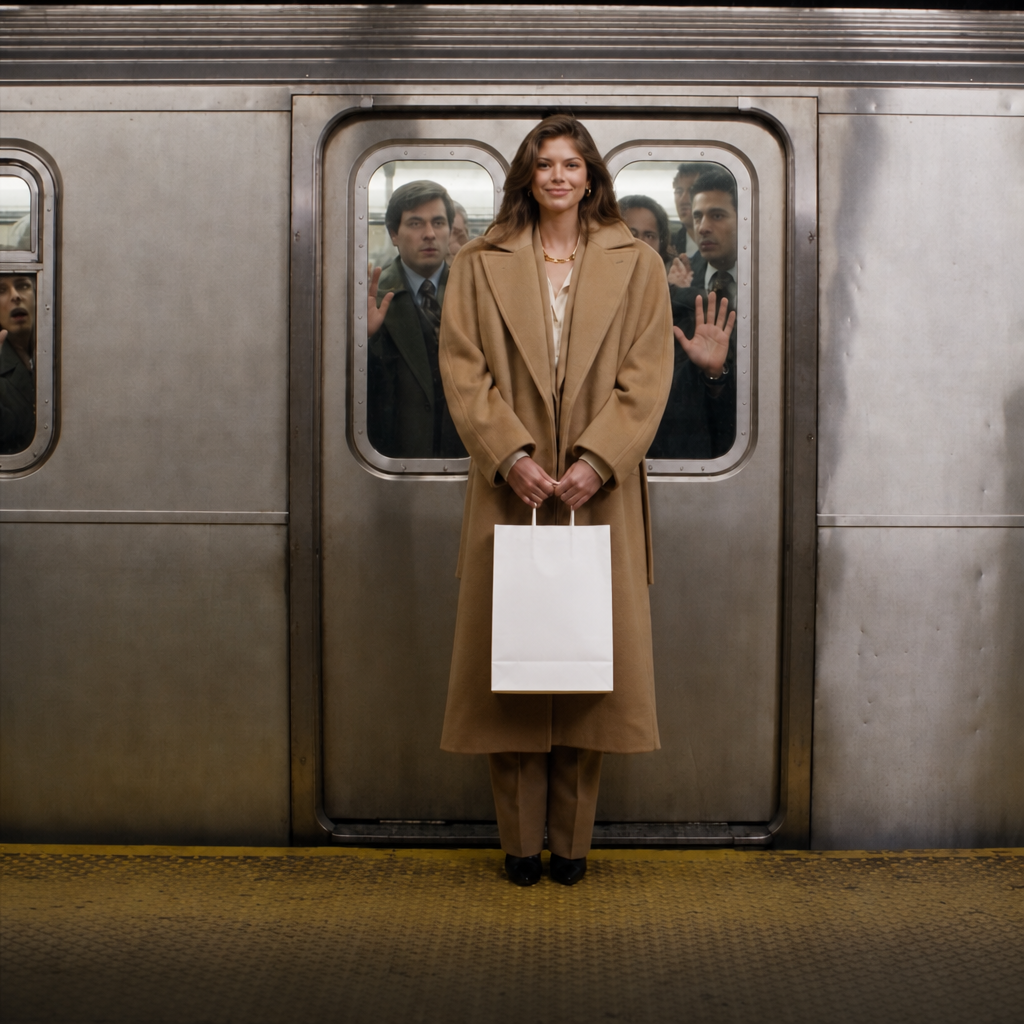
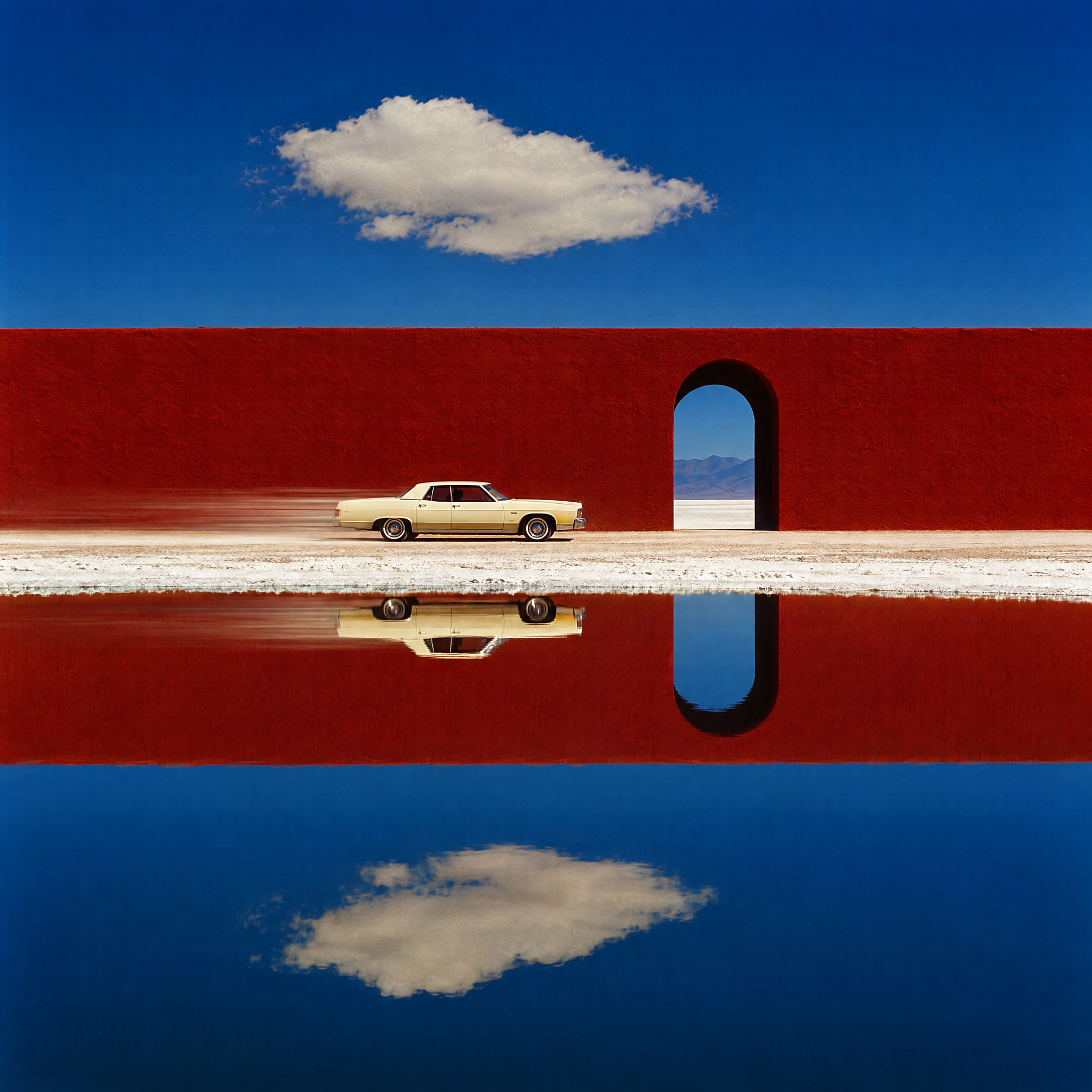
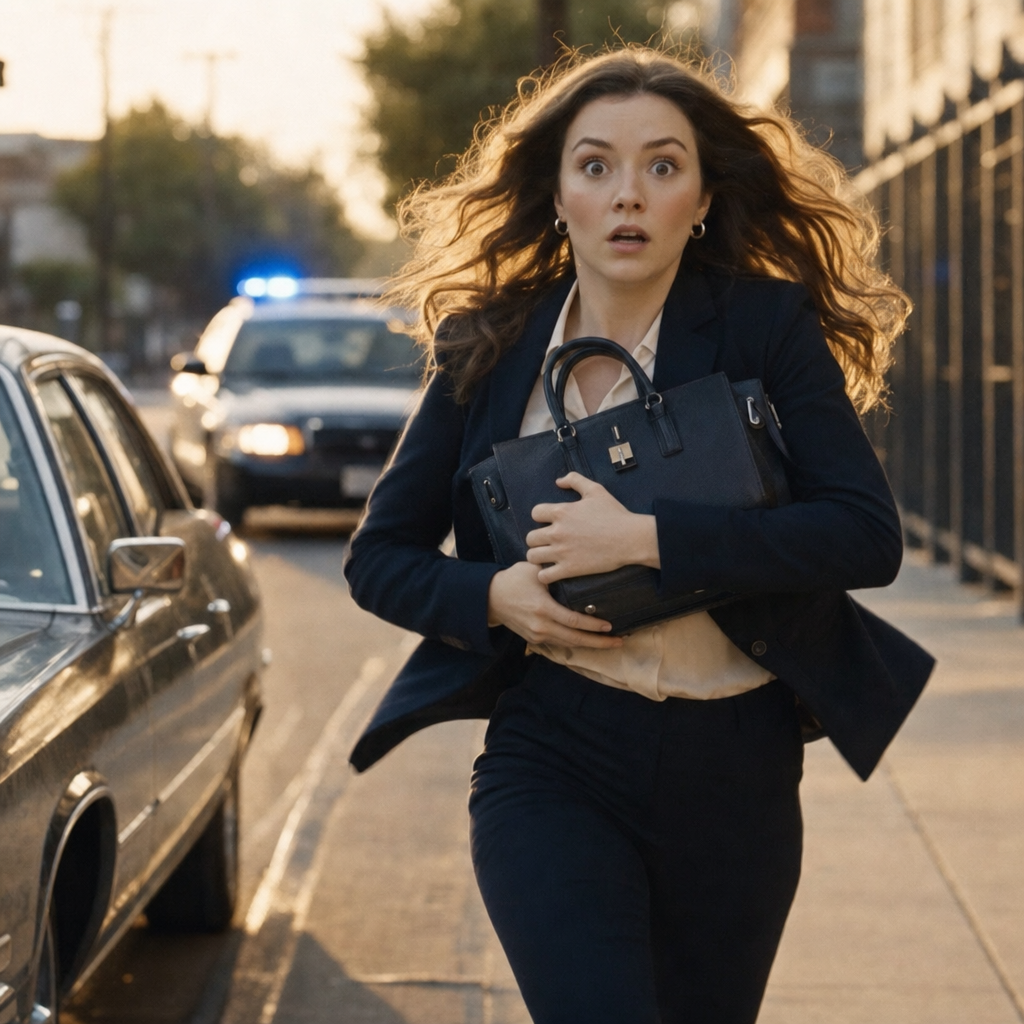
PixVerse Multi-Transition stitches 2 to 7 keyframe images into a single 1 to 30 second video with smooth, consistent transitions. Each keyframe can have its own duration and prompt, giving fine-grained narrative control for storyboards and ad creatives.
- Runtime (p50)
- 2m
- Estimated price
- $0.115–$3.60 per generation, depending on quality and total duration
Overview
PixVerse | Multi-Transition | Multi-Keyframe Storyboard Overview
PixVerse | Multi-Transition | Multi-Keyframe Storyboard from Pixverse enables creators to stitch 2 to 7 keyframe images into a single cohesive video, delivering smooth transitions for storyboards and ad creatives. This image-to-video model stands out by allowing each keyframe to have independent durations and prompts, providing precise narrative control unmatched in standard single-image animations. Provided by Pixverse, a leader in AI video generation with models like V6 and C1, it builds on advanced multi-shot capabilities for 1 to 30 second outputs. Ideal for marketers and filmmakers, it transforms static keyframes into dynamic sequences with consistent character features and realistic motion, accessible via the PixVerse | Multi-Transition | Multi-Keyframe Storyboard API on platforms like each::labs.
Capabilities
Capabilities
- Stitches 2-7 keyframes into 1-30s videos with customizable per-frame durations and prompts for storyboard control.
- Generates smooth, cinematic transitions maintaining subject consistency (faces, body, wardrobe) across frames.
- Supports 1080p resolution in single-pass generation, up to 15s natively extendable to 30s.
- Includes native audio: synchronized Foley, background music, sound effects, or dialogue.
- Prompt-driven camera controls: dolly, tracking, pans, reveals with precise execution.
- Multiple styles: anime, 3D, clay, realistic, cyberpunk for diverse aesthetics.
- Negative prompts and auto-optimization for refined outputs without artifacts.
- Cross-frame facial emotion and physics consistency for realistic multi-shot narratives.
Use cases
Use Cases for PixVerse | Multi-Transition | Multi-Keyframe Storyboard
Marketers creating ad creatives: Sequence 4 keyframes—a product static shot, zoom to features, usage demo, call-to-action—with per-frame prompts like "smooth transition, add energetic music" for 20s spots leveraging native audio.
Filmmakers building storyboards: Input 5 scene keyframes (establishing shot to climax) with durations like 2s/4s/6s, prompting "bullet time reveal between frame 2-3" for precise cinematic previews.
Content creators for social media: Animate character progression across 3 keyframes—"static pose, lip-sync dialogue, dynamic exit"—using facial consistency for engaging vlogs or Reels.
Designers prototyping animations: Transition nature shots (flower to butterfly flight) with macro details and ambient sounds, ideal for product viz or educational clips. Access via PixVerse | Multi-Transition | Multi-Keyframe Storyboard API on each::labs streamlines iteration.
Tips & tricks
Tips and Tricks
Optimize prompts for PixVerse | Multi-Transition | Multi-Keyframe Storyboard by describing transitions explicitly, e.g., "smooth pan from left keyframe to right as character walks forward." Use negative prompts like "blurry, distorted faces, poor lighting" to avoid artifacts. Enable prompt optimization mode for automatic refinement, especially with complex multi-keyframe sequences. Set individual keyframe durations—shorter for quick cuts, longer for builds—to control pacing. For consistency, upload images with matching lighting and poses across keyframes.
Example prompts:
- "Keyframe 1 (3s): Forest in autumn, static wide shot. Transition to Keyframe 2 (5s): Leaves falling, snow starting, slow zoom in."
- "Keyframe 1: Gymnast at start line. Keyframe 2: Mid-flip. Keyframe 3: Stable landing, crowd cheers, add upbeat music."
- "2 keyframes: Butterfly on flower close-up to wing flap reveal, macro detail, dewdrops glistening, serene ambient sound."
Combine with each::labs API for batch processing storyboards efficiently.
Technical spec
Technical Specifications
- Resolution Support: Up to 1080p, with options for 360p, 540p, 720p for flexible rendering.
- Max Duration: 1 to 30 seconds, adjustable per keyframe for total video length.
- Aspect Ratios: Maintains original image ratios; supports standard video formats like 16:9.
- Input/Output Formats: 2-7 keyframe images (PNG/JPG), text prompts per frame; outputs MP4 video with optional native audio (Foley, music, dialogue).
- Processing Time: Seconds to minutes depending on length and resolution; single-pass generation for efficiency.
- Styles: Realistic, anime, 3D, clay, comic, cyberpunk.
Powered by Pixverse's latest architecture like V6, it ensures cross-frame consistency in faces and physics.
Things to be aware of
Things to Be Aware Of
PixVerse | Multi-Transition | Multi-Keyframe Storyboard performs best with consistent keyframe subjects; mismatched poses or lighting can cause jittery transitions. Complex physics in rapid multi-keyframe shifts may show minor artifacts, especially beyond 15s—test at lower resolutions first. Users often overlook negative prompts, leading to blurriness; always specify avoids like "deformed hands." High-duration videos demand more compute, so monitor API quotas on each::labs. Edge cases like extreme camera moves (e.g., bullet time) work reliably in V6 but verify outputs iteratively.
Key considerations
Key Considerations
Before using PixVerse | Multi-Transition | Multi-Keyframe Storyboard, prepare 2-7 high-quality keyframe images with consistent subjects for optimal results, as single-person inputs yield better consistency. This Pixverse image-to-video model excels in storyboard workflows over single-clip generators, offering superior multi-keyframe control but requires thoughtful prompt sequencing. Expect tradeoffs: longer videos (up to 30s) may increase processing time versus quicker 5-8s clips. Access via each::labs ensures seamless API integration for developers, with costs scaling by duration and resolution. Best for narrative-driven content where fine-grained timing matters.
Limitations
Limitations
PixVerse | Multi-Transition | Multi-Keyframe Storyboard caps at 7 keyframes and 30s total, unsuitable for full-length films. Multi-person scenes reduce consistency compared to single-subject inputs. Audio generation syncs well but may lack nuanced dialogue in crowded frames. No support for video keyframes—images only—and styles like hyper-realism can introduce minor motion glitches in long transitions. Outputs up to 1080p; 4K unavailable.
Related models
4 models