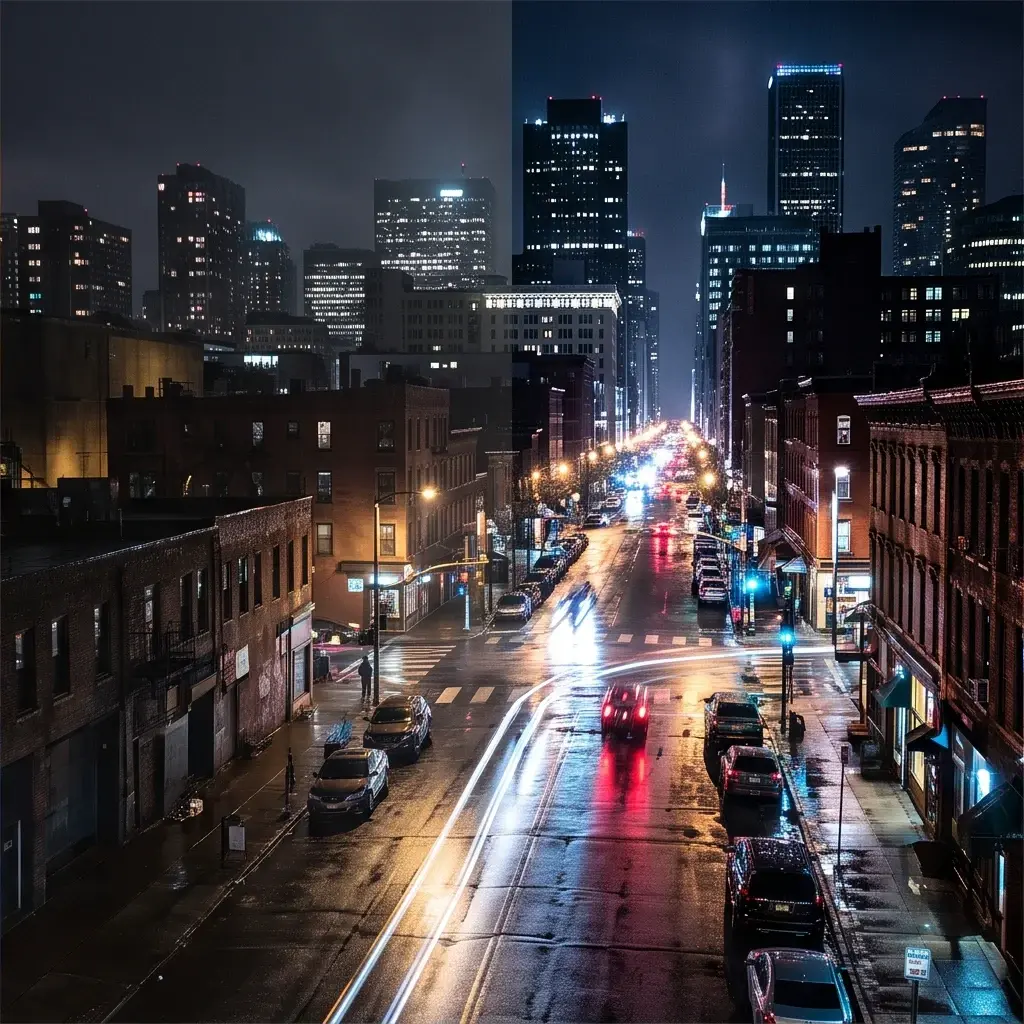
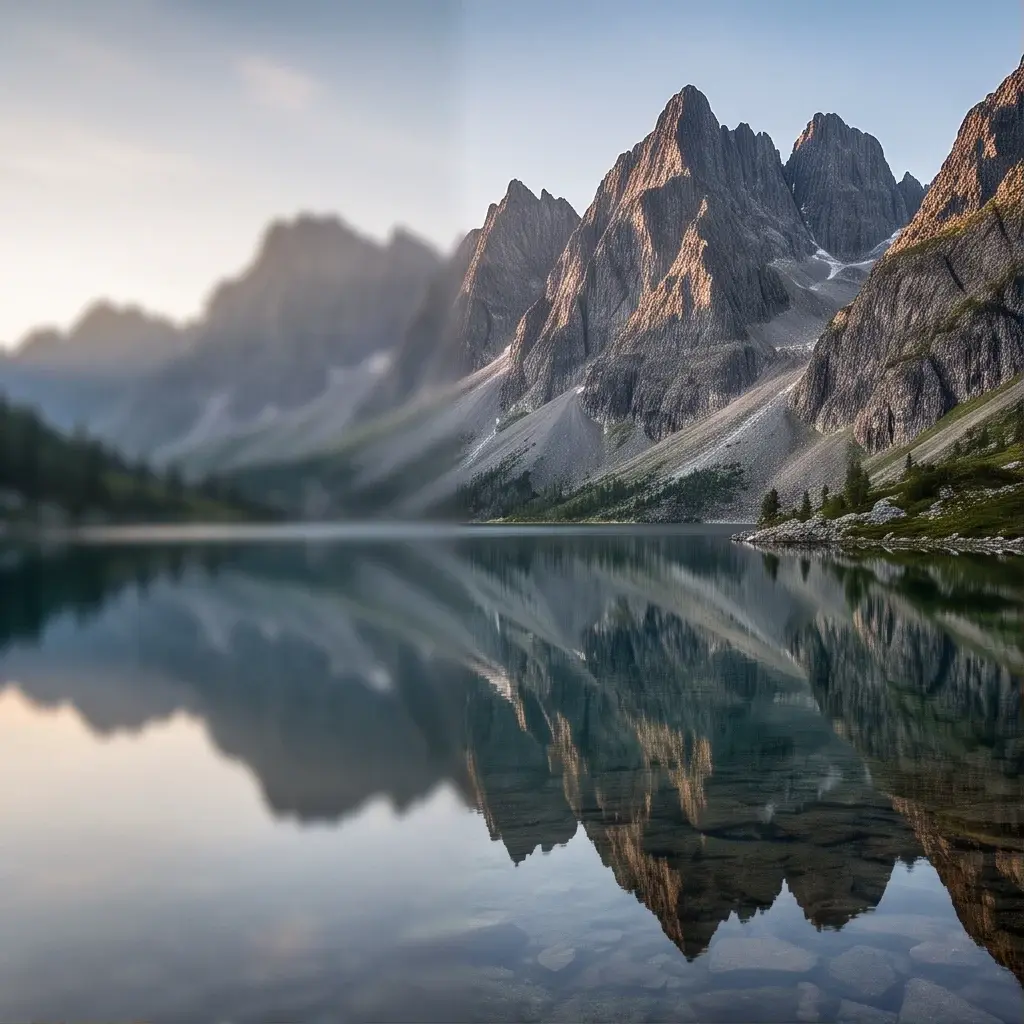
PixVerse Modify
PixVerse Modify edits existing videos using text prompts with optional reference images and masks, enabling subject swaps, object addition or removal, lighting and environment changes, text replacement, and style transformations within the same clip.
- Runtime (p50)
- 3m
- Estimated price
- $0.04–$0.06 per second, depending on quality
Overview
PixVerse Modify Overview
PixVerse Modify is a powerful video-to-video AI model from Pixverse that transforms existing video clips using text prompts, optional reference images, and masks for precise edits like subject swaps, object addition or removal, lighting changes, and style transformations. Part of the PixVerse family, it excels in maintaining subject consistency across the clip while enabling targeted modifications without regenerating the entire video. This makes it ideal for creators needing quick, coherent video edits on each::labs (eachlabs.ai). Unlike basic video generators, PixVerse Modify leverages reference-driven editing for reliable identity preservation in dynamic scenes.
Capabilities
Capabilities
- Subject swaps via reference images, maintaining identity across the full clip duration.
- Object addition or removal using masks and text prompts for seamless integration.
- Environment and lighting changes, compositing references into existing video motion.
- Style transformations while preserving original clip dynamics and physics.
- @ref_name prompt syntax for multi-image control, ensuring consistency.
- Optional native audio generation synchronized to edited visuals.
- Multi-shot camera control and scene transitions in video-to-video edits.
- High-resolution outputs up to 1080p with configurable durations.
Use cases
Use Cases for PixVerse Modify
Content Creators: Swap actors in a walking scene for personalized videos. Prompt: "Replace hiker with @ref_family_photo, same trail motion, golden hour light." Ideal for quick custom clips.
Marketers: Add branded elements to product demos. Prompt: "Insert @ref_logo floating above the car, dynamic drive sequence unchanged." Ensures consistent branding without reshooting.
Designers: Transform environments for mood boards. Prompt: "Change office to futuristic lab with @ref_lab_bg, keep worker gestures." Speeds style experimentation.
Developers: Prototype app visuals via API. Chain PixVerse Modify with upscaling on each::labs for production-ready edits, like animating UI elements into demo videos.
Tips & tricks
Tips and Tricks
For best results with PixVerse Modify, use descriptive prompts focusing on changes: specify motion, lighting, and actions clearly. Name reference images (e.g., ref_character.png) and reference them with "@ref_name" syntax for precise subject swaps. Optimize by starting with shorter durations and lower resolutions, then upscale. Enable native audio for synchronized sound in one call.
Example prompts:
- "Replace the man with @ref_new_actor walking the same path, sunset lighting, smooth camera pan."
- "Add floating lanterns to the night sky in the video using @ref_lantern, gentle upward motion."
- "Change environment to snowy forest with @ref_snow_bg, keep original subject motion intact."
Workflow: Upload video and refs, mask edit areas if needed, iterate prompts for refinement on each::labs.
Technical spec
Technical Specifications
- Resolution Support: Up to 1080p, with options for 360p, 540p, 720p, or 1080p output to match platform needs.
- Max Duration: 1–15 seconds, configurable for short clips with maintained coherence.
- Aspect Ratios: Supports portrait, landscape, and cinematic ratios for versatile formatting.
- Input/Output Formats: Accepts video inputs for editing, reference images, and text prompts; outputs MP4 videos, optionally with native synchronized audio.
- Processing Time: Production-grade latency with no cold starts via each::labs API integration, typically seconds for short clips.
- Key Parameters: Text prompt, input video, optional masks and reference images named for @ref syntax.
Things to be aware of
Things to Be Aware Of
PixVerse Modify may struggle with heavy motion in input videos, causing minor warping in complex edits. Common mistakes include vague prompts without @ref syntax, leading to identity drift. Ensure references are high-quality and well-lit for best consistency. Resource needs scale with resolution—use 720p initially for testing via Pixverse video-to-video API. Edge cases like rapid cuts or low-res inputs reduce edit precision. Always preview short clips first on each::labs.
Key considerations
Key Considerations
Before using PixVerse Modify, ensure your input video is under 15 seconds and at least 300x300px resolution for optimal results. It shines in scenarios requiring subject consistency, like branded content or character swaps, over full text-to-video models. Access via the PixVerse Modify API on each::labs provides scalable, per-second pricing without cold starts. Consider tradeoffs: higher resolutions like 1080p increase processing demands but deliver film-grade quality. Best for users with prepared reference images to lock identities, avoiding drift in complex motions.
Limitations
Limitations
PixVerse Modify caps at 15-second clips and may show artifacts in extreme motions or low-quality inputs. Complex multi-subject swaps can lose fine details without precise masks. Audio sync works best for simple Foley, not dialogue-heavy scenes. Not suited for full video extension beyond inputs; quality drops in very long edits. Reference images must be named correctly for @ref to function reliably.