Kling | o3 | Pro | Image to Video
Generates a video by animating a smooth transition between a start frame and an end frame, guided by text-based style and scene instructions.
- Runtime (p50)
- 3m
- Estimated price
- $0.112–$0.14 per second, depending on audio
Overview
kling-o3-pro-image-to-video — Image-to-Video AI Model
kling-o3-pro-image-to-video, developed by Kling as part of the unified kling-o3 family, is an image-to-video AI model that animates static images into smooth, physics-aware video sequences guided by text-based instructions. Rather than generating video from scratch, this model excels at bringing existing images to life—transforming a single frame or reference image into dynamic video with precise control over motion, style, and scene composition. For creators, marketers, and developers building AI-powered video tools, kling-o3-pro-image-to-video solves the challenge of converting static assets into cinematic content without manual keyframing or post-production stitching.
Built on the Omni One architecture that powers the broader kling-o3 ecosystem, this model combines 3D Spacetime Joint Attention with Chain-of-Thought reasoning to ensure motion feels natural and physically grounded. The result is an image-to-video generator that maintains subject consistency while adding dynamic camera work, lighting shifts, and environmental changes—all from a single text prompt and reference image.
Use cases
Use Cases for kling-o3-pro-image-to-video
E-Commerce Product Visualization: Product teams can upload a static product photo and use a text prompt like "rotate the product 360 degrees on a marble countertop with soft morning light and subtle shadows" to generate a photorealistic product video. The 4K output and text-based editing enable quick creation of multiple product angles and lighting scenarios without studio reshoots, reducing production time and cost for catalog videos.
Character Animation for Content Creators: Animators and video creators can feed a character illustration or photograph plus a text description—such as "the character walks forward with confident posture, then turns to look at the camera with a smile"—and receive a smooth, physics-aware animation. Multi-reference processing ensures the character's facial features and clothing remain consistent throughout the sequence, making it ideal for animated storytelling and social media content.
Real Estate and Virtual Scene Visualization: Real estate agents and architects can transform static property photos into dynamic walkthroughs. A prompt like "camera pans slowly through the living room, revealing the kitchen in the background, with warm afternoon light streaming through the windows" generates a cinematic property tour from a single image. The photorealistic rendering and native 4K output make these videos suitable for premium listings and virtual staging.
Developers Building AI Video APIs: Developers integrating image-to-video capabilities into SaaS platforms or content management systems can leverage kling-o3-pro-image-to-video through Eachlabs' API. The model's support for batch processing, multi-reference inputs, and EXR export makes it suitable for building scalable video generation services for marketing automation, design tools, and creative software.
Tips & tricks
How to Use kling-o3-pro-image-to-video on Eachlabs
Access kling-o3-pro-image-to-video through Eachlabs' Playground for instant experimentation or integrate it via API for production workflows. Provide a reference image, optional additional reference images (up to 10+), a text prompt describing the desired motion and style, and specify your output resolution and duration (up to 15 seconds). The model returns high-quality video in standard formats, with optional linear EXR export for professional color grading and VFX work.
---END---Technical spec
What Sets kling-o3-pro-image-to-video Apart
Physics-Accurate Motion with Zero Artifacts: Unlike standard image-to-video models that can produce jittery or unrealistic movement, kling-o3-pro-image-to-video simulates real-world physics including gravity, collision, deformation, and inertia. This ensures smooth, believable transitions between frames without the motion artifacts that plague competing AI video generators.
Multi-Reference Processing for Consistent Character and Object Identity: The model supports up to 10+ reference images simultaneously, allowing you to maintain visual consistency across characters, objects, and scenes. This is particularly valuable for e-commerce product videos or character-driven narratives where identity must remain stable throughout the sequence.
Native 4K Output with Professional Color Grading Support: kling-o3-pro-image-to-video generates video at native 1080p and 4K resolution (3840×2160) at 30fps with 16-bit HDR color depth. It exports linear EXR sequences for seamless integration with industry-standard tools like Nuke, After Effects, and DaVinci Resolve—enabling VFX compositing and broadcast-quality color grading without quality loss.
Extended Duration with Multi-Shot Cinematic Control: Generate videos up to 15 seconds in length with intelligent multi-shot scene generation. Specify exact timestamps for scene transitions (e.g., 0-2 seconds, 2-5 seconds) and call out transition types like hard cut, match cut, or whip pan—all in a single prompt, eliminating the need for post-production stitching.
Text-Based Intelligent Editing: After generation, refine results using natural language commands. Add or remove objects, change lighting, modify backgrounds, or adjust camera perspective—all without manual masking. This makes kling-o3-pro-image-to-video ideal for rapid iteration and A/B testing in creative workflows.
Related models
4 models
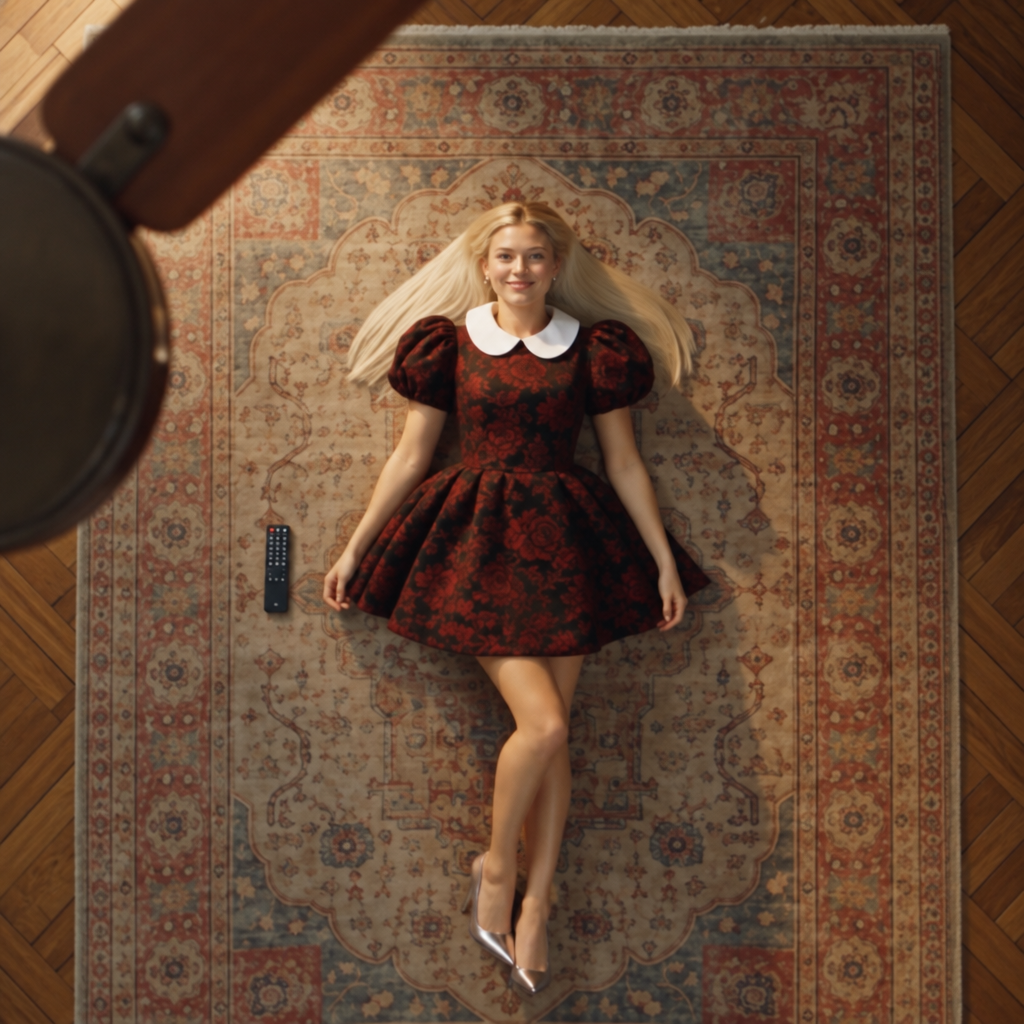


About Kling | o3 | Pro | Image to Video
What is Kling O3 Pro Image-to-Video on eachlabs?
Kling O3 Pro Image-to-Video is eachlabs' premium AI model for transforming static images into high-quality video clips. It represents the top tier of the O3 series for image animation, delivering professional-grade motion quality, detail fidelity, and cinematic output, accessible through eachlabs' unified API for developers and creative professionals.