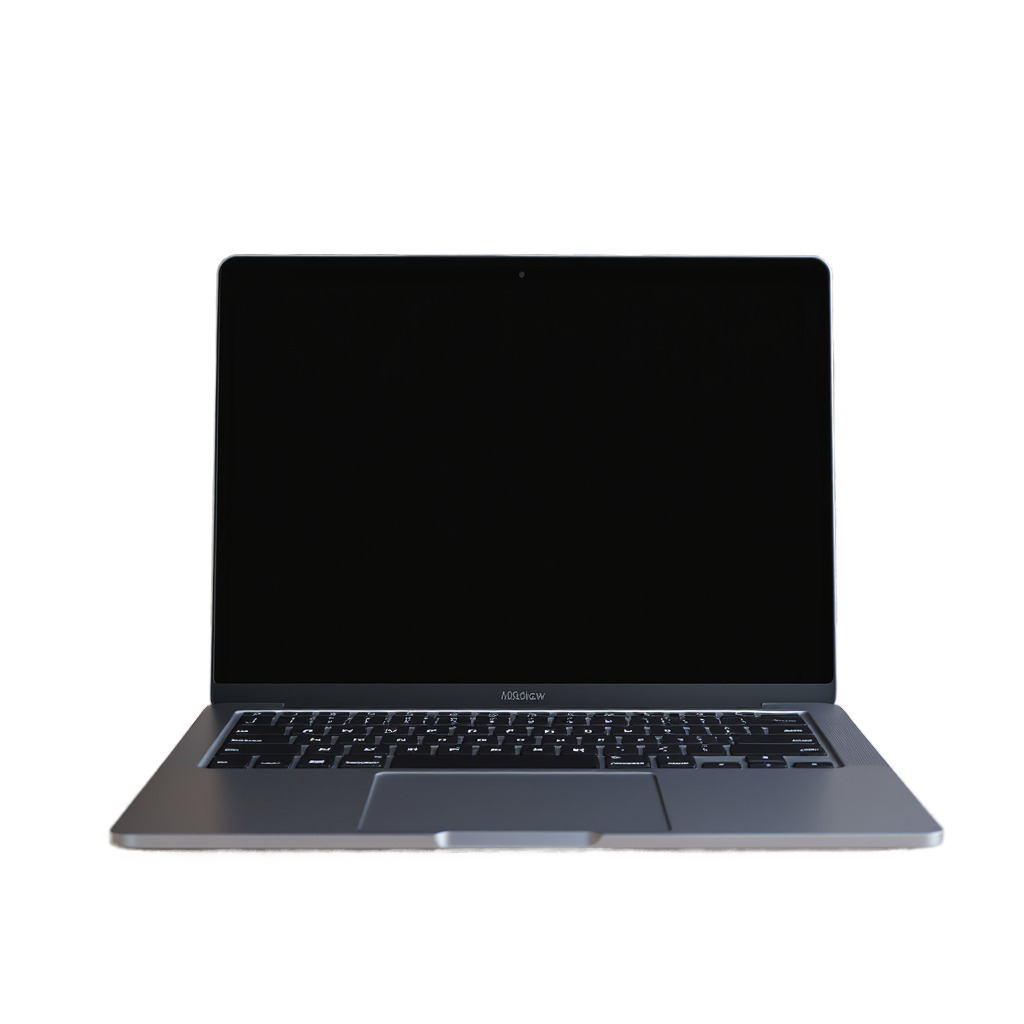
 inference · 14.6s
Remove Background Enhance
A background remover that delivers cleaner, more precise edges
- Runtime (p50)
- 30s
- Estimated price
- $0.00108 per processing second
Overview
rembg-enhance — Image-to-Image AI Model
rembg-enhance, developed by Eachlabs as part of the rembg family, is a specialized image-to-image AI model that removes backgrounds with cleaner, more precise edges than standard tools, solving the common issue of jagged or fuzzy cutouts in product photos and portraits. This background remover excels at delivering professional-grade transparency masks, making it ideal for e-commerce sellers and designers seeking pixel-perfect isolations without manual editing. As an eachlabs image-to-image solution, rembg-enhance processes uploaded images rapidly, outputting PNGs with alpha channels ready for compositing.
Capabilities
- Accurately removes backgrounds from a wide range of images, including those with complex edges and fine details
- Delivers cleaner, more natural edges compared to standard background removal models
- Supports high-resolution images and maintains subject integrity during processing
- Handles semi-transparent and wispy elements (e.g., hair, smoke) better than many alternatives
- Versatile for use in e-commerce, graphic design, digital marketing, and creative projects
- Robust to moderate variations in lighting and background complexity
Use cases
Use Cases for rembg-enhance
E-commerce marketers: Upload product shots to instantly isolate items on transparent backgrounds, then composite onto custom scenes for ads. This streamlines "AI photo editing for e-commerce" workflows, cutting production time from hours to minutes while maintaining crisp edges on irregular shapes like jewelry or clothing.
Graphic designers: For creators refining client portraits, rembg-enhance extracts subjects with hair-level precision, enabling flawless placements in posters or social graphics. Feed in a photo of a model, and it outputs a mask-ready PNG for layering in tools like Photoshop.
App developers: Integrate the rembg-enhance API into mobile apps for on-device background removal, supporting use cases like virtual try-ons. Developers seeking an "automated image editing API" can process user uploads like "remove background from this group photo with overlapping people" to generate clean isolates instantly.
Social media content creators: Quickly prep images for memes or Reels by stripping backgrounds, leveraging its speed for iterative edits. Its edge accuracy ensures professional results even on casual selfies with busy settings.
Tips & tricks
How to Use rembg-enhance on Eachlabs
Access rembg-enhance seamlessly through Eachlabs Playground for instant testing—upload any JPG or PNG image (up to 10MB, 4K resolution) and generate transparent outputs in seconds. For production, use the rembg-enhance API with simple POST requests specifying your image file; integrate via Python SDK for batch processing. Expect high-fidelity PNG results with precise alpha masks, optimized for edge cases like hair or foliage.
---Technical spec
What Sets rembg-enhance Apart
Unlike generic background removers that struggle with fine details like hair strands or fabric textures, rembg-enhance uses advanced segmentation to produce razor-sharp edges, enabling seamless integration into new scenes without post-processing. This precision stems from its enhanced neural network trained on diverse datasets, handling complex subjects like fur, lace, or translucent objects that often stump competitors.
- Superior edge refinement: Achieves sub-pixel accuracy on intricate boundaries, allowing users to create studio-quality composites from smartphone photos in seconds—perfect for AI photo editing for e-commerce.
- High-resolution support up to 4K: Processes images from 512x512 to 4096x4096 pixels without quality loss, supporting batch workflows for automated image editing API integrations.
- Fast inference times under 2 seconds per image: Optimized for real-time applications, it outperforms slower models in high-volume scenarios like app-based image editors.
- Robust handling of challenging inputs: Excels at semi-transparent elements and low-contrast edges, delivering cleaner results than baseline rembg on real-world photos.
These capabilities make rembg-enhance the go-to image-to-image AI model for developers building precise editing pipelines.
Things to be aware of
- Some users report that extremely complex backgrounds or low-contrast images may still require manual refinement after processing
- The model performs best with well-lit, high-contrast images where the subject is clearly distinguishable
- Processing large batches or very high-resolution images may require significant computational resources and can impact speed
- Consistency is generally high, but occasional edge artifacts may appear, especially around fine details or semi-transparent regions
- Positive feedback highlights the significant improvement in edge quality and reduction of halo effects compared to earlier or competing models
- Negative feedback is rare but typically centers on occasional failures with highly cluttered backgrounds or unusual subject matter
- Users recommend combining rembg-enhance with manual editing tools for the highest quality results in professional settings
Key considerations
- High-contrast images with clear separation between subject and background yield the best results
- Images with complex or cluttered backgrounds may require additional refinement or manual touch-up
- For optimal edge quality, use high-resolution source images with sharp focus on the subject
- Processing speed may vary depending on image size and complexity; batch processing is supported but may require more resources
- Avoid images with heavy shadows, reflections, or low lighting, as these can confuse the segmentation model
- Iterative refinement (re-running the model or combining with manual masking) can improve results for challenging cases
- Prompt engineering is less relevant, but pre-processing (e.g., enhancing contrast) can boost performance
Limitations
- May struggle with images where the subject and background have very similar colors or low contrast
- Not optimal for images with extremely complex, multi-layered backgrounds or heavy occlusions
- Resource-intensive when processing very large images or large batches, which may limit scalability on low-end hardware
Related models
4 models

About Remove Background Enhance
What is rembg-enhance?
rembg-enhance is an AI utility model developed by each::labs that removes the background from an image and applies visual enhancements to the subject such as sharpening, edge refinement, and color correction in a single step. It produces clean, presentation-ready foreground subjects for use in design and content workflows.