Illusion Diffusion: Create Surreal AI Art
Some images just stop you cold. Not because they're pretty though they might be but because your brain keeps telling you something's off. A landscape that looks totally normal until you step back and realize there's a spiral running through every single road and rooftop. A forest scene with a face hidden in the treeline that you didn't notice the first three times you looked. That's what Illusion Diffusion produces. It creates artistic and surreal visuals using advanced diffusion algorithms, and
Some images just stop you cold. Not because they're pretty though they might be but because your brain keeps telling you something's off. A landscape that looks totally normal until you step back and realize there's a spiral running through every single road and rooftop. A forest scene with a face hidden in the treeline that you didn't notice the first three times you looked. That's what Illusion Diffusion produces. It creates artistic and surreal visuals using advanced diffusion algorithms, and the outputs don't just look good they mess with your perception in ways most AI images never try to.
It's a different kind of model. By design.
What Is Illusion Diffusion?
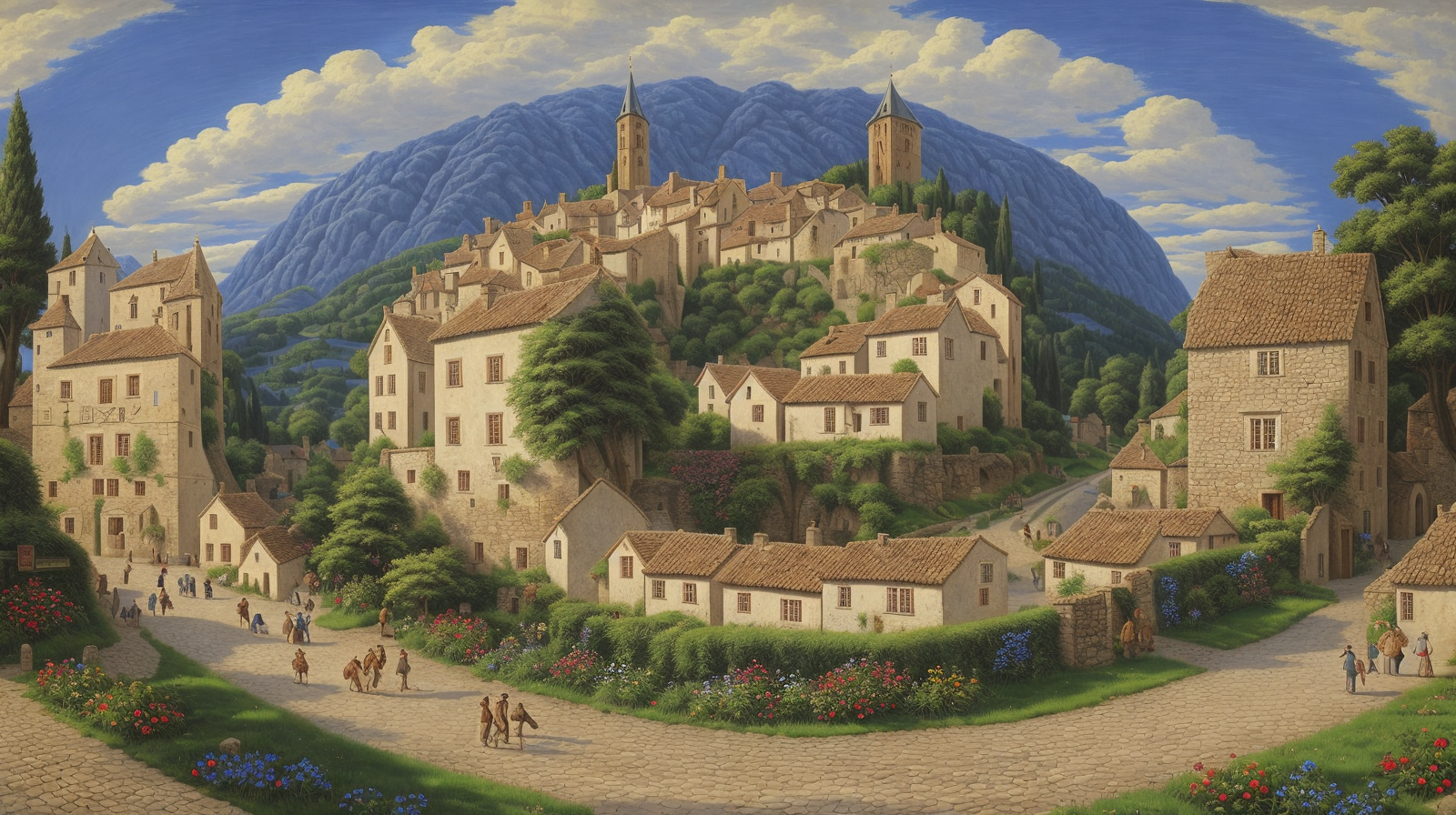
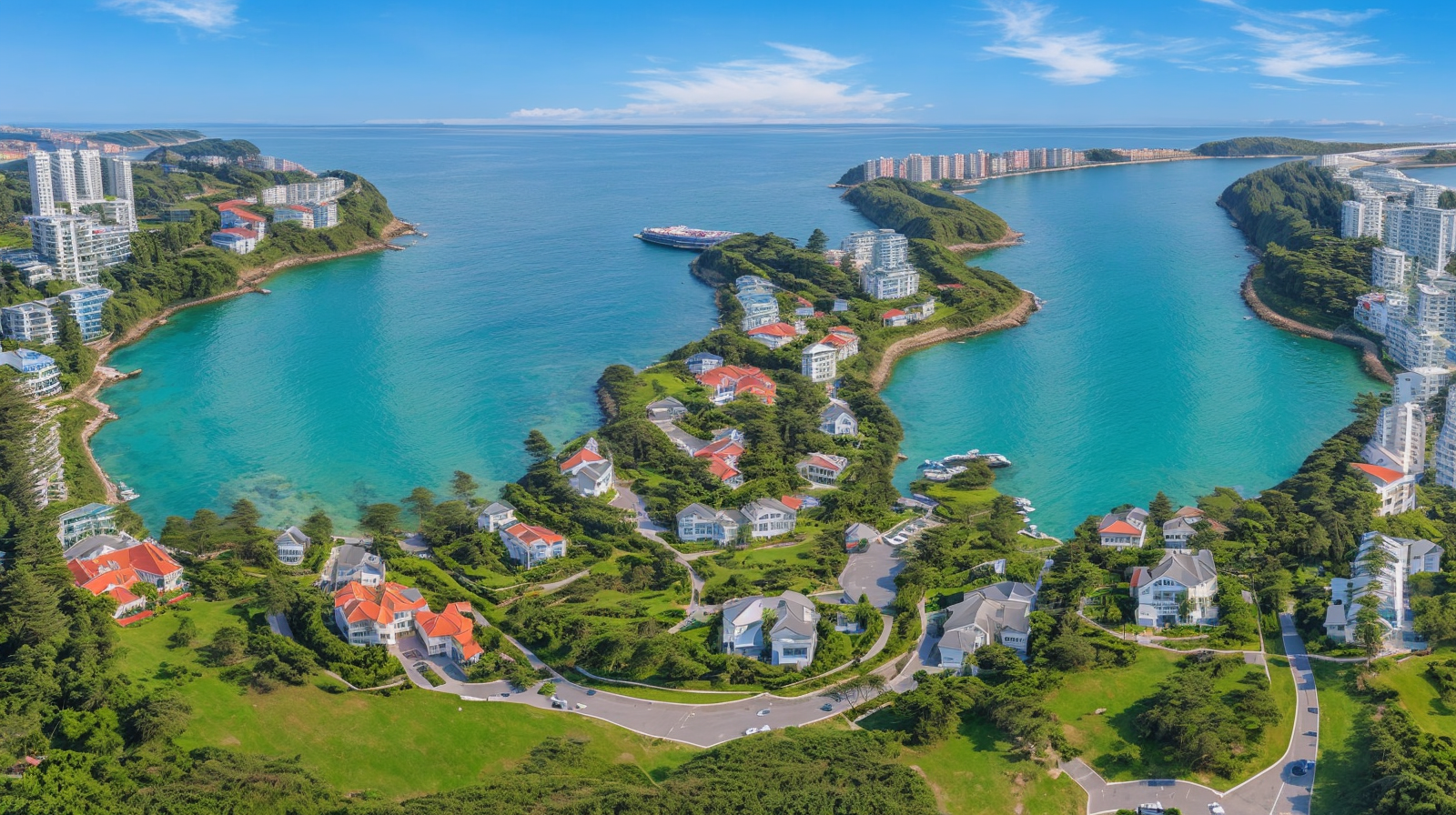
Here's what makes Illusion Diffusion unusual: you're not just writing a text prompt. You're giving the model two things at once. A description of the scene you want, and a pattern image that the scene has to secretly conform to. A spiral. A QR code. Bold letters. The model generates a photorealistic landscape and makes the landscape trace that shape, without it looking like someone ran a filter on top.
The version available on Eachlabs is illusion-diffusion-hq, built on Realistic Vision v5.1 with Monster Labs' QR code ControlNet layered in. ControlNet is the mechanism that gives the model structural guidance during generation instead of just following the text prompt, it has a second input pulling the composition into a particular shape.
What trips people up is that this isn't compositing. No layers. The scene and the hidden shape come out of one generation pass. Streets bend to trace the spiral because that's how the model built them, not because someone warped them afterward. That's the actual technical feat here.
How Illusion Diffusion Works
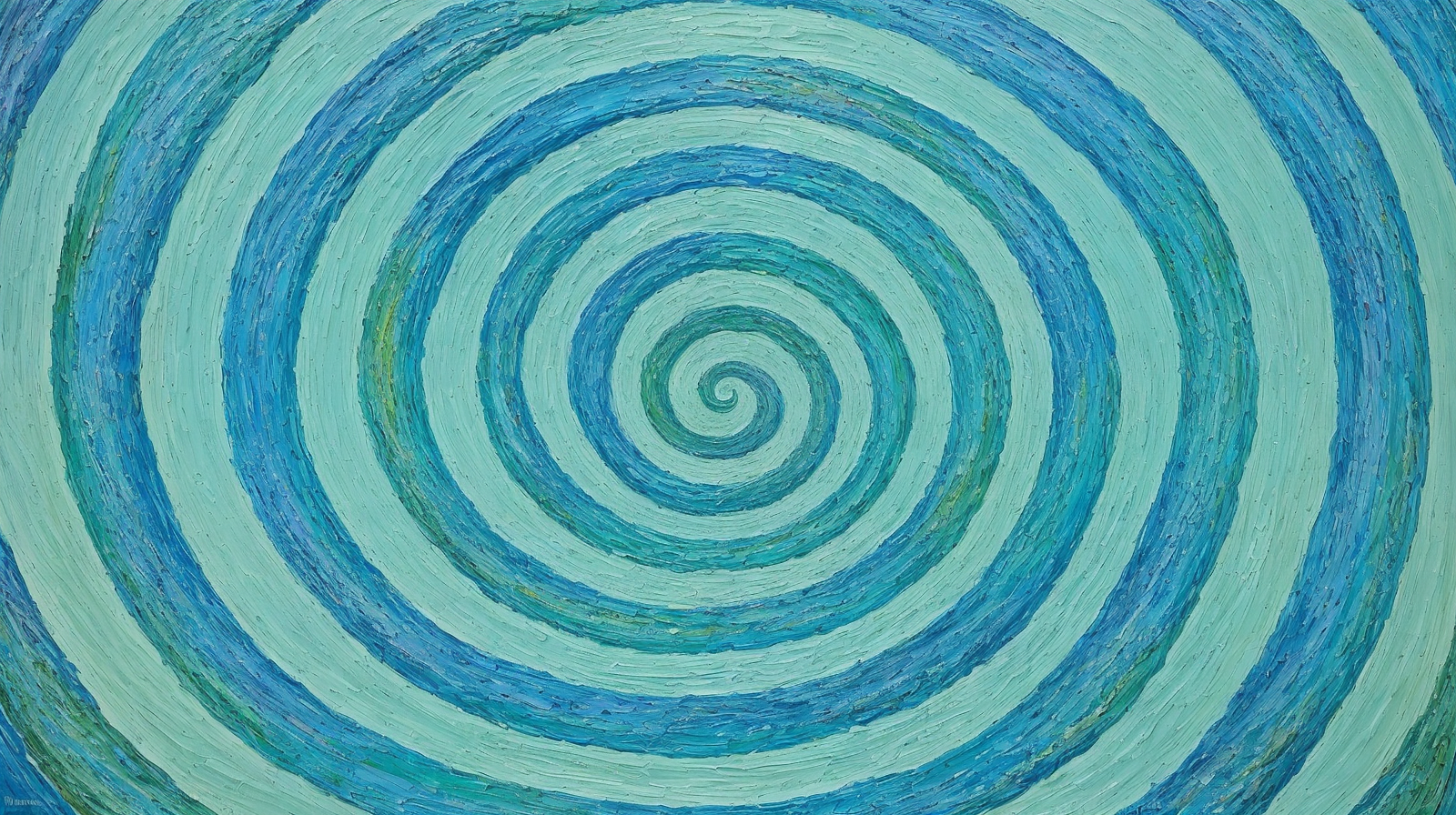
You start with a text prompt and a pattern image. The prompt is the scene a medieval village, a foggy harbor, a neon city at night. The pattern is what gets hidden inside it. Spirals are the most common starting point. QR codes work. Bold high-contrast text works. Geometric shapes work. Whatever you choose, the contrast has to be stark ideally pure black on white. Anything softer tends to wash out in the generation.
Once both inputs are in, the ControlNet conditioning scale is really what you're tuning. Think of it as a dial between "the scene looks good" and "the illusion is obvious." Low values (around 0.6) produce something subtle, more of a feeling than a visible pattern. High values (at or near 1) make the hidden shape unmissable you can see the scene bending around it. Most results that actually work land somewhere around 0.8 to 0.9.
Guidance scale controls how literally the model interprets your text prompt. 7.5 is a reasonable default tight enough to stay on-theme, loose enough not to get rigid. Num inference steps is about output quality; 40 gets you good results, 50 to 60 pushes detail further without adding too much time.
Two parameters people often skip: border (handles edge treatment) and QR code background (affects color context for QR-specific generations). Neither is complicated, but ignoring them when you're doing QR work tends to show in the final output.
Key Features of Illusion Diffusion
It Generates Two Things at Once
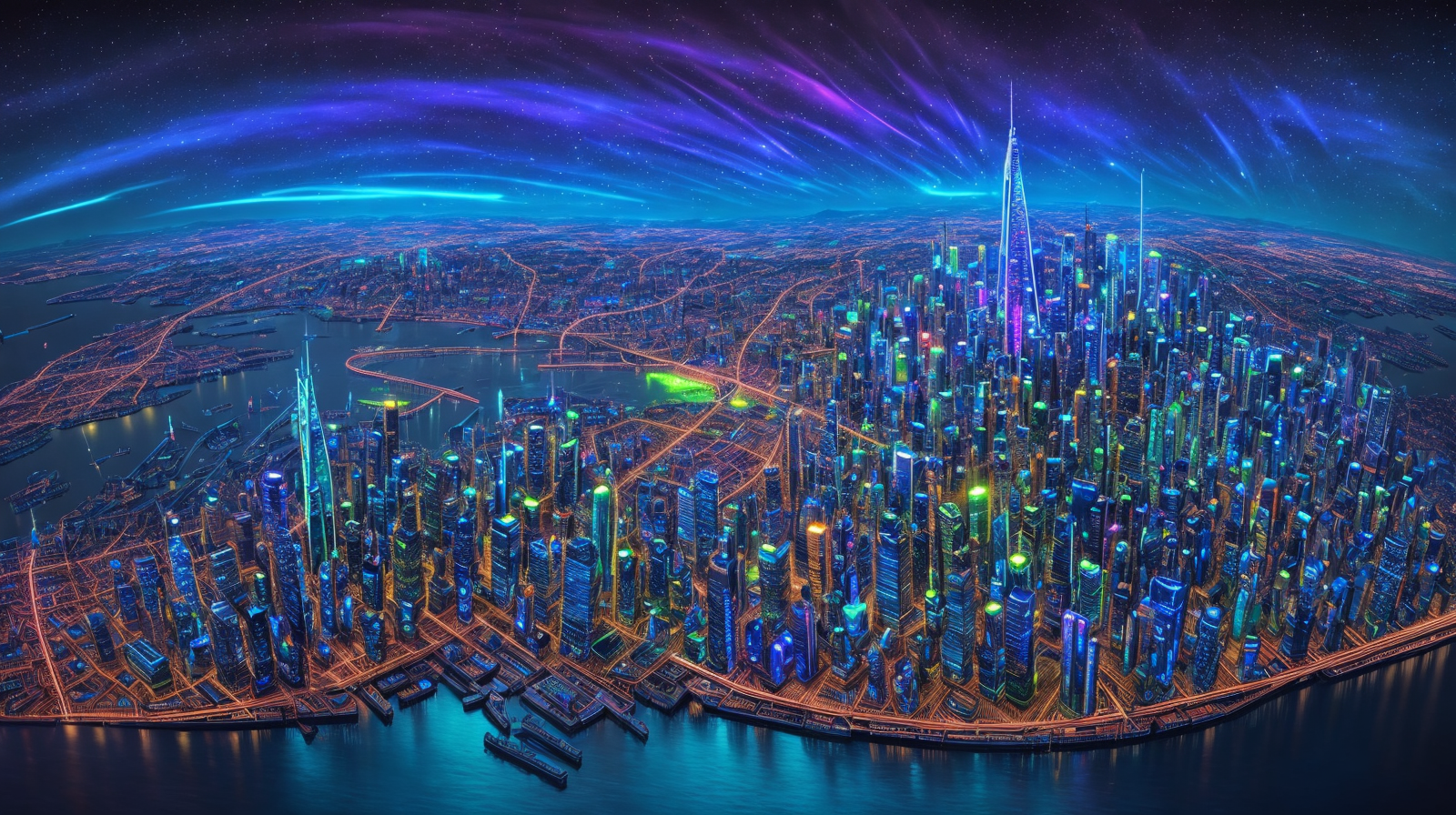
Every other image model you've used solves one problem: make an image that matches the prompt. Illusion Diffusion solves two at the same time make an image that matches the prompt and structurally traces the uploaded pattern. Those two goals don't naturally cooperate. The model has two jobs at once: make the scene look real up close, and make the hidden pattern visible from a distance. Those two goals pull against each other
The Conditioning Scale Changes Everything
Spend five minutes with Illusion Diffusion and you'll quickly realize the conditioning scale is where the real creative decisions happen. At 0.7, the illusion is quiet you might not even notice it at first glance. At 1.0, the scene very clearly bends around your pattern. Neither is wrong. Social media content usually wants the obvious version, because people need to clock the illusion fast. Editorial or fine-art use might want the subtler one. The parameter gives you that range.
QR Codes That Actually Scan
This one surprises people. Feed Illusion Diffusion a real QR code as the pattern image, and it'll generate a scene where the QR code structure is distributed across the whole composition embedded in the shadows, the architectural details, the textures. The image looks like artwork. Point a phone at it and it resolves to whatever URL the code contains. That's a capability that doesn't exist in standard image models, and for physical print applications it opens up genuinely new possibilities.
Negative Prompt Matters More Here
In a standard text to image model, skipping the negative prompt costs you some quality. In Illusion Diffusion, it can break the whole effect. Artifacts and soft areas don't just look bad they obscure the embedded pattern, making the illusion read as corrupted. "Ugly, disfigured, low quality, blurry" should be in every generation. For scenes with a lot of detail, add "deformed, watermark, signature, extra limbs" as well.
Seed Locking for Iteration
Once you get a composition that's close to what you want, save the seed. Illusion Diffusion lets you lock that value and iterate adjusting the prompt or the conditioning scale without throwing away the entire generative setup. Without this, you're basically starting over with every generation. With it, refinement becomes much less painful.
Real World Use Cases
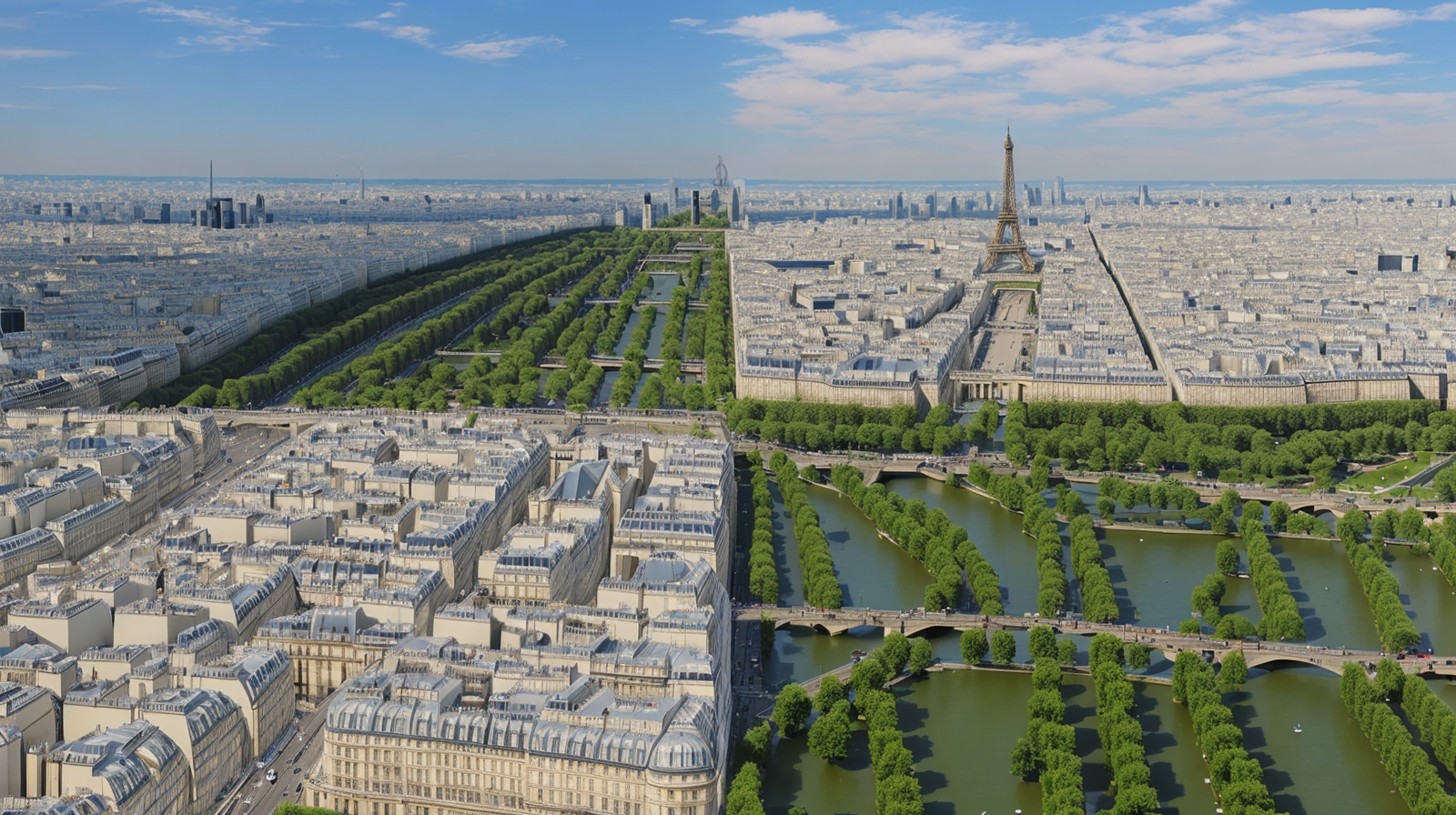
Visual creators on social platforms figured out early that illusion content performs differently from regular imagery. People don't just like it they send it to someone and wait for a reaction. The "do you see it?" loop is hard to manufacture artificially, and Illusion Diffusion produces it reliably. A well executed illusion post tends to generate comment threads that look like people slowly working out what's hidden, which drives engagement in a way passive imagery doesn't.
Graphic designers have found specific use for Illusion Diffusion in print contexts where an image needs to operate on more than one level. Concert posters. Book covers. Album art. The discovery moment when someone finally sees the shape hidden in the composition builds an attachment to the image that a straightforward design doesn't. It's the kind of detail that brings people back.
The QR use case is practically distinct from the art use cases, and worth treating separately. Product packaging where the decorative print is also a scannable link. Restaurant menus where the food photography contains embedded contact or allergen info. Promotional materials that work as standalone art and as digital entry points simultaneously. Before Illusion Diffusion, pulling that off required a skilled designer spending real time on a manual compositing job. Now it's a short generation run on Eachlabs.
Illusion Diffusion vs. Standard Text to Image Models
A standard text to image model takes a prompt and produces an image. Clean output, good quality, predictable results. That's what those models are optimized for.
Illusion Diffusion trades some of that predictability for something different. The model is managing two inputs simultaneously, and the results reflect that. Outputs can be slightly less pristine than a standard model at equivalent settings because generating a scene that secretly conforms to an uploaded shape is genuinely harder than generating a scene from text alone. You'll occasionally get generations where the illusion works but some area of the scene looks a bit forced.
But that's not a bug you're trying to fix. It's a trade-off you're making on purpose. You use a standard model when you want a clean image. You use Illusion Diffusion when you need the image to contain something else when the whole point is the hidden layer. Those are different jobs.
How to Use Illusion Diffusion on Eachlabs
The Illusion Diffusion model page on Eachlabs has the full parameter set ready without any setup. Open it and you'll see the prompt field at the top.
Write your scene description in the prompt field. Quality tags up front help "(masterpiece:1.4), (best quality), (detailed)" before the actual scene description consistently lifts output sharpness. Then describe the scene itself with as much specificity as you can: lighting, mood, time of day, color palette. Vague prompts produce vague scenes, and vague scenes don't hold the illusion well.
For the pattern image, you can paste a URL or upload a file. Eachlabs hosts a spiral image at the CDN URL shown in the model page example useful as a first test before you start uploading your own patterns. Whatever you're using, the contrast should be strong.
Conditioning scale between 0.8 and 0.9 is a good starting point. Guidance scale at 7.5. Inference steps at 40. Run a generation. If the illusion reads clearly from a distance, you're in the right range. Note the seed before you start adjusting anything else. After that, conditioning scale is usually the first thing worth tweaking small moves there change the character of the output more than almost any other single parameter.
API and SDK access is available for Illusion Diffusion on Eachlabs, so if you're building this into a production pipeline rather than using the Playground, the infrastructure is there.
Tips for Getting the Best Results
Your Pattern Image Needs Real Contrast
Low contrast patterns get absorbed. The diffusion process is noisy, and a soft gradient or pale shape simply disappears into the scene before it can influence the composition in any meaningful way. Black-and-white with clear edges spirals, QR codes, bold text, hard geometric lines these survive. If your pattern image looks uncertain on screen, it's going to be even harder to see embedded in a generated landscape.
Quality Tags at the Front of the Prompt
The prompt structure matters more in Illusion Diffusion than it does in simpler models, because the scene has to be coherent enough to hold the hidden pattern without looking broken. "(masterpiece:1.4), (best quality), (detailed)" before the scene description sets a quality floor before the model even starts thinking about your content. Low quality outputs don't just look bad the illusion tends to fall apart in them.
Move the Conditioning Scale Slowly
Don't go to 1.0 on your first run. Start at 0.7, then 0.85, then try 1.0 if you want. The jump from 0.7 to 1.0 is not subtle. At 1.0 with a complex scene the output can start to look strained, like the model is struggling with competing demands. Finding the conditioning scale sweet spot is something you can only do by moving through the range, and locking a seed first makes that comparison much cleaner.
Match Pattern Geometry to Scene Geometry
A spiral embedded in a winding road scene reads naturally the curve of the street and the curve of the pattern feel like they belong together. Put the same spiral in a flat open landscape and it reads as imposed. Curved patterns suit organic environments. Geometric and grid patterns fit architectural scenes better. When the scene's natural geometry and the pattern's structure share some logic, the illusion feels less like a trick and more like something that was supposed to be there.
Always Run a Negative Prompt
It's tempting to skip it and iterate faster. In Illusion Diffusion specifically, the negative prompt is doing real work it's keeping the generation clean enough for the embedded pattern to show clearly. Minimum: "ugly, disfigured, low quality, blurry." Detailed or complex scenes benefit from adding "deformed, watermark, extra limbs, signature" as well. Skipping it doesn't save much time and often costs you a clean output.
Wrapping Up
Illusion Diffusion is a niche tool that does its specific thing very well. Images that contain a second image. Scenes that trace a shape. QR codes hidden inside landscapes. Most image models aren't trying to do any of that, and Illusion Diffusion HQ on Eachlabs is set up to let you control exactly how the effect works how visible the hidden element is, how the scene quality holds up against the pattern demands, how the output scales for production use. For work where the image needs to carry something inside it, this is the model to reach for.
Frequently Asked Questions
How is Illusion Diffusion different from just layering images in an editor?
A photo editor applies one image on top of another you're always dealing with layers that could technically be separated. Illusion Diffusion doesn't do that. The hidden pattern isn't placed on top of the scene; the scene is built around the pattern. Roads curve where they curve because the model constructed them to trace a spiral. The two things scene and hidden structure come from the same generation, not from two separate sources combined afterward.
What kinds of pattern images actually work?
High contrast black and white images are the reliable category. Spirals are the classic starting point they work with almost any scene type because curves appear naturally in landscapes. QR codes hold up well because their high contrast geometric structure embeds cleanly. Large bold text in black on a white background produces readable from a distance illusions where the word is invisible up close. What doesn't work: soft gradients, low contrast shapes, photographs, or anything with unclear edges.
Can I use Illusion Diffusion HQ through the API?
Yes, Illusion Diffusion on Eachlabs is accessible via API and SDK.