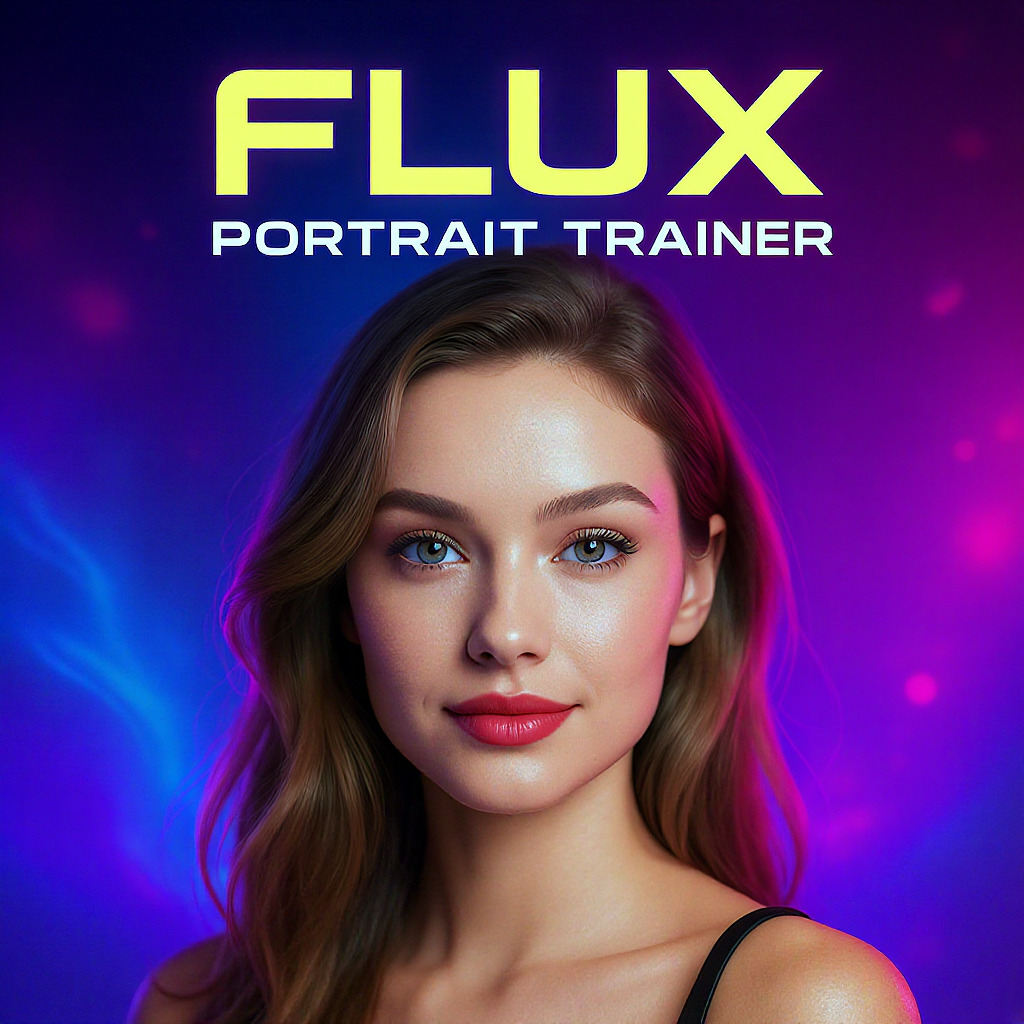
{}Flux Lora | Portrait Trainer
Optimized FLUX LoRA training for portrait generation with vivid highlights and highly detailed results.
- Runtime (p50)
- 4m
- Estimated price
- $2.40 per execution
Overview
flux-lora-portrait-trainer — Training AI Model
flux-lora-portrait-trainer from Black Forest Labs empowers developers and creators to fine-tune FLUX models specifically for generating stunning portraits with vivid highlights and intricate details. Part of the flux-lora family, this training tool optimizes LoRA adapters on the high-performance FLUX.2 architecture, enabling custom portrait generation that excels in photorealistic facial rendering and expressive lighting. Ideal for those searching for flux-lora-portrait-trainer API or Black Forest Labs training solutions, it delivers highly detailed results up to 4MP resolution with any aspect ratio.
Unlike generic training scripts, flux-lora-portrait-trainer leverages FLUX.2's rectified flow transformer design, distilled for efficiency while preserving quality for portrait-specific adaptations. This makes it perfect for building specialized AI models that capture nuanced skin tones, dynamic poses, and professional lighting in portraits.
Capabilities
- Generates highly detailed, photorealistic portraits with vivid highlights and nuanced facial features
- Supports fine-grained, interactive editing of multiple facial attributes via LoRA sliders
- Maintains strong identity and structural fidelity across edits, even with significant attribute changes
- Delivers fast generation times suitable for iterative workflows and real-time editing scenarios
- Adaptable to a wide range of portrait styles through LoRA fine-tuning and prompt engineering
- Consistently high output quality, rivaling or surpassing other leading image generators in user benchmarks
Use cases
Use Cases for flux-lora-portrait-trainer
For AI developers building custom portrait generators, flux-lora-portrait-trainer enables training LoRAs on personal photo datasets to create identity-locked models for avatars or virtual try-ons, ensuring consistent facial details across angles with inputs like reference faces and prompts specifying "close-up portrait with dramatic rim lighting and sharp eyes."
Content creators and designers searching for LoRA training for portraits can fine-tune for artistic styles, feeding multiple reference images of a subject in various poses to generate cohesive series—such as "elegant headshot with golden hour glow and subtle freckles"—ideal for profile pictures or NFT art without manual editing.
Marketers developing e-commerce tools use it to train portrait models on brand-specific lighting, combining product shots with face references for lifestyle composites that highlight features realistically, streamlining campaigns without photography studios.
Researchers in visual AI leverage its efficiency for experiments in facial generation, training on diverse datasets to study bias or style transfer, benefiting from FLUX.2's 4MP support and low-latency base models for quick validation cycles.
Tips & tricks
How to Use flux-lora-portrait-trainer on Eachlabs
Access flux-lora-portrait-trainer through Eachlabs Playground for instant LoRA training with your portrait image references, text prompts, and settings like resolution up to 4MP or step counts. Integrate via the flux-lora-portrait-trainer API or SDK, providing input images (up to 10 for multi-reference), training epochs, and prompts for optimized adapters outputting high-detail portrait models. Get vivid, professional results in minutes on scalable infrastructure.
---Technical spec
What Sets flux-lora-portrait-trainer Apart
flux-lora-portrait-trainer stands out in the competitive landscape of training AI models by focusing on LoRA fine-tuning for portrait generation within the FLUX.2 ecosystem, which supports up to 4MP output resolution and any aspect ratio for flexible, high-detail results. This capability allows users to train adapters that produce photorealistic portraits with precise control over highlights and textures, far surpassing generic fine-tuning tools in facial fidelity.
It integrates seamlessly with FLUX.2's multi-reference support—up to 10 input images for styles and consistency—enabling LoRAs trained on diverse portrait references for superior character consistency during generation. Developers benefit from this by creating models that maintain identity across poses and lighting without retraining from scratch.
Built on compact FLUX.2 [klein] variants (4B/9B parameters), it supports low-VRAM training (as low as 13GB) with sub-second inference post-training, ideal for real-time portrait apps. This efficiency sets it apart from heavier training pipelines, allowing rapid iteration on consumer GPUs.
- Portrait-optimized LoRA training: Fine-tunes for vivid highlights and details in faces, using FLUX.2's strong prompt adherence for accurate rendering.
- Multi-reference compatibility: Trains with up to 10 images to lock in styles and identities, perfect for consistent portrait series.
- High-res efficiency: Up to 4MP outputs with short sampling schedules, optimized for production-scale flux-lora-portrait-trainer workflows.
Things to be aware of
- Some experimental features, such as multi-attribute LoRA stacking, may introduce artifacts if not used carefully
- Users have reported that merging LoRAs is more stable than stacking, especially for complex edits
- Performance is highly dependent on GPU resources; lower-end hardware may experience slower generation or reduced resolution
- Consistency across multiple generations is generally strong, but extreme attribute changes can sometimes lead to subtle identity drift
- Positive feedback highlights the model's realism, detail, and control over facial features
- Some users note occasional over-smoothing or loss of fine detail when pushing attribute sliders to extremes
- High VRAM requirements may limit accessibility for some users
Key considerations
- LoRA fine-tuning enables efficient adaptation to new portrait styles or datasets without retraining the full model
- For best results, use high-quality, well-structured prompts and, if possible, reference images that closely match the desired output
- Avoid stacking too many LoRAs sequentially, as this can introduce artifacts or degrade facial detail; merging LoRAs with independent scaling is recommended
- There is a trade-off between generation speed and the number of active LoRAs/attributes; more attributes increase processing time
- Prompt engineering is crucial: clear, specific prompts yield more consistent and detailed results
- High VRAM GPUs (24GB or more) are recommended for optimal performance, especially at higher resolutions
Limitations
- Requires substantial GPU resources (24GB VRAM or more recommended) for best performance and high-resolution outputs
- May not be optimal for non-portrait or highly abstract image generation tasks
- ControlNet and similar advanced conditioning features may have limited compatibility or require additional integration steps
Related models
1 model
About Flux Lora | Portrait Trainer
What is FLUX LoRA Portrait Trainer?
FLUX LoRA Portrait Trainer is a training utility from Black Forest Labs that enables users to fine-tune custom portrait-style LoRA adapters on the FLUX model architecture. It trains a personalized adapter on a provided set of portrait images, producing a LoRA weight file for use with FLUX generation models.