Wan | 2.5 | Preview | Image to Video
Wan 2.5 Preview is a model that generates short, cinematic videos from a single input image. It preserves the details of the original image while adding camera movements and atmosphere to bring the scene to life. This allows a still photo to be transformed into a film-like moving sequence. The “Preview” version is optimized for quick tests and concept exploration, making it ideal for prototyping and creative experimentation.
- Runtime (p50)
- 1m
- Estimated price
- $0.05–$0.15 per second, depending on resolution
Overview
wan-2-5-preview-image-to-video — Image-to-Video AI Model
Developed by Alibaba as part of the wan-2.5 family, wan-2-5-preview-image-to-video transforms a single input image and text prompt into cinematic short videos with native audio synchronization, ideal for creators seeking quick prototyping of dynamic scenes from static photos. This preview version excels in preserving original image details while adding fluid camera movements and atmospheric sound, supporting resolutions up to 1080P and durations of 5s or 10s at 30 fps in MP4 format. Perfect for Alibaba image-to-video applications, it enables rapid concept exploration without complex setups, making it a go-to for image-to-video AI model users building engaging content efficiently.
Capabilities
- Generates short, cinematic video sequences from a single input image
- Preserves core details and composition of the original image while adding realistic motion
- Supports a wide range of camera movements and atmospheric effects
- Produces outputs suitable for concept visualization, storyboarding, and creative prototyping
- Adapts well to various artistic styles and subject matter, from landscapes to portraits
- Delivers fast generation times, enabling rapid iteration and experimentation
Use cases
Use Cases for wan-2-5-preview-image-to-video
Content creators can upload a portrait photo with the prompt "slow pan across the face with subtle smile emerging, soft ambient music fading in" to generate a 10-second cinematic intro with lip-sync ready audio, streamlining social media teasers. Marketers building Alibaba image-to-video campaigns feed product images into wan-2-5-preview-image-to-video for dynamic demos, like turning a static shoe photo into a rotating 5-second clip with footstep sounds, boosting e-commerce engagement without video shoots.
Developers integrating wan-2-5-preview-image-to-video API create apps for real estate, animating property stills into walkthrough previews with environmental audio, maintaining architectural accuracy across 1080P outputs. Designers prototyping brand stories use it for style-consistent shorts, inputting a logo image and prompt for atmospheric motion clips that preserve visual identity in advertising prototypes.
Tips & tricks
How to Use wan-2-5-preview-image-to-video on Eachlabs
Access wan-2-5-preview-image-to-video seamlessly on Eachlabs via the Playground for instant testing with image uploads, text prompts, audio files, resolution (480P-1080P), and duration (5s/10s) settings, or integrate through the API/SDK for scalable apps. Outputs deliver high-fidelity 30 fps MP4 videos with synced audio, ready for download within 24 hours—empowering fast iteration on Eachlabs.
---Technical spec
What Sets wan-2-5-preview-image-to-video Apart
The wan-2-5-preview-image-to-video stands out with its audio-video sync capability, generating videos with synchronized sound from text prompts, images, and optional audio inputs—enabling realistic dubbing that elevates still images to production-ready clips. Unlike single-shot competitors, it maintains high fidelity to the input image's structure during complex camera motions like pans and zooms, ensuring no distortion in product or character details for professional outputs. It supports flexible resolutions (480P, 720P, 1080P) and fixed durations (5s, 10s), with aspect ratios adapted from the input image for seamless image-to-video AI model workflows.
- Native Audio Sync: Produces videos with automatic dubbing or custom audio files, syncing sound perfectly to motion—ideal for creators needing voiced narratives without post-production.
- Image Fidelity Preservation: Retains exact details, lighting, and reflections from the source photo during motion generation—perfect for e-commerce product animations.
- Optimized Preview Specs: Delivers 30 fps MP4 outputs in under 24-hour access windows, balancing speed and quality for iterative testing.
Things to be aware of
- Some users report occasional artifacts or unnatural motion in highly detailed or complex scenes
- The Preview version may not fully capture subtle lighting nuances compared to production-grade models
- Generation speed is optimized, but output quality may require post-processing for professional use
- GPU acceleration is recommended for best performance; CPU-only processing may be significantly slower
- Consistency between frames is generally strong, but edge cases with ambiguous input images can result in flickering or jitter
- Positive feedback highlights the model’s ease of use and impressive cinematic effects from simple inputs
- Negative feedback centers on limitations in video length and occasional loss of fine image details
Key considerations
- The model excels at generating cinematic camera movements and atmospheric effects but may introduce minor artifacts if the input image is low quality or highly complex
- For best results, use high-resolution, well-lit images with clear subject separation
- Avoid input images with excessive noise, compression artifacts, or ambiguous foreground/background separation
- The Preview version prioritizes speed over maximum quality; for final production, further refinement may be necessary
- Prompt engineering can influence the style and mood of the generated video; descriptive prompts yield more controlled results
- Iterative testing is recommended to fine-tune motion dynamics and visual effects
- Be mindful of GPU memory requirements, especially when processing high-resolution images
Limitations
- Limited to short video sequences (typically 2-5 seconds); not suitable for long-form video generation
- May struggle with highly complex scenes or images with ambiguous subject/background separation
- Output quality, while strong for prototyping, may require additional refinement for final production use
Related models
4 models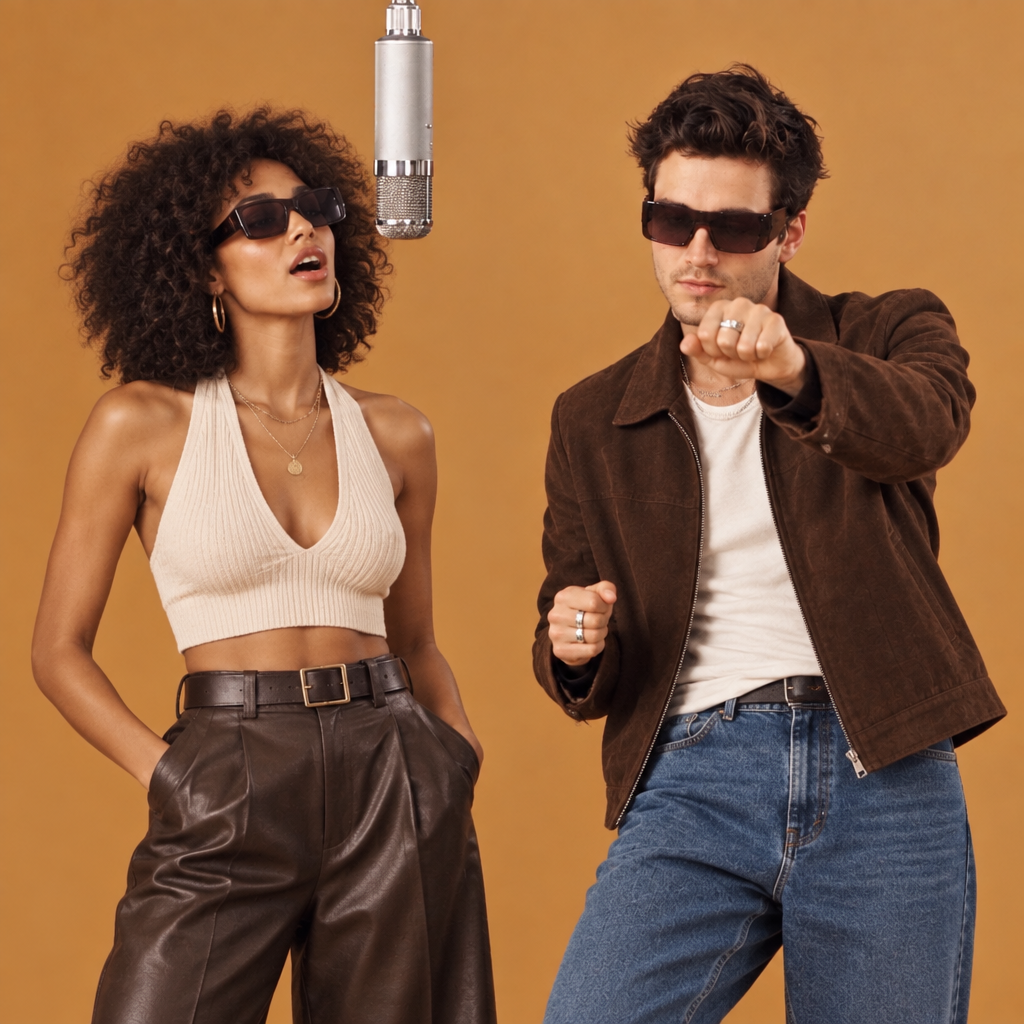

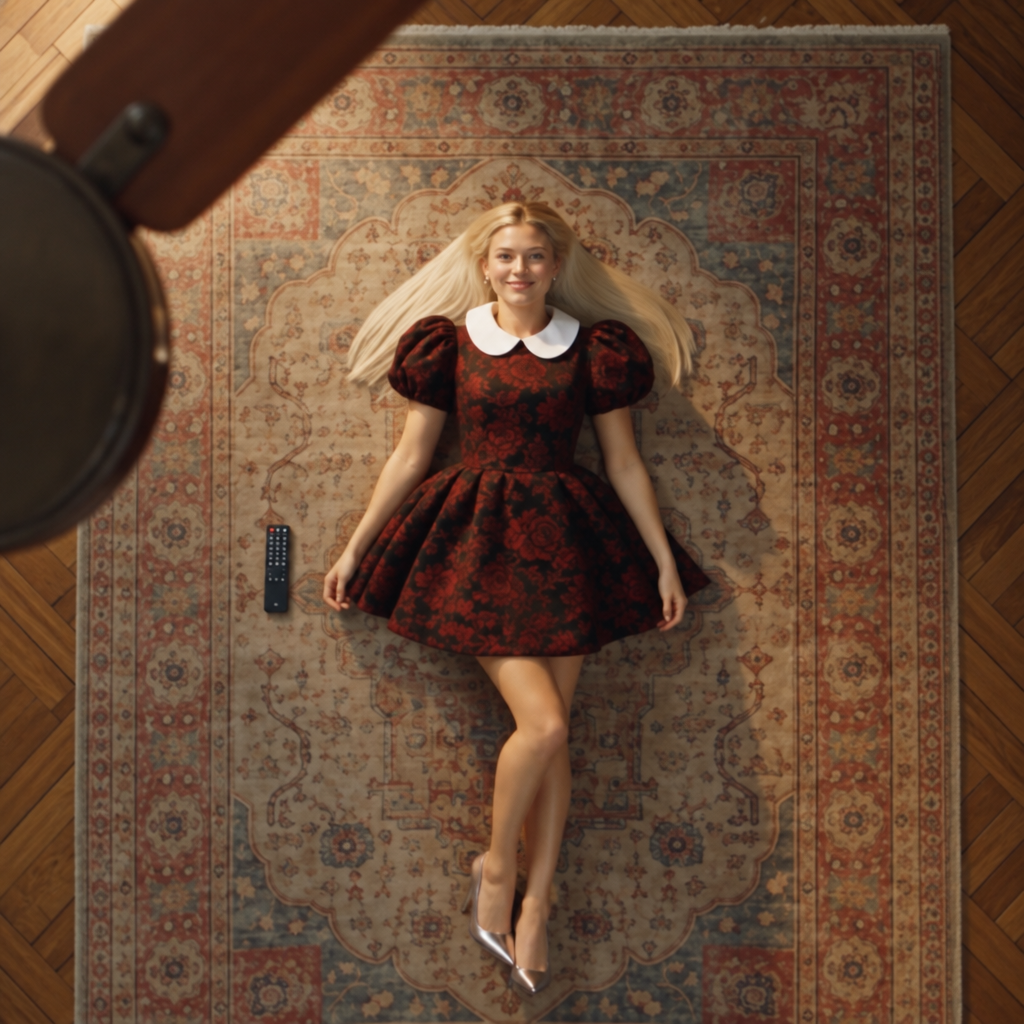

About Wan | 2.5 | Preview | Image to Video
What is Wan 2.5 Preview image-to-video and what does preview status mean?
Wan 2.5 Preview image-to-video is Alibaba's early-access version of the upcoming Wan 2.5 image-to-video model, offering developers and creators early access to next-generation capabilities before full release. Preview status means the model is functional but may receive updates to quality, speed, and API behavior as it is refined toward general availability.