Vidu Template
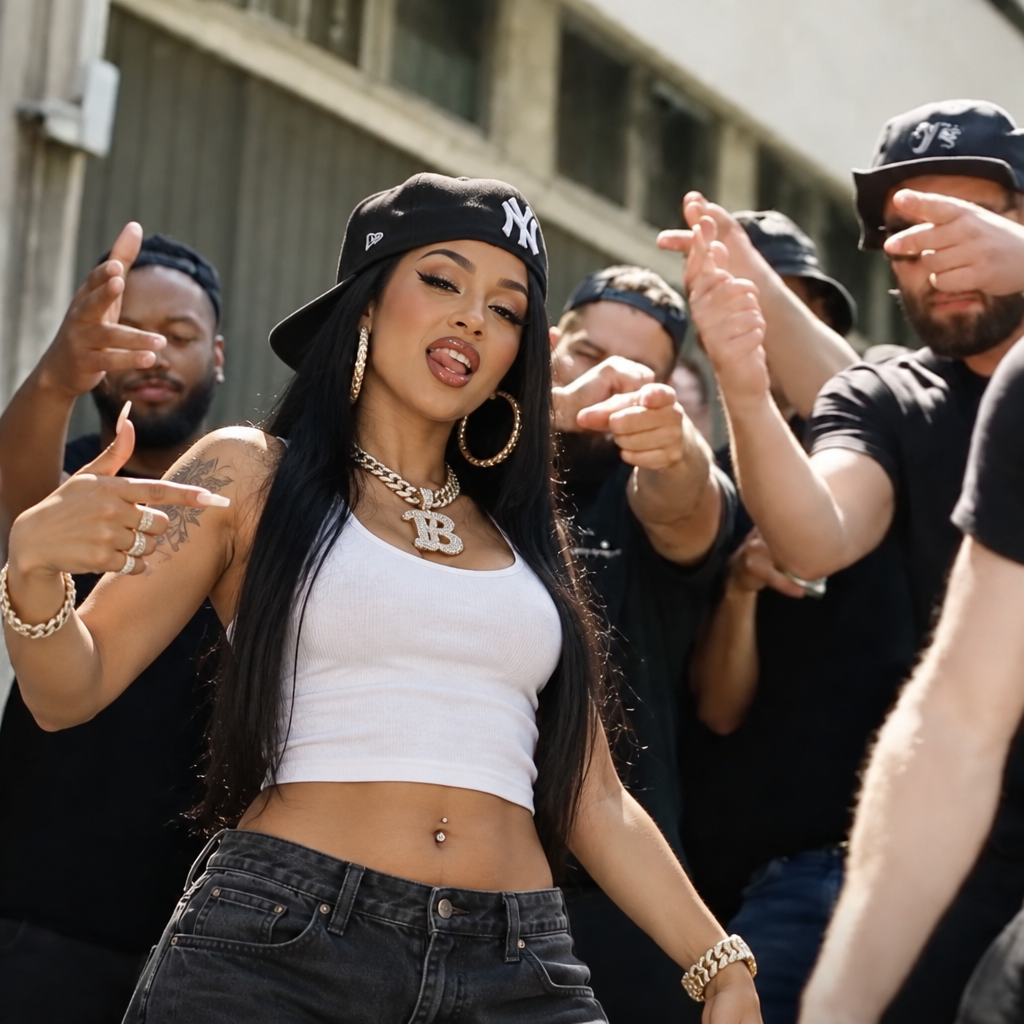
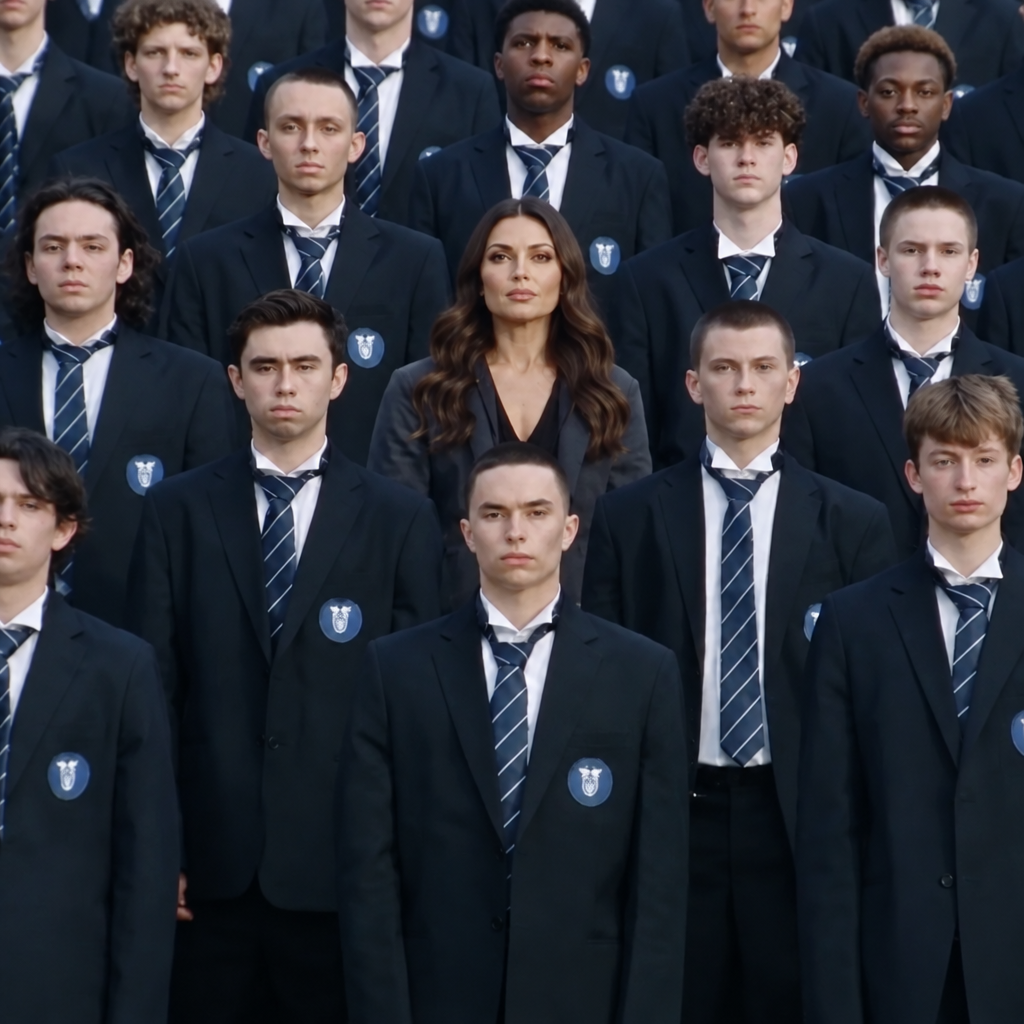
With Vidu Template, images turn into polished videos by applying predefined templates for smooth and reliable results.
- Runtime (p50)
- 40s
- Estimated price
- $0.005 / credit
Overview
vidu-template — Image-to-Video AI Model
vidu-template transforms static images into polished, multi-shot videos with synchronized audio and intelligent camera control. Built on Vidu's advanced video generation architecture, this image-to-video AI model solves a critical problem for creators and marketers: producing professional video content without manual stitching, reshoots, or complex post-production workflows. By applying predefined templates and intelligent scene understanding, vidu-template generates complete, broadcast-ready videos in a single pass.
Unlike traditional image-to-video tools that produce static, single-angle clips, vidu-template enables smooth camera movements and narrative transitions within a single generation. This makes it ideal for teams building AI video generators for marketing, product showcases, and instructional content. The model supports both image and text inputs, allowing users to either animate existing visuals or describe their vision directly.
Capabilities
Image-to-Video Transformation: Convert static images into dynamic videos using a variety of motion templates
Template Diversity: Access a broad selection of templates to apply different styles and effects to your images.
Use cases
Use Cases for vidu-template
E-Commerce Product Videos: Marketing teams can upload product photography and use vidu-template to generate multi-angle showcase videos with synchronized narration. A prompt like "360-degree view of a ceramic mug on a marble counter with morning light, product description voiceover, and subtle background music" produces a complete product video without studio reshoots or manual camera work. This approach reduces production time from days to minutes while maintaining consistent product framing.
Instructional and Training Content: Educational professionals and corporate trainers leverage vidu-template's audio synchronization to create step-by-step instructional videos. By providing reference images of equipment or procedures and detailed prompts, creators generate videos where dialogue, sound effects, and visuals align perfectly—critical for complex operational training where timing and clarity directly impact learning outcomes.
Social Media and Advertising: Content creators building AI video generators for social platforms use vidu-template to rapidly produce short-form video ads. The multi-shot capability enables brands to showcase product details from multiple angles within a single 16-second clip, creating more engaging ads than static single-perspective videos while maintaining professional production quality.
Character-Driven Narratives: Animators and game developers use vidu-template's reference-guided generation to produce consistent character animations across multiple scenes. By providing character reference images and detailed scene descriptions, creators maintain visual identity while exploring different environments and actions—enabling rapid prototyping of narrative sequences without frame-by-frame animation.
Tips & tricks
How to Use vidu-template on Eachlabs
Access vidu-template through Eachlabs' Playground for interactive testing or integrate it via API and SDK for production workflows. Provide your input image (or text prompt), configure reference images if needed, set your desired video duration up to 16 seconds, and specify audio preferences. The model returns high-resolution video output with synchronized audio, ready for immediate use without additional post-processing.
---END---Technical spec
What Sets vidu-template Apart
Intelligent Multi-Shot Camera Control: vidu-template understands cinematic camera language—pans, dolly shots, orbits, and close-ups—and executes smooth transitions between multiple angles within a single 16-second clip. This eliminates the need to generate and stitch separate short segments, delivering cohesive narratives with professional framing that would otherwise require manual editing or multiple model calls.
Native Audio Synchronization Without Post-Processing: The model generates dialogue, sound effects, and background music synchronized to visuals in a single pass, producing complete outputs with embedded subtitles. This end-to-end approach saves creators hours of audio editing and alignment work, making it particularly valuable for product videos and instructional content where audio-visual timing is critical.
Reference-Guided Generation for Character Consistency: vidu-template supports 3-7 reference images to maintain consistent character and object identity across scenes. This capability enables multi-character narratives and complex product demonstrations while preserving visual coherence—a requirement that most image-to-video AI models struggle with at scale.
Technical Specifications:
- Maximum video duration: 16 seconds
- Output resolution: Up to 1080p cinema-quality
- Input formats: Images (realistic or anime style) and text prompts
- Reference images: 3-7 for consistency control
- Physics handling: Stable rendering in complex multi-subject scenes
Things to be aware of
Template Exploration: Test various templates with the same image to observe different stylistic outcomes
Seed Variation: Adjust the seed value to generate diverse versions of the same template effect.
Image Pairing: Combine multiple images in templates that support multi-image inputs to create more complex animations.
Key considerations
Template Limitations: Some templates may require specific image compositions or multiple images to function correctly.
Content Appropriateness: Ensure that the selected template matches the context and subject of the image to avoid incongruent results.
Legal Information for Vidu Template
By using this Vidu Template, you agree to:
Vidu Terms Of Use
Vidu Privacy PolicyLimitations
Template Dependency: The quality of the output is heavily reliant on the chosen template and its compatibility with the input image.
Static Input: Currently, Vidu Template only supports static images as input; it does not process video or animated inputs.
Output Format: MP4
Related models
4 models