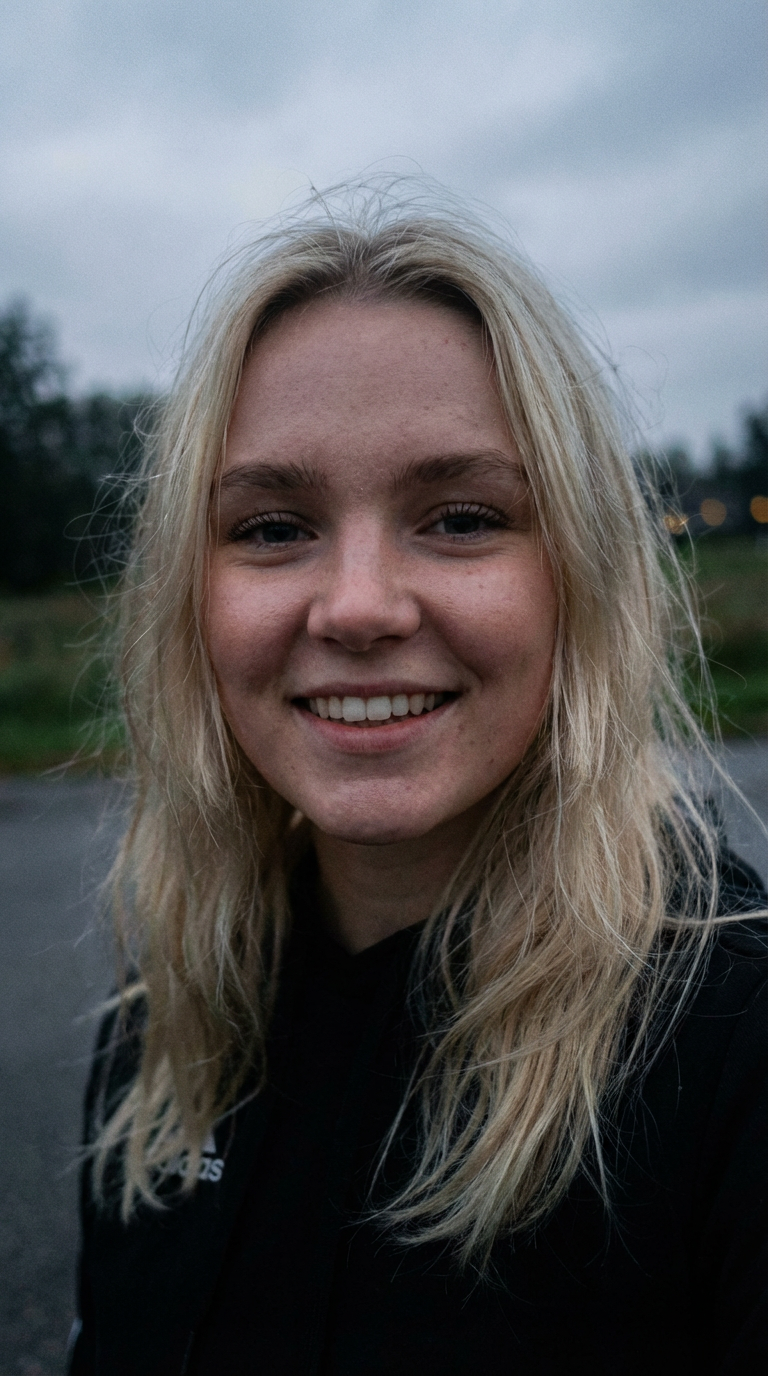
Enhance Effect

Flow·1 step

Upload your pixelated or low-quality photo and watch it transform into stunning 4K quality with Enhance Effect! Sharper details, and clearer skin.

Steps
1
Inputs
1
Runs
-
Template · pipeline1 step
  1. 1
    nano-banana-pro-editid · step1 · model
    aspect_ratio
    "auto"
    image_urls
    [1 item]
    num_images
    1
    output_format
    "png"
    prompt
    "Enhance portrait clarity, detail, and dynamic range while st…"
    +1 more param
How to use this template
trigger.sh
sh
# 1. Trigger the workflow
EXEC=$(curl -s -X POST https://workflows.eachlabs.run/api/v1/bfd06a39-0442-42d7-86ad-42b8b9424d7e/trigger \
  -H "X-API-Key: $EACHLABS_API_KEY" \
  -H "Content-Type: application/json" \
  -d '{
      "version_id": "v1",
      "inputs": {
        "Photo": "https://cdn-us.eachlabs.ai/defaults/dae0e6137b54c58dded7e317a5a1fb37726a98f5248d55e788aa799be416619e.png"
      }
    }' | jq -r .execution_id)

# 2. Poll the execution until it's done
curl -s https://workflows.eachlabs.run/api/v1/executions/$EXEC \
  -H "X-API-Key: $EACHLABS_API_KEY"

Trigger returns an execution_id · poll the executions endpoint for the final output

Playground · what you can change1 input

Clone this template into your workspace, then tweak any of the inputs below, or rewrite the step prompts, to spin up your own variation. The pipeline stays the same; the creative output is yours.

  • Photorequired
    default · dae0e6137b54c58dded7e317a5a1fb37726a98f5248d55e788aa799be416619e.png
    image URL
Ideas for your remix
  • · Swap the input media to retell the story with different subjects.
  • · Edit the prompt inside nano-banana-pro-edit to change tone, scene, or pacing.
  • · Chain extra steps (upscale, audio, captions) to extend the pipeline.

More flows like this

Enhance Effect Workflow Template | AI Workflow | Eachlabs