Vidu Q1 | Reference to Video
Vidu Q1 Reference to Video turns reference photos into a realistic and consistent video scene.
- Runtime (p50)
- 3m
- Estimated price
- $0.08 per second
Overview
vidu-q-1-reference-to-video — Image-to-Video AI Model
Developed by Vidu as part of the vidu-q1 family, vidu-q-1-reference-to-video transforms static reference photos into realistic, consistent video scenes with strong subject consistency and stable compositions. This image-to-video AI model solves the core challenge of maintaining multi-entity consistency in commercial video generation, a breakthrough introduced in Vidu's global launch. Providers like ShengShu Technology highlight its 1080p quality and fluid movement, making it ideal for creators seeking reliable Vidu image-to-video outputs without common artifacts in motion or framing.
Whether you're animating product shots or character references, vidu-q-1-reference-to-video delivers 4-second clips at 1080p, enabling seamless transitions from image to dynamic video for marketing and storytelling workflows.
Capabilities
- Generates realistic and consistent video scenes from multiple reference images
- Maintains character and scene identity across frames and clips
- Supports multimodal generation, including background music and sound effects
- Offers automated cinematography and narrative guidance for improved storytelling
- Excels at anime-style video generation with strong prompt adherence
- Produces high-fidelity outputs with smooth camera motion and stable parallax effects
- Adaptable to various creative and professional video production needs
Use cases
Use Cases for vidu-q-1-reference-to-video
Content creators can upload a portrait photo as reference and generate a talking-head video with consistent facial features and smooth head movements, streamlining avatar production for YouTube or TikTok without reshooting footage.
Marketers building image-to-video AI workflows for e-commerce feed product images into vidu-q-1-reference-to-video, producing 4-second 1080p clips like "show this sneaker rotating on a urban street at dusk with dynamic lighting" to showcase items realistically and boost conversion rates.
Developers seeking a vidu-q-1-reference-to-video API for apps animate static designs into demos, such as turning a wireframe screenshot into a fluid interface walkthrough, maintaining exact element positions for precise prototyping.
Filmmakers use it for storyboarding extensions, inputting concept art to create stable motion tests that preserve multi-entity scenes, accelerating pre-production for indie projects.
Tips & tricks
How to Use vidu-q-1-reference-to-video on Eachlabs
Access vidu-q-1-reference-to-video seamlessly on Eachlabs via the Playground for instant testing, API for production-scale image-to-video AI model integrations, or SDK for custom apps. Upload a reference image, add a text prompt describing motion like "gentle pan across the scene," select 1080p resolution and 4-second duration, then generate stable, high-quality MP4 videos with fluid consistency.
---Technical spec
What Sets vidu-q-1-reference-to-video Apart
vidu-q-1-reference-to-video stands out in the image-to-video AI model landscape through its pioneering Reference-to-Video capability, the industry's first to ensure multi-entity consistency across generated videos. This allows users to input a single reference image and produce clips where subjects, poses, and environments remain stable, unlike many competitors that struggle with drifting compositions.
It supports native 1080p resolution for 4-second durations, delivering fluid movement and scene stability that rivals higher-end models while using efficient inference. This enables high-quality outputs for Vidu image-to-video applications without needing extended processing times.
- Strong subject consistency from reference images: Locks in character identities and details across frames, empowering precise animations for commercial use like ads or prototypes.
- Stable compositions at 1080p: Maintains framing and motion without warping, ideal for developers integrating vidu-q-1-reference-to-video API into apps requiring professional-grade stability.
- Fluid movement in short-form videos: Generates natural dynamics from static inputs, perfect for quick-turnaround content like social media reels.
Things to be aware of
- Some experimental features, such as advanced audio generation, may behave unpredictably in edge cases
- Users report occasional prompt drift if reference images are too dissimilar or poorly lit
- Performance benchmarks indicate high resource requirements for longer clips and higher resolutions
- Consistency across frames is generally strong, but complex scenes may require more references for stability
- Positive feedback highlights ease of use, high-quality outputs, and strong character consistency
- Negative feedback patterns include occasional artifacts, slow generation for high-res clips, and limited control over fine details
- Community discussions recommend iterative refinement and careful prompt engineering for best results
Key considerations
- Reference image quality and diversity directly impact output consistency and realism
- Best results are achieved with 3–7 well-lit, varied reference images showing key poses or angles
- Prompt specificity (subject, action, style, mood) improves adherence and output quality
- Longer clips may require more reference images for stable identity and scene continuity
- Balancing resolution and duration can affect generation speed and resource usage
- Overly complex prompts or mismatched references may reduce output fidelity
- Iterative refinement (preview, tweak, regenerate) is recommended for optimal results
Limitations
- Requires multiple high-quality reference images for optimal consistency; single-image mode may yield less stable results
- May not be suitable for highly complex scenes or rapid motion without sufficient reference diversity
- Generation speed and resource usage can be limiting for longer or high-resolution video clips
Related models
4 models
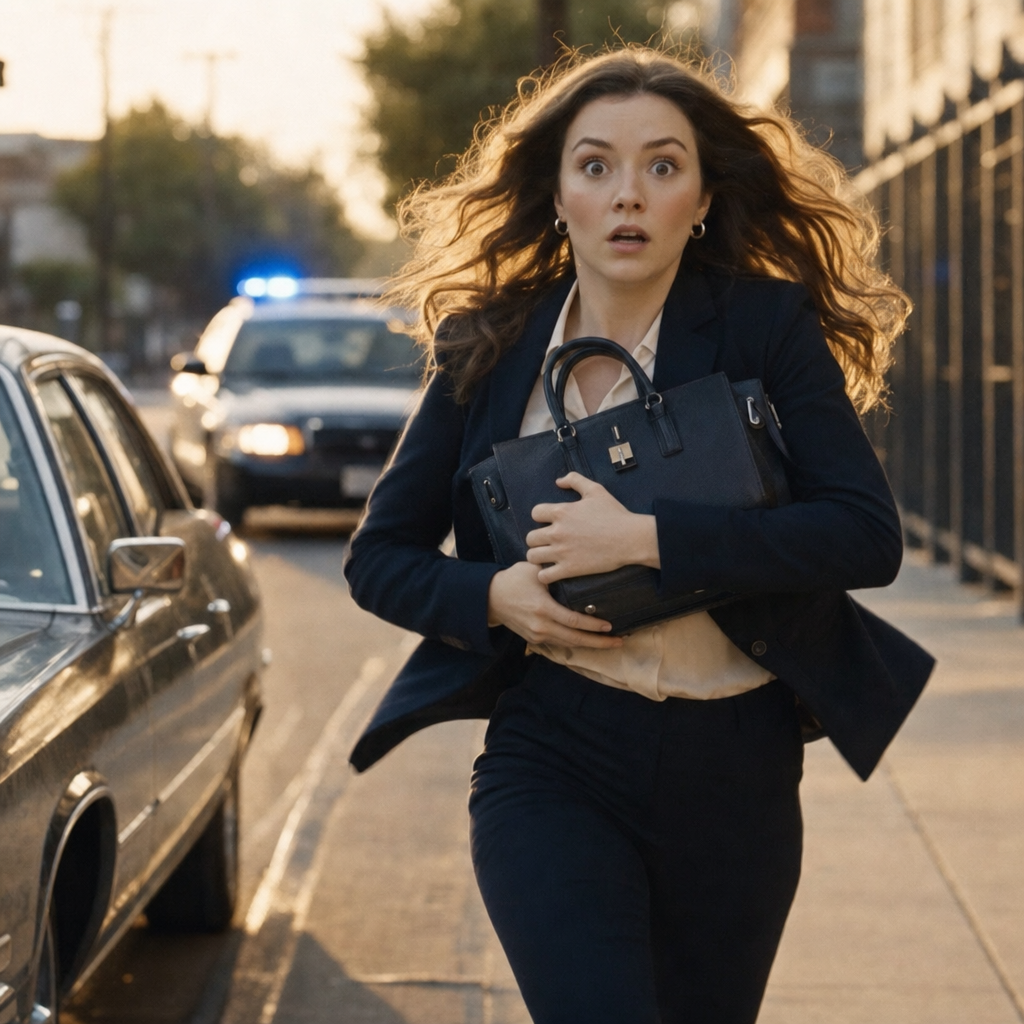


About Vidu Q1 | Reference to Video
What is Vidu Q1 Reference to Video?
Vidu Q1 Reference to Video is an AI image-to-video model by ShengShu that generates animated video by using one or more reference images as visual anchors. It maintains the visual identity of reference subjects across the generated video, producing character-consistent or object-consistent motion output.